Will M200 work with my aircon?
Send a clear photo of the original handheld remote. If the aircon or remote has a visible model number, include that too.
- Photo of the remote
- Aircon brand or model
- Number of rooms
Smart-aircon help, from a local team
For compatibility, room quantities or advice on the most useful sensor, start a WhatsApp conversation with the information you already have.
Choose where to begin
Each button starts WhatsApp with the subject already filled in. Add the requested details and photos, then send when you are ready.
Send a clear photo of the original handheld remote. If the aircon or remote has a visible model number, include that too.
Tell us the rooms and the convenience you want: better temperature control, empty-room shutoff, open-window detection or simply app control.
Describe what you have installed and the next step you would like help with. A screenshot from Aqara Home is often useful for pairing or automation questions.
Compatibility checkThe fastest way to start
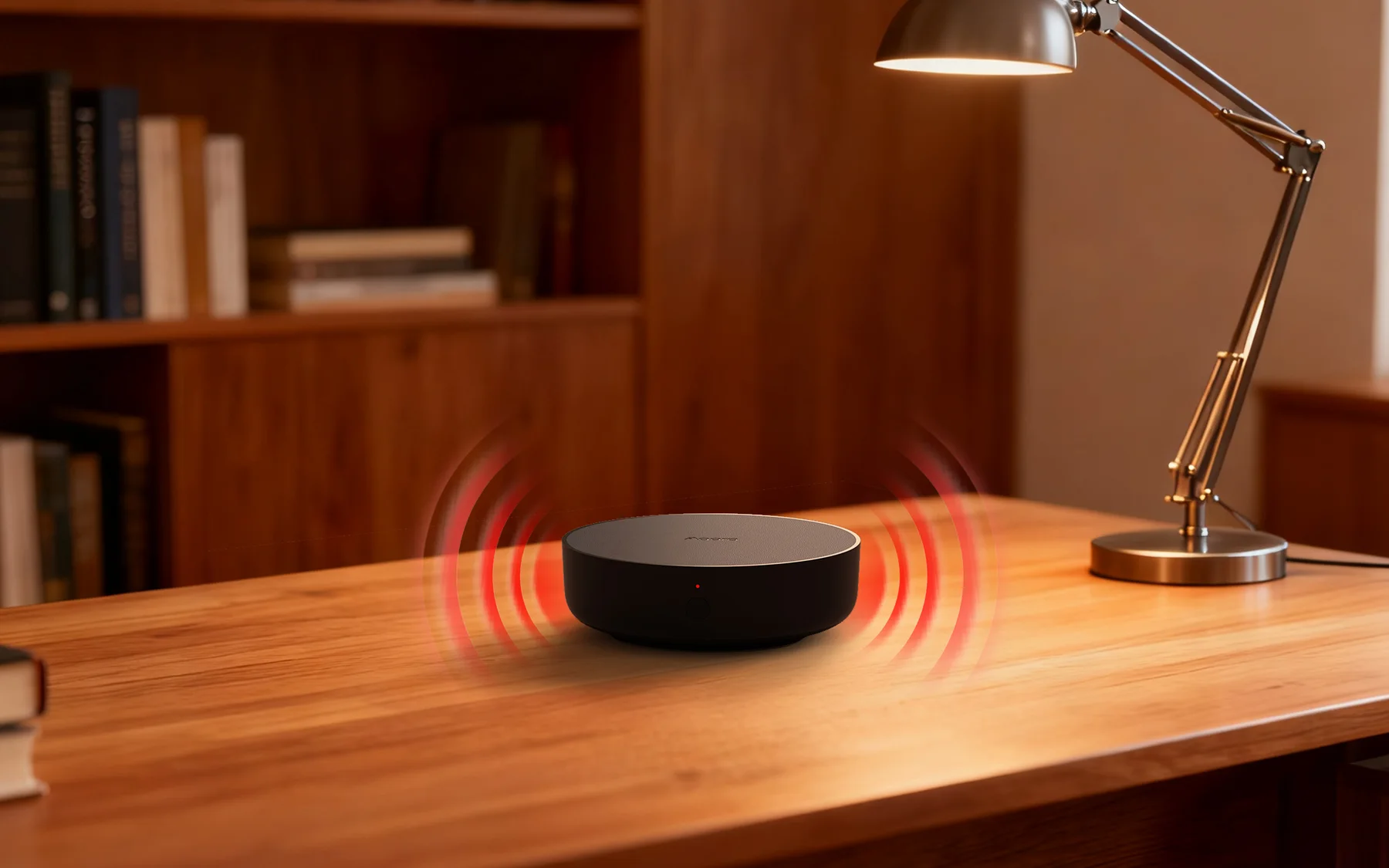
M200 controls infrared aircons by learning the same command language as the original remote. A clear photo lets us understand the control layout and spot unusual models before you order.
Keep the buttons and brand name readable.
Check the rear label or battery compartment.
Infrared needs one M200 in each independently controlled room.
Prefer to talk in person?
Visit the Singapore showroom to see M200 and the optional sensors before deciding. The conversation can stay entirely about your smart-aircon setup.

Prefer to work it out yourself?