 Smart Aircon




01 / Connects properly
Wi-Fi 6. On either band.
Use 2.4GHz, 5GHz, or wire it with Ethernet and PoE. Useful in dense apartments where the usual 2.4GHz band is crowded.
2.4 GHz5 GHzPoE
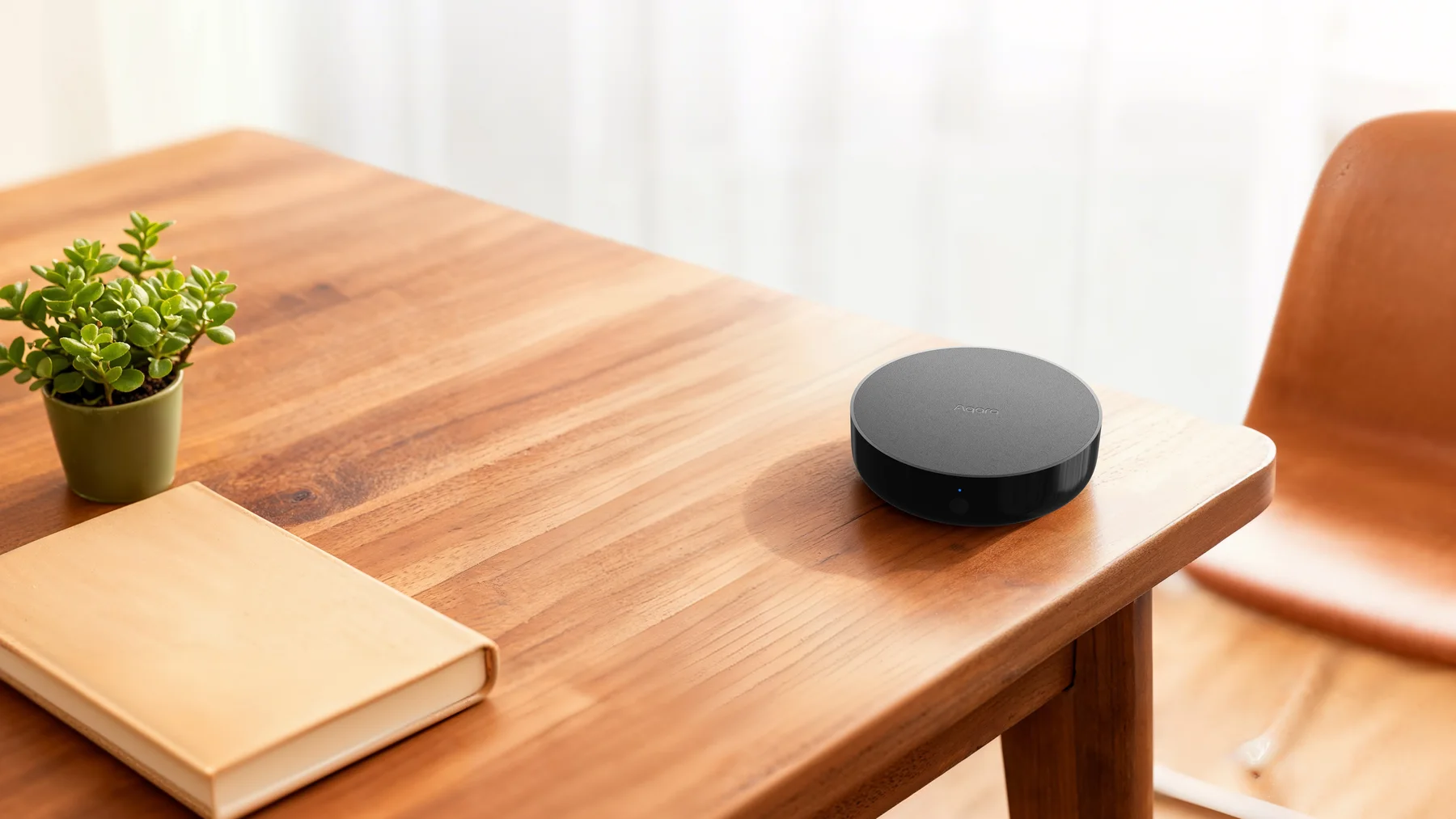
Aqara Hub M200 adds phone control, voice, schedules and useful automations to the split-unit aircon already on your wall.
And many more. Most infrared remote-controlled split systems are supported.
How it works
01 / Set up once
Aqara Home guides the match. Choose your aircon, test the controls and, where needed, point the original remote at M200 so it can receive the infrared pattern.
02 / Use it every day
Tap the app—or let a schedule, voice command or sensor rule act. M200 translates that request and transmits the matching infrared command across the room.
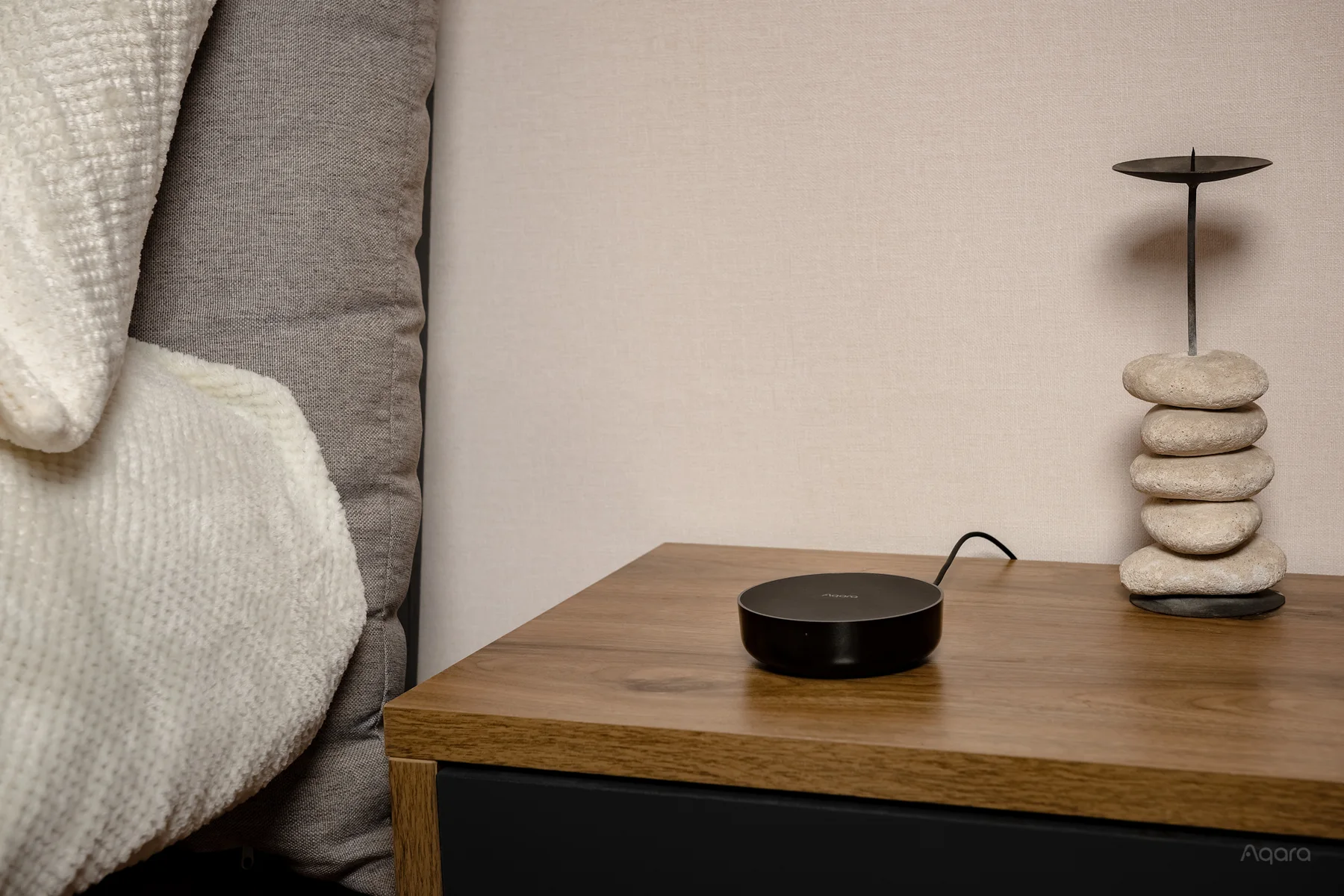
M200 stays powered and connected to your home network. With internet access, the app can reach it from home or away; eligible schedules and automations can act without anyone picking up the remote.
When someone uses a compatible command on the original remote, M200 can receive it and keep its recorded aircon state useful in Aqara Home.
One small hub. A better way to cool.
Your original remote stays useful. The M200 adds the app, voice assistant and automations—without replacing the aircon or changing the way everyone else uses it.
01 / Connects properly
Use 2.4GHz, 5GHz, or wire it with Ethernet and PoE. Useful in dense apartments where the usual 2.4GHz band is crowded.

02 / Keeps options open
Matter-compatible AC control brings a traditional infrared aircon into the wider smart-home system, with the flexibility to use the home app you prefer.



03 / Keeps its cool
Core Aqara automations can run on the hub itself for fast, private responses that stay close to home.
No subscription
VOICE CONTROL ENABLED.
“Hey Siri,turn on the aircon.”
Add M200 through Matter to Apple Home, Google Home or Alexa. Then ask with Siri, Google Assistant or Alexa from a phone, tablet or smart speaker. The device you speak to hears you; its smart-home platform routes the request; and M200 sends the infrared command your aircon already understands.
Say “Hey Siri”, “Hey Google” or “Alexa” once the aircon is in the corresponding smart-home platform.
Explore apps & integrations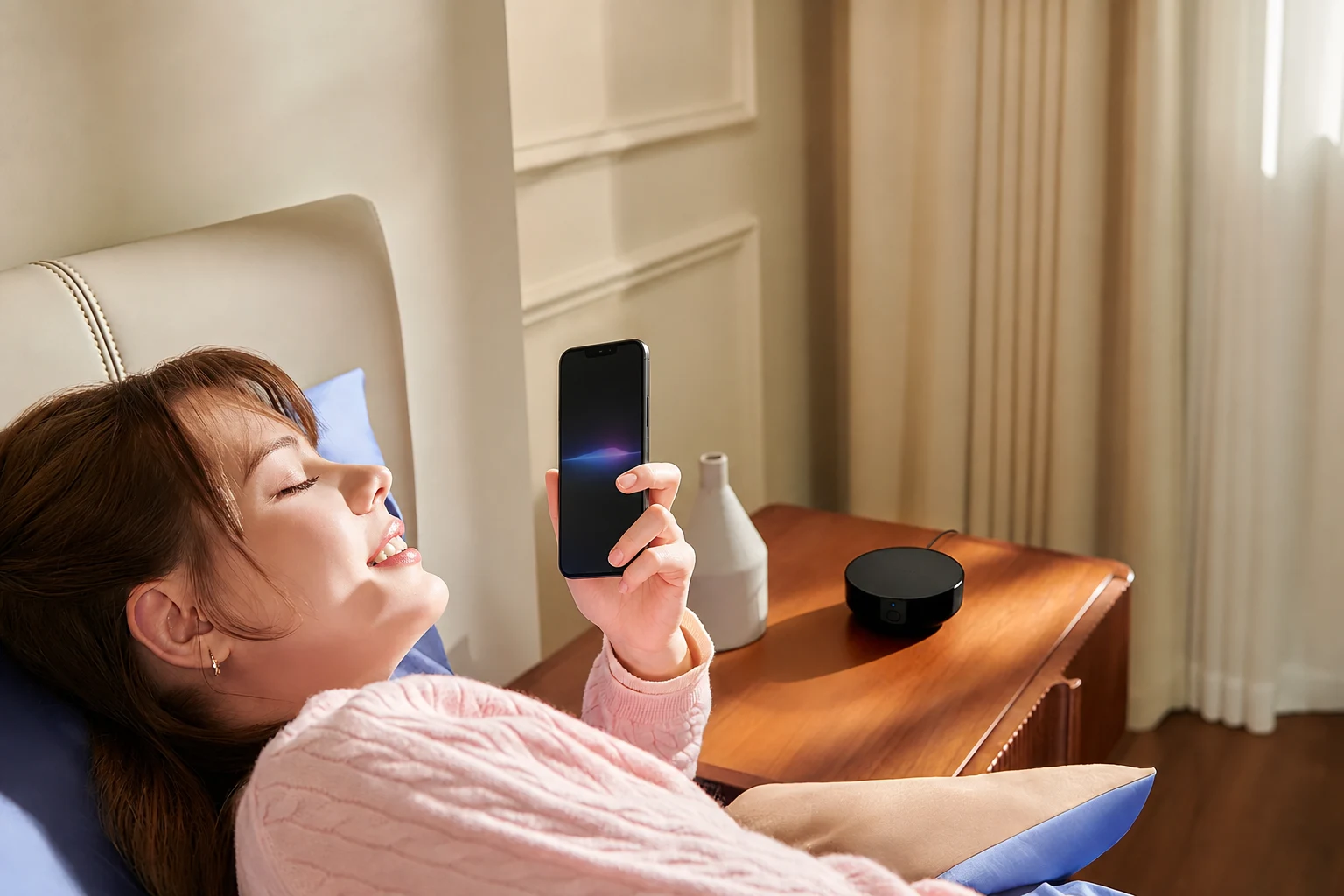
Add accessories to improve your lifestyle.
Automations and sensors make everyday cooling even easier. These examples show how M200 and its accessories can improve your comfort automatically.
Put a W100 where you actually sit and automate against the temperature that you actually feel.
Add Climate Sensor W100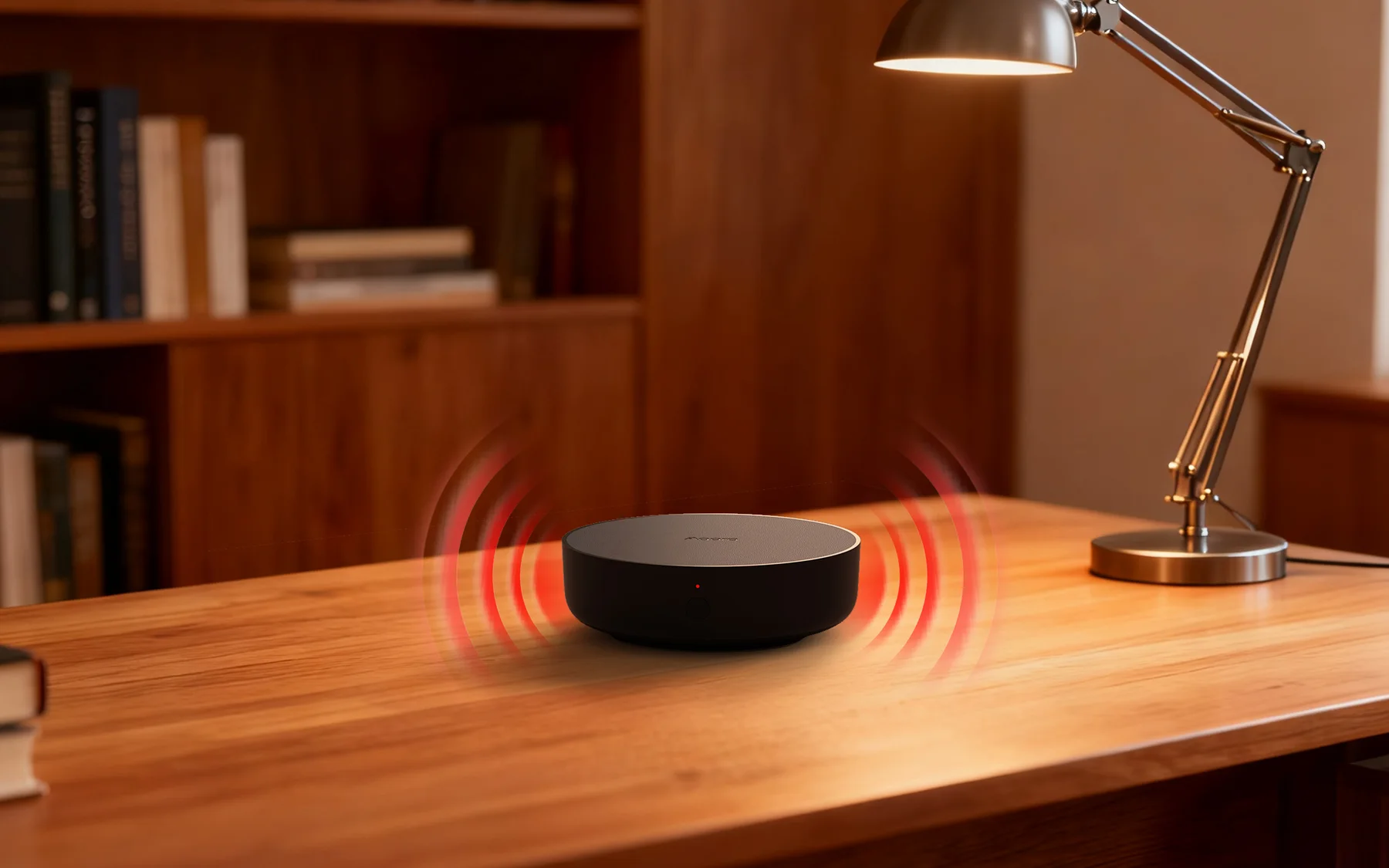
M200 updates its recorded state in Aqara Home.
23° · CoolingStart cooling near the end of your journey, so the room feels ready when you arrive.

A tiny door and window sensor can pause cooling as soon as the window opens.
See how Sensor T1 works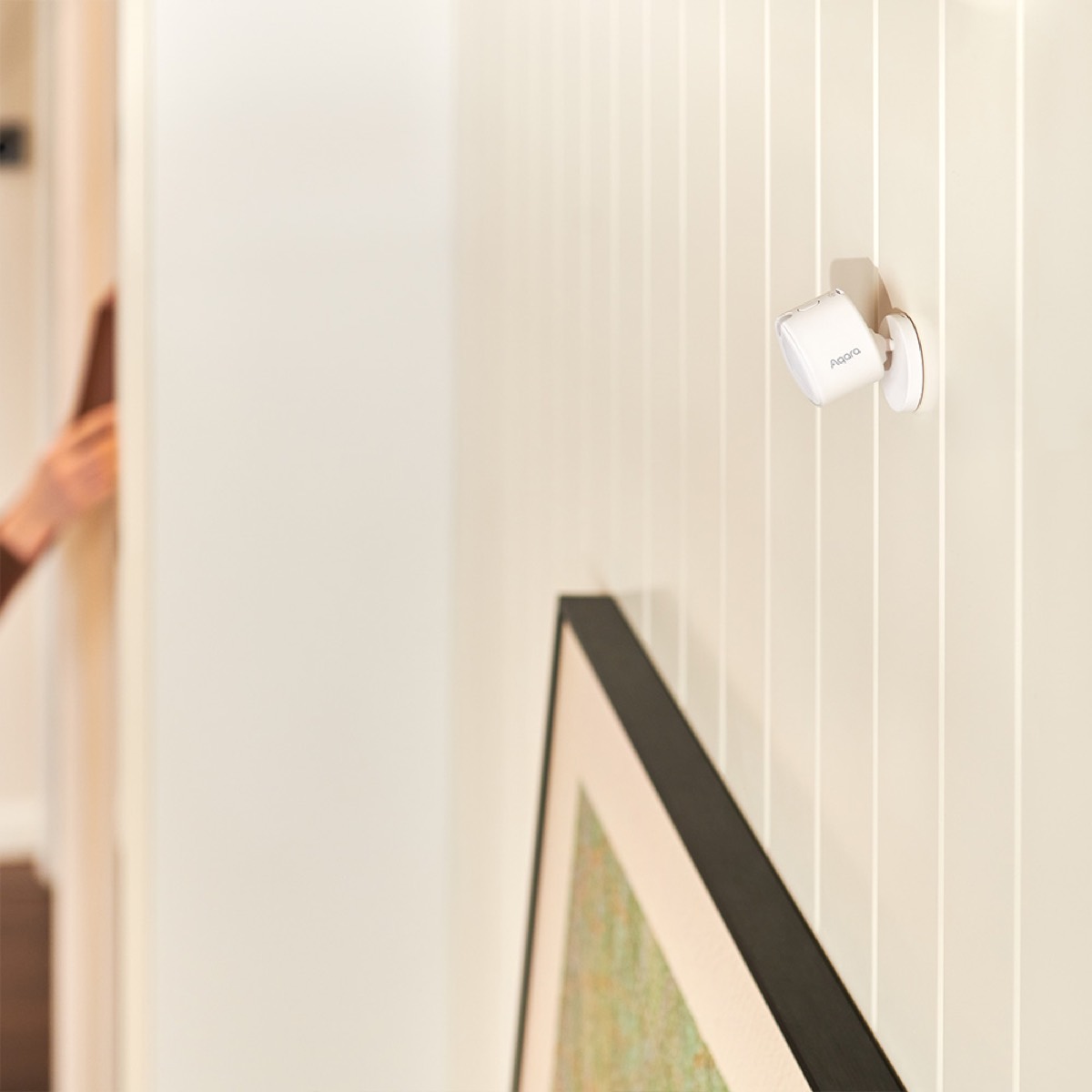
FP300 can detect a quiet person, then confirm when the room has genuinely been empty long enough for M200 to stop the aircon.
See how FP300 worksSee voice control, arrival cooling and how the complete sensor range can work together.
Your setup, in two quick choices
Select the rooms you want to control, then decide how much you want the first room to handle automatically.
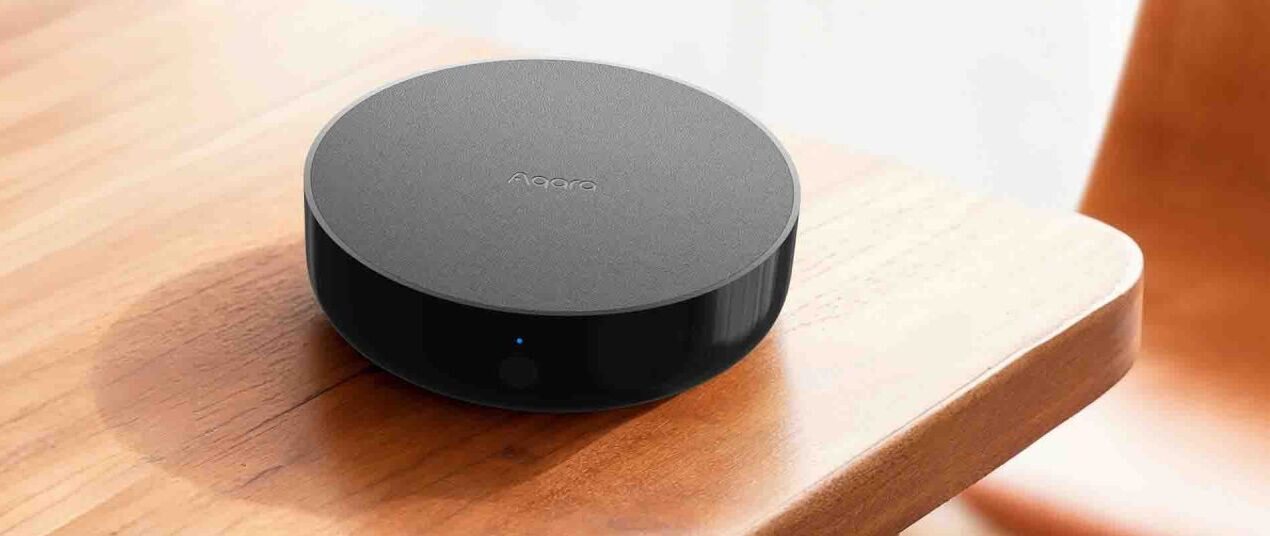 About five minutes. Simple plug-in setup.
From box to cool
Place the M200 in the same room with a clear line of sight to the aircon.
Open Aqara Home, choose the aircon brand and confirm the controls.
Add the schedule, voice assistant or sensor rule that makes daily life easier.
Optional accessories in detail
Four focused products make up the complete system. Read the details, requirements and specifications before you choose.
Browse all products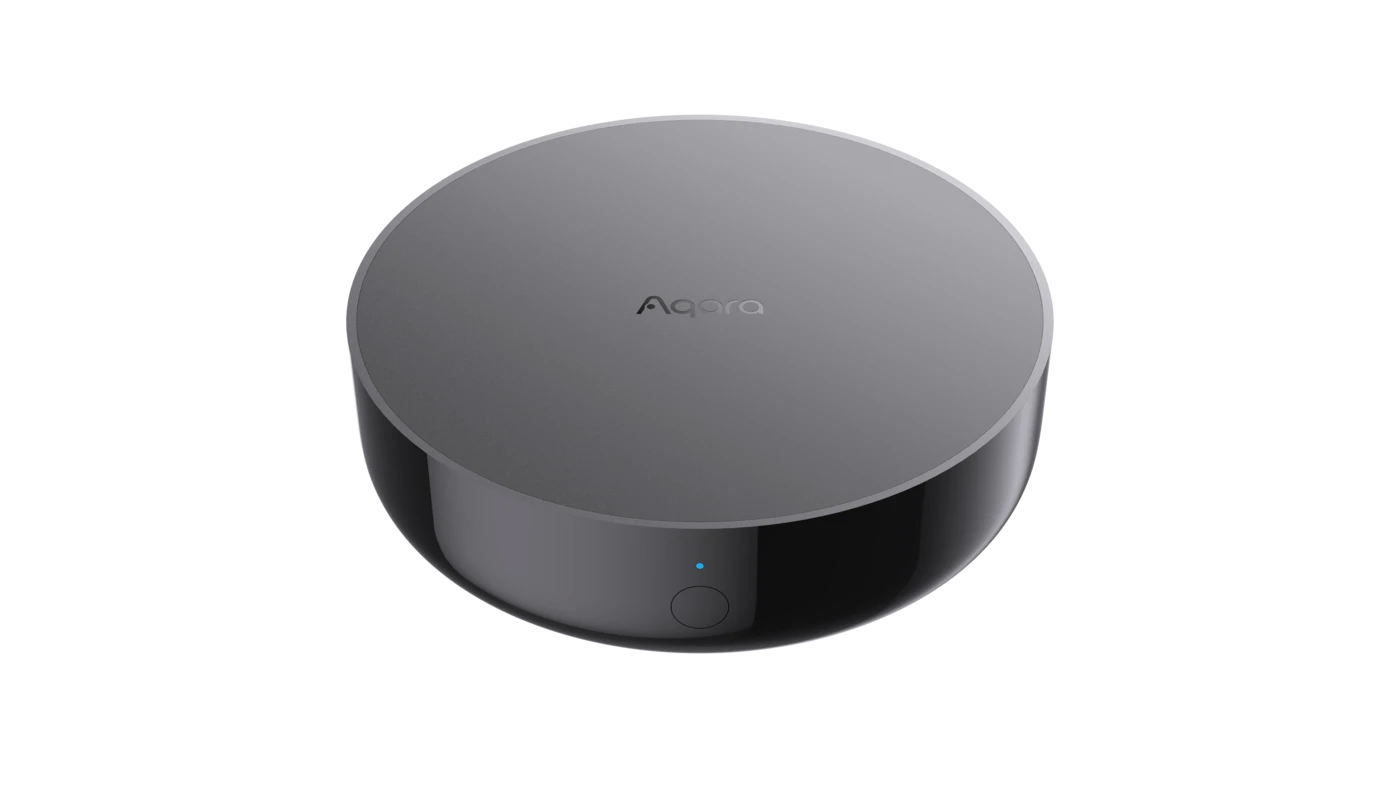 Smart aircon controller
The essential controller · one per room
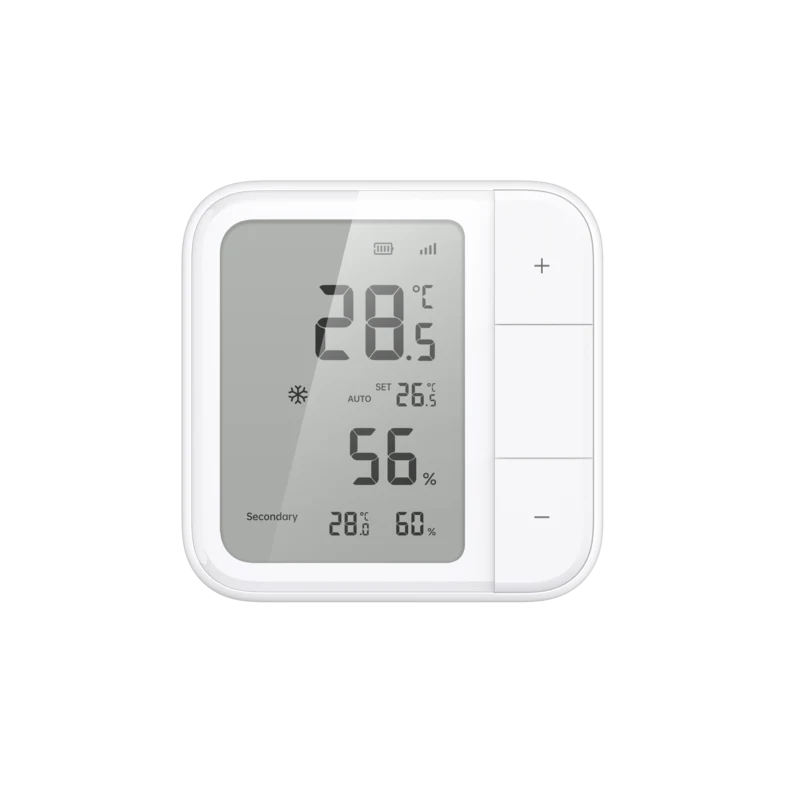 Temperature and humidity sensor
For comfort that follows the room
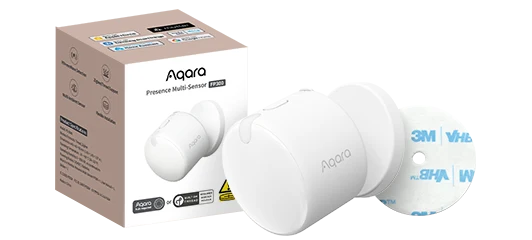 Battery presence multi-sensor
For cooling only when someone is really there
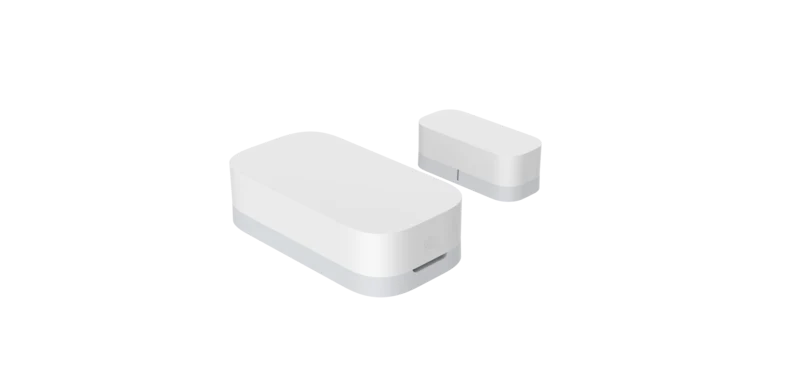 Open / close contact sensor
For instant open-window awareness
Aircon compatibility guides
Start with the name on the indoor unit, then check the remote. Each guide explains the common Singapore model families, the controls M200 can add and the limits of infrared.
Smart-aircon specialists. Established in Singapore.
HomeSmart is Aqara's official store in Singapore, operated by PFE Technologies— a Singapore company established in 1978.
Ask a human on WhatsAppHomeSmart's Singapore team helps with compatibility, setup and warranty questions.
24 Keong Saik Road · 10am–7pm daily.
GST included. Free islandwide delivery. No subscription.
The useful questions
Want a compatibility check? Send us a photo of your existing remote and we will help you confirm the fit.
M200 is designed for air-conditioners controlled by an infrared handheld remote. That includes the major split-unit brands used in Singapore. If your model or remote is unusual, send HomeSmart a photo before buying and we will help you check.
No. Everyone can keep using it. M200 can receive compatible infrared commands from the physical remote and update the aircon state recorded in Aqara Home, while also adding app, schedule, automation and voice control.
Plan one M200 for every room you want to control independently. Infrared does not travel through walls, so each unit needs to be in the same room as the aircon it controls.
No. The core remote control, schedules, scenes and eligible local automations described here do not require a HomeSmart or Aqara subscription.
Yes. M200 supports Matter and can expose compatible devices to Apple Home, Google Home, Alexa, SmartThings and Home Assistant. Once added to your chosen platform, you can use its phone, tablet or compatible smart speaker for voice commands.
Yes. Send us a photo of the remote and explain the rooms or routine you want to improve. You can also visit HomeSmart at 24 Keong Saik Road, open 10am–7pm daily.
Compatibility, connectivity, sensors, buying and local support—covered in full.
Read all answers