Effortless aircon control.
More comfortable routines.

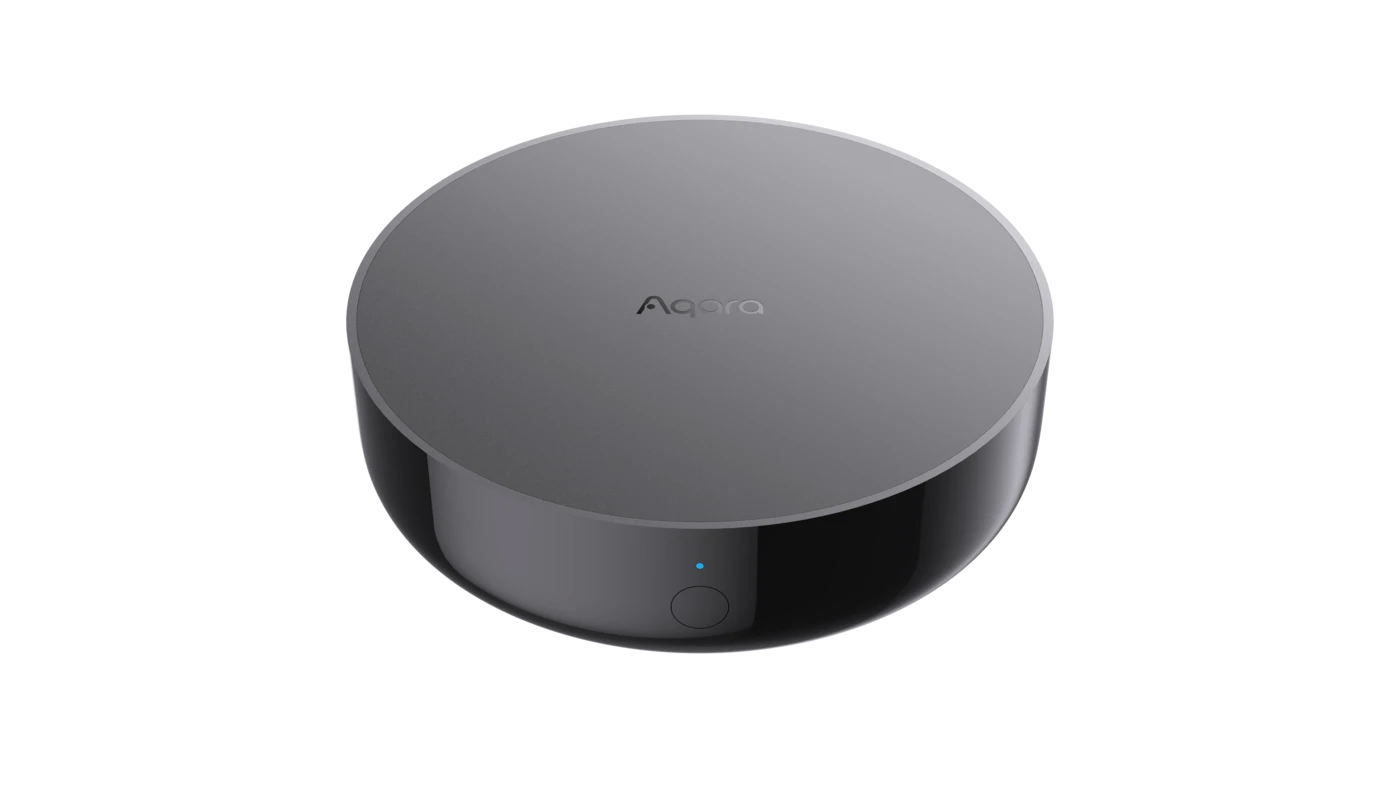
M200 gives your existing aircon a permanent connection. Sensors add context—time, temperature, presence and an open window—so it can respond at the useful moment.

Choose my setup

Start with the convenience you want most.

Choose one routine you would like the aircon to handle for you. That is already a good first setup.

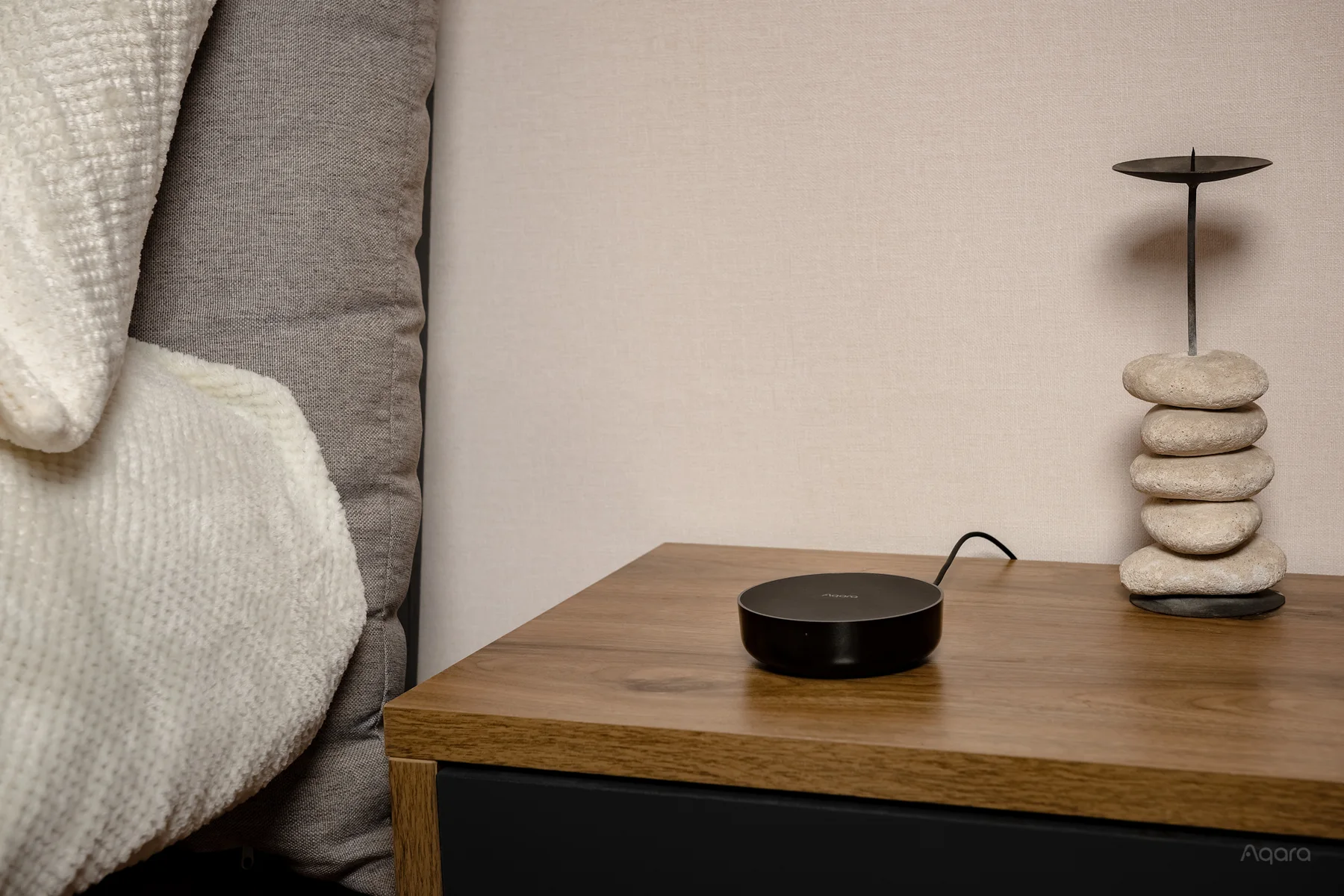
Aqara Hub M200 in a comfortable bedroom01

Bedtime arrives. So does a comfortable room.

Set a weekday schedule once and M200 sends the same infrared command the remote would: cooling on, 24°, fan auto. The room is ready on schedule, while everyone can still use the original remote naturally.

What happens: M200 starts the aircon at the time you choose.
Hub M200
See the product details
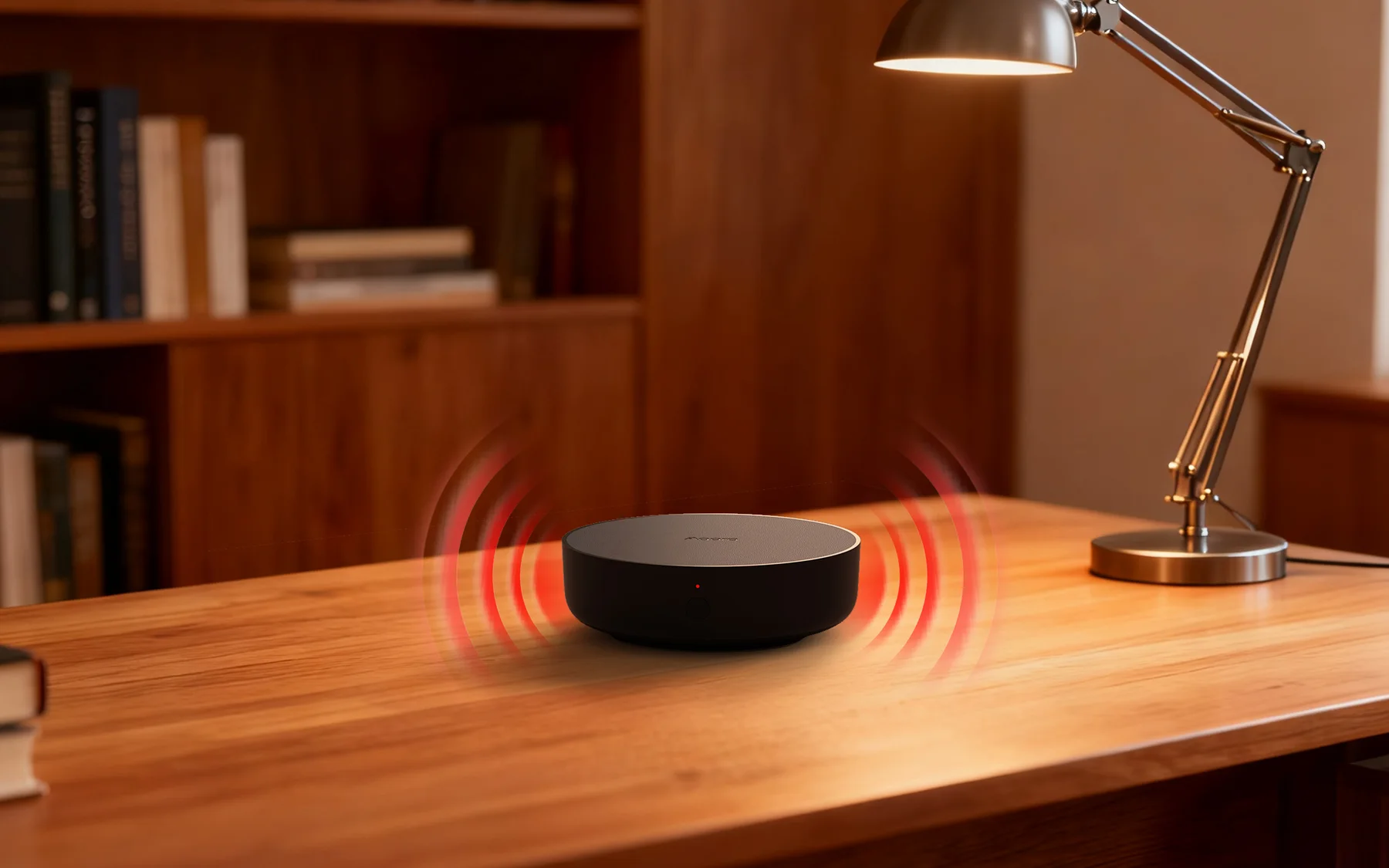
M200 receiving a command from an aircon remote02

The remote and app can live in the same room.

Someone presses the original infrared remote. M200 can receive compatible commands and keep its recorded aircon state useful. Later, an app tap or automation sends the next command, so both controls remain a natural part of the household routine.

What happens: physical and app control remain part of the same routine.
Hub M200
See the product details
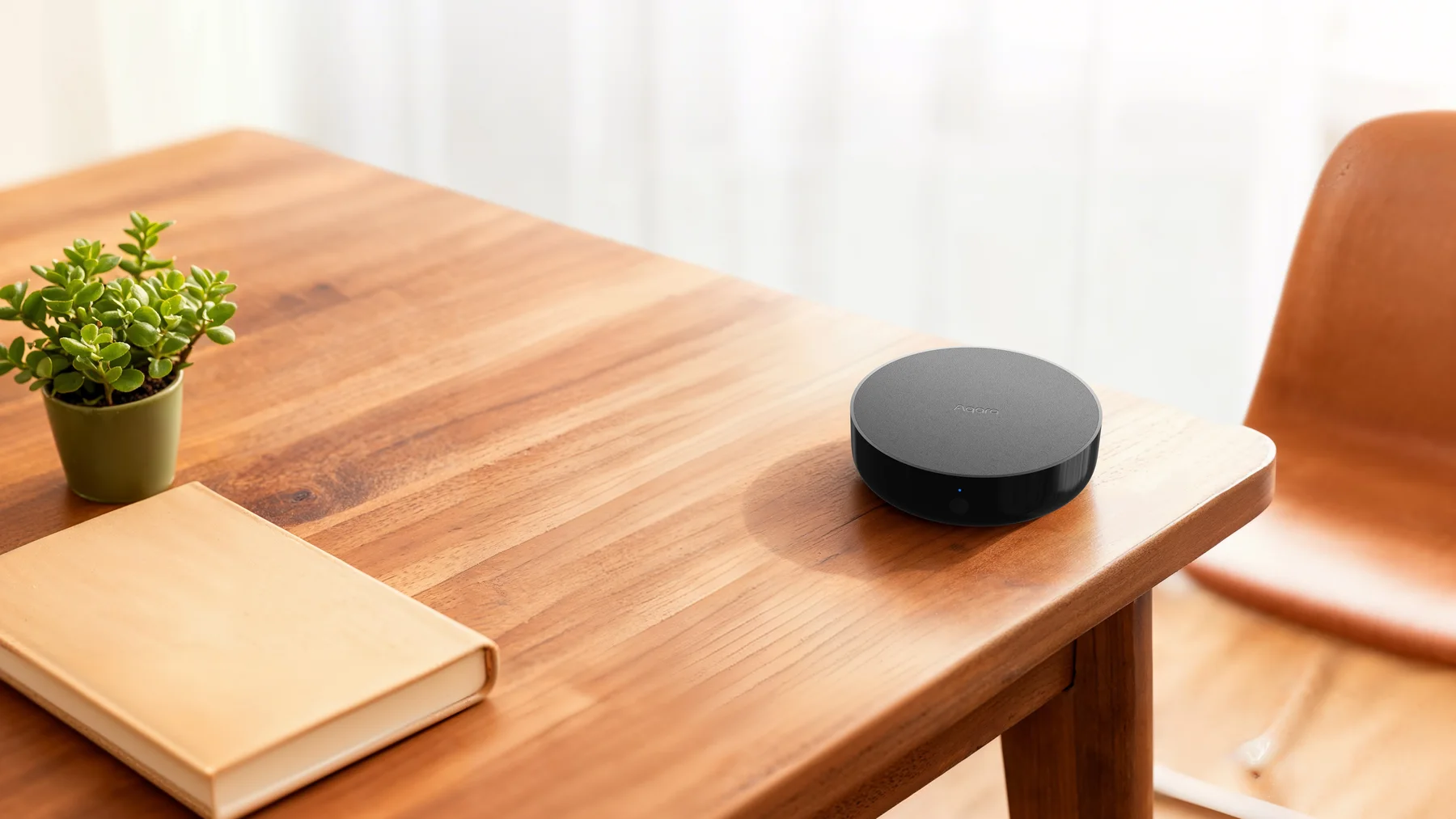
Aqara Hub M200 ready in a bright living room03

Start the room as you make your way home.

M200 stays powered and connected even when nobody is holding a remote. Use Aqara Home while you are away, or a supported location-based routine in your chosen home platform, to start cooling near the end of the journey.

What happens: the room starts cooling close to your arrival time.
Hub M200
See the product details
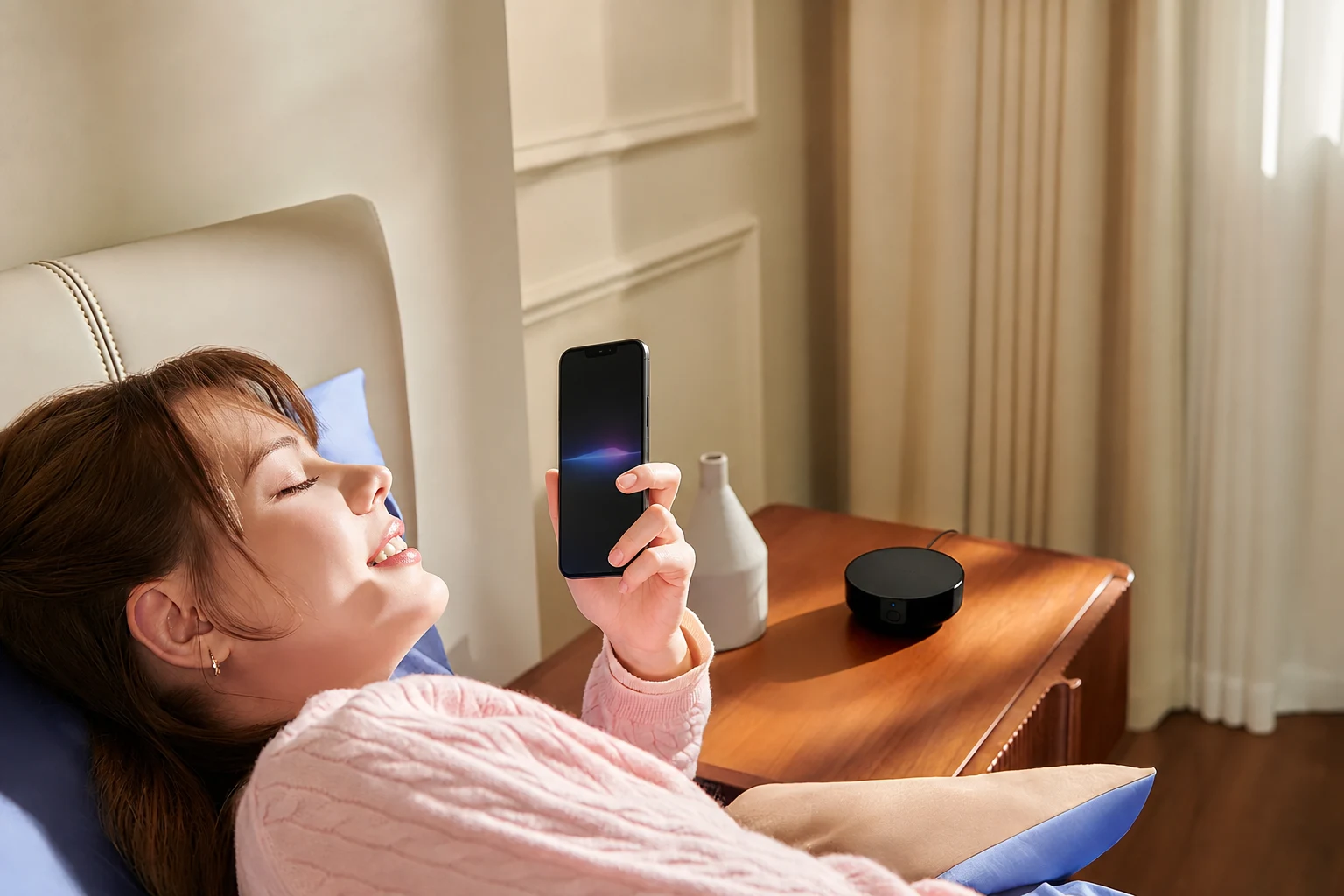
A woman asking her phone to control the aircon with M200 nearby04

Ask from a phone, tablet or smart speaker.

Add M200 to Matter and bring the aircon into Apple Home, Google Home or Alexa. Then ask the platform you already use to turn it on, change the temperature or include it in a broader room scene.

What happens: your home platform routes the request and M200 sends infrared.
Hub M200Matter
See the product details
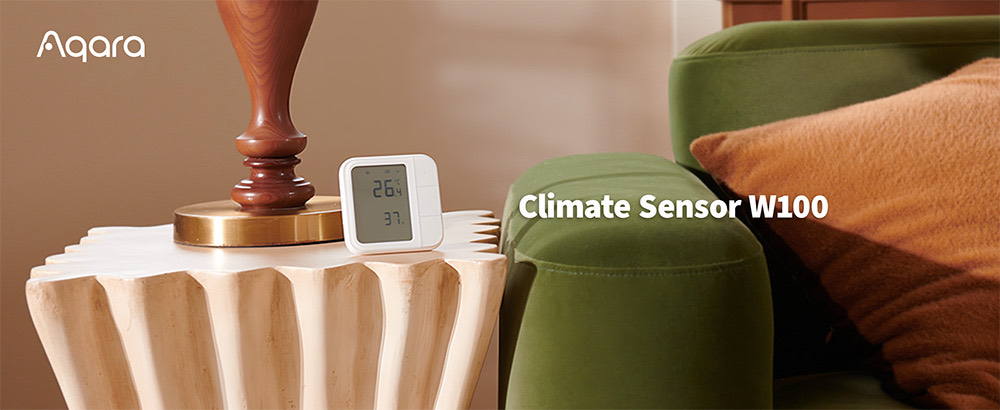
Climate Sensor W100 on a table in the occupied part of a room05

The sofa says 25°. Let the sofa have a say.

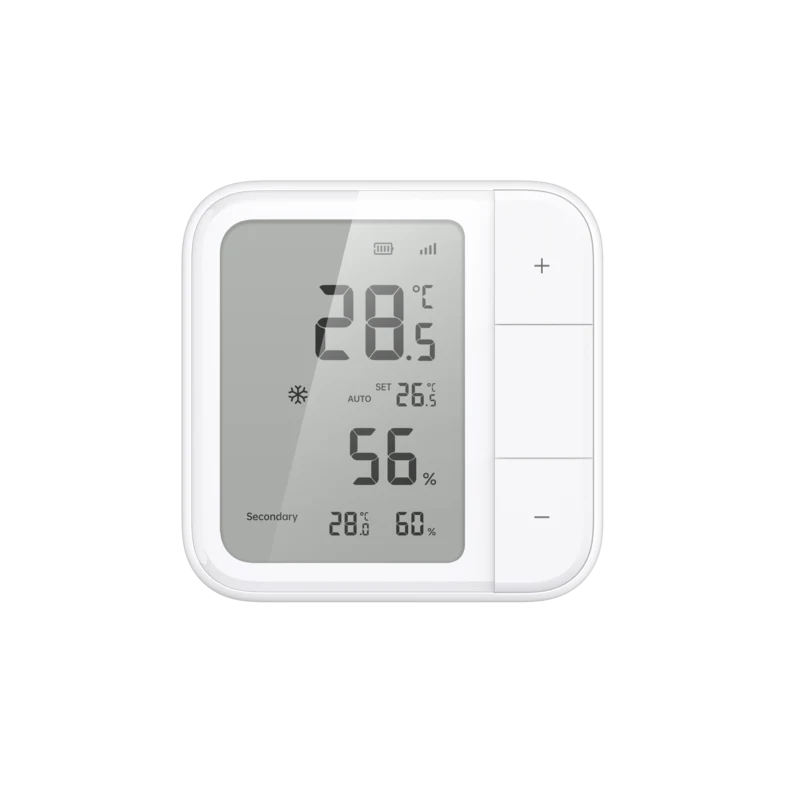
The aircon's own sensor is high on the wall, close to the cold air it produces. Place W100 by the sofa, desk or bed and use its room reading as the condition for an Aqara automation.

What happens: M200 responds to the temperature you actually feel.
Hub M200Climate Sensor W100
See the product details
Presence Sensor FP300 monitoring an occupied room06

The aircon turns off when no one is around.

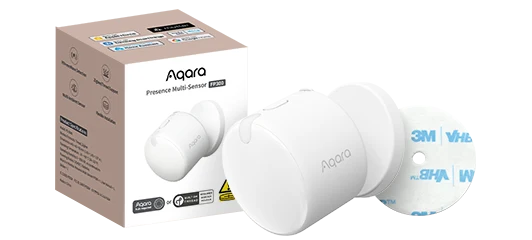
FP300 is designed to detect a person who is sitting quietly, then confirm when the room has genuinely been empty. Add a sensible delay before the empty-room rule asks M200 to stop the aircon.

What happens: cooling can stop after the room is truly unoccupied.
Hub M200Presence Sensor FP300
See the product details
A hand opening an aluminium HDB window07

Window open. Give the compressor a break.

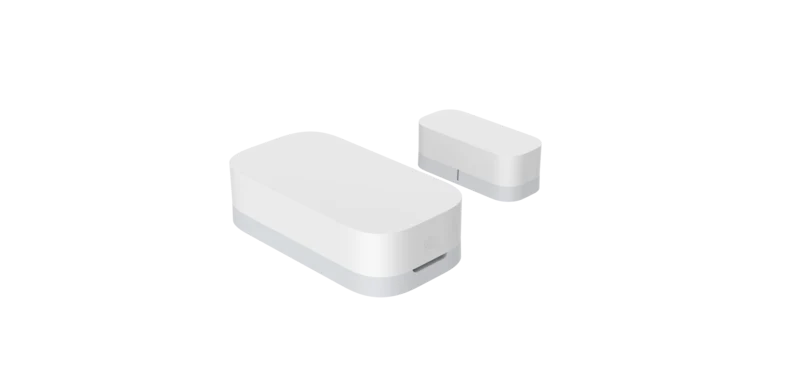
Sensor T1 notices the window opening. An Aqara automation can wait a moment, confirm it is still open, then ask M200 to stop the aircon. Treat any automatic restart as a separate choice so it never surprises you.

What happens: cooling can pause while the window remains open.
Hub M200Door & Window Sensor T1
See the product details

Occupied. Warm. Window closed. Now cool.

A complete room can combine its signals with clear cause and effect: FP300 confirms someone is there, W100 confirms the room is warm, Sensor T1 confirms the window is closed, and M200 sends the command to the aircon.

  1. 01
    WHEN

    FP300 detects presence

  2. 02
    IF

    W100 is warm and the window is closed

  3. 03
    THEN

    M200 starts the existing aircon

Choose the rooms.
Add only what helps.

Choose my setup
Smart aircon from S$149Choose yours