A precise temperature and humidity sensor with a clear 3.4-inch display. Put it by the sofa, desk or bed and let conditions in the occupied part of the room drive your aircon rules.
Price, GST includedS$79
S$71.10 with an M200 · one discounted W100 per hub
Free Singapore delivery 2-year local warranty No subscription
Aqara Climate Sensor W100
Best forBedrooms, home offices and the sofa you actually use
±0.2°Ctemperature accuracy
±2%humidity accuracy
3.4 inLCD display
2.4 yrsrated Zigbee battery life
Why it earns its place
What this product actually changes.
01
Precise and glanceable
The room reading without opening an app.
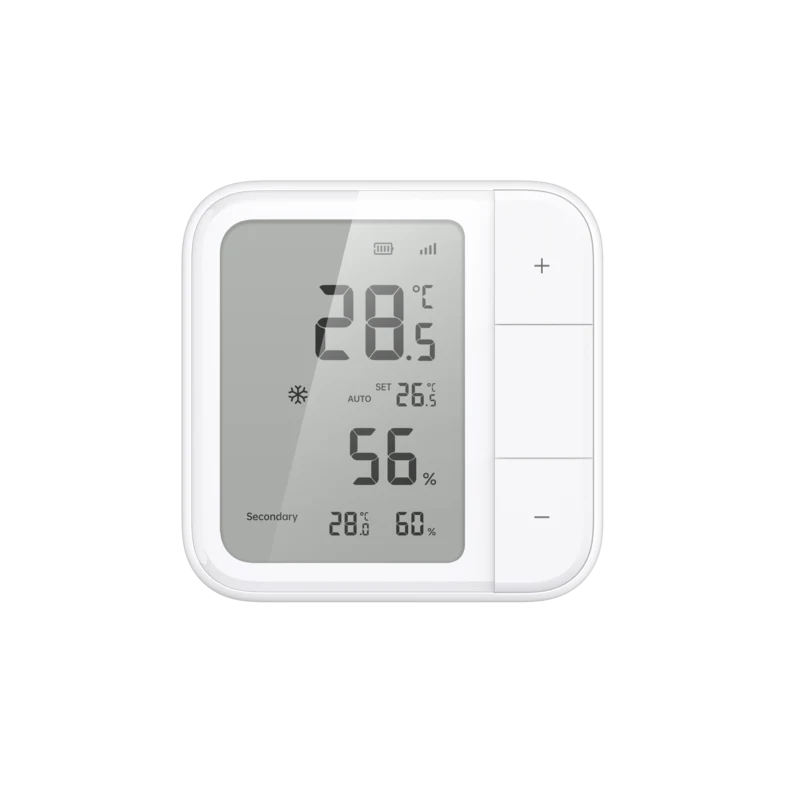
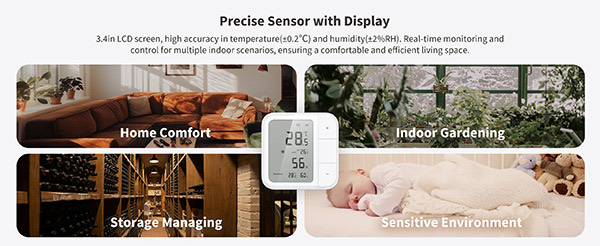
W100 measures temperature to ±0.2°C and relative humidity to ±2%, then shows both on a crisp 3.4-inch LCD. It is useful even before you build a single automation.
Accurate enough for small comfort changes to matter
Desk stand and wall bracket are both included
Useful for bedrooms, nurseries, studies and storage spaces
02
Thread or Zigbee
Choose openness or deeper Aqara control.
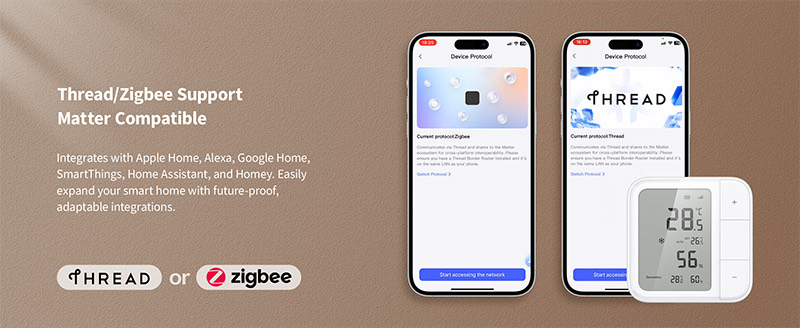
Thread mode pairs to a compatible Matter ecosystem. Zigbee mode pairs to M200 and unlocks Aqara automations, extra settings and ecosystem bridging. You choose the protocol during setup.
Use Zigbee with this site's M200 aircon setup
Use Thread for a direct Matter connection through compatible infrastructure
The two modes are alternatives, not simultaneous connections
03
Three physical buttons
Nine shortcuts when you want them.
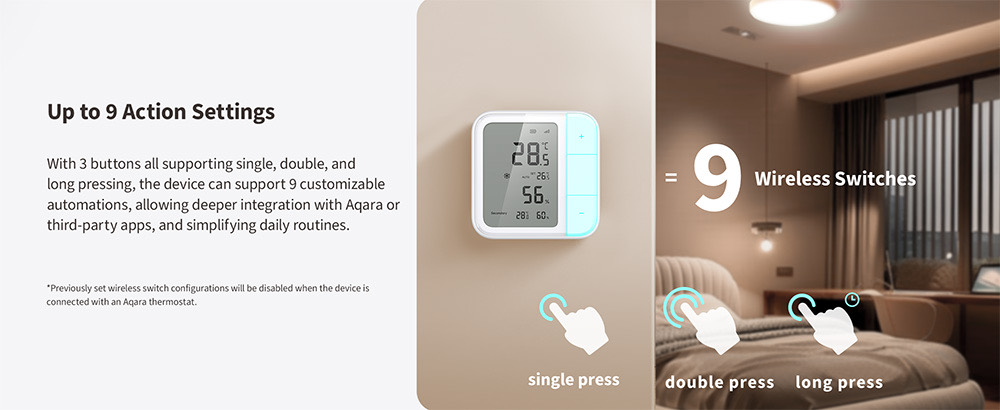
Each button supports single, double and long presses. In a supported Aqara setup, those gestures can run scenes such as bedtime cooling, all-off or a temporary comfort boost.
Up to nine customisable button actions
Start an aircon scene without reaching for a phone
Buttons can also control lights or other compatible routines
Its place in your setup
It tells M200 what the occupied part of the room feels like.
Indoor units are high on the wall, while you are usually on a bed, desk chair or sofa. W100 supplies the local reading that can trigger temperature-based Aqara rules and support M200's thermostat-like Matter AC control where compatible.
01
W100 measures the occupied zone
Place it near where comfort matters, away from direct sun or an aircon vent.
02
M200 evaluates your rule
For example: if the room rises above 29.5°C during bedtime, start cooling.
03
The aircon receives an IR command
M200 handles the physical control while W100 keeps supplying room data.
Before you order
Compatibility, placement and setup.
What you need
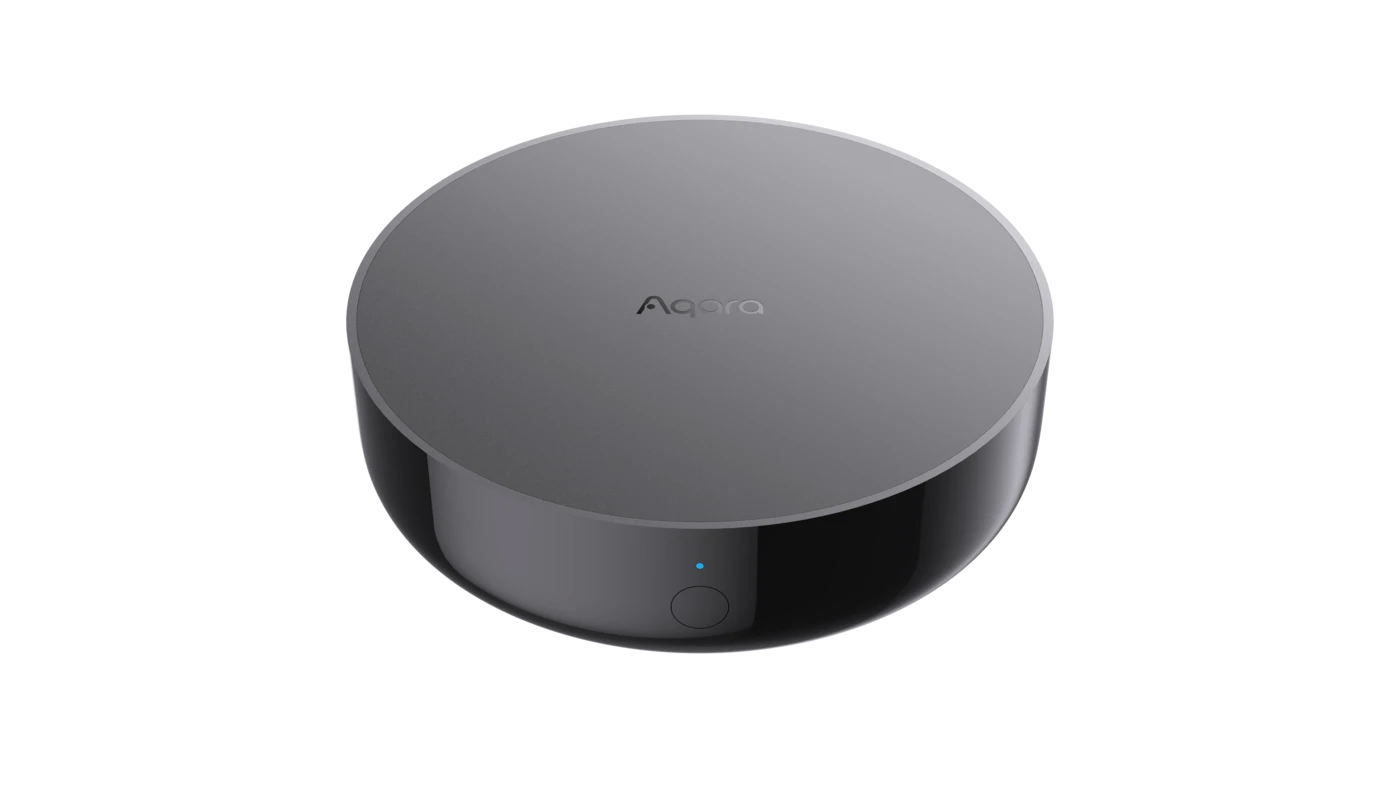
For this aircon setup, use Zigbee mode with an Aqara Hub M200
Two CR2450 batteries, included with the supplied unit
A sensible placement away from direct sunlight, moisture and the aircon's direct airflow
Aqara Home is needed to configure Aqara automations and button actions
i
Good to know
Use Zigbee mode with M200 for the Aqara aircon automations described on this site.
Battery-life figures are lab ratings and vary with protocol, settings and reporting frequency.
Do not mount it directly beneath the aircon outlet; that measures the cold draft, not the occupied room.
From box to useful
Four sensible setup steps.
01
Pick its position
Choose the bedside table, desk or wall closest to where people spend time.
02
Select Zigbee mode
Pair it to M200 in Aqara Home for the aircon automation use case.
03
Let the reading settle
Keep it away from direct air flow and allow room readings to stabilise.
04
Set one comfort rule
Choose a threshold and time window that matches how you actually live.
Technical specifications
Model
TH-S04D / TH-S04E
Protocols
Thread, Zigbee and Bluetooth
Display
3.4-inch LCD
Temperature
−20°C to 60°C; accuracy ±0.2°C
Humidity
0–98% RH; accuracy ±2% RH
Battery
2 × CR2450
Rated battery life
Up to 2.4 years Zigbee; 2.3 years Thread
Dimensions
86 × 86 × 13.65 mm
Controls
3 buttons; single, double and long press actions
Questions worth asking
Straight answers about Climate Sensor W100.
01Does W100 control the aircon by itself?+
No. W100 measures temperature and humidity. In this setup, M200 sends the infrared commands to the aircon and uses W100 readings in supported rules and integrations.
02Should I choose Thread or Zigbee?+
Choose Zigbee when pairing it to M200 for Aqara Home automations. Thread is the alternative for direct Matter pairing through compatible Thread infrastructure.
03Where should I put it?+
Near the part of the room where people spend time, away from direct sunlight, moisture, cooking heat and the aircon's immediate draft. Bedside, desk and living-room side-table placements are usually sensible.
04Can I see the temperature without my phone?+
Yes. The 3.4-inch LCD shows the local temperature and humidity directly on the device.
 Smart Aircon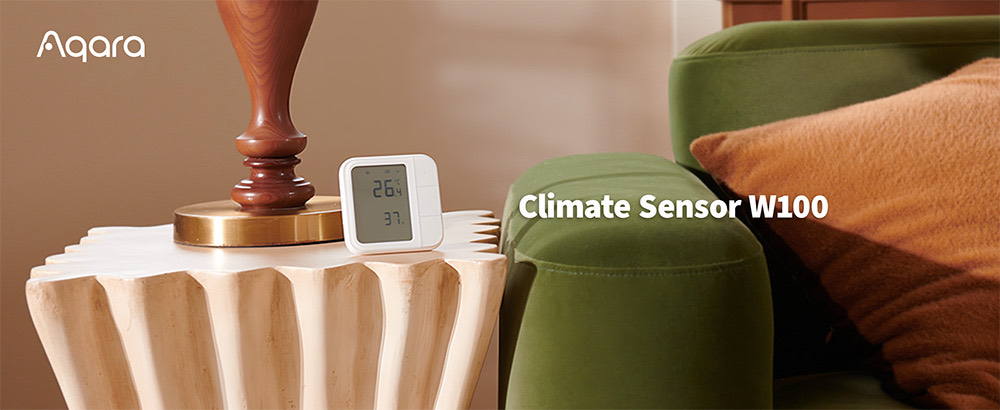
 01
01