 Smart Aircon
GWC09 / GWC12 / GWC18 QC and QD indoor families
Residential multi-split wall units listed in Gree Singapore's catalogue.
Gree phone control
Aqara Hub M200 gives a compatible Gree infrared aircon phone control, voice, schedules, automations and Matter access without changing the indoor unit.
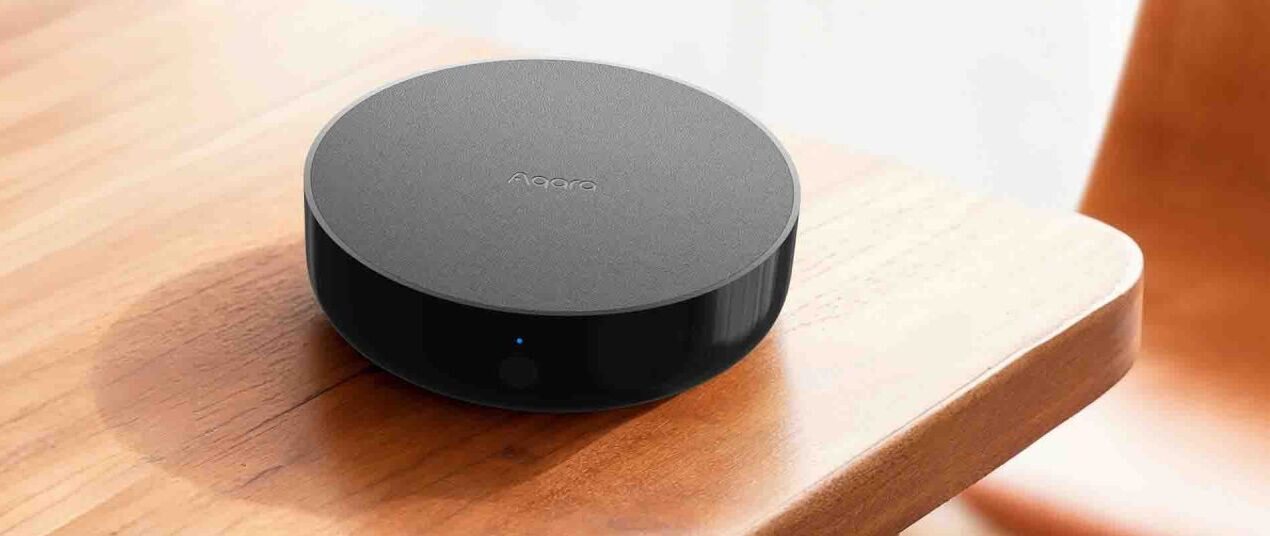
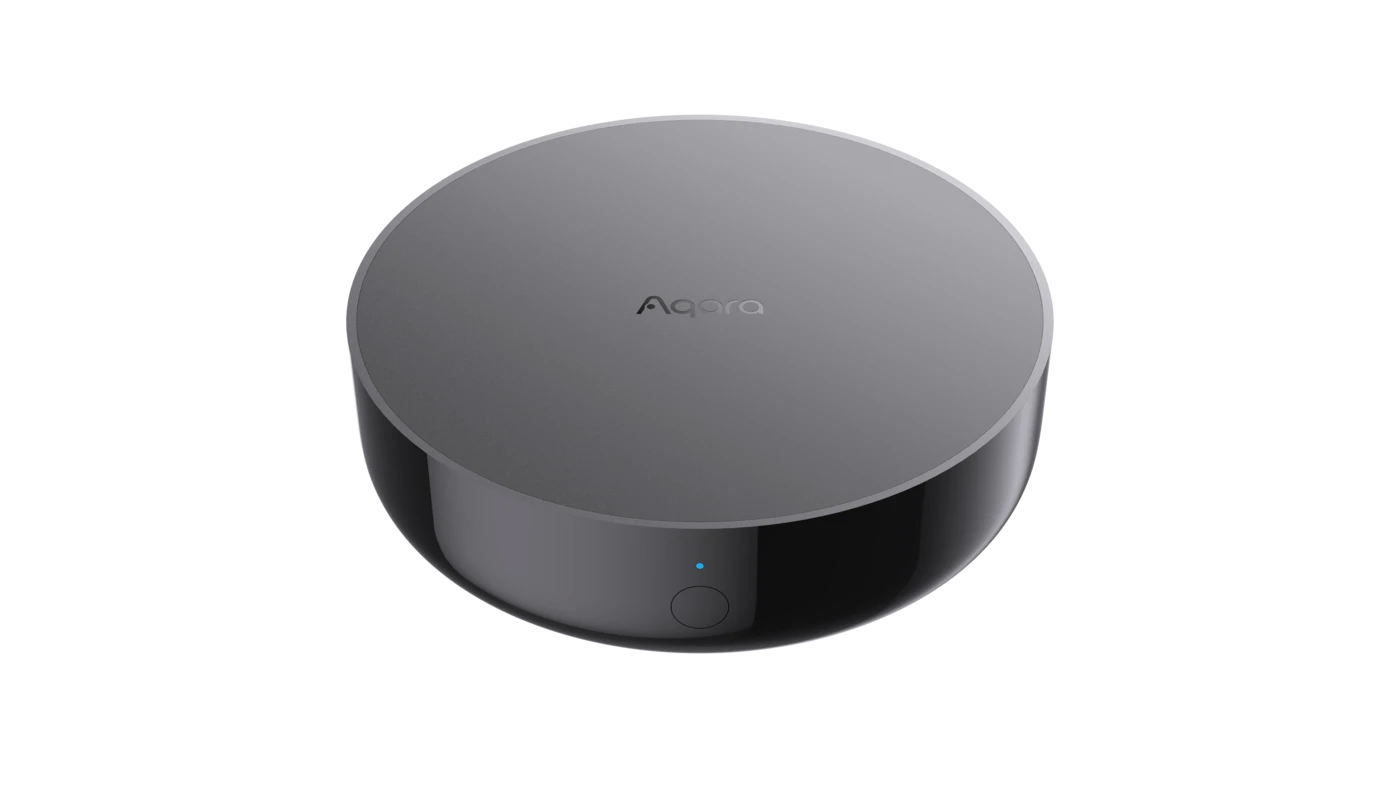
Coverage: For Gree wall-mounted and other systems operated by a wireless infrared remote.
Models and remotes
Model families narrow the search. The remote completes it because one family can ship with different handsets across years and capacities.
Residential multi-split wall units listed in Gree Singapore's catalogue.
Gree Singapore's residential single-split wall-mounted range.
Compatibility depends on the exact wireless handset and command set.
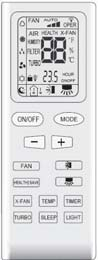
Check that the Gree controller is a handheld wireless remote. A wired wall panel needs a separate assessment.
Photograph the whole display and keypad, then the model label on the rear.
Include the indoor-unit GWC code when it is visible on the side or underside label.
Control coverage
M200 sends compatible commands and tracks recorded state. It does not receive native operating confirmation from the aircon.
| Control | What works | Limit |
|---|---|---|
| Power | On and off | Available when the matched profile supports the command |
| Temperature | Set the target temperature | Range follows the matched profile |
| Mode | Cool, dry, fan, auto or heat | Only modes present on the aircon and profile appear |
| Fan and swing | Fan levels and supported swing controls | Brand-specific airflow functions can remain on the original remote |
| Schedules | Aqara schedules, scenes and Automations 2.0 | Internet is still needed for away access and cloud notifications |
| Voice and home apps | Apple Home, Google Home and Alexa through Matter | Exact controls and labels vary by platform |
| Original remote | Compatible remote commands can update M200's recorded state | M200 records the observed command without native two-way confirmation from the aircon |
iGree WiFi models may already have a manufacturer app route; M200 adds Aqara Home and Matter access.
iI Feel, health, turbo and other Gree-specific buttons depend on the matched infrared profile.
iCassette or ducted systems using only a wired controller need a separate assessment.
Setup walkthrough
Aqara Home guides the profile match. Keep the original remote beside you and test the controls that matter before building schedules or Matter routines.
See the full app guide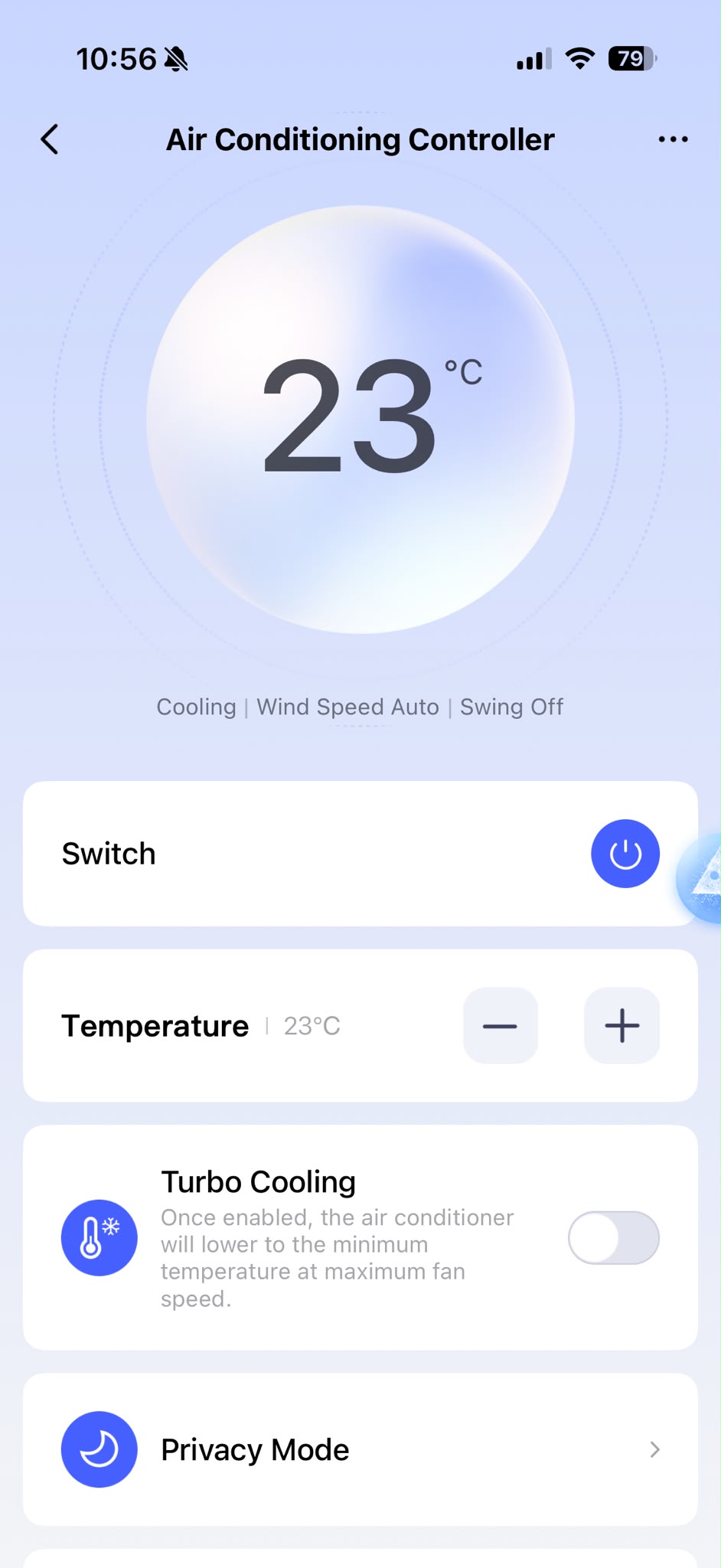
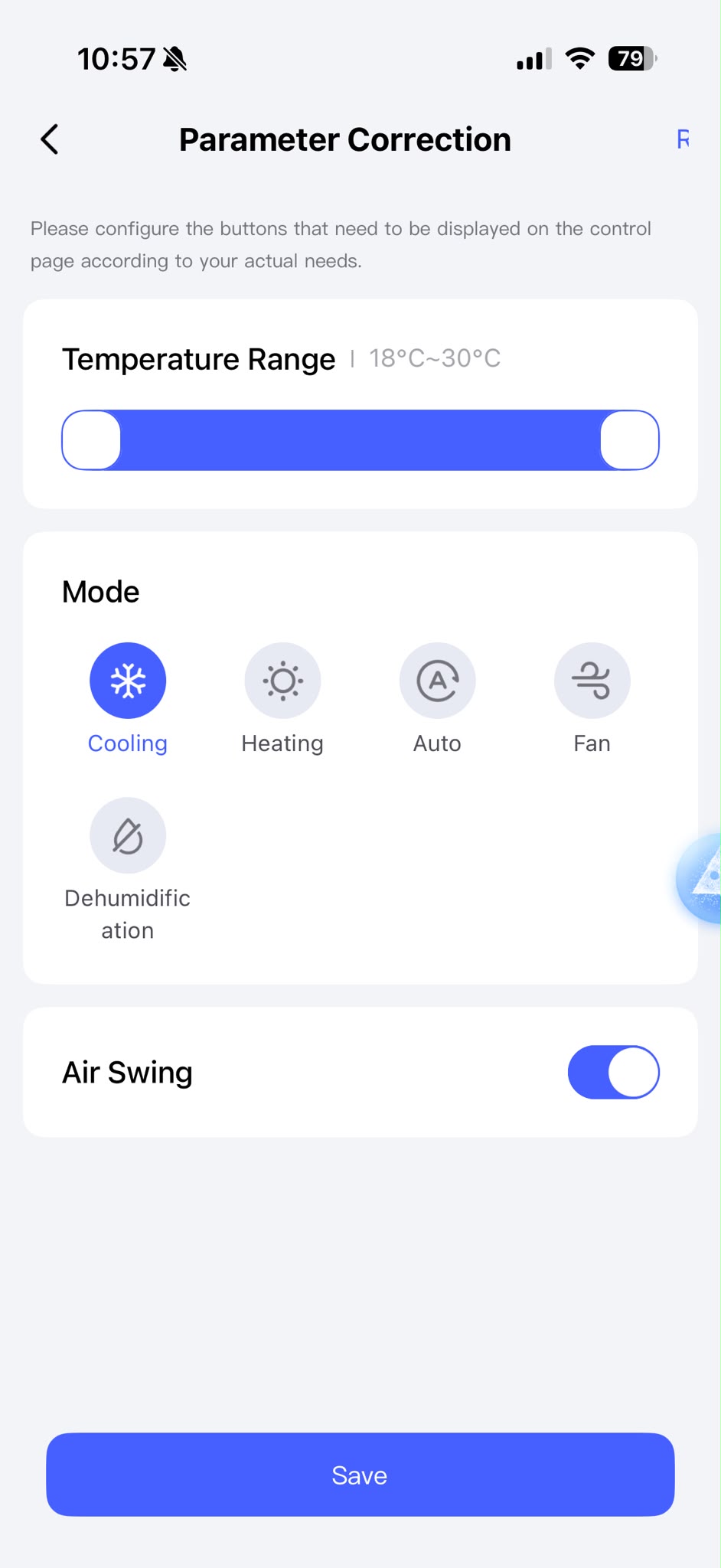
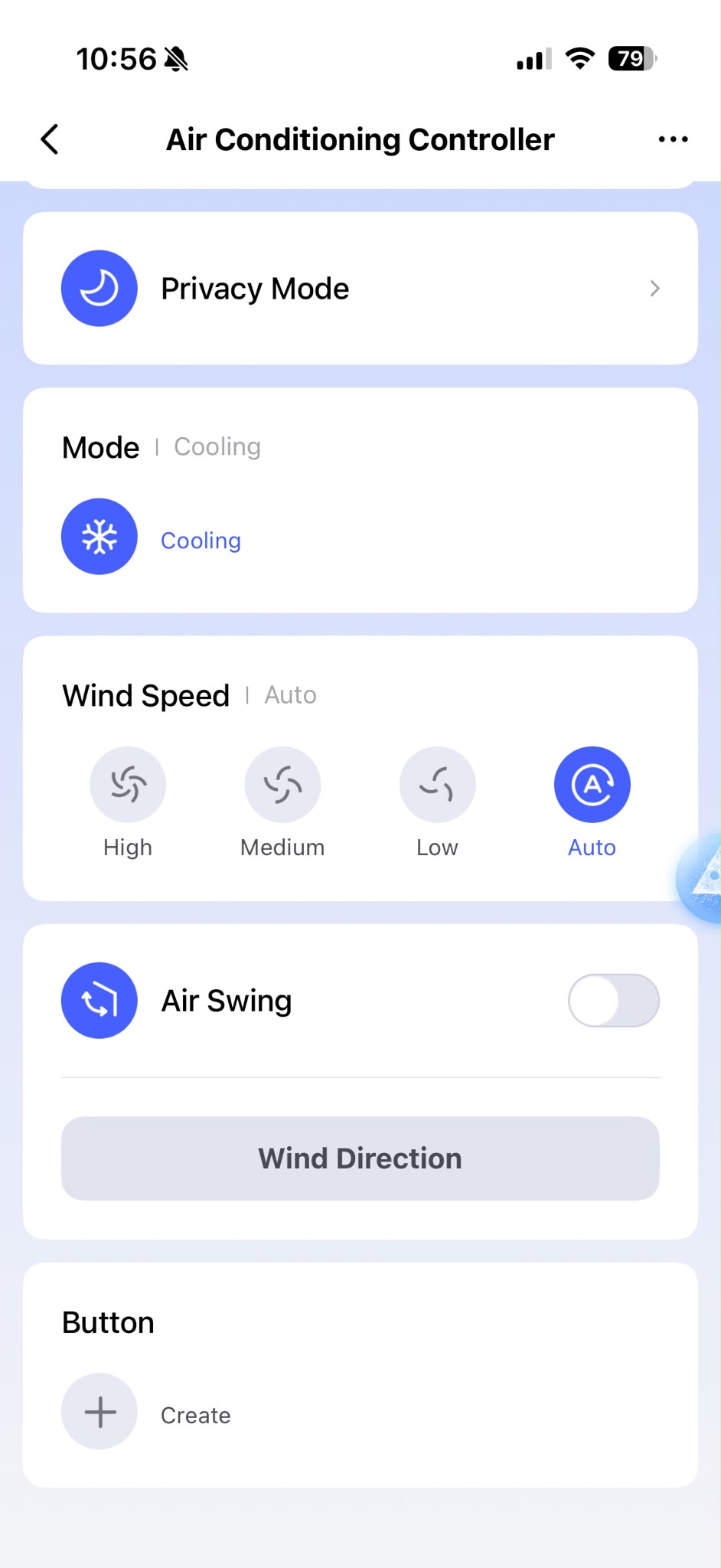
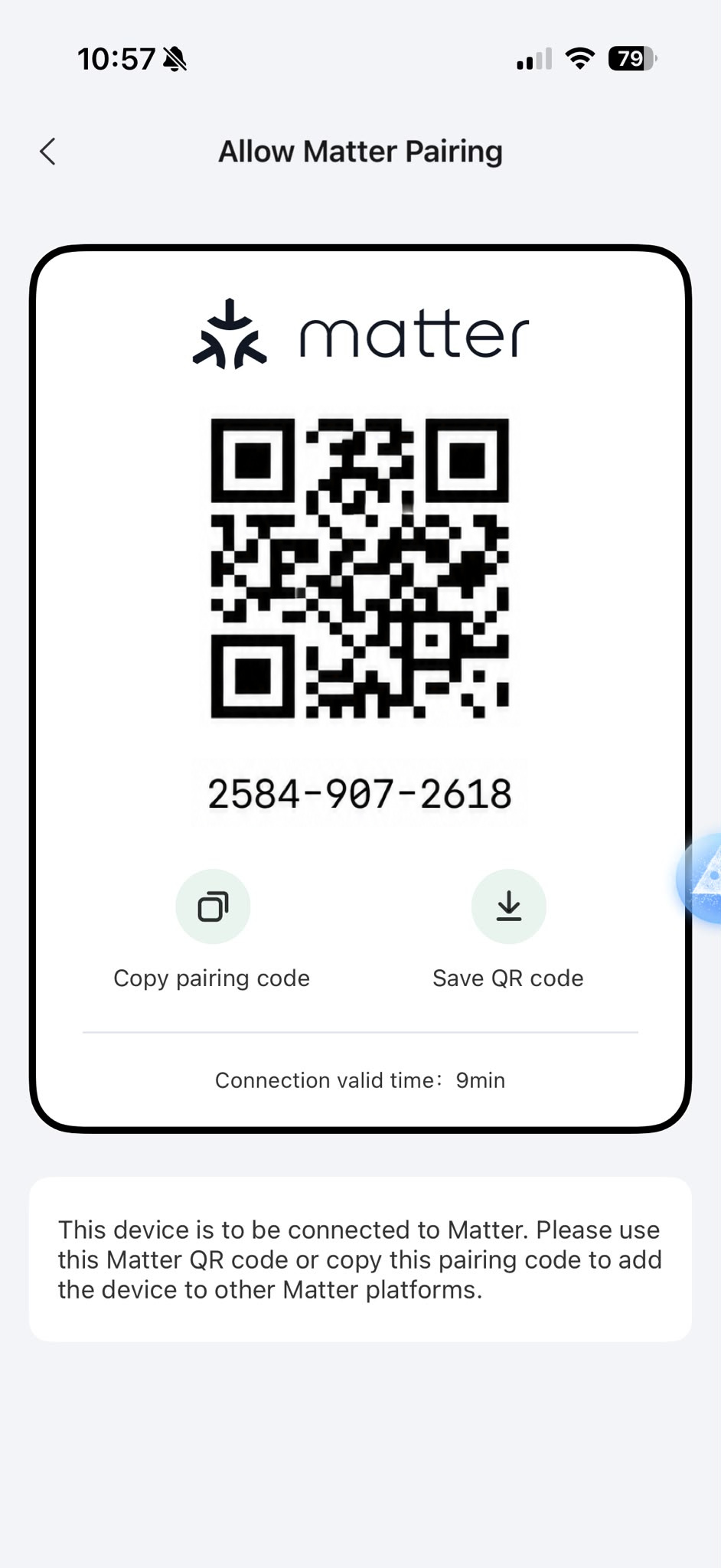
Actual Aqara Home captures from a HomeSmart M200 setup. Controls depend on the matched aircon profile, and app screens may change with software updates.
Room pricing
Every M200 needs line of sight to the aircon it controls. The price steps down as more rooms are added to the same order.
First M200 · 149 total
Second M200 · S$288 total
Each additional M200 · S$417 for three
GST included · free Singapore delivery · 2-year HomeSmart warranty · no subscription
Gree FAQ
Check the model and remote before ordering. Five minutes now avoids guessing during setup.
Free Match wall units with a handheld infrared remote are the right type to check. Match the Gree profile in Aqara Home and test each control against the indoor unit.
Yes, the two routes can coexist. M200 is useful when you want Aqara automations or Matter access; the Gree app may retain manufacturer-specific functions.
The matched profile determines the available commands. Expect the core aircon controls first and keep the original remote for any special function that is not exposed.
Use one M200 per controlled room. Infrared requires line of sight and does not pass through the walls between bedrooms.
Aircon compatibility guides
Start with the name on the indoor unit, then check the remote. Each guide explains the common Singapore model families, the controls M200 can add and the limits of infrared.
Remote check before checkout
Include the front, rear label and indoor-unit model if it is easy to reach.