

Aqara makes more motion and presence sensors than any other smart home brand we carry, and the range keeps growing. If you’re staring at the product list wondering whether you need a P1, a P2, an FP1E, or an FP2, you’re not alone.
This guide organises every sensor by category, compares all models within each category side by side, and tells you plainly which one to buy for your situation.
All Sensors at a Glance
-
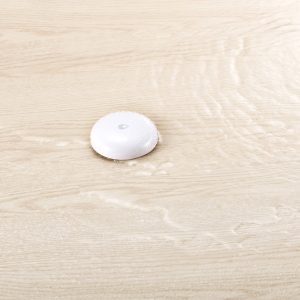
Aqara Water Leak Sensor T1
Price range: $28.00 through $33.00
| Sensor | Type | Range | Angle | Power | Protocol | Best For |
|---|---|---|---|---|---|---|
| Motion Sensor P1 | PIR | 7m | 150°–170° | Battery | Zigbee 3.0 | Corridors, toilets, entryways |
| Motion and Light Sensor P2 | PIR | 7m | 120° | Battery | Zigbee | Ceiling-mount rooms |
| Presence Sensor FP1E | mmWave | 5m | 120° | USB-C | Zigbee | Bedroom / study, single zone |
| Presence Sensor FP2 | mmWave | 8m | 120° | USB-C | Wi-Fi | Living room, multi-zone |
| Presence Sensor FP300 | mmWave | 4m | 60° | USB-C | Zigbee | Small rooms, Zigbee setups |
| Multi-State Sensor P100 | mmWave | 4m | Downward | USB-C | Zigbee | Fall detection, toilet occupancy |
| Climate Sensor W100 | PIR + Temp/Humidity | — | — | Battery | Zigbee | Climate + motion combined |
| Door and Window Sensor T1 | Contact | — | — | Battery | Zigbee | Entry / exit detection |
| Door and Window Sensor P2 | Contact | — | — | Battery | Zigbee | Entry / exit, longer range |
| Water Leak Sensor T1 | Flood contact | — | — | Battery | Zigbee | Kitchen, bathroom flooding |
| Vibration Sensor T1 | Vibration | — | — | Battery | Zigbee | Tapping, tilt, movement |
| Temperature and Humidity Sensor T1 | Temp / Humidity | — | — | Battery | Zigbee | Climate monitoring |
| Smart Smoke Detector | Smoke | — | — | Wired | Zigbee | Fire detection |
| Smart Gas Detector | Gas | — | — | Wired | Zigbee | Kitchen gas leak |
First: Motion vs Presence — What’s the Difference?
Before picking a sensor, you need to understand the two fundamentally different technologies behind them. Getting this wrong is the most common and most expensive mistake.
PIR Motion Sensors (Passive Infrared)
PIR sensors detect movement: the change in infrared heat signature as a warm body moves through the sensor’s field of view. They’re fast, reliable, battery-powered, and affordable.
The catch: they stop detecting you the moment you stop moving. Sit still reading a book, and your lights switch off. This is the false negative problem: the sensor decides you’ve left even though you haven’t.
Best for: corridors, entryways, toilets, and anywhere the trigger-and-timeout model makes sense.
mmWave Radar Presence Sensors
Millimetre-wave radar sends out radio waves and detects the tiny reflections that bounce back off a breathing, living person, even someone sitting or sleeping completely still. It doesn’t care whether you’re moving. It detects presence.
This eliminates false negatives entirely, at the cost of a higher price, wired USB power, and more setup complexity.
Best for: living rooms, bedrooms, and studies where you need the automation to know someone is genuinely still in the room.
The Quick Decision
If your question is “will the lights turn off while I’m sitting still?” then you want a presence sensor. For everything else, a PIR motion sensor is usually the right and more affordable call.
Comparing Between Sensors
PIR Motion Sensors Compared: P1 vs P2
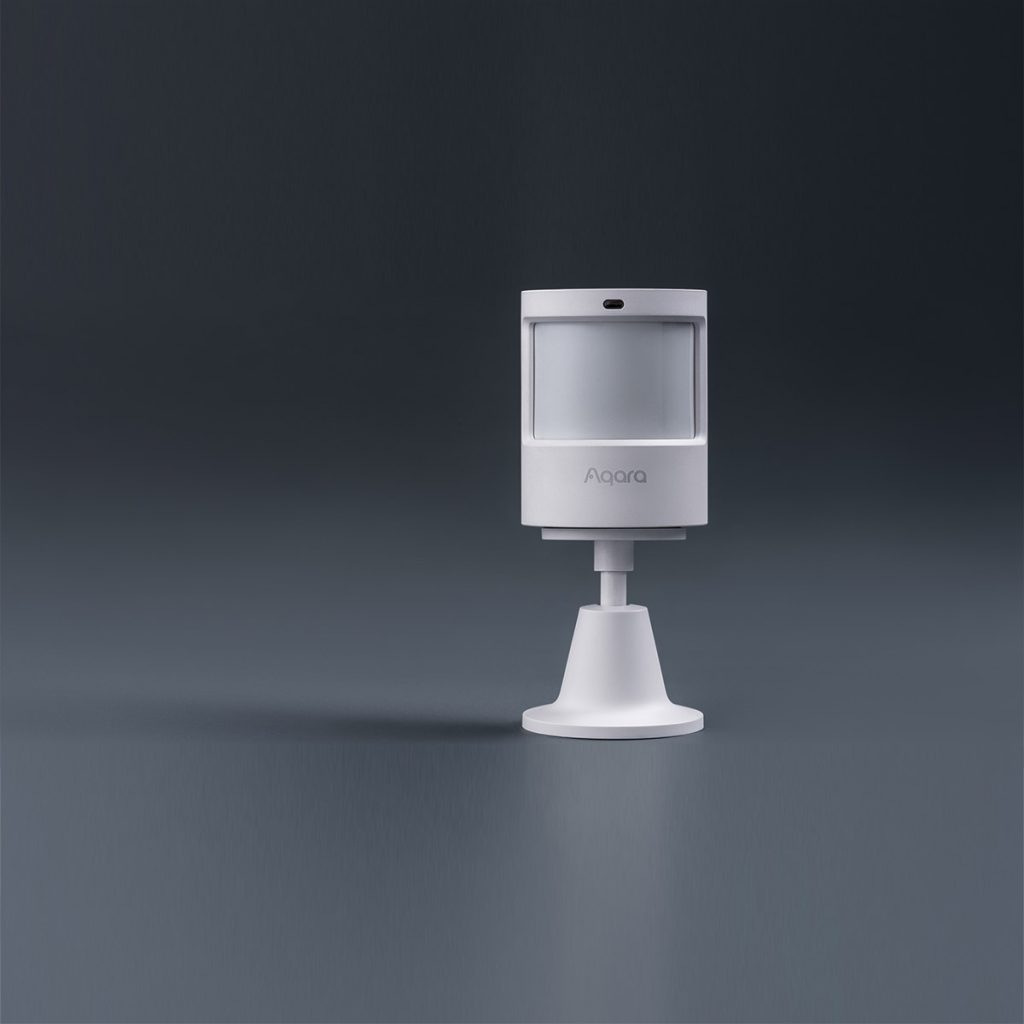
Aqara Motion Sensor P1
Upgraded motion sensor with timeout and sensitivity adjustments, and a 5-year battery life. Used to trigger automations and notifications.
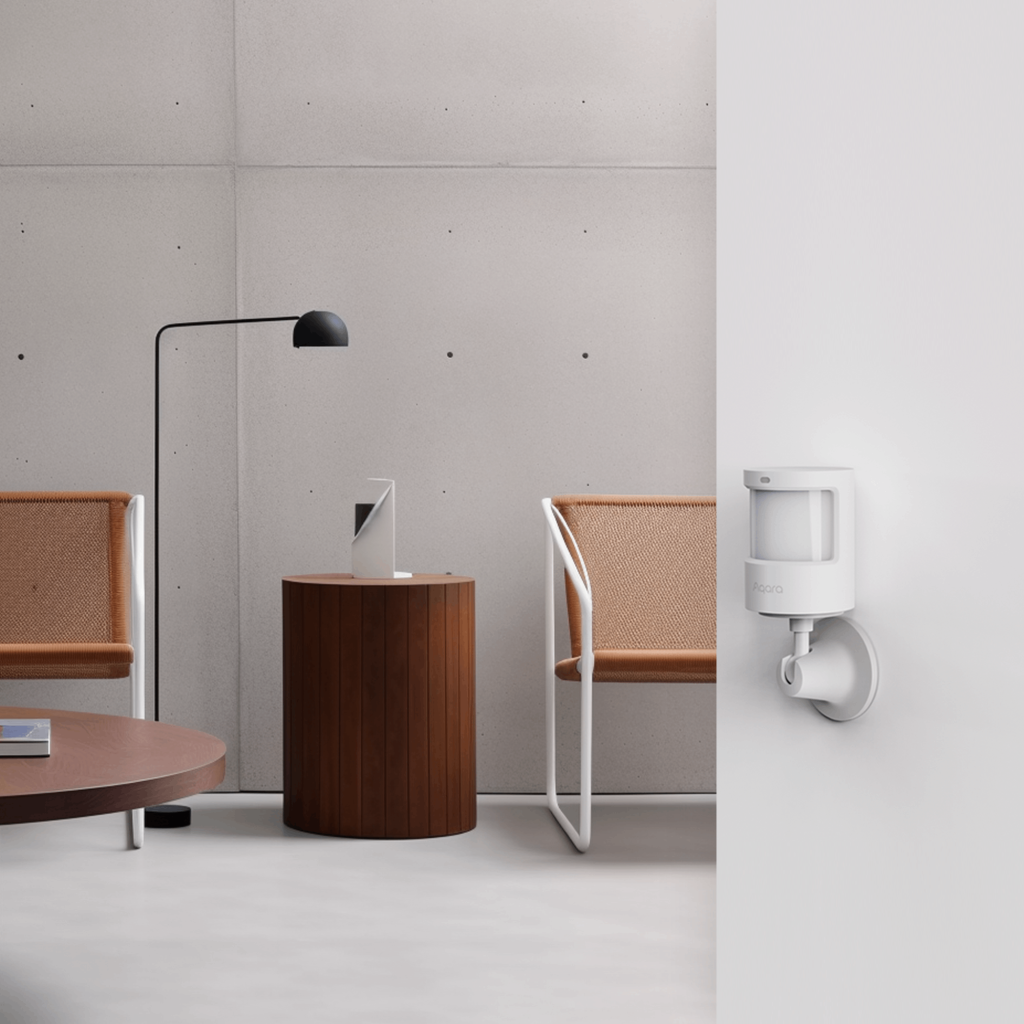
Aqara Motion and Light Sensor P2
Matter compatible, equipped with both infrared motion and light sensors while using the advanced Thread protocol
These two sensors are not competing models. They solve different mounting scenarios.
Choose the P1 if you’re wall-mounting. The adjustable stand lets you aim it precisely at a doorway or entry zone. The 5-year battery life means you’ll rarely think about it after installation.
Choose the P2 if you want a ceiling-mounted look or your room layout benefits from overhead coverage. A 120° cone from the ceiling covers a room evenly without furniture blocking the field of view. It’s the cleaner, more discreet option.
The key limitation of both: no PIR sensor will keep your lights on while you’re sitting still. For a living room, bedroom, or study, read the section below.
| Category | Motion Sensor P1 | Motion and Light Sensor P2 |
|---|---|---|
| Mount | Wall / shelf | Ceiling |
| Detection range | 7m (high) / 2m (low) | 7m |
| Detection angle | 150°–170° (adjustable) | 120° |
| Sensitivity | Configurable (Low / Med / High) | Standard |
| Timeout | Configurable (1–200 sec) | Configurable |
| Light sensor | Yes | Yes |
| Battery | 2× CR2450 (~5 years) | 1× CR2450 |
| Protocol | Zigbee 3.0 | Zigbee |
| Hub required | Yes | Yes |
| Price | $39 | $55 |
mmWave Presence Sensors Compared: FP1E vs FP2 vs FP300 vs P100

Aqara Presence Sensor FP1E
Simple, no-frills presence sensor based on mmWave to detect occupancy or absence in your rooms – even if you’re sitting or lying still.
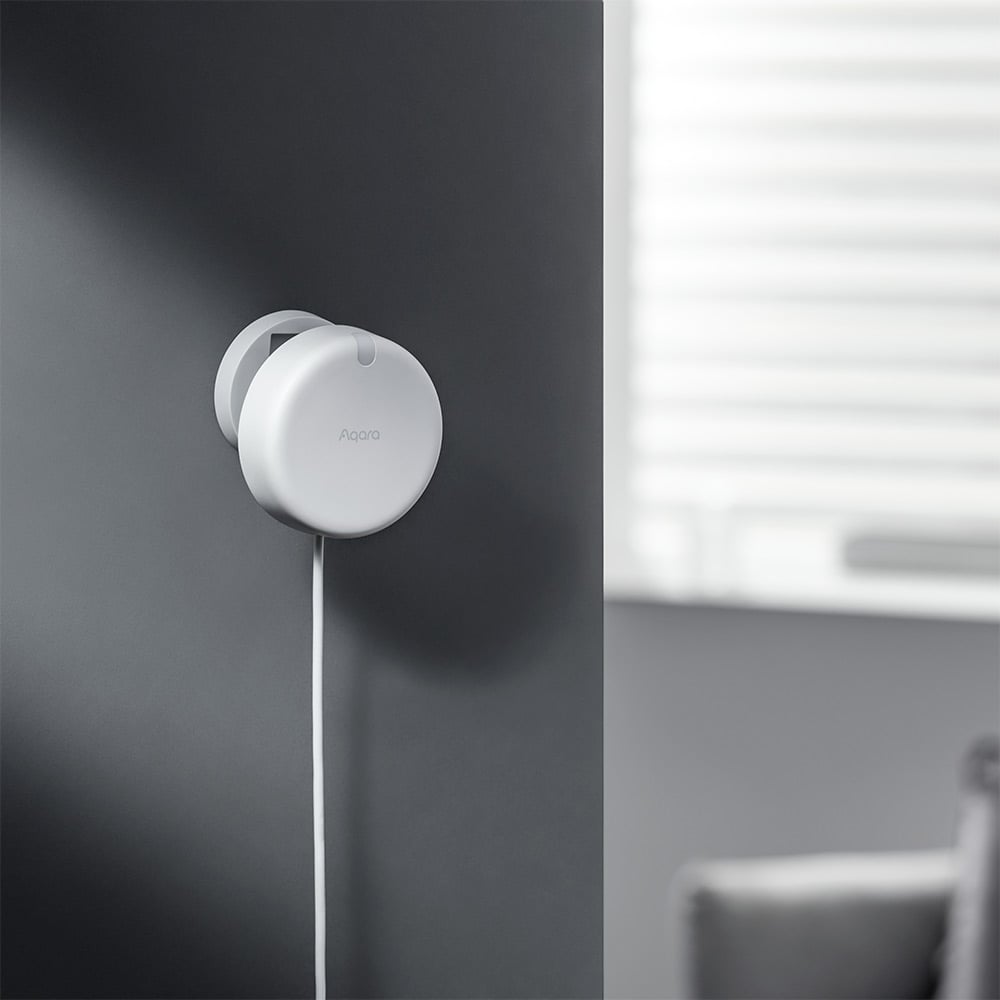
Aqara Presence Sensor FP2
Sensor that can map out zones in your room, and detect occupancy in every zone – making smart, location-based automations a reality.

Aqara Presence Sensor FP300
A battery-powered presence sensor with AI-powered dual PIR and mmWave detection and Zigbee/Thread support. With easy installation, it comes with light, temperature and humidity sensors.
Aqara Multi-State Sensor P100
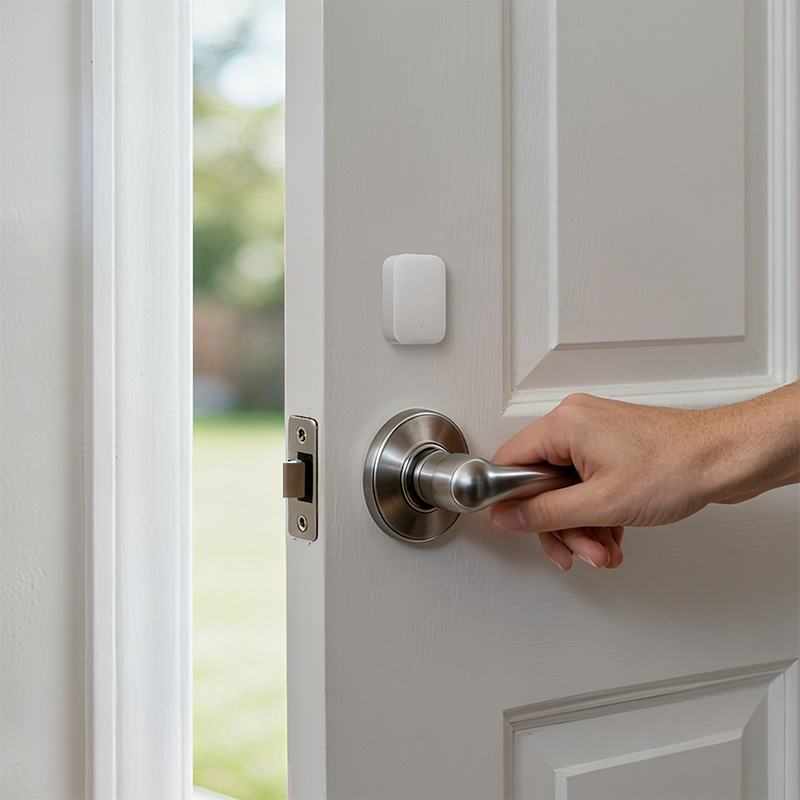
A smart door & window sensor that reports real-time statuses of doors and windows, and can be used to trigger alarms, notifications, and automations.
All four sensors here use millimetre-wave radar and detect presence rather than just movement. The differences come down to range, coverage angle, zone capabilities, and whether they connect via Zigbee or Wi-Fi.
| Category | Presence Sensor FP1E | Presence Sensor FP2 | Presence Sensor FP300 | Multi-State Sensor P100 |
|---|---|---|---|---|
| Mount | Wall / shelf | Ceiling / wall | Wall | Ceiling (downward-facing) |
| Detection range | 5m | 8m | 4m | 4m |
| Coverage angle | 120° | 120° | 60° | Focused downward beam |
| Zone mapping | No | Yes (up to 30 zones) | Limited | No (single zone) |
| Multi-person detection | No | Yes (up to 5 persons) | No | No |
| Position tracking | No | Yes | No | No |
| State detection | No | No | No | Sit / lie / stand / fall |
| Protocol | Zigbee | Wi-Fi | Zigbee | Zigbee |
| Hub required | Yes | No | Yes | Yes |
| Power | USB-C | USB-C | USB-C | USB-C |
| Price | $79 | $139 | $99 | $69 |
FP1E vs FP300: The Two Zigbee Presence Sensors
Both use Zigbee, both require a hub, both are USB-C wired. The FP1E has a wider angle (120° vs 60°), longer range (5m vs 4m), and costs less ($79 vs $99).
The FP300’s narrower 60° beam is genuinely useful in targeted scenarios (a bed, a desk, a specific sofa) where you want detection in a defined zone rather than anywhere in the room. For a small toilet or study, this precision works well. For a larger or irregularly shaped room, it becomes a limitation.
For most bedroom and study installations, the FP1E is the better value. The FP300 makes sense when you want a newer hardware generation, limited zone support, or specifically want the narrow beam for a targeted spot.
FP1E vs FP2: Simplicity vs Power
The FP2 is Aqara’s flagship presence sensor. It maps up to 30 zones in a room, tracks up to 5 people simultaneously, and reports precise positions, enabling genuinely sophisticated automation like adjusting different lights depending on which part of the living room someone is in.
The FP1E does one thing: detects whether someone is in the room or not. No zones, no positions, no multi-person tracking. For the majority of use cases (a bedroom, a study, a single-occupancy room) that’s enough.
The FP2 connects via Wi-Fi and needs no Aqara hub, which is convenient if you’re starting fresh. But Wi-Fi dependency is also a real trade-off: if your router restarts, the FP2 is offline until it reconnects. The FP1E on Zigbee is more robust once you have a hub set up.
Choose the FP1E if you want reliable presence detection for a bedroom or study and don’t need zone mapping.
Choose the FP2 if you’re automating a living room or open-plan space where knowing where in the room someone is actually changes what your automation does.
FP2 vs FP300: Flagship vs Compact Zigbee
The FP300 is not a cheaper FP2. It lacks zone mapping, multi-person detection, and position tracking. It’s a simpler, smaller sensor that integrates into a Zigbee ecosystem more cleanly.
If you have an Aqara hub and want room-level presence detection without Wi-Fi dependency in a smaller room, the FP300 is a clean fit. For larger rooms, complex automations, or anything requiring zone awareness, the FP2 is the correct sensor regardless of the price difference.
The P100: Presence Detection for a Specific Spot
The Multi-State Sensor P100 operates differently from the other three. It mounts on the ceiling directly above a specific spot (a bed, toilet, or chair) and uses a downward-facing beam to detect not just presence but state: sitting, lying, standing, or fallen.
It is not designed to cover a whole room. Its value is in precisely targeted automations:
- Turn the toilet light on when occupied, off when not
- Detect if someone has fallen and not moved (useful for elderly residents)
- Adjust aircon or lighting based on whether someone is actually in bed
At $69 with Zigbee, it’s a specialist tool. Don’t buy it as a substitute for general presence detection. Buy it when you specifically need state awareness or fall monitoring at a defined spot.
Conclusion
Aqara’s sensor lineup covers more use cases than most people realise, but the core decision tree is straightforward once you understand it. PIR sensors for spaces where movement triggers are enough; mmWave presence sensors for rooms where someone needs to be detected even when still. Within each category, the differences come down to mounting position, range, and how much automation complexity you actually need.
For most homes, the practical answer is: P1 sensors in the toilets and corridors, FP1E or FP2 in the bedrooms and living room. The FP300, P100, and W100 solve specific problems worth addressing if you have them.
If you know what you need, browse the full sensor range on our products page. If you’re still deciding or want a recommendation for your specific layout, drop us a message on WhatsApp and we’re happy to help you get it right.