
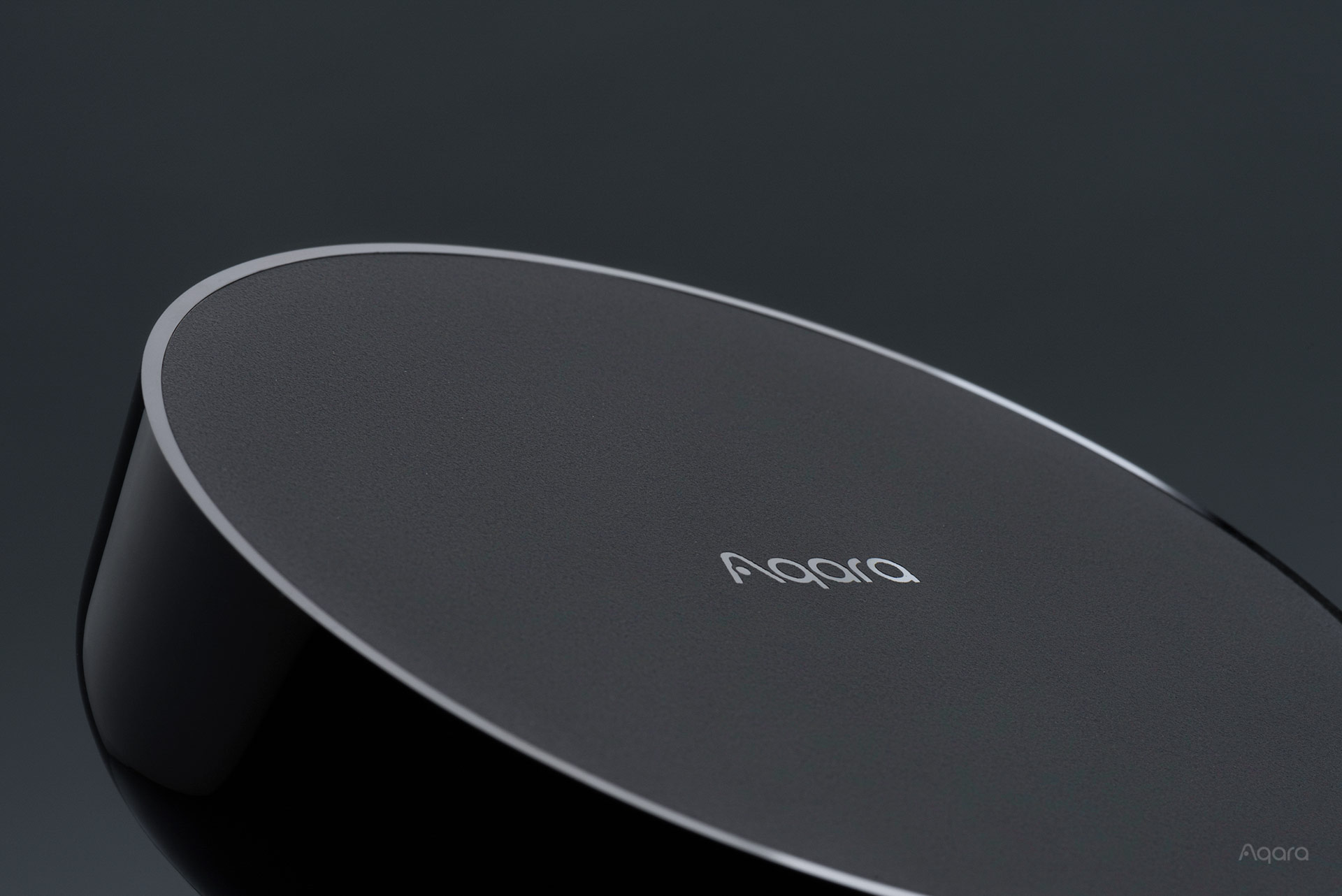
With multiple different Smart Home Hubs to choose from, we get a common question – which hub do I need? Here’s a guide and breakdown. First, let’s start with some basics.
What’s a HomeSmart.sg Aqara hub and why do I need it?
Our range of Aqara Hubs can be thought of as a “Zigbee router”. Most of our Aqara smart home devices communicate with each other using a wireless protocol called Zigbee. However, the smart devices don’t talk to each other directly – instead, they communicate with one of our Aqara Hubs, much like how your smart phone connects to WiFi through your router. So you can imagine your Homesmart.sg Aqara Hub creating a Zigbee wireless network, and all the other smart home devices connecting to the network as clients, or “child devices”.
What are the HomeSmart.sg Aqara Hubs available?
-
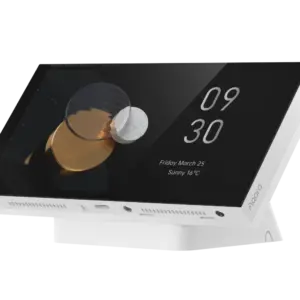 Aqara Panel Hub S1 Plus (Desktop Version)$559.00
 -
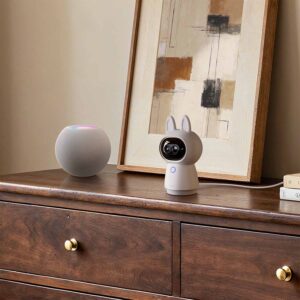 Aqara G350 Camera Hub$299.00
 -
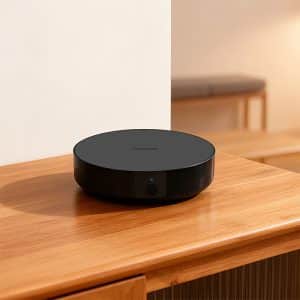 Aqara M200 Hub$149.00
 -
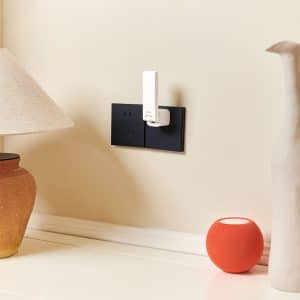 Aqara M100 Hub$89.00
 -
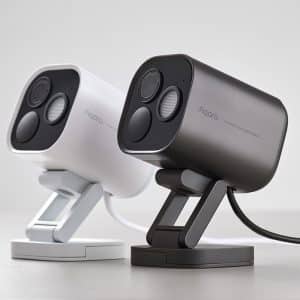 Aqara Camera Hub G5 ProPrice range: $399.00 through $469.00
 -
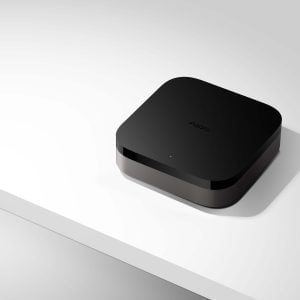 Aqara M3 Hub$289.00
 -
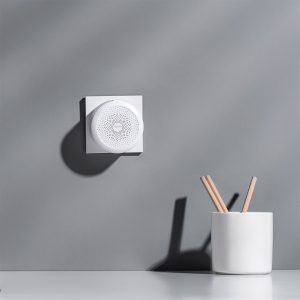 Aqara M1S Hub Gen 2$99.00
 -
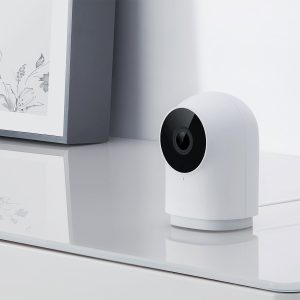 Aqara G2H Pro Camera Hub$139.00
 -
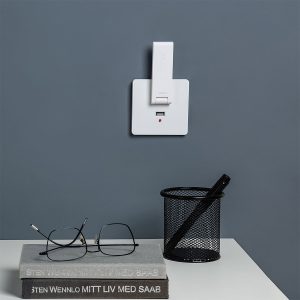 Aqara E1 Hub$49.00
With this many hubs to choose from, the simple answer is that you just have to pick the one that suits your needs. You’ll notice that most of these products have multiple functions – for example, the Camera Hubs are both a security camera and a Zigbee hub. Here’s the breakdown.
| Product | RGB Light | Smart Aircon Control | Security Camera | Speakers (for alarms etc.) | Ethernet Port |
|---|---|---|---|---|---|
| Hub M3 | No | Yes | No | Yes (95 dB, loud) | Yes (PoE) |
| Hub M200 | No | Yes | No | Yes (90 dB) | Yes (PoE) |
| Hub M100 | No | No | No | No | No |
| Hub M1S Gen 2 | Yes (18-LED ring) | No | No | Yes | No |
| Camera Hub G2H Pro | Status LED only (not decorative) | No | Yes (1080p) | Yes | No |
| Camera Hub G350 | No | No | Yes (4K dual-lens) | Yes (two-way audio) | No |
| Camera Hub G5 Pro (PoE) | No | No | Yes (2K, IP65) | Yes (100 dB) | Yes (PoE) |
| Camera Hub G5 Pro (Wi-Fi) | No | No | Yes (2K, IP65) | Yes (100 dB) | No |
| Panel Hub S1 Plus | No | No | No | Yes | No |
| Doorbell Hub G410 | No | No | Yes (2K, 175°) | Yes (95 dB chime) | No |
To be clear, “RGB Light” above means there’s a light built into the product itself; not that it can control RGB lights.
With these differences spelt out, it makes the choice easier. For example, if you need a home monitoring camera, it makes sense to pick one of our camera hubs, such as the Aqara G2H Pro or G350. If you don’t, the M200 or M3 may be more suitable.
If you’re just looking for the most affordable hub, the Aqara M100 is your best bet. It’s small, and it’s also a Thread Border Router and Matter Controller.
Will I need multiple Zigbee hubs?
As these hubs are creating a wireless network, naturally, there is a limitation of the wireless range. Depending on the size of your home, or on the spread of the HomeSmart.sg Aqara smart devices you’re installing, you may need multiple hubs.
Each hub has a range of up to 20 metres (with no walls in between). In real world applications and considering walls, you should probably have one hub per 500sqft (this is an estimate). For best results, you may even consider one hub per room – this ties in nicely with our Aqara M200 or M3 hubs as air-conditioner controls, as they can only control the air-conditioners in the room it’s in.
Note that ultimately, many factors such as your home’s layout, furniture, thickness of walls affect your Zigbee network, and there is no way to definitively know how many you will actually need in real life. The only way to know for sure is to actually set your home up, and check the Zigbee signal on your devices in the app.
Zigbee Repeaters
One thing to note is that Zigbee creates a Mesh network – meaning certain Zigbee devices actually work as repeaters. They connect to your main Zigbee hub, and become part of the mesh Zigbee network – essentially extending the range. This means that it may be possible to have only a single hub in your home if you have multiple repeaters.
What works as repeaters? Basically, any plugged-in and permanently powered Zigbee device (excluding anything that has a battery). This includes:
- Wired wall switches (neutral only – no-neutral switches do NOT work as Zigbee repeaters)
- Smart lights and bulbs
- Curtain and blind motors
If you have these products in your home, you may require less Zigbee hubs. Do note however that every hub also has a maximum number of Zigbee child devices they can be connected to [the M3 can take up to 127 devices with the help of router devices, and the M200 takes 40 Zigbee plus 40 Thread devices].
Can I use different hubs in one home?
Yes! That’s the point. You could, for example, use the G350 in the living room for home monitoring, with an M200 in the same room and another in the bedroom for smart aircon control.
What we like about each hub
HomeSmart.sg Aqara M3 Hub
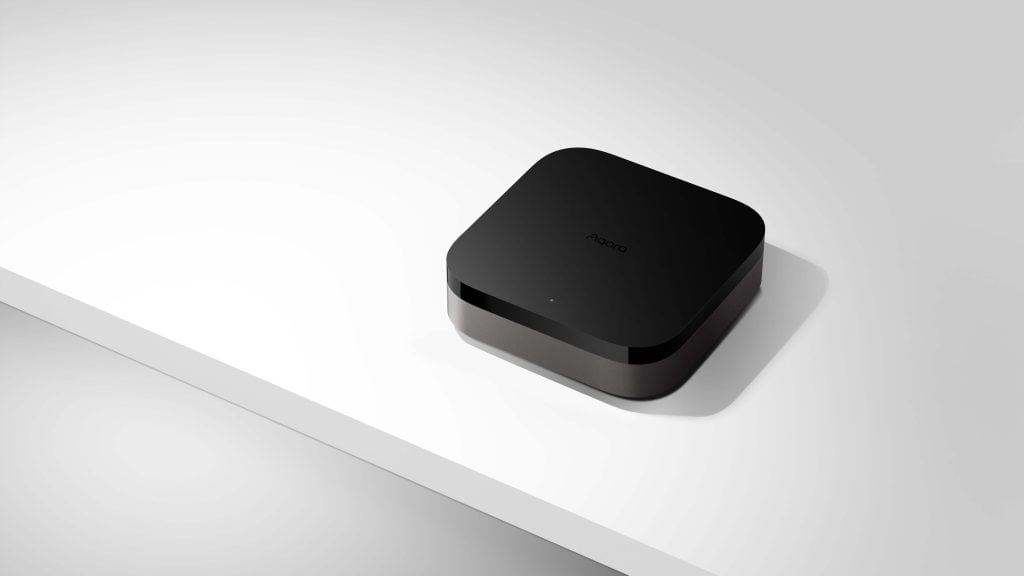
Aqara M3 Hub
Multi-protocol hub for connecting Zigbee and Thread devices to the Aqara and Matter ecosystem. Features smart control of existing air-con systems that works with multiple platforms, including Apple Home.
The M3 is our flagship hub and the one we recommend most. It’s the most capable standalone hub in the lineup — and for good reason. It handles up to 127 devices (64 directly, more via Zigbee router devices extending the mesh), has a 360° IR blaster for smart aircon control (including inside Apple Home), a 95dB speaker for alarms and automations, PoE support, and dual-band Wi-Fi. It runs automations locally — including multi-hub Edge automations — meaning your smart home keeps working even when the internet goes down. And with a second M3 in the home, even a failed hub’s automations get taken over automatically.
What sets it apart from the rest of the lineup isn’t any single feature, it’s the combination. Aircon control in Apple Home is genuinely rare. The speaker opens up automation possibilities most people don’t think about until they have it: door open alerts, security alarms, custom announcements. And with capacity for up to 127 devices (64 connected directly, the rest through Zigbee routers and Thread extenders), it has headroom for even the most extensively fitted-out home.
If you’re building a smart home from scratch and want one hub that handles everything without compromise, this is it.
HomeSmart.sg Aqara M200 Hub

Aqara M200 Hub
Versatile smart hub that connects Aqara Zigbee devices and brings Matter compatibility through its built-in Matter Controller, Thread Border Router, and Matter Bridge. It also supports IR control with status feedback and Matter integration for air conditioners.
The M200 sits in a sweet spot that the M2 (discontinued) used to occupy but couldn’t match on specs. It’s a Matter Controller and Thread Border Router with Wi-Fi 6, powered by USB-C or PoE, handles aircon control via its IR blaster, and supports up to 40 Zigbee and 40 Thread devices – more than enough for a typical Singapore home. Most importantly, its air-conditioner control is supported on Apple Home — and it even detects when the original aircon remote is used, keeping the aircon’s status in sync. A 90dB speaker with custom audio messages rounds out alarms and alerts.
For households who want a capable, future-ready hub without paying flagship prices, it’s our go-to mid-range recommendation. Upgrading from an older Aqara M2 (discontinued)? Read our Hub M200 vs M2 comparison.
HomeSmart.sg Aqara M1S Gen 2 Hub
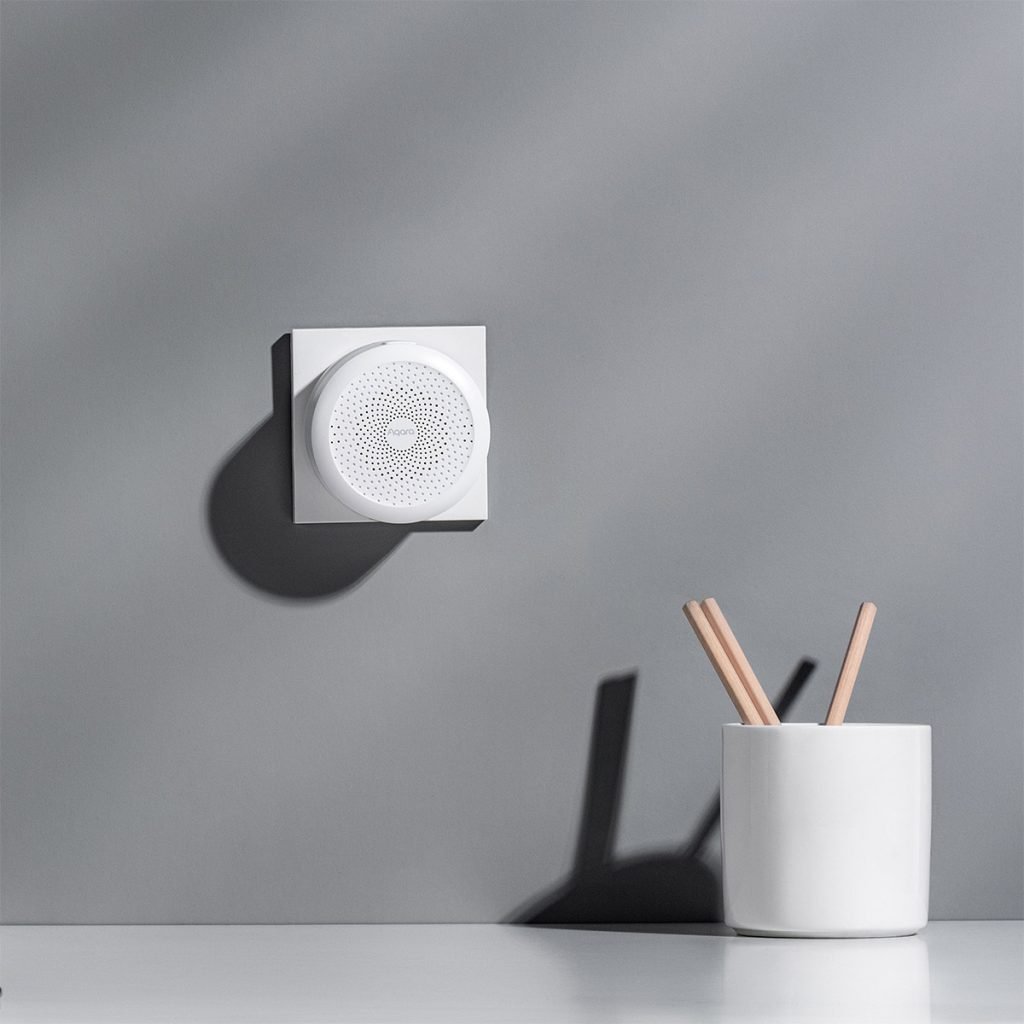
Aqara M1S Hub Gen 2
Night light and notification speaker that also works as an Aqara Smart Home Hub.
A very nice product with a great idea of an RGB light that can create a localized mood in a corner of your room. Its built-in speakers can also get pretty loud, making it a good option for a doorbell, security alarm, or to get notifications. You’re able to create automations that combine both lights AND sounds, so it could be a great way to have notifications that alert you both audibly and visually.
Placement of the hub a bit harder due to its inbuilt, 2-pin plug design.
HomeSmart.sg Aqara Hub M100

Aqara M100 Hub
Dual-protocol hub, featuring Zigbee and Thread support, and offering excellent cost performance. Works as a Zigbee hub, a Thread Border Router, and a Matter Controller in a diminutive, easy-to-use form factor.
Small in size, big in features. This unassuming, very affordable hub is great for creating a Zigbee network in areas your main hubs can’t get to. In fact, it can be used as a main Zigbee Hub if you don’t need all the other features such as cameras or air-con control.
It’s also a Thread Border Router and a Matter Controller for forward compatibility.
HomeSmart.sg Aqara G2H Pro Camera Hub
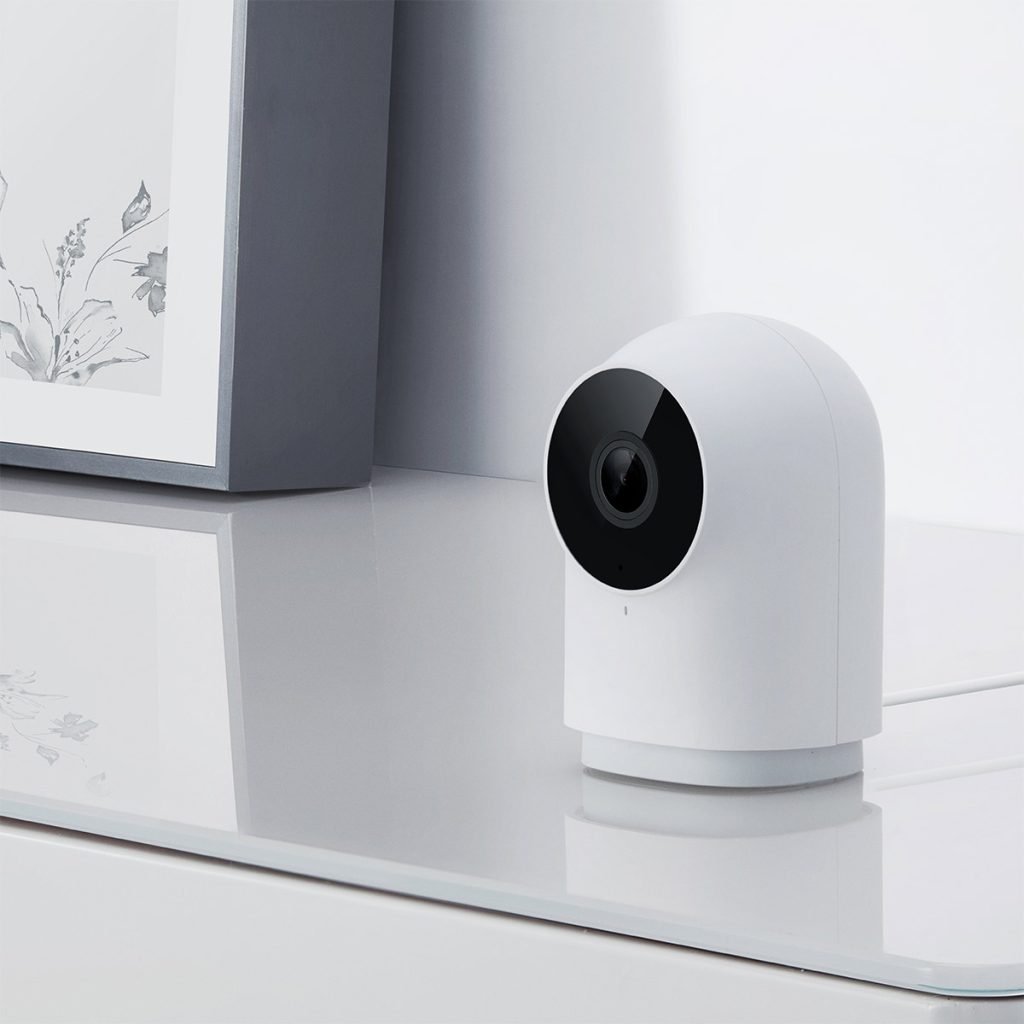
Aqara G2H Pro Camera Hub
Smart, connected camera with motion detection and night vision capabilities. Works with Aqara Home app, Apple HomeKit Secure Video, Google Home, and Alexa. Also works as a hub for other Aqara Smart Devices.
Our favourite camera, the G2H Pro is compactly sized and easy to mount – features we consider important for a camera. It might not have all the bells and whistles of the G350, but it is perfectly capable in its own right.
Some customers prefer a camera that can pan and tilt (the G350 does that), but we’re not convinced pan-tilt is an important consideration for a home monitoring camera.
HomeSmart.sg G350 Camera Hub

Aqara G350 Camera Hub
The world’s first Matter 1.5-certified camera — with dual 4K/2.5K lenses, 9× hybrid zoom, 360° pan-tilt, local AI detection, and a built-in Zigbee hub and Thread Border Router. Works with Apple Home, Google Home, Alexa, and more.
The G350 is the successor to the G3 (discontinued) and currently the most capable indoor camera hub we stock. The dual-lens system — a 4K wide-angle and 2.5K telephoto with 9x hybrid zoom — is a meaningful step up from the G3’s single 2K lens, and the AI tracking is noticeably smoother.
As a hub, it’s also a Thread Border Router and Matter Controller, making it more future-ready than the G3. The one thing it gives up is the IR blaster, so it can’t do aircon control. If your aircon is handled by an M-series hub, that’s not a problem. No current Aqara camera has an IR blaster, so for aircon control pair it with an M200 or M3 in the same room.
HomeSmart.sg Aqara Camera Hub G5 Pro

Aqara Camera Hub G5 Pro
Flagship, weatherproof camera with WiFi and PoE variants, perfect for securing your home, especially in the exterior. Features full-colour night vision, a spotlight, and 2K video resolution.
Waterproof and weatherproof, the G5 is generally used outside the home as a security camera, and so may serve perfectly as a hub for any products you’re using outdoors.
HomeSmart.sg Aqara Video Doorbell G410
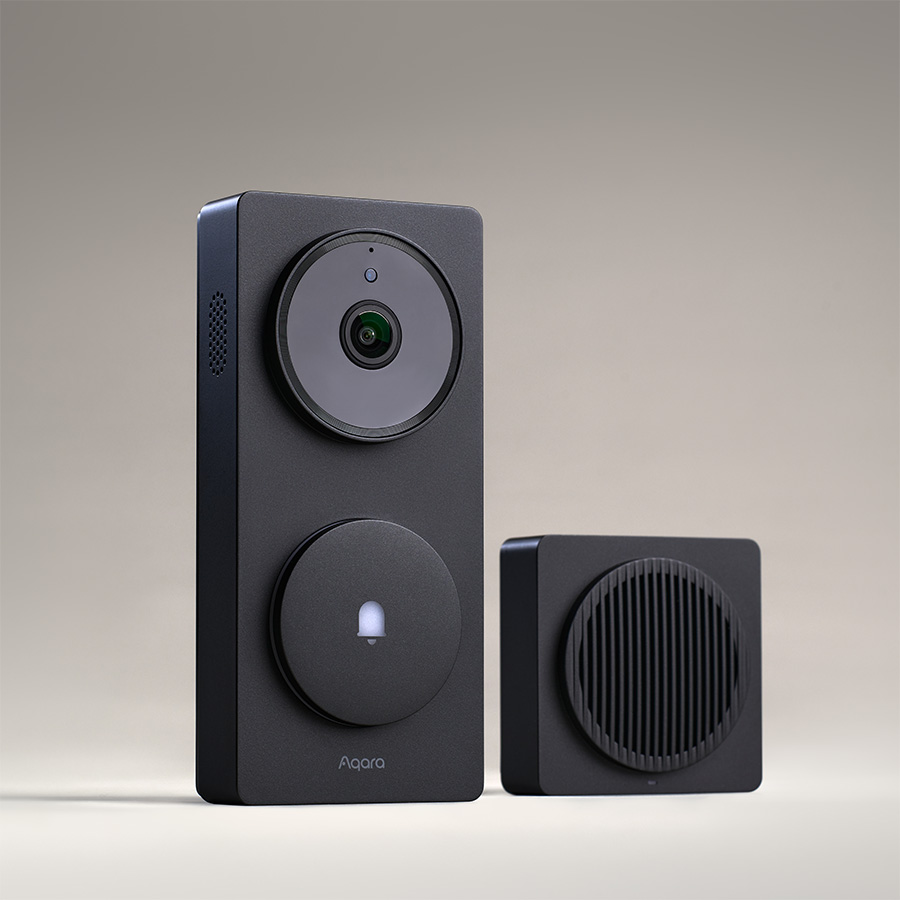
Aqara Smart Video Doorbell Hub G410
Video doorbell that can be wired or battery-powered. Supports Apple HomeKit Secure Video, Google Home, and Alexa; plus the Aqara Home app. Works as a hub as well.
A doorbell and a hub. At this point, we’re worried that the hub offerings may confuse clients. However, as our digital locks are very popular, even standalone that’s not part of a larger smart home system, the Aqara G410 works perfectly as a product that works in tandem with an Aqara door lock – serving as its Zigbee hub or Thread Border Router, while fulfilling its duties as a doorbell.
HomeSmart.sg Aqara MagicPad S1 Plus / Panel Hub S1 Plus
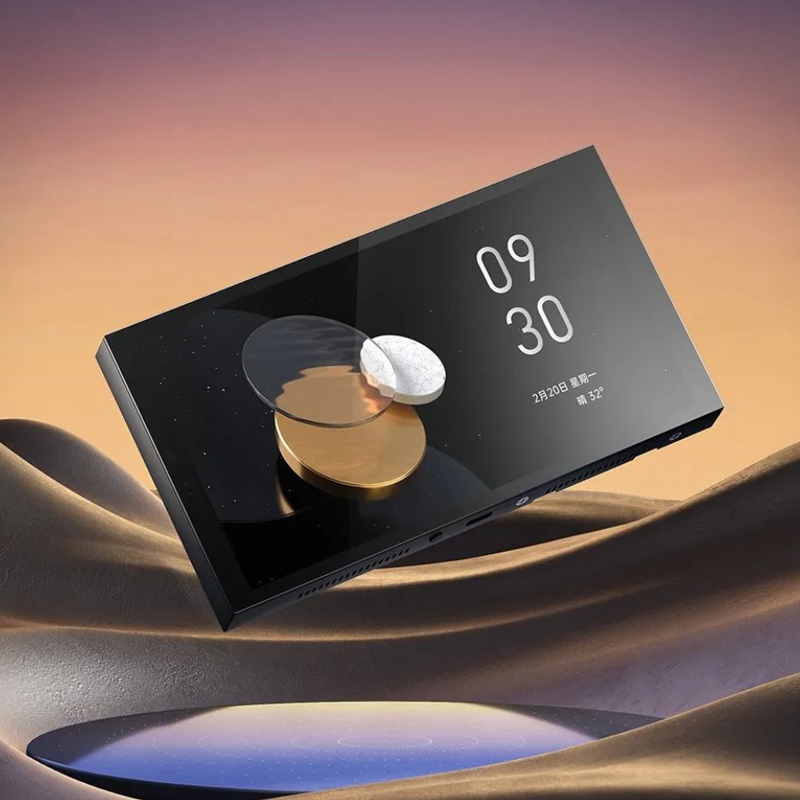
Aqara Panel Hub / MagicPad S1 Plus
Revolutionizes full screen smart home control, Its distinctive features include customizable themes, touchscreen control for devices and scenes, and support for quick theme changes.
A touchscreen switch that works as a Zigbee hub. Considering the higher price point, most clients incorporate this touchscreen panel into their smart home for its customizable screen, its function as a security camera / doorbell monitor, and its easy touch controls – not for its Zigbee hub function. Still, it’s a useful feature. It also comes as a Desktop Version that stands on a table and runs on USB-C, with the same Zigbee hub inside.
Comparing Hubs
Aqara M3 vs M200
The Aqara M3 Hub and the Aqara M200 Hub are both Matter Controllers with IR-based aircon control – and both exposes the aircon on multiple platforms, including Apple Home and Google. On paper, they cover the same ground. The meaningful differences come down to scale, connectivity, and future-proofing ceiling.
The M3 supports up to 127 devices — 64 connected directly, with the rest joining through router devices (plugged-in Zigbee devices like neutral-wired wall switches) that extend the mesh — against the M200’s 40 Zigbee + 40 Thread. For a larger home with many devices spread across rooms, that headroom matters. One thing that isn’t a difference, despite what some comparisons claim: both hubs support PoE (48V⎓0.27A on the M3, 48V⎓0.25A on the M200) and both have loud built-in speakers (95dB on the M3, 90dB on the M200). Power, ports and alarm volume shouldn’t drive this decision.
What genuinely separates them is what happens when your smart home grows beyond one hub — or when something goes wrong. The M3 is an Edge hub: automations that span multiple hubs run locally on the M3 itself instead of through Aqara’s cloud, making them faster and more resilient. With several Aqara hubs in one home, the M3 forms a Hub Cluster and leads up to 10 of them; with two or more M3s, a hub that goes offline has its automations automatically taken over by the others. The M3 also carries 8GB of encrypted onboard storage for automation configurations and device logs, and it can absorb an older hub (M2—discontinued, M1S or E1) during an upgrade with its configuration retained. The M200 can join a cluster as a member, but it can’t lead one, and it has none of this failover machinery.
The M200 pushes back with two advantages of its own. It’s the newer platform — Wi-Fi 6, USB-C, launched late 2025 — and its IR blaster detects when the original aircon remote is used, keeping the aircon’s real state in sync in the app and in Apple Home. The M3 doesn’t advertise remote detection; it sounds minor, but it’s what stops automations from acting on stale “aircon is off” data after someone in the family uses the physical remote.
Verdict: For most HDB and condo setups with under 40 devices, one or two aircons, and no multi-hub ambitions, the M200 is genuinely sufficient and saves you money. Go for the M3 if you’re building a whole-home system with many devices or several hubs — or if you never want automations to die because the internet or a single hub did. The two also pair well together: an M3 as the main (leading) hub, with M200s as satellite hubs handling the aircon in other rooms.
Aqara M3 vs M100
Surprisingly close on protocol support — both the M100 and M3 are Zigbee hubs, Thread Border Routers, and Matter Controllers. The price gap is explained by everything the M3 adds on top: IR aircon control, a 95dB speaker, PoE, the Edge and Hub Cluster resilience features, and a device cap of up to 127 devices.
For a secondary hub in a spare room, or a small flat with no aircon control needs, the M100 is exceptional value. As a primary hub for a full home setup, the M3’s features earn their premium.
Verdict: M100 for secondary coverage or minimalist setups. M3 when aircon, speaker automations, or a large device count are part of the plan.
Aqara M200 vs M100
Both are Matter Controllers and Thread Border Routers — the real question is whether you need aircon control. The M200 adds an IR blaster for smart aircon, a 90dB speaker and PoE, and takes up to 40 Zigbee plus 40 Thread devices. The M100 is the more compact, affordable option for rooms where aircon control isn’t needed.
Verdict: M200 if aircon control is on the list. M100 if you’re adding a hub purely for Zigbee/Thread coverage.
Replacing an older G3 camera hub
The G3 has been discontinued, and the G350 is its successor. Moving from a G3 to a G350, you gain a 4K wide-angle lens plus a 2.5K telephoto lens with 9x hybrid zoom, Thread Border Router and Matter Controller support, and Wi-Fi 6.
You lose one thing: the G3’s IR blaster. No current Aqara camera controls an air-conditioner, so if your G3 was running the aircon in that room, add an M200 or M3 alongside the G350.
Aqara G410 vs M-series
The G410 often comes up alongside M-series hubs for customers pairing with an Aqara smart door lock. As a Thread Border Router and Matter Controller, the G410 can serve as the primary hub for a Thread-based lock — meaning you may not need a separate standalone hub at the entrance.
That said, the G410 is a doorbell first. If your use case extends beyond the door — aircon control, sensors throughout the home, multiple rooms — an M-series hub should be your primary hub, with the G410 complementing it. For a minimal setup centred around a lock and doorbell only, the G410 alone can be sufficient.
Verdict: G410 as a standalone hub works well for lock-and-doorbell-only setups. For a fuller smart home, pair it with an M100, M200, or M3 as the primary hub.
For Advanced Users
If you’ve done some further reading, you’ll probably hear other things like “Matter” and “Thread”. Here’s the lowdown.
- Thread is an alternative to Zigbee – essentially a competing standard. However, it’s not yet as commonplace as Zigbee.
- Matter is a new smart home standard that was introduced a few years ago, but hasn’t fully reached maturity and mass adoption.
We’ve concentrated mostly on Zigbee hubs because it’s established, well-developed, and most of our products are based on the Zigbee standard. While Matter and Thread may be the future, it isn’t yet the present. For homeowners who want a dependable, established system here and now, we recommend taking Matter and Thread out of the equation because it blurs lines and confuses many of the clients we’ve spoken to.
If you’re a forward looking, tech-savvy homeowner, then this might be important to you in the future – especially if you plan to continue tinkering and adding devices as you go along.
Here’s a quick table to understand more about how our hubs have Thread or Matter integration.
| Product | Zigbee Hub | Thread Border Router | Matter Controller | Matter Bridge |
|---|---|---|---|---|
| Hub M3 | Yes | Yes | Yes | Yes |
| Hub M200 | Yes | Yes | Yes | Yes |
| Hub M100 | Yes | Yes | Yes | Yes |
| Hub M1S Gen 2 | Yes | No | No | No |
| Camera Hub G2H Pro | Yes | No | No | No |
| Camera Hub G350 | Yes | Yes | Yes | Yes |
| Camera Hub G5 Pro (PoE) | Yes | Yes | Yes | Yes |
| Camera Hub G5 Pro (Wi-Fi) | Yes | Yes | Yes | Yes |
| Panel Hub S1 Plus | Yes | No | No | Yes |
| Doorbell Hub G410 | Yes | Yes | Yes | Yes |