Smart Home – Upper Serangoon, Singapore
HDB | Upper Serangoon, Singapore | 2 Adults
This five-room flat in Hougang was always meant to be more than functional. With windows that look out onto river views and a renovation led by Inizio Atelier, it was redesigned as a quiet, comfortable space tailored to the couple’s daily life – from working at home to entertaining, to finding time for their own hobbies.
We first met them during the renovation process, when they approached HomeSmart to help build a smart home that felt personal and practical. Their priorities were clear: seamless Apple Home and Home Assistant integration, simple controls, and automations that fit naturally into their routines.
Smart Home Devices Integrated
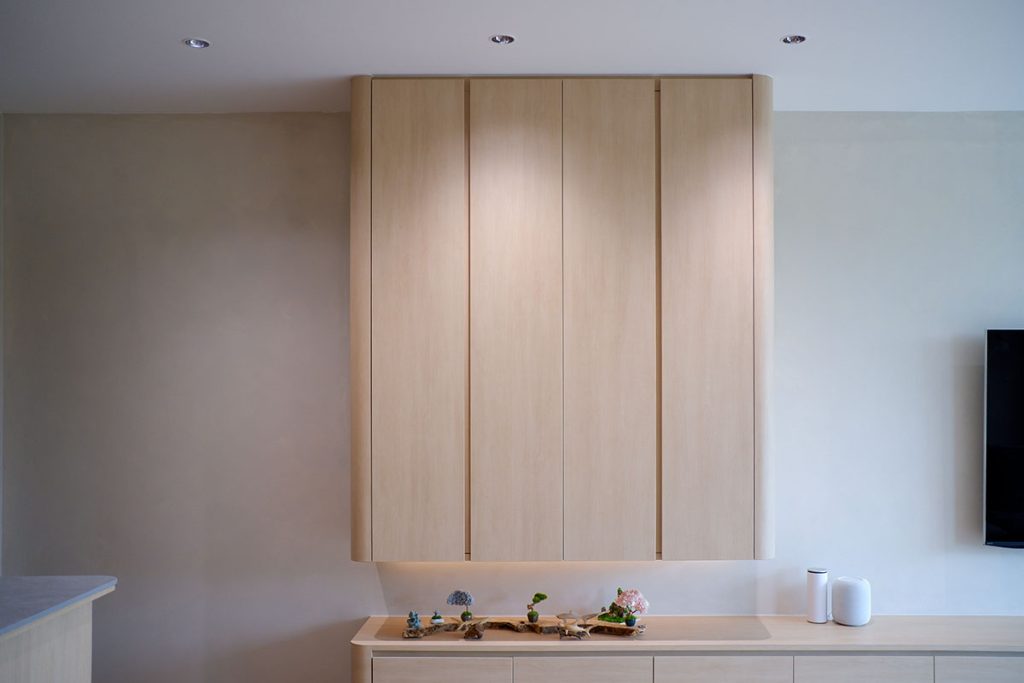
To bring their vision to life, the couple selected a range of Aqara devices tailored to both function and flexibility. Their lighting throughout their home was a mix of our Smart Lighting – generally our downlights and LED strips – with other traditional lighting. They chose to use our Z1 Pro Smart Switches for their sleek touch sliders that can adjust the brightness of our smart lights. The smart functionality of the smart switches’ gangs were used to control the standard lighting fixtures and ceiling fans. These Haiku fans, with a last-memory setting, could be simply and integrated into their smart home via the on/off control of smart switches.
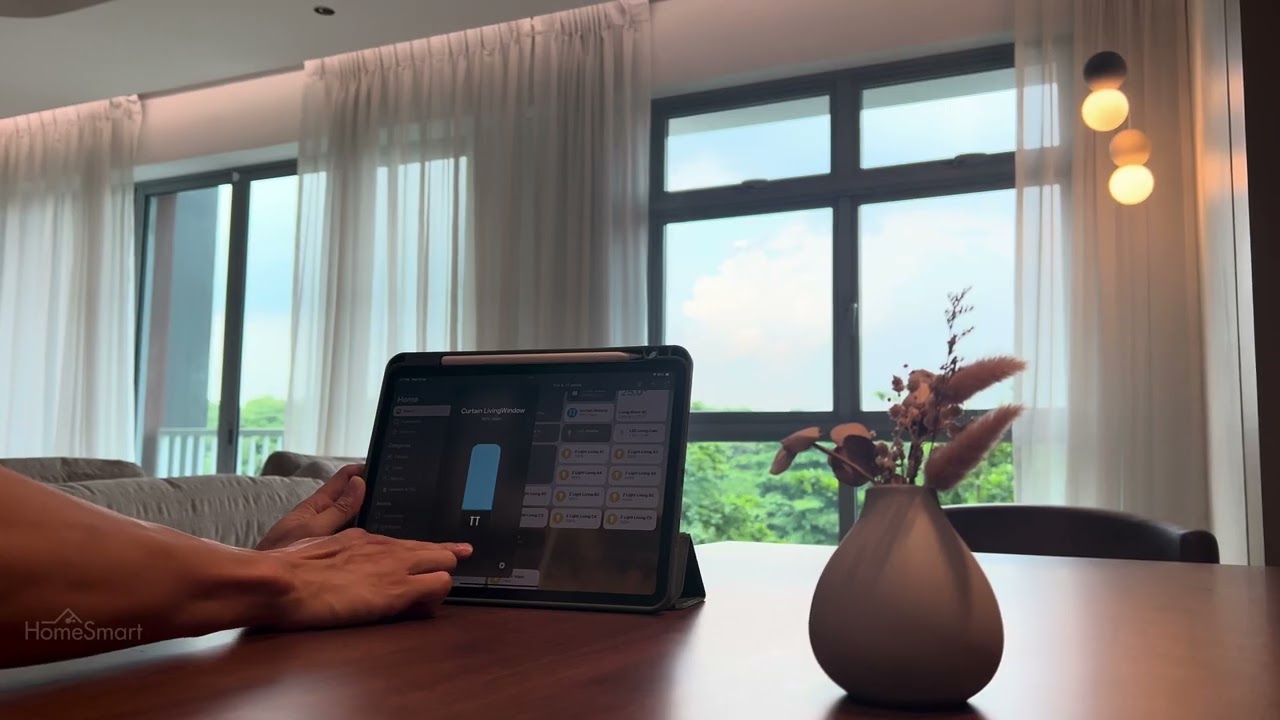
Smart curtains add a layer of comfort and privacy across three key rooms – blackout fabrics in the bedroom and study, and a sheer layer in the living room for softened daylight. At the heart of the home, a single Magic Switch S1E anchors the system with access to mood lighting scenes, from everyday living to photo-worthy dining.
A D200i Smart Door Lock supports Apple Home Keys, letting them unlock the front door with just a tap of their iPhone or Apple Watch. The entrance is also secured by a Video Doorbell G4, which streams live footage directly to their Apple TV when someone rings. Voice commands via a HomePod offer another layer of control.
Motion sensors activate gentle under-bed lighting at night and hands-free bathroom lights. Door and window sensors power up wardrobe and cabinet lights only when needed, keeping the home feeling seamless and efficient—smart in all the right places, and invisible everywhere else.
Living with a Smart Home
Almost a year later, they invited us back to see how it had all come together.
What we found was a home where the smart features weren’t the focus, they were simply part of how things worked. Lights that could work as a group or individually. Curtains that open gradually with the morning alarm. A dining scene that adjusts the lights for different moods and moments.
Our favourite bit is probably their one scene called “Clap clap,” a playful nod to guests who ask if the lights work like in the movies. Thanks to Siri, now they sort of do. Say “Hey Siri, clap clap,” and the pendant lights turn on automatically.
In this interview, they reflect on the experience – from planning and setup, to the small conveniences that now feel second nature.
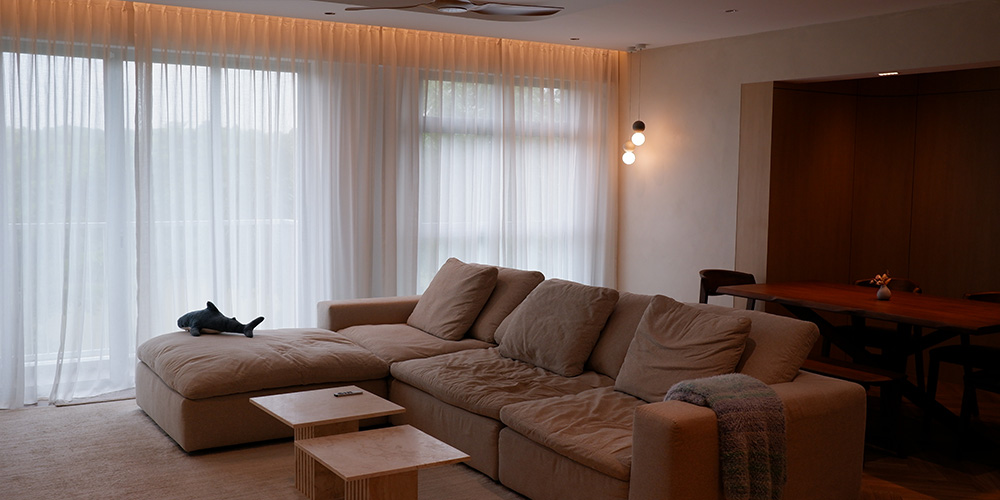
“We’re so spoilt now that staying in hotels feels inconvenient—having to walk across the room just to turn off the lights.”
1. What made you decide to set up a smart home, and how did you get started on the journey?
Since young, I’ve been fascinated by the cartoon ‘Jetsons’ and their high tech home of the future. Now that I have my own home, of course I want to make it high tech. I have always been watching smart home YouTube channels like Smart Home Solver, Everyday Smart Home, Shane Whatley, Paul Hibbert etc over the years and collected many ideas on how I wanted build my own. When it was time to start selecting the products, the reviews on these channels help me make my decision.
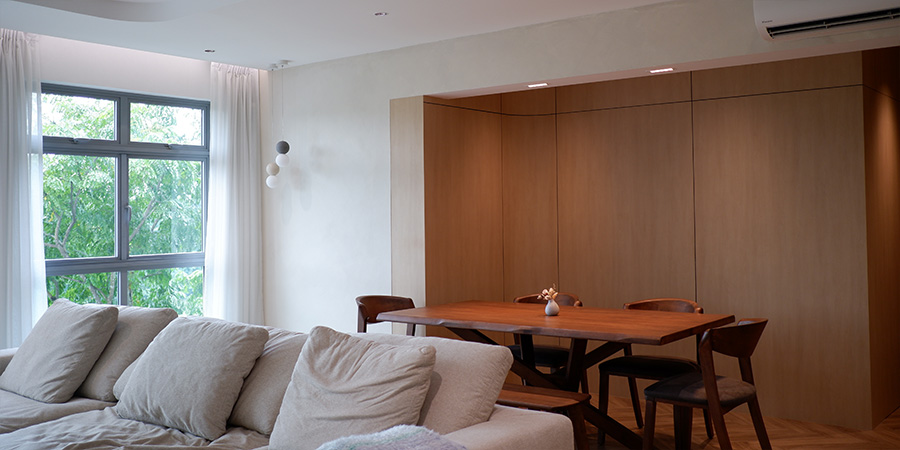
2. What were some key features or systems you wanted to prioritise in your smart home setup?
We wanted a system that has Apple Home and Home Assistant integration. This would allow us to have a central place to control all functions and equipment, without having to open multiple apps.
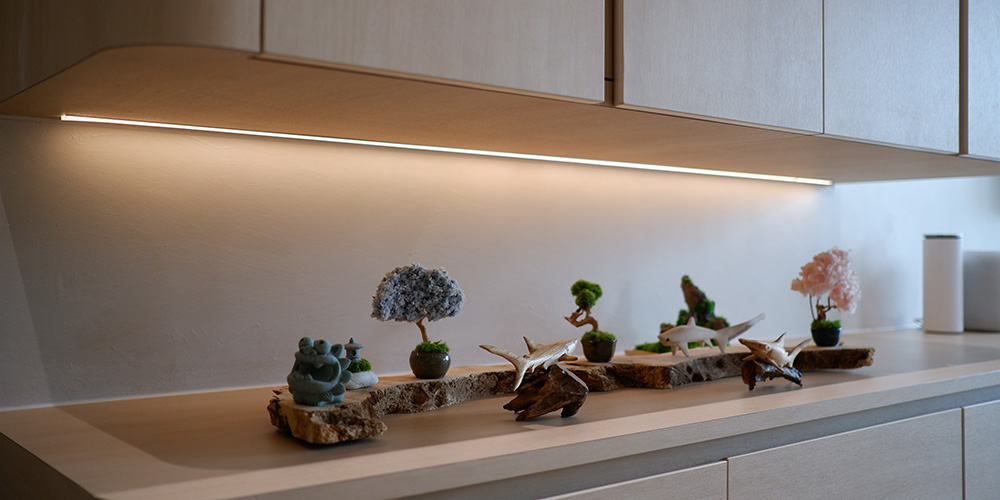
3. Can you describe how you use the smart home system in your day-to-day life now? Which smart features have had the biggest impact on your daily routine?
We automated our go to sleep and wake up routines.
Using a wireless switch, a single click means one of us is sleeping, and it turns off the bedroom lights. A double click means both of us were going to sleep and the whole house turns off.
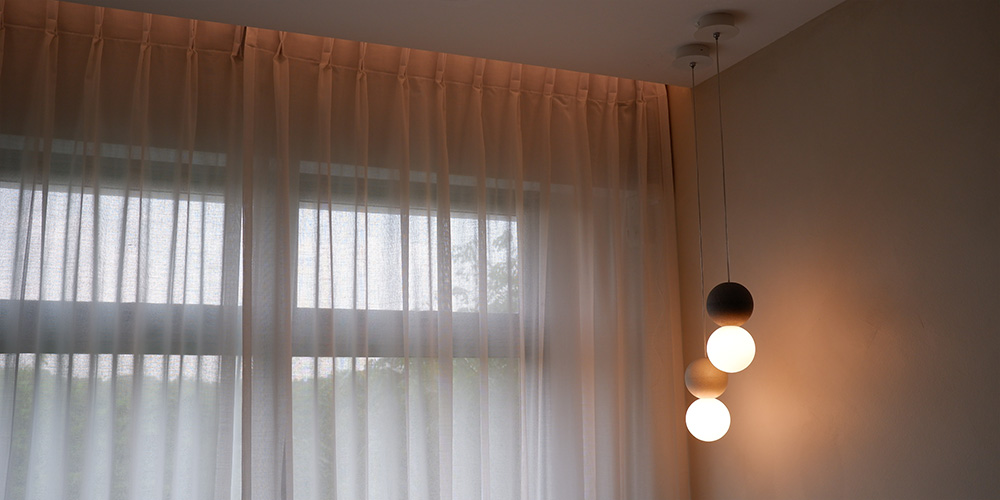
We also automated our wake up routines by setting up shortcuts on our iPhones, linking it to our alarms. When our alarm rings, it opens the curtains slightly to let the sunlight in. 5 mins later it opens more. It also turns on a spotlight right above the bed depending on whose alarm it is.
4. Did any smart home feature surprise you – something you didn’t expect to love but now rely on?
We knew this smart home would be awesome, but it turned out to be even more awesome. We are now so spoilt that when we stay in hotels we dread walking few steps to turn off lights.
5. For someone considering smart home upgrades, what advice would you give based on your experience?
If you are renovating, think of what you want before electrical work. Work with your electrician to ensure that they understand the requirements like wiring layout and locations of socket points etc.
Learn how to configure the smart home on your own, so that you can make it suit your lifestyle. It will evolve as you live in the home and being able to make changes yourself is awesome. It’s simpler than you think.
Inspired Automations
Here’s a look at a few of the couple’s favourite automations, built around how they live, work, and wind down.
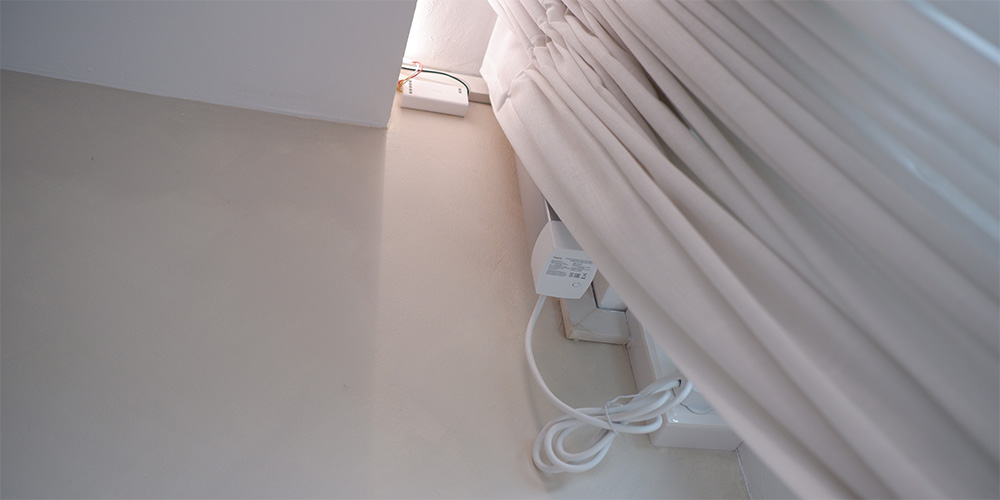
- Every weekday morning, they have an alarm set at 8am. This not only applies to their alarm clock, but – through Siri Shortcuts – they have set their curtains to open and pelmet LED strips to turn on to get them ready for the day.
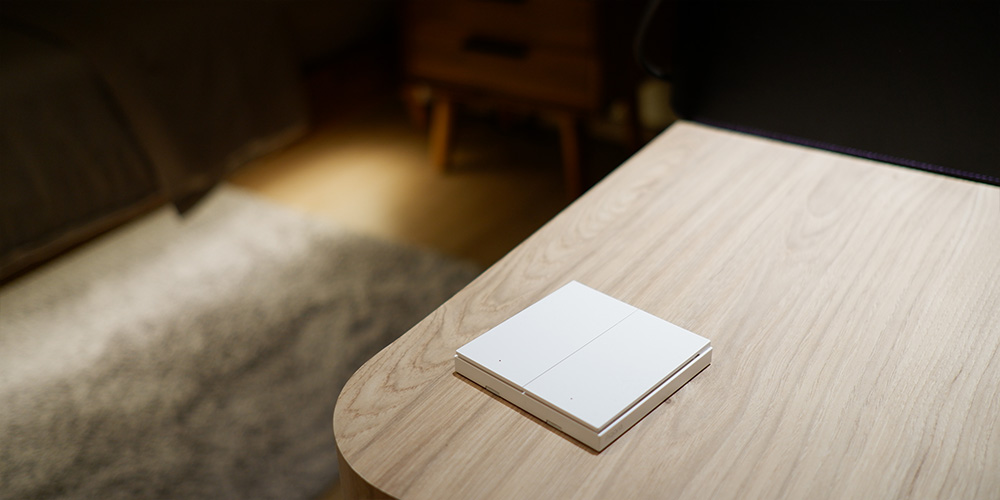
2. A wireless switched strategically placed on each bedside table. Single click – one person is going to bed, to turn off all lights in bedroom. Double click – both are going to bed, to turn off all lights in the house.
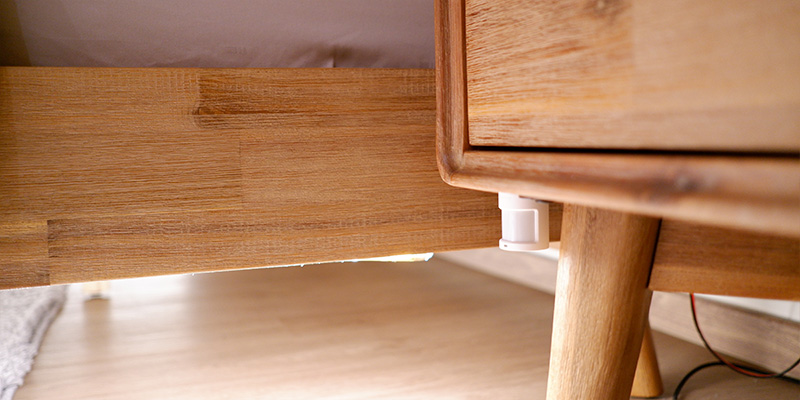
3. Motion sensor placed at the bottom of the bedside table, to turn on LED strips under bed at 10% brightness when motion is detected between 10pm to 6am.
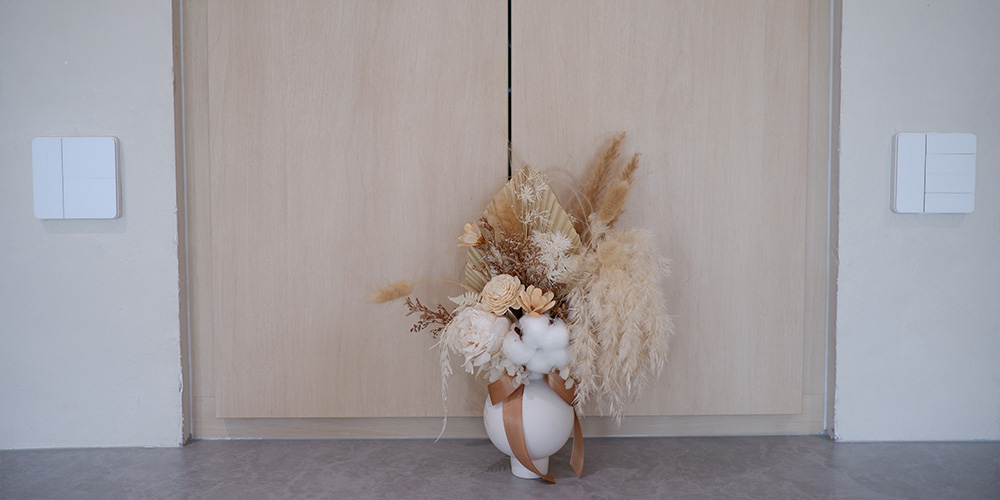
4. As this area is located at the main entrance, they automated the top gang to control most frequently used lights – the living room downlights. Bottom gang automated to act as a master switch to turn off all lights in the house.
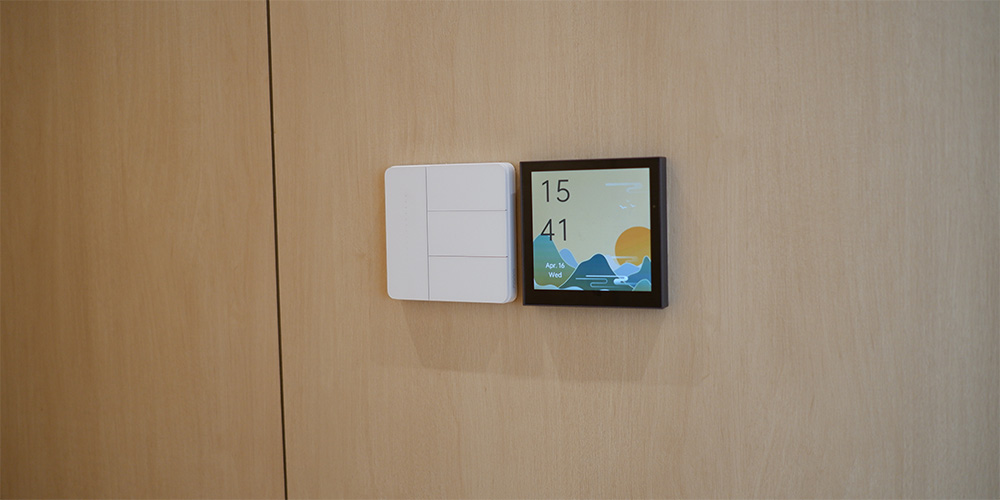
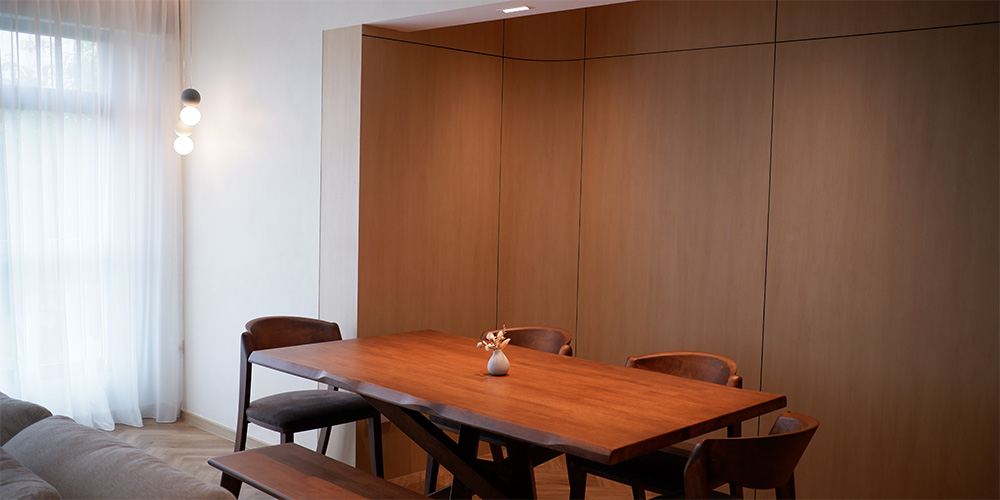
5. Located at the dining area, at the centre of the house, this Aqara Magic Switch S1E allows for wall controls of lights and scenes. Trigger whole-home scenes, such as a morning scene with cooler lights, or an evening scene with warmer and dimmer lights. It’s also possible to activate scenes specifically for the dining area – one for regular meals; one for taking food pictures; and a romantic light setting.
To see more on this project, watch the Youtube video below: