
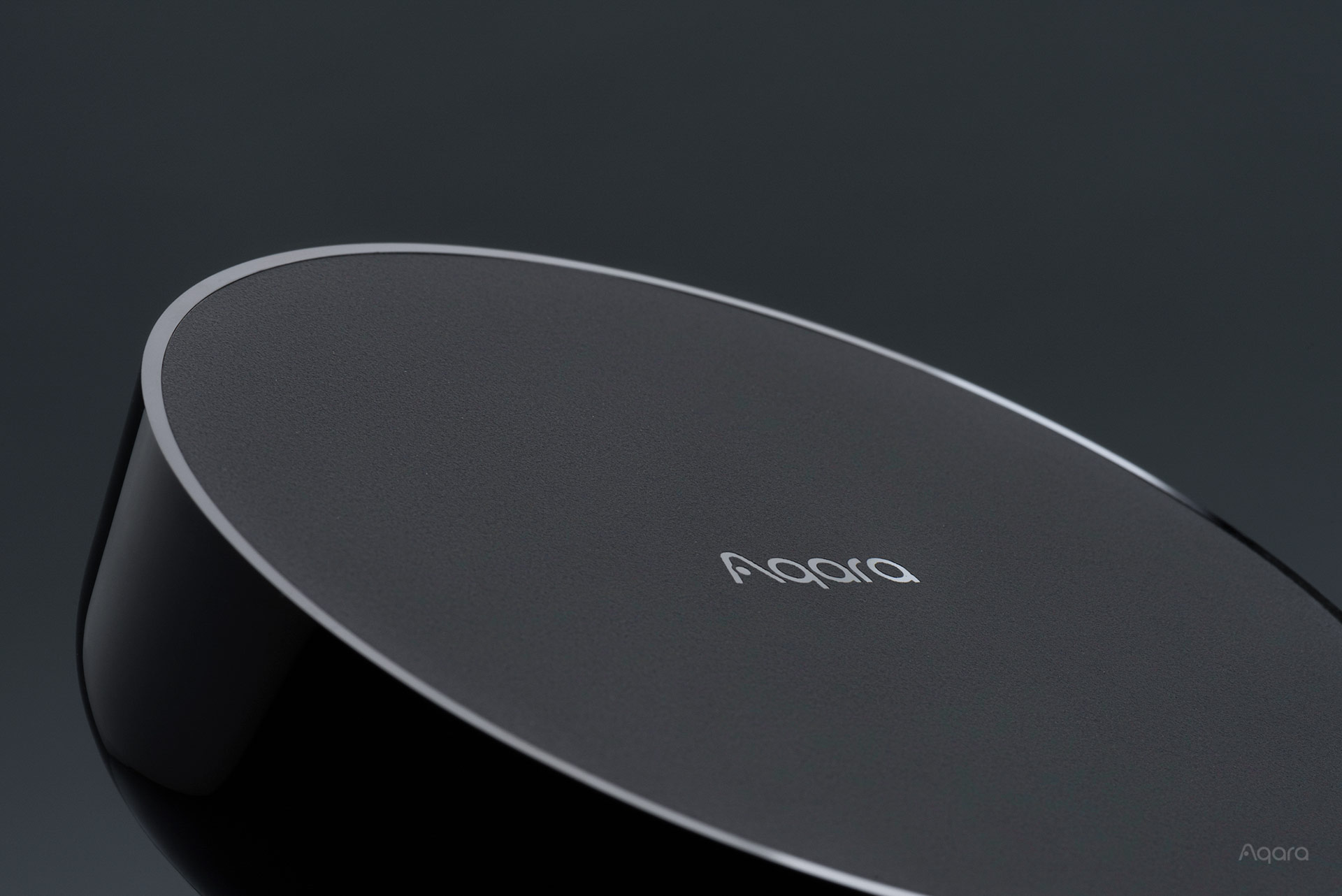
With multiple different Smart Home Hubs to choose from, we get a common question – which hub do I need? Here’s a guide and breakdown. First, let’s start with some basics.
What’s a HomeSmart.sg Aqara hub and why do I need it?
Our range of Aqara Hubs can be thought of as a “Zigbee router”. Most of our Aqara smart home devices communicate with each other using a wireless protocol called Zigbee. However, the smart devices don’t talk to each other directly – instead, they communicate with one of our Aqara Hubs, much like how your smart phone connects to WiFi through your router. So you can imagine your Homesmart.sg Aqara Hub creating a Zigbee wireless network, and all the other smart home devices connecting to the network as clients, or “child devices”.
What are the HomeSmart.sg Aqara Hubs available?
-
 Aqara G350 Camera Hub$299.00
 -
Product on sale
 Aqara M200 HubOriginal price was: $119.00.$111.00Current price is: $111.00.
 -
Product on sale
 Aqara M100 HubOriginal price was: $69.00.$65.00Current price is: $65.00.
 -
Product on sale
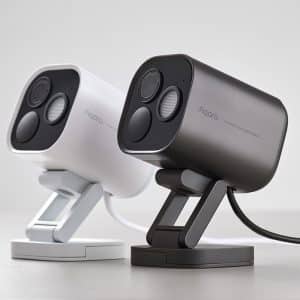 Aqara Camera Hub G5 ProPrice range: $320.00 through $340.00
 -
Product on sale
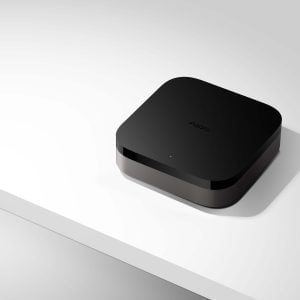 Aqara M3 HubOriginal price was: $209.00.$190.00Current price is: $190.00.
 -
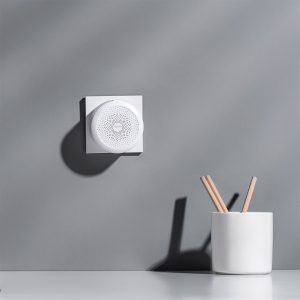 Aqara M1S Hub Gen 2$99.00
 -
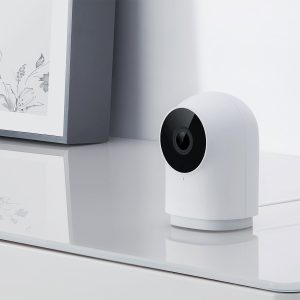 Aqara G2H Pro Camera Hub$139.00
 -
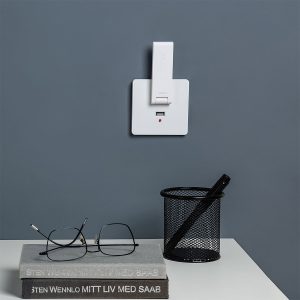 Aqara E1 Hub$49.00
 -
Product on sale
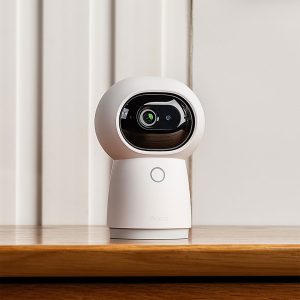 Aqara G3 Camera HubOriginal price was: $199.00.$180.00Current price is: $180.00.


With this many hubs to choose from, the simple answer is that you just have to pick the one that suits your needs. You’ll notice that most of these products have multiple functions – for example, the Camera Hubs are both a security camera and a Zigbee hub. Here’s the breakdown.
| Product | RGB Light | Smart Aircon Control | Security Camera | Speakers (for alarms etc.) | Ethernet Port |
| Aqara M3 Hub | x | Yes (works with HomeKit) | x | Yes (loud) | Yes, supports PoE |
| Aqara M2 Hub | x | Yes | x | Yes (moderate) | Yes |
| Aqara M1S Gen 2 Hub | Yes | x | x | Yes (loud) | x |
| Aqara E1 Hub | x | x | x | x | x |
| Aqara M100 Hub | x | x | x | x | x |
| Aqara G2H Pro Camera | x | x | Yes | Yes (loud) | x |
| Aqara G3 Camera | x | Yes | Yes | Yes (loud) | x |
| Aqara Camera G5 Pro (PoE) | x | x | Yes | Yes (loud) | Yes, supports PoE |
| Aqara Camera G5 Pro (Wi-Fi) | x | x | Yes | Yes (loud) | x |
To be clear, “RGB Light” above means there’s a light built into the product itself; not that it can control RGB lights.
With these differences spelt out, it makes the choice easier. For example, if you need a home monitoring camera, it makes sense to pick our Aqara G2H Pro or the Aqara G3 cameras. If you don’t, the M2 or M3 may be more suitable.
If you’re just looking for the most affordable option, our Aqara E1 is your best bet.
Will I need multiple Zigbee hubs?
As these hubs are creating a wireless network, naturally, there is a limitation of the wireless range. Depending on the size of your home, or on the spread of the HomeSmart.sg Aqara smart devices you’re installing, you may need multiple hubs.
Each hub has a range of up to 20 metres (with no walls in between). In real world applications and considering walls, you should probably have one hub per 500sqft (this is an estimate). For best results, you may even consider one hub per room – this ties in nicely with our Aqara M2 or M3 hubs as air-conditioner controls, as they can only control the air-conditioners in the room it’s in.
Note that ultimately, many factors such as your home’s layout, furniture, thickness of walls affect your Zigbee network, and there is no way to definitively know how many you will actually need in real life. The only way to know for sure is to actually set your home up, and check the Zigbee signal on your devices in the app.
Zigbee Repeaters
One thing to note is that Zigbee creates a Mesh network – meaning certain Zigbee devices actually work as repeaters. They connect to your main Zigbee hub, and become part of the mesh Zigbee network – essentially extending the range. This means that it may be possible to have only a single hub in your home if you have multiple repeaters.
What works as repeaters? Basically, any plugged-in and permanently powered Zigbee device (excluding anything that has a battery). This includes:
- Wired wall switches (neutral only – no-neutral switches do NOT work as Zigbee repeaters)
- Smart lights and bulbs
- Curtain and blind motors
If you have these products in your home, you may require less Zigbee hubs. Do note however that every hub also has a maximum number of Zigbee child devices they can be connected to [most hubs can support maximum 32 devices, some support more (M3) or less (M100)].
Can I use different hubs in one home?
Yes! That’s the point. You could, for example, use the G3 in the living room for home monitoring + smart aircon control, and the M2 in the bedroom for smart aircon only.
What we like about each hub
HomeSmart.sg Aqara M3 Hub
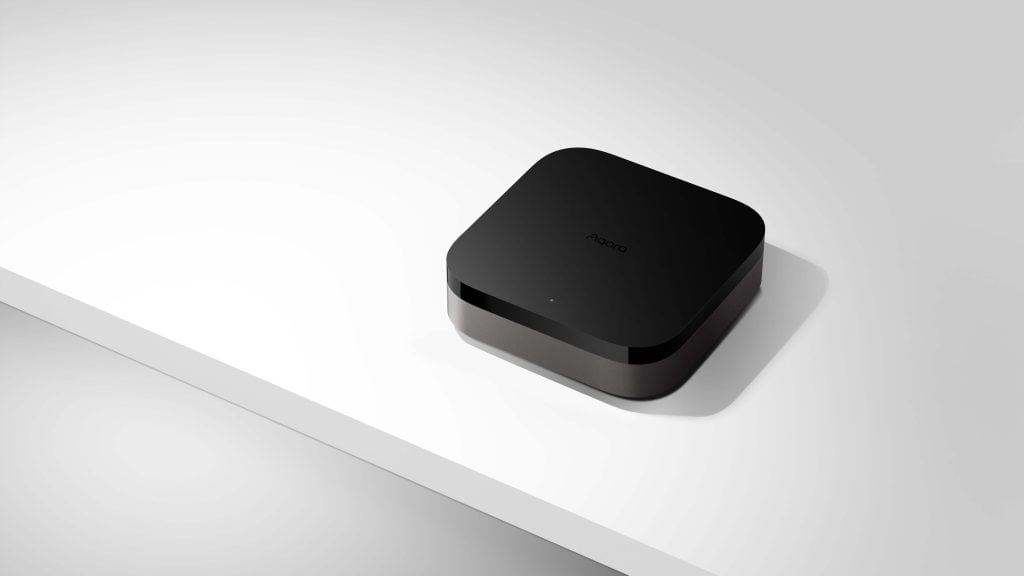
Aqara M3 Hub
Multi-protocol hub for connecting Zigbee and Thread devices to the Aqara and Matter ecosystem. Features smart control of existing air-con systems that works with multiple platforms, including Apple Home.
Probably our favourite hub, the M3 is for those who want to future-proof their smart homes. Designed mostly as an ‘upgrade’ to the M2, the M3 basically adds on to the feature list – including Thread, PoE, and support as a Matter Controller [see our section for advanced users at the end of this guide]. It’s packed with a lot of new technology, such as Hub Clusters. Self-healing mode, and more.
It supports Thread, which is found in the range of P2 products – the Aqara Motion Sensor P2, and Aqara Door Sensor P2. It’s also a Matter Controller (the M2 is a Matter Bridge).
Its main ‘alternative’ function is to work as a smart air-conditioner controller. This means that it ‘learns’ what commands your typical air-con remote is sending to the air-con, and sends the same commands to control your air-con’s on/off states, temperatures, fan speeds, and more. Most importantly, air-con control for the Aqara Hub M3 can be added to Apple Home through Matter!
We generally recommend this product over the M2 due to its many new features and because it’s future proof. Still, the higher price point requires some consideration – the M2 hub still remains a very attractive product for those on a budget.
HomeSmart.sg Aqara M2 Hub
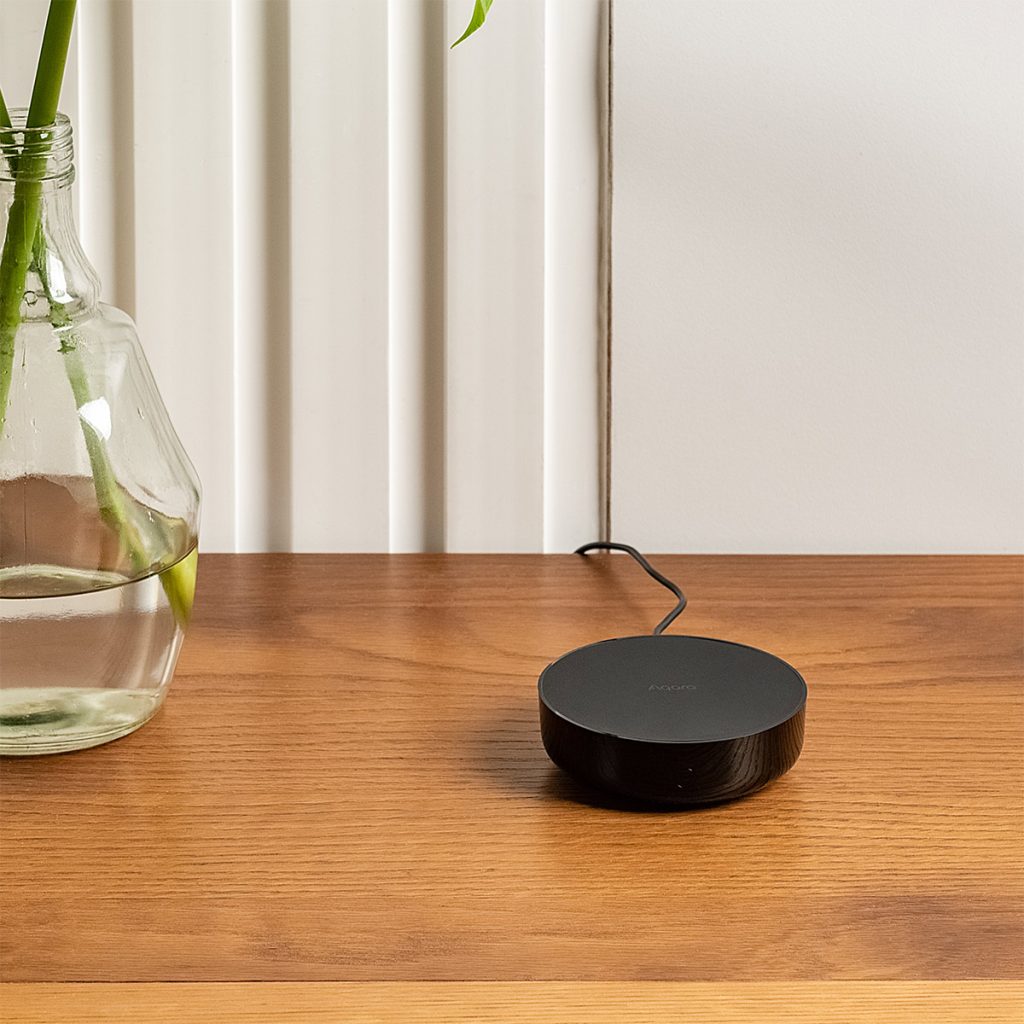
Aqara M2 Hub
Smart air-con and fan controller that also works as a smart home hub for other Homesmart.sg Aqara smart devices.
The Aqara M2 Hub has a well-rounded mix of features, and an attractive price point. It has an ethernet port for dependable wired connections (it can also connect to WiFi).
Similar to the M3, it’s also a smart aircon controller – working on the same principle. However, the air-con control is only on the Aqara Home app and Google Home, and doesn’t show up in Apple Home.
HomeSmart.sg Aqara M1S Gen 2 Hub
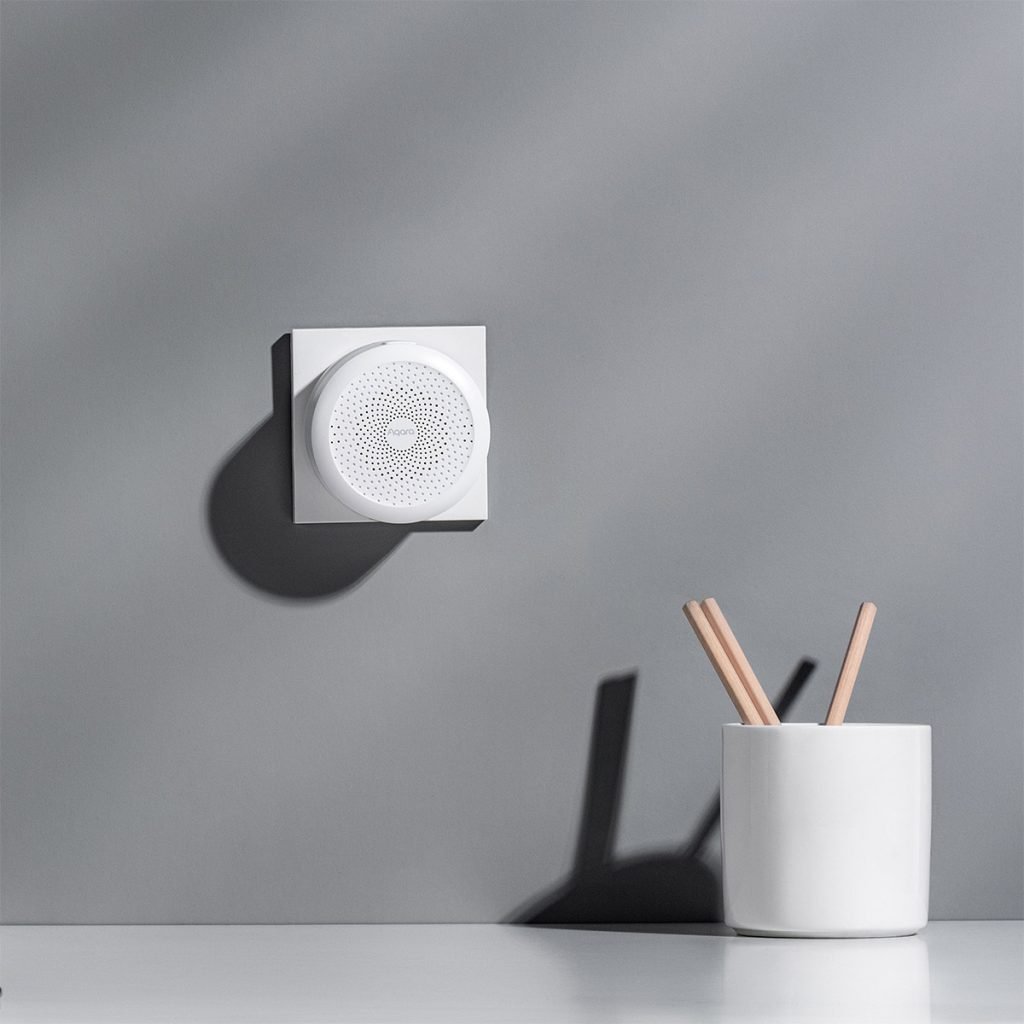
Aqara M1S Hub Gen 2
Night light and notification speaker that also works as an Aqara Smart Home Hub.
A very nice product with a great idea of an RGB light that can create a localized mood in a corner of your room. Its built-in speakers can also get pretty loud, making it a good option for a doorbell, security alarm, or to get notifications. You’re able to create automations that combine both lights AND sounds, so it could be a great way to have notifications that alert you both audibly and visually.
Placement of the hub a bit harder due to its inbuilt, 2-pin plug design.
HomeSmart.sg Aqara Hub M100

Aqara M100 Hub
Dual-protocol hub, featuring Zigbee and Thread support, and offering excellent cost performance. Works as a Zigbee hub, a Thread Border Router, and a Matter Controller in a diminutive, easy-to-use form factor.
Small in size, big in features. This unassuming, very affordable hub is great for creating a Zigbee network in areas your main hubs can’t get to. In fact, it can be used as a main Zigbee Hub if you don’t need all the other features such as cameras or air-con control.
It’s also a Thread Border Router and a Matter Controller for forward compatibility.
HomeSmart.sg Aqara E1 Hub
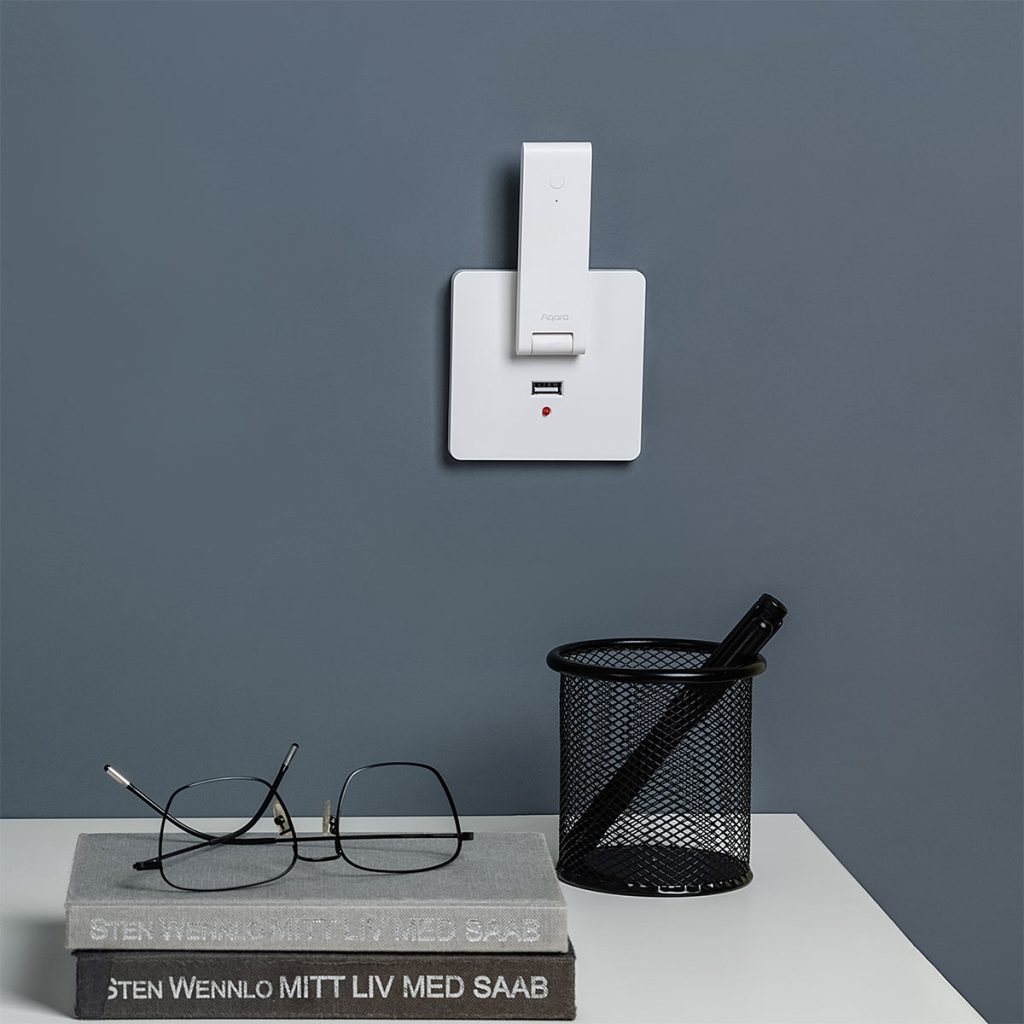
Aqara E1 Hub
Plug-and-play smart home hub that’s easy to find a place for; perfect for strengthening your smart home wireless network in weak spots.
The perfect hub for covering up weak spots, or for those who just aren’t looking for extensive smart features. This no-frills hub plugs the gap nicely for smaller applications, and is reasonably priced.
HomeSmart.sg Aqara G2H Pro Camera Hub
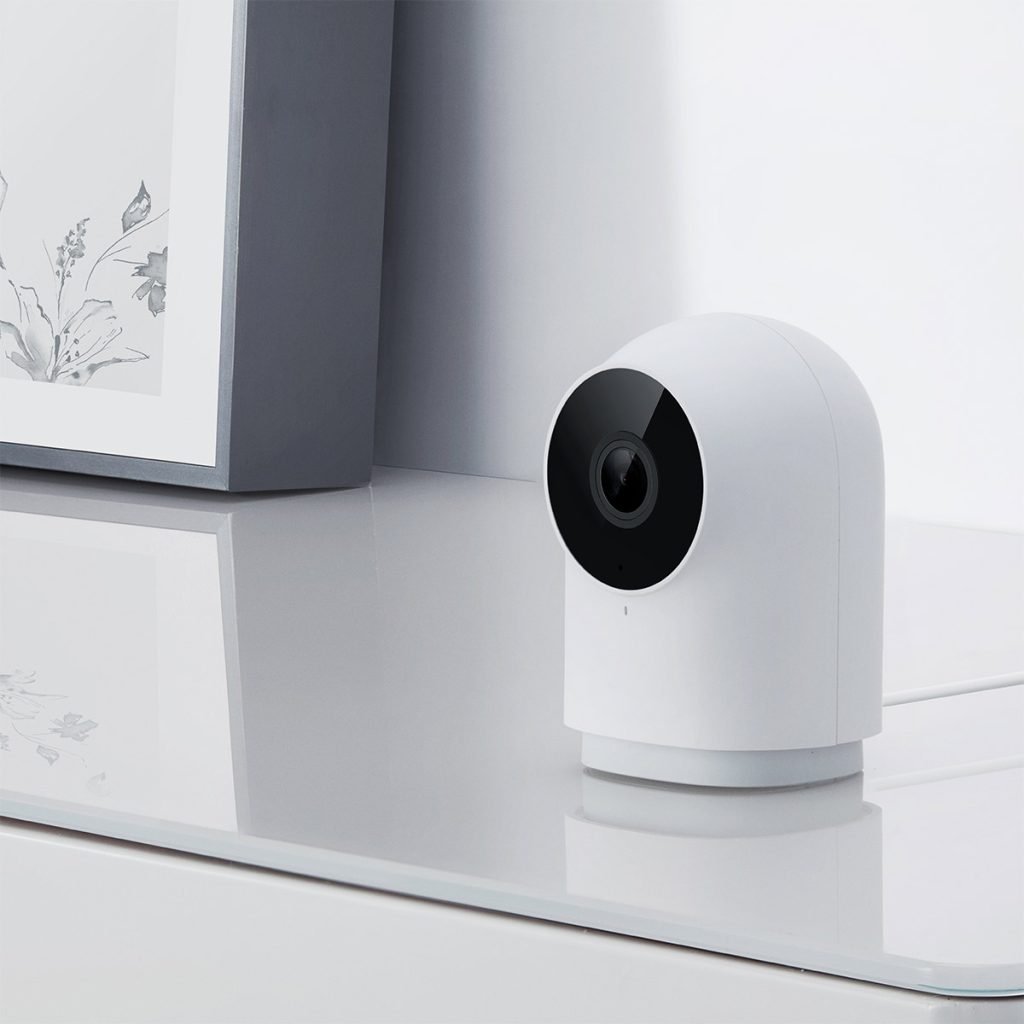
Aqara G2H Pro Camera Hub
Smart, connected camera with motion detection and night vision capabilities. Works with Aqara Home app, Apple HomeKit Secure Video, Google Home, and Alexa. Also works as a hub for other Aqara Smart Devices.
Our favourite camera, the G2H Pro is compactly sized and easy to mount – features we consider important for a camera. It might not have all the bells and whistles of its bigger brother, the G3, but is perfectly capable in its own right.
Some customers prefer a camera that can pan and tilt (you’ll need the G3 for that), but we’re not convinced pan-tilt is an important consideration for a home monitoring camera.
HomeSmart.sg Aqara G3 Camera Hub
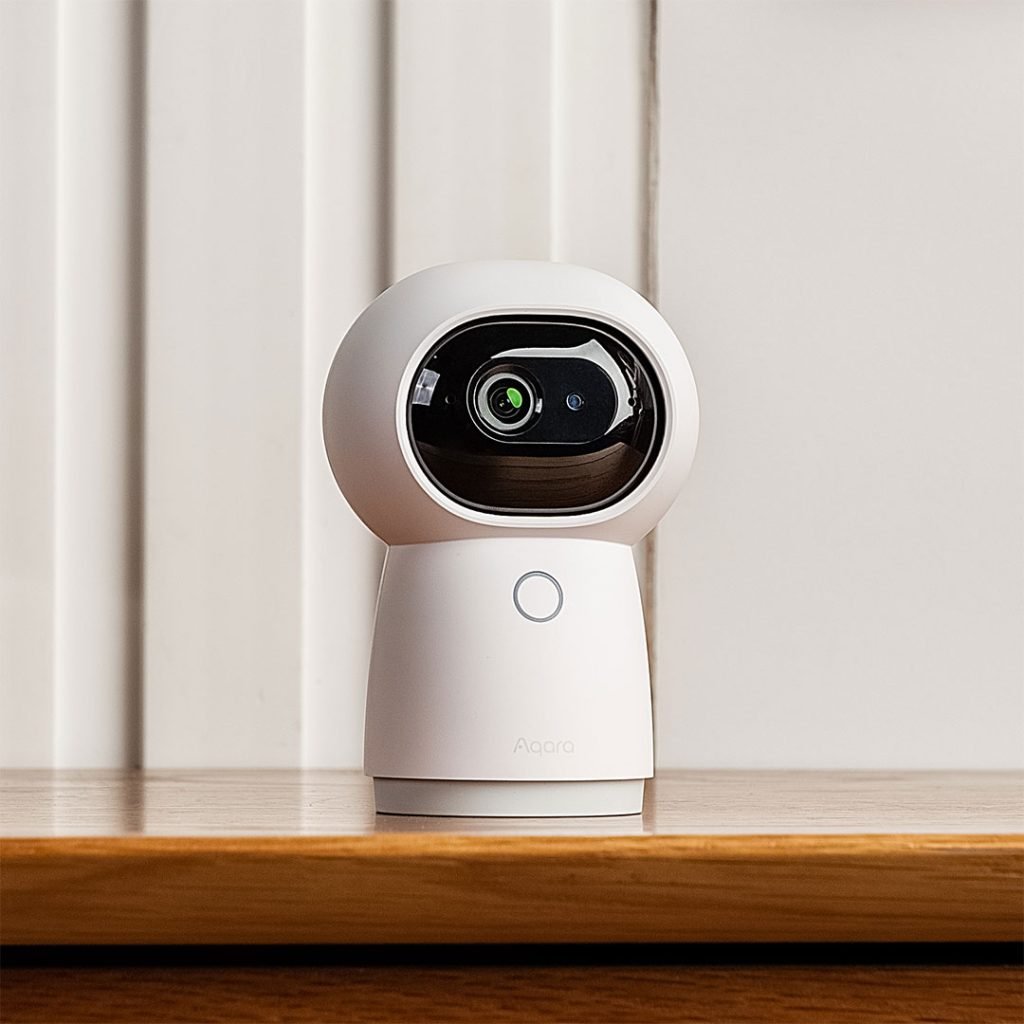
Aqara G3 Camera Hub
AI-enabled camera that works with Apple Home, Google Home, and Alexa – with infrared control, 360° rotation, automatic cruising, and tracking.
The Aqara G3 is the only product that gives you both home monitoring camera functions (complete with pan-tilt controls), and smart aircon control. It’s a bit bulky and hard to mount, but that’s not a problem when you’re seating it on a shelf, counter, or console.
HomeSmart.sg Aqara Camera Hub G5 Pro

Aqara Camera Hub G5 Pro
Flagship, weatherproof camera with WiFi and PoE variants, perfect for securing your home, especially in the exterior. Features full-colour night vision, a spotlight, and 2K video resolution.
Waterproof and weatherproof, the G5 is generally used outside the home as a security camera, and so may serve perfectly as a hub for any products you’re using outdoors.
HomeSmart.sg Aqara Video Doorbell G410
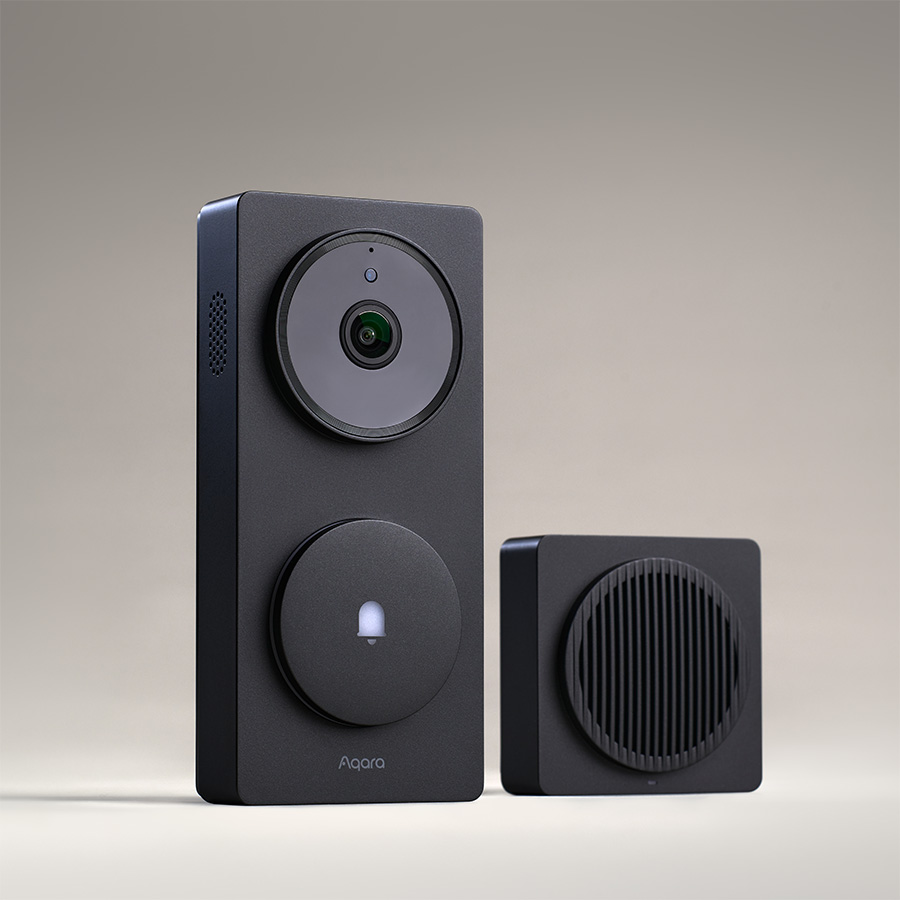
Aqara Smart Video Doorbell Hub G410
Video doorbell that can be wired or battery-powered. Supports Apple HomeKit Secure Video, Google Home, and Alexa; plus the Aqara Home app. Works as a hub as well.
A doorbell and a hub. At this point, we’re worried that the hub offerings may confuse clients. However, as our digital locks are very popular, even standalone that’s not part of a larger smart home system, the Aqara G410 works perfectly as a product that works in tandem with an Aqara door lock – serving as its Zigbee hub or Thread Border Router, while fulfilling its duties as a doorbell.
HomeSmart.sg Aqara MagicPad S1 Plus / Panel Hub S1 Plus
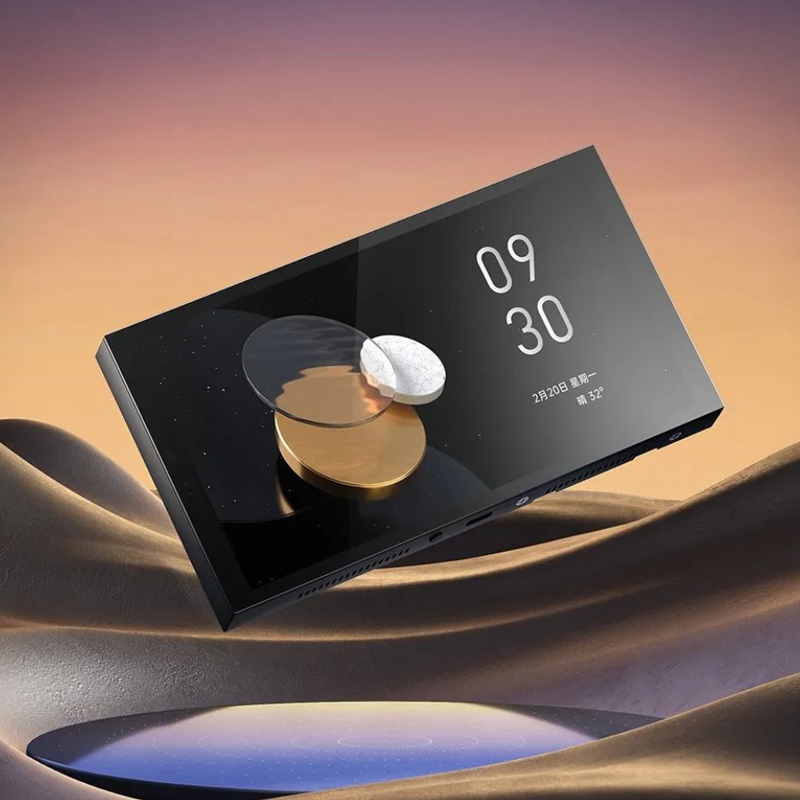
Aqara Panel Hub / MagicPad S1 Plus
Revolutionizes full screen smart home control, Its distinctive features include customizable themes, touchscreen control for devices and scenes, and support for quick theme changes.
A touchscreen switch that works as a Zigbee hub. Considering the higher price point, most clients incorporate this touchscreen panel into their smart home for its customizable screen, its function as a security camera / doorbell monitor, and its easy touch controls – not for its Zigbee hub function. Still, it’s a useful feature.
For Advanced Users
If you’ve done some further reading, you’ll probably hear other things like “Matter” and “Thread”. Here’s the lowdown.
- Thread is an alternative to Zigbee – essentially a competing standard. However, it’s not yet as commonplace as Zigbee.
- Matter is a new smart home standard that was introduced a few years ago, but hasn’t fully reached maturity and mass adoption.
We’ve concentrated mostly on Zigbee hubs because it’s established, well-developed, and most of our products are based on the Zigbee standard. While Matter and Thread may be the future, it isn’t yet the present. For homeowners who want a dependable, established system here and now, we recommend taking Matter and Thread out of the equation because it blurs lines and confuses many of the clients we’ve spoken to.
If you’re a forward looking, tech-savvy homeowner, then this might be important to you in the future – especially if you plan to continue tinkering and adding devices as you go along.
Here’s a quick table to understand more about how our hubs have Thread or Matter integration.
| Product | Zigbee Hub | Thread Border Router | Matter Controller |
| Aqara M3 Hub | Yes | Yes | Yes |
| Aqara M2 Hub | Yes | x | x |
| Aqara M1S Gen 2 Hub | Yes | x | x |
| Aqara E1 Hub | Yes | x | x |
| Aqara M100 Hub | Yes | Yes | Yes |
| Aqara G2H Pro Camera | Yes | x | x |
| Aqara G3 Camera | Yes | x | x |
| Aqara Camera G5 Pro (PoE) | Yes | Yes | Yes |
| Aqara Camera G5 Pro (Wi-Fi) | Yes | Yes | Yes |
| Aqara Video Doorbell G410 | Yes | Yes | Yes |
| Aqara Panel Hub S1 Plus | Yes | x | x |