
Aqara A100 Zigbee Smart Lock
$669.00
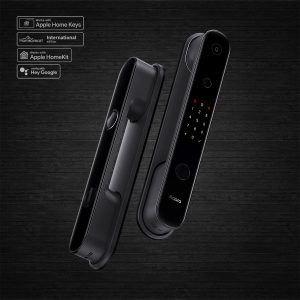
Highly secure smart door lock with support for Apple Home Keys and Google Home, along with other unlocking methods such as biometric prints and PINs.
Description
Secure, smart door lock integrated into your smart home, with support for Apple Home Keys.
Smart, Fast, and Secure. Now With Apple Home Keys.
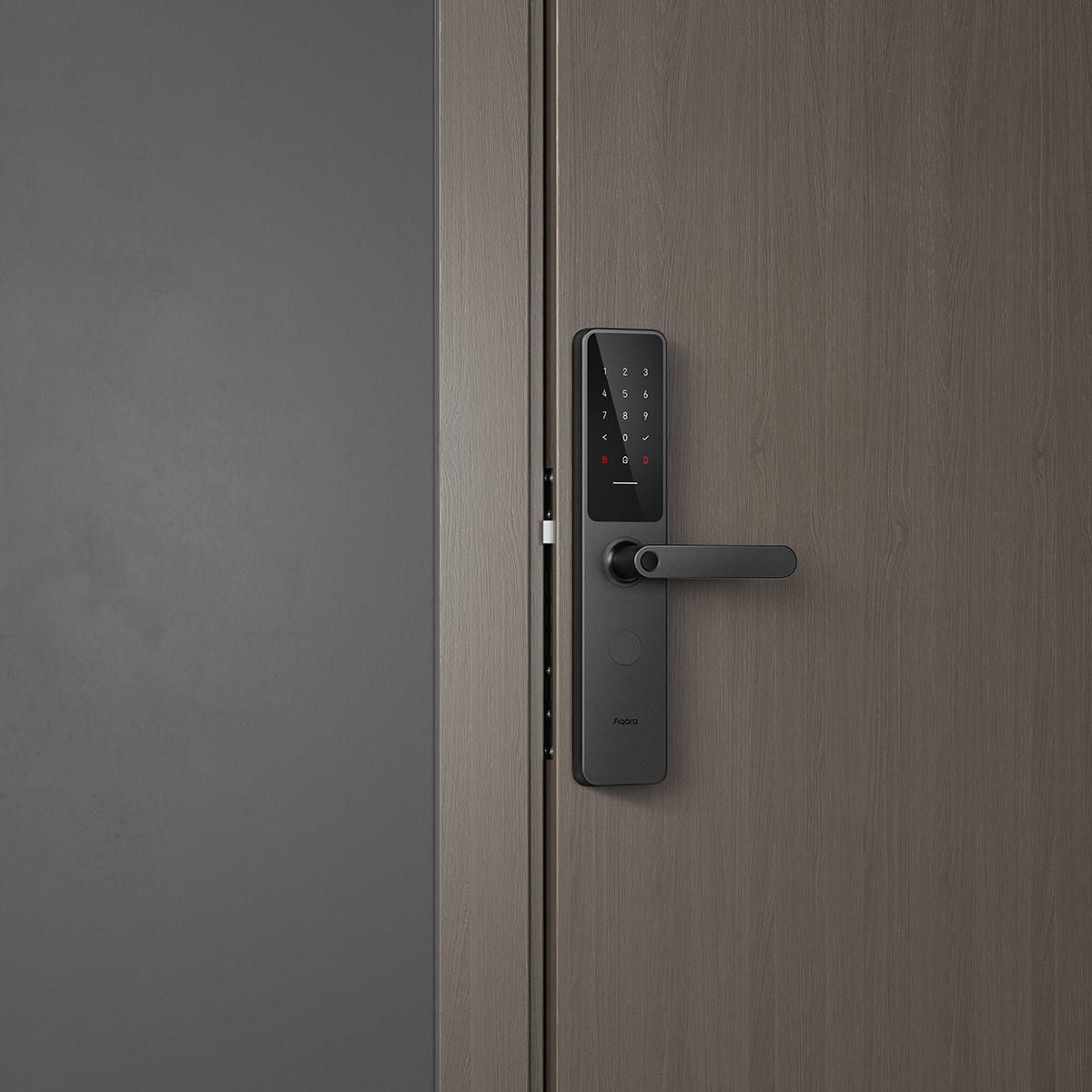
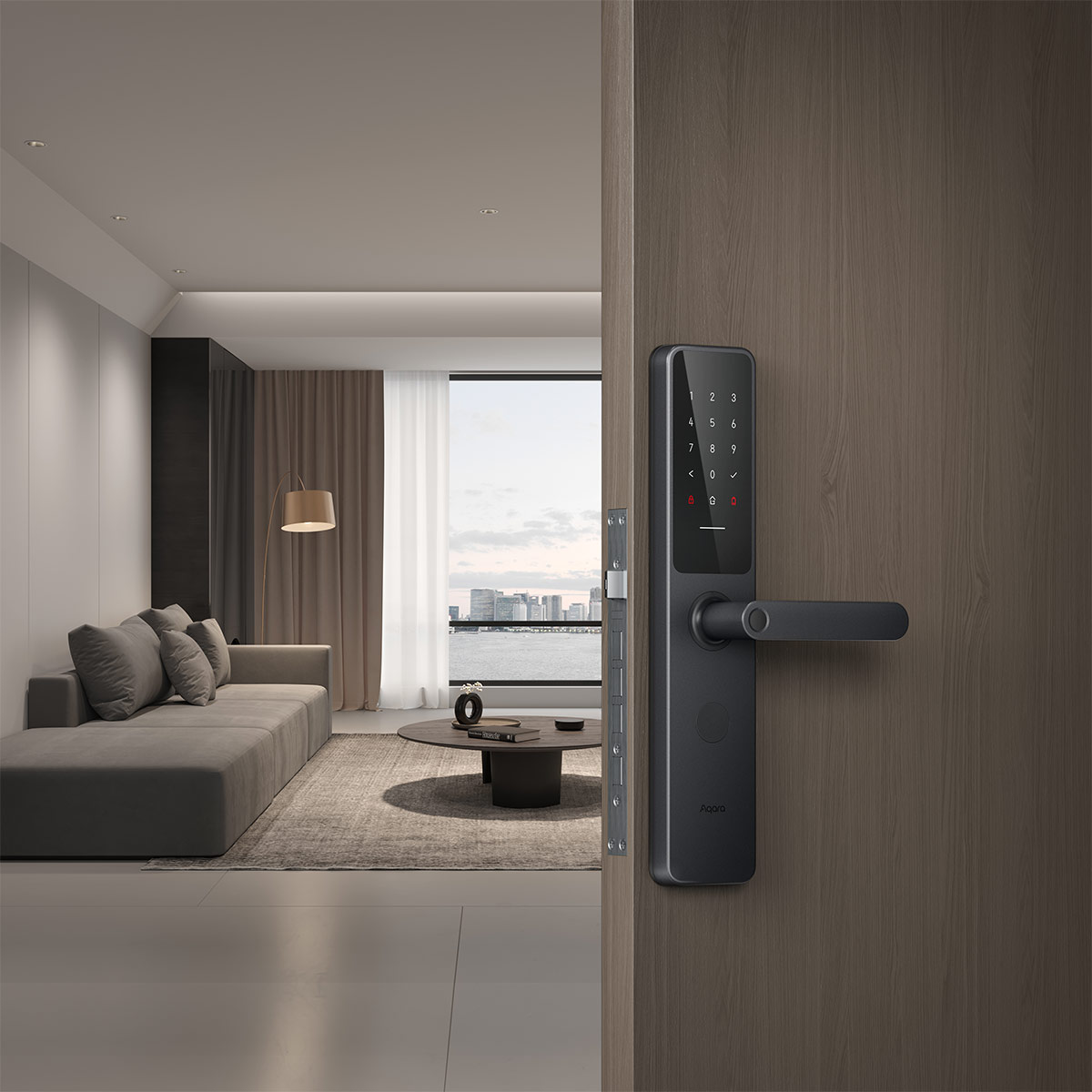
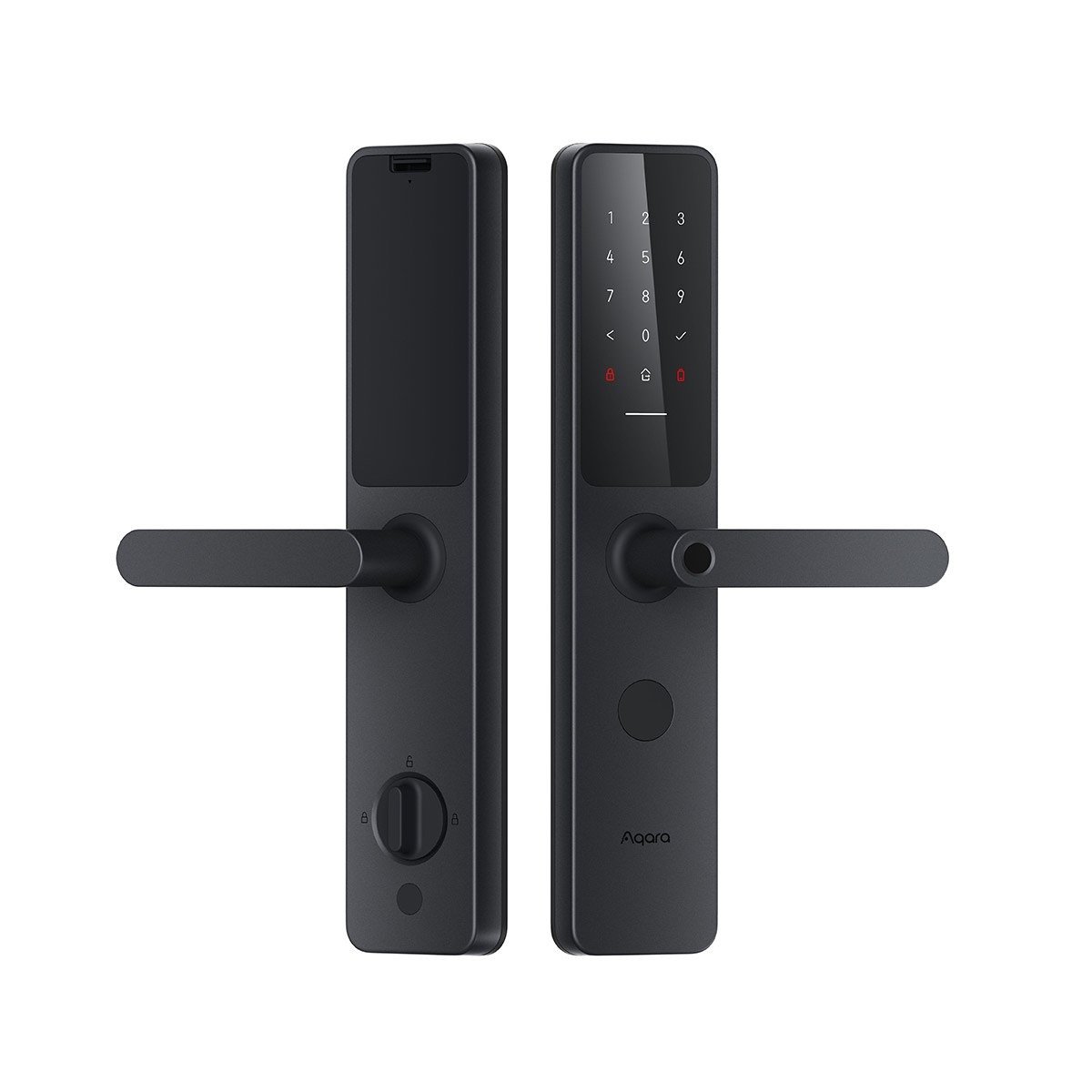
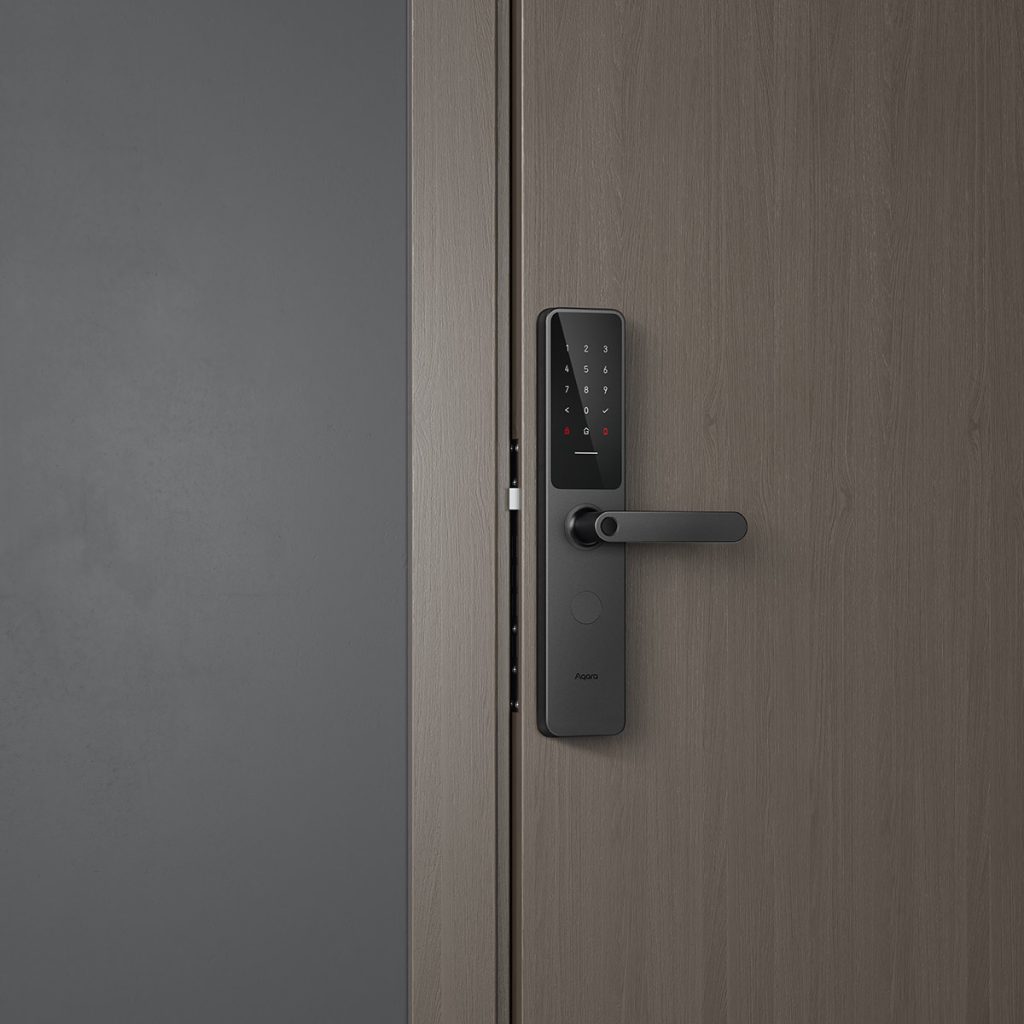
The Homesmart.sg Aqara A100 Zigbee is a highly secure smart door lock with extensive smart features, and a familiar, ergonomic design that’s easy to use. It’s a mortise-style lock that’s designed to replace your existing lock – whether it’s a traditional lock, or a digital one. It has multiple digital unlocking methods combined with a highly mechanical lockset, bringing about a perfect balance of digital authentication and mechanical locking and unlocking.
The Aqara A100 Zigbee supports multiple users, and each user can be given multiple ways to unlock – such as biometric fingerprints, personal PIN codes, and NFC devices. It also allows setting up of one-time PIN codes remotely, or time-limited passcodes that work throughout a specified time.
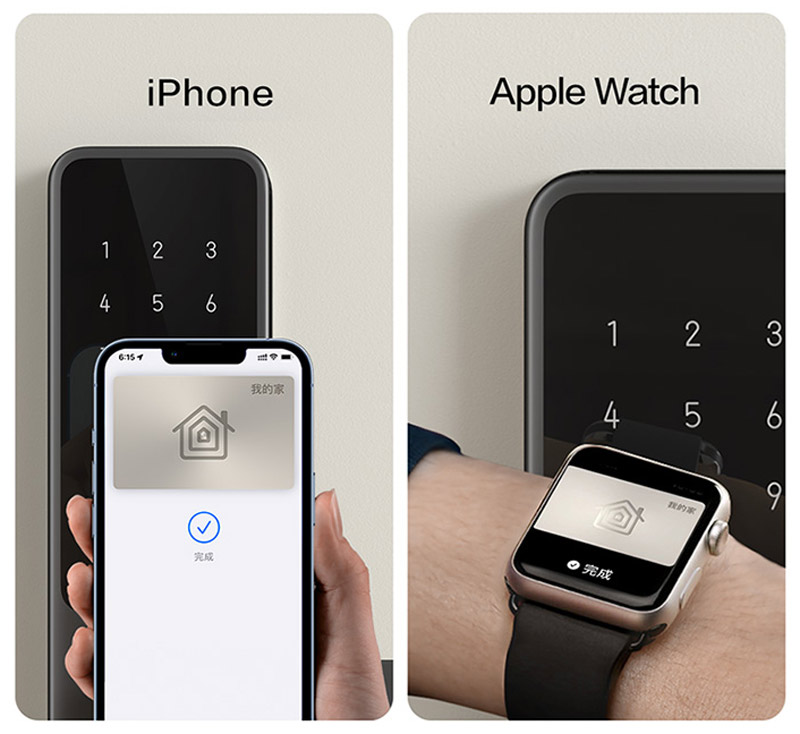
With an in-built Apple security chip, the Aqara A100 is the world’s first lock to support Apple Home Keys. Unlock your door with your Home Key stored in your Apple Wallet – simply tap your iPhone or Apple Watch near the lock. It’s also fully supported and integrated into Apple HomeKit, so you can see the lock status on the Apple Home app, or unlock remotely with your iPhone.
- An Aqara Smart Hub is required for smart home integrations. Hub is not required for standalone use.
- Apple HomeKit support may require additional Apple devices.
- Apple Home Keys support may require additional Apple devices.
- Price includes installation on standard wooden doors only. Additional charges may apply for special installation requirements – e.g. aluminium doors.
- Does not work with all doors. Contact us to see if this lock can be installed in your door.
Need a Gate Lock?
Our Door + Gate Lock package pairs an installed main-door lock — including this A100 — with an installed U500 gate lock.
Lightning Quick Biometric Authentication
Unlock Your Door in 0.8 Seconds, in One Motion
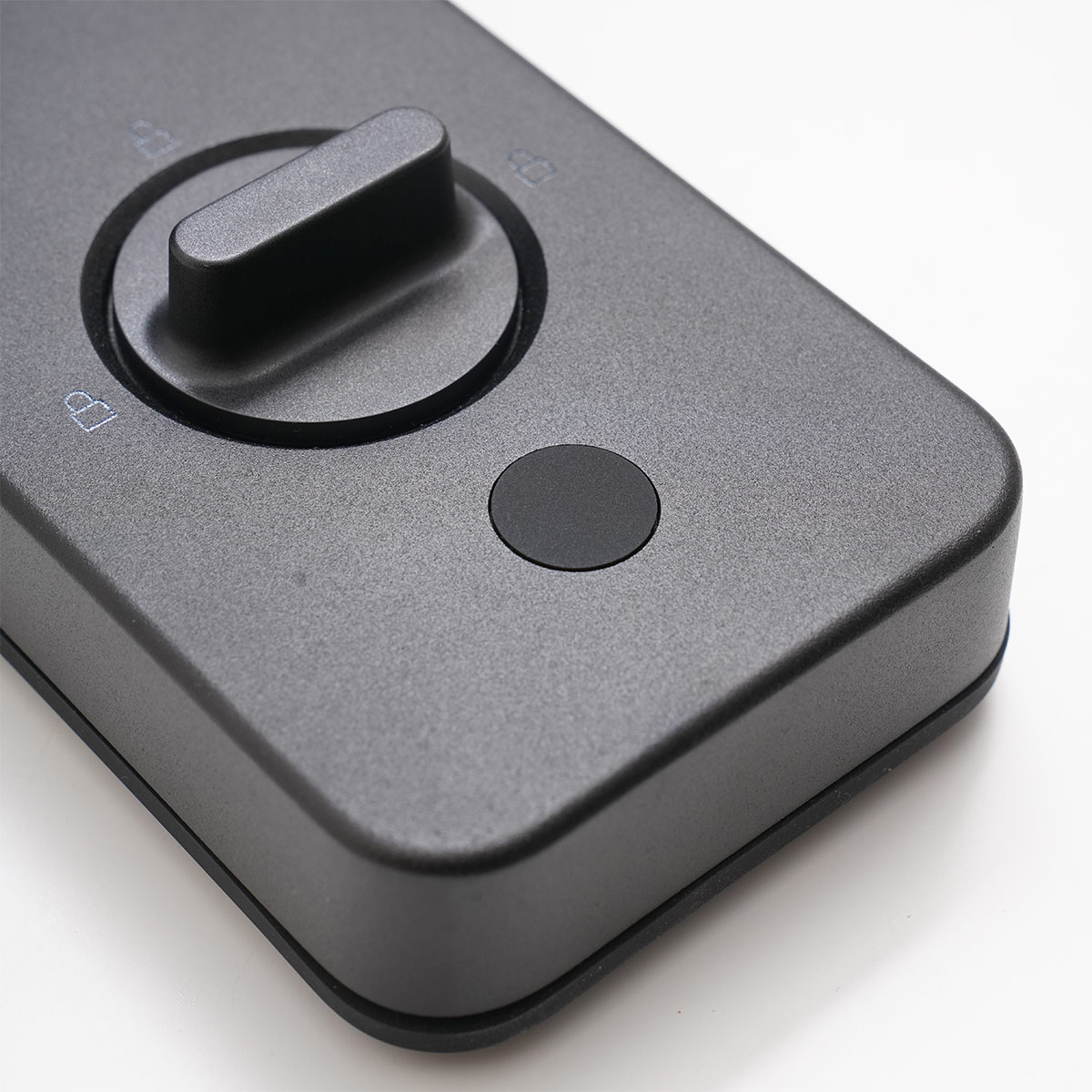
With the fingerprint reader built directly into the door handle, unlocking the Aqara A100 Zigbee Smart Door Lock is quick and ergonomic. With a biometric identification speed of 0.3 seconds, plus a clutch that engages in a split second, the Aqara A100 Zigbee’s bolts can be retracted in as little as 0.8 seconds. Unlocking your door isn’t just keyless – it’s instantaneous.
And with an identification rate of 98.6%, the A100 responds naturally and eliminates false fingerprints.
Apple Home Keys Support
Your Super Secure Keys – on your Wrist
The Aqara A100 has full support for Apple’s newest home security technology – Apple Home Keys. Add a home key to your Apple Wallet, and your iPhone and Apple Watch will now act as keys. Simply place your device near the Aqara A100 to unlock it.
Apple Home Keys support two modes – Express Mode, which unlocks the door with a quick tap; or a more secure mode which requires Face ID or Passcode before the door unlocks.
- Apple Home Keys require an iPhone (XR or XS and later – see compatible list). Supports Apple Watch Series 4 and later.
Multiple Users and Unlocking Methods
Quick, Secure Entry for Family and Friends
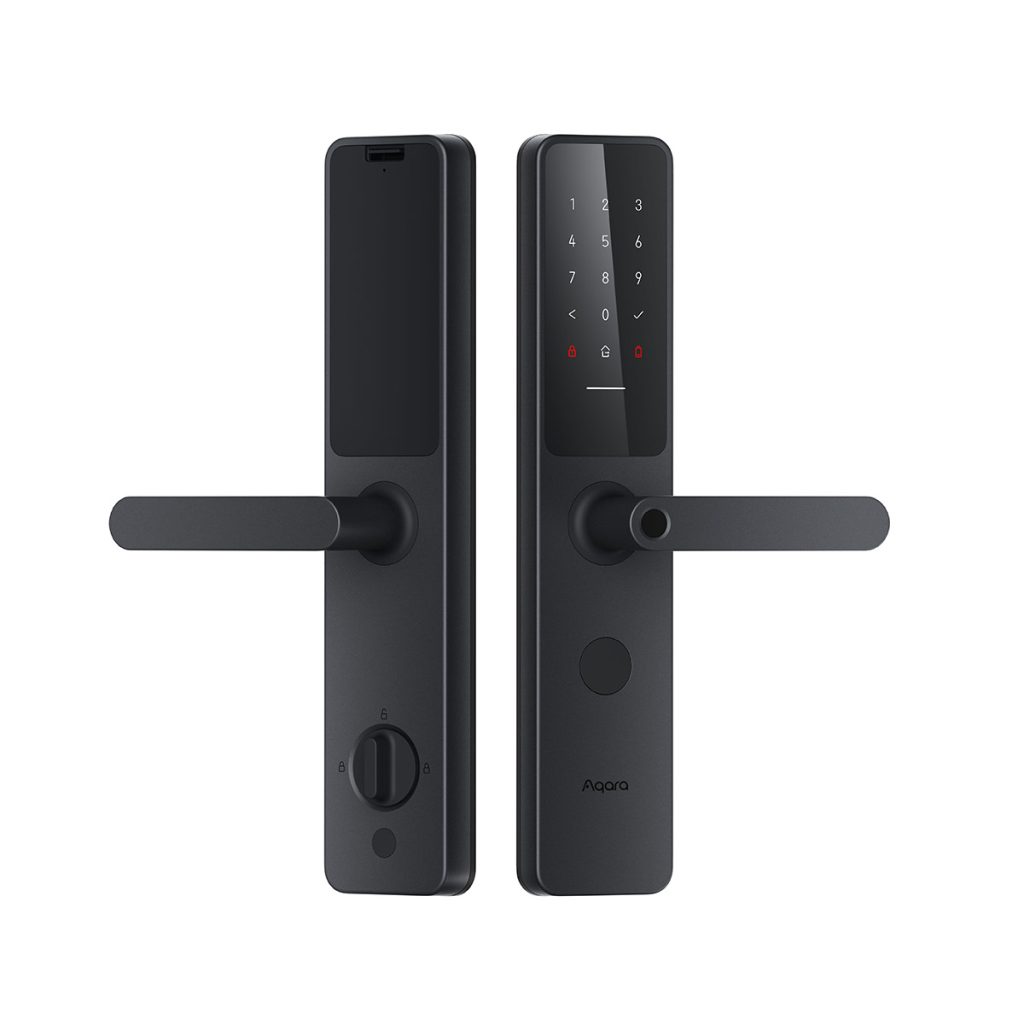
The Aqara A100 Zigbee Smart Door Lock supports multiple users, each with their own PIN codes, fingerprints, and NFC devices. Store up to 50 fingerprints, 50 PIN codes, and 25 NFC devices. Users can be set with different access levels.
As part of your smart home, the smart lock can also be locked and unlocked with the Aqara Home and Apple Home apps. It can also be unlocked with Google Assistant.
In addition, the Aqara A100 also supports one-time PIN codes which can be generated remotely, as well as periodic PIN codes which can be configured to work throughout a specified time period, and automatically expire at the end.
User management is easily configured through the Aqara Home app. Adding or removing individual PINs, fingerprints, and NFC cards is straightforward and easy.
- Biometric Fingerprint
- PIN Codes
- Apple Home Keys
- NFC Cards
- App unlock with Apple Home and Aqara Home
- Voice unlock with Siri or Google Assistant
- One-time Passcodes
- Periodic Passcodes
- Remotely Configurable Passcodes
- Mechanical Keys
Fully Mechanical Overrides
Fully Functioning, Even without Power
The Homesmart.sg Aqara A100 Zigbee is a 100% fully functioning mechanical lock, even in the event of totally flat batteries or an (unlikely) electronic failure. As long as you have the mechanical keys, operation of the lock is just as you’re used to, in the exact mechanical ways of traditional locks.
The mechanical key bypasses the electronic systems completely to control the lockset, allowing you to lock and unlock from the outside.
From the inside, the handle mechanically moves the latches and bolts.
You won’t need your physical keys if it’s just a flat battery. Simply plug in a USB-C cable with a power bank to temporarily charge the lock up, so you can enter your home and change the batteries. Not that flat batteries are likely to happen – the lock warns you both in-app and on the lock itself to change your batteries when it senses the power running out!
Maximum Security
Durable Construction; Secure Features
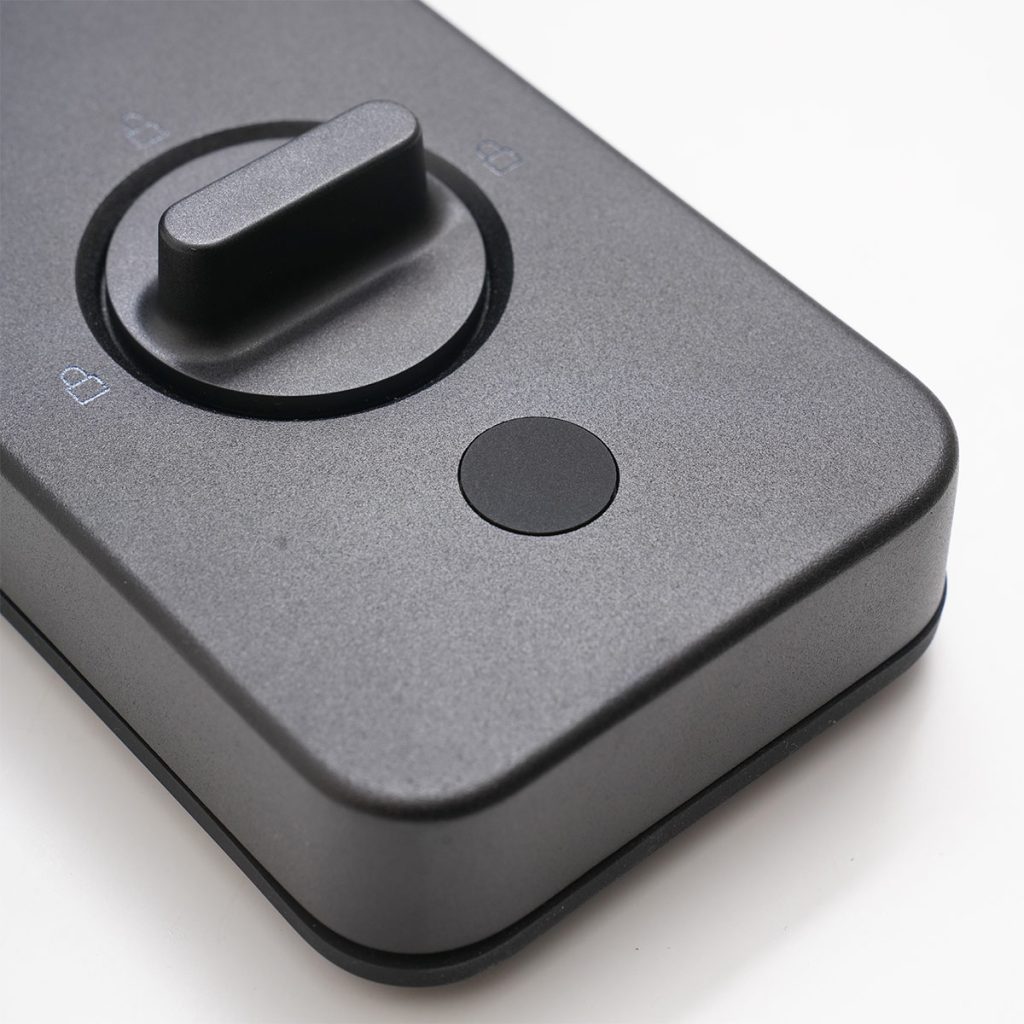
The Aqara A100 Zigbee Smart Door Lock was developed to provide maximum security.
- Door locks automatically when closed
- Anodized aluminium construction for superior durability
- Highly secure cylinder
- Multiple bolts – 1 door bolt, 3 main lock bolts, and 1 master lock bolt
- Damage sensors prevents tampering of the front panel
- Electromagnetic protection against tesla coil attacks
- Anti-peep passwords – input random numbers together with PIN code to preserve PIN secrecy
- Alarms and notifications when door is unlocked or ajar
Integrated Into Your Smart Home
Not Just Digital – It’s Smart.
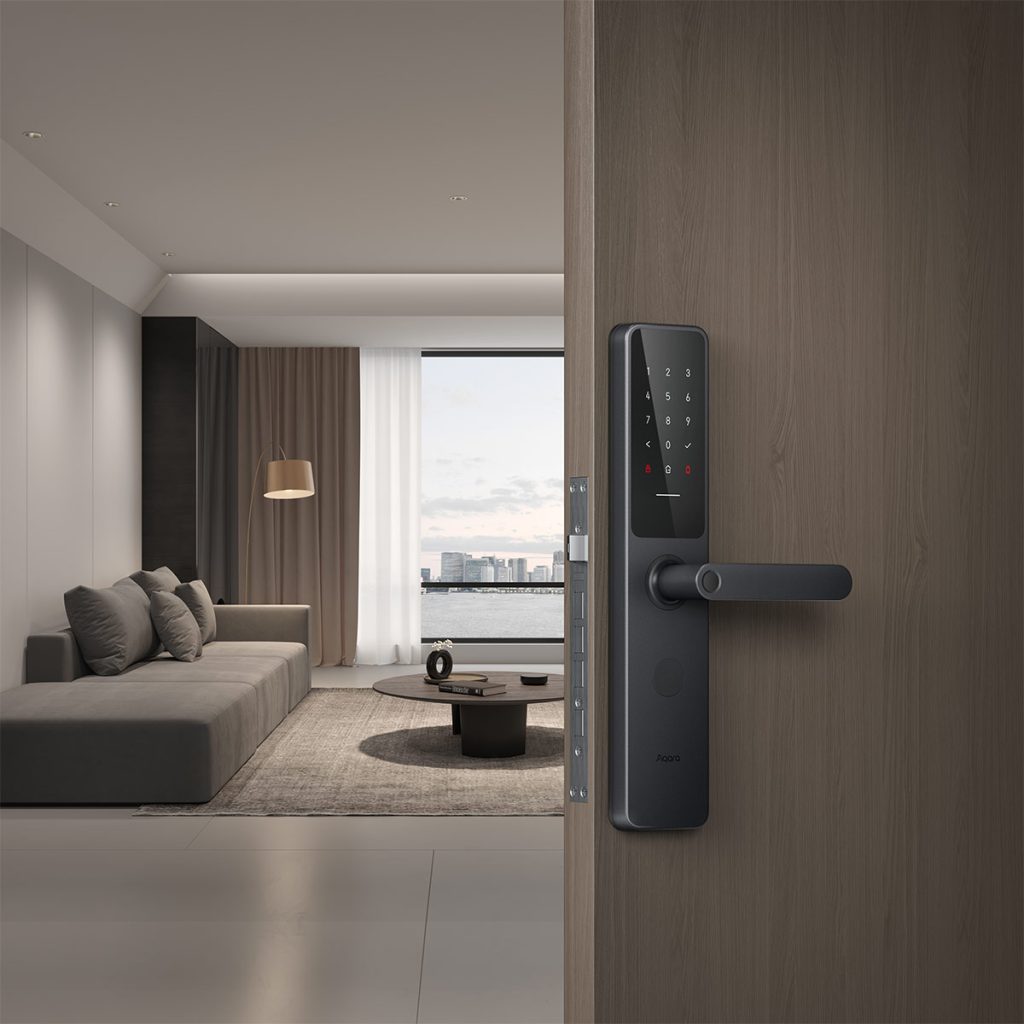
The Aqara A100 Smart Door Lock isn’t just a digital, keyless lock. It’s a connected entry system that’s fully integrated into your smart home.
- Get real-time status of lock states in Aqara Home or Apple Home.
- Get notifications and records of locking and unlocking activities.
- Supports locking and unlocking with Apple Home, Apple Home Keys, and Google Assistant.
- Lock can trigger automations of other smart devices.
- Lock can arm or disarm your smart security system.
- Zigbee 3.0 support.
- 18 month battery life (8 x AA batteries)
Frequently Asked Questions
-
How do I choose between this lock and your other lock, the Aqara D100?
It’s a tough choice! We recommend going through our article detailing the differences here.
-
What’s the difference between the Aqara A100 Zigbee and the Aqara A100 Pro?
Our lock is the Aqara A100 Zigbee model, which is the international version of the A100 range, with more advanced features, such as integration with Google Assistant and Apple Home Keys. For example, the Aqara A100 does not support Apple Home Keys.
-
Can the Homesmart.sg Aqara A100 be used as a gate lock?
No, it can't. -
How much space do I need between my door and my gate?
The Aqara A100 has a depth of almost 8 cm. We recommend at least 9 cm of space. If you have less than 9 cm of space but more than 6.5 cm, we recommend the Aqara D100.
-
Can the handle be rotated to fit my door, which opens the other way?
Yes! All our locks have their handles facing the right (from the outside) by default. Changing it to face the left can be easily done in a few seconds. -
Can I use this lock if I have those long, vertical handlebars?
No, they’ll get in the way of the lock handle. You can remove the handlebars (our installers can do that, too), or you can consider the Aqara D100.
-
Does the Aqara A100 include NFC cards?
No, NFC cards are not included in the box. You can purchase any number of cards and add them into your lock manually through the app.
-
Is Apple Home Key the same as Apple HomeKit?
No, Apple Home Keys is an Apple feature that allows you to keep your keys in Apple Wallet. You can then unlock your door by tapping your iPhone or Apple Watch to the lock.
Apple HomeKit support, on the other hand, means that the lock shows up in your Apple Home as a device, and you can receive notifications and remotely lock and unlock your door.
Not all HomeKit compatible locks support Apple Home Keys.
All Apple Home Keys compatible lock support Apple HomeKit.
-
What do I need for my lock to work with Apple HomeKit and Apple Home Keys?
Apple HomeKit
- Any Apple device which has the Home app on it.
- For remote notifications and automations, an Apple Home Hub is recommended.
Apple Home Keys
- An iPhone XS (or XR) or later.
- Apple Watch Series 4 or later.
-
Is this lock compatible with my Android / Samsung / Huawei phone?
Yes, you can use the Aqara Home app available on the Google Play store to configure and manage the lock. However, you won’t be able to tap your phone using your phone’s NFC to unlock the door - that function is Apple's secure wallet technology and only works with Apple devices. -
Do I need an Aqara Hub for the lock to work?
No, the lock can work standalone without needing a hub. By using a direct secure Bluetooth connection between your phone and the lock, you’ll be able to setup and manage the lock through the app, including adding users, adding fingerprints, generating one-time passcodes, and deleting users.
What works without an Aqara hub
- Most normal operations such as daily locking/unlocking
- Most administration and management of the lock, such as adding and deleting users
- Apple HomeKit
- Apple Home Keys
- One-time Passcodes
- Periodic passcodes (set locally via Bluetooth)
Extra functions unlocked by binding the lock to an Aqara Hub:
- Remote notifications
- Setting periodic passcodes remotely
- Unlocking via Aqara Home app remotely
- Google Home / Google Assistant integration
- Automations with other devices
If you’d like these features, you’ll need to choose a hub to bind your smart lock with. We have 5 hubs to choose from, and to help you choose, check our guide on choosing the right Aqara Hub.
-
What are Periodic PINs?
Unlike one-time-passcodes that only work a single time, periodic PINs are codes that are configured to work multiple times within a span of time. You’ll be able to set a start date and time, and an end date and time. The PIN will only work during this time period, and expire automatically after.
Periodic PINs can be created and configured without a hub with a local Bluetooth connection.
Want to create periodic PINs remotely? You’ll need an Aqara hub for that (see above!)
Model Number
ZNMS02ES
Product Dimensions
375×77×23.6 mm (panel)
Operating Temperature
-25°C~55℃
Net Weight
3.6kg
Wireless Protocols
Bluetooth 5.0, Zigbee, NFC
Operating Humidity
0~93% RH, no condensation
Power Supply Modes
8 AA Dry Batteries (6V); USB-C Emergency Power Supply (5V)
What's in the Box
Front Panel × 1, Back Panel × 1, Lock Body × 1, Mechanical Lock Cylinder × 1, Emergency Key × 2, Strike Plate × 1, Accessory Kit, AA Battery × 8, Installation Hole Drawing × 1, User Manual × 1
Product Warranty
This product is an official Singapore model, covered by a local warranty provided by HomeSmart and Aqara's Authorised Distributor in Singapore. Full terms and conditions apply – view warranty details.
Warranty Type: Onsite
Warranty Period: 24 months
Support
Our team of technical (human) experts are available to provide dedicated technical support for HomeSmart.sg customers, including help with setup, troubleshooting, and product guidance. Please have your order details ready so we can assist you quickly. Reach out to us via:
- WhatsApp: +65 8876 8104
- Email: [email protected]