
Aqara smart sensors Singapore
Motion sensors, presence sensors, door sensors and leak detectors
Sensors are what make a smart home feel automatic: the corridor light comes on as you walk in, your phone tells you the gate opened while you were out, and a leak sensor catches the washing machine before the floor does. Every sensor here takes minutes to set up.
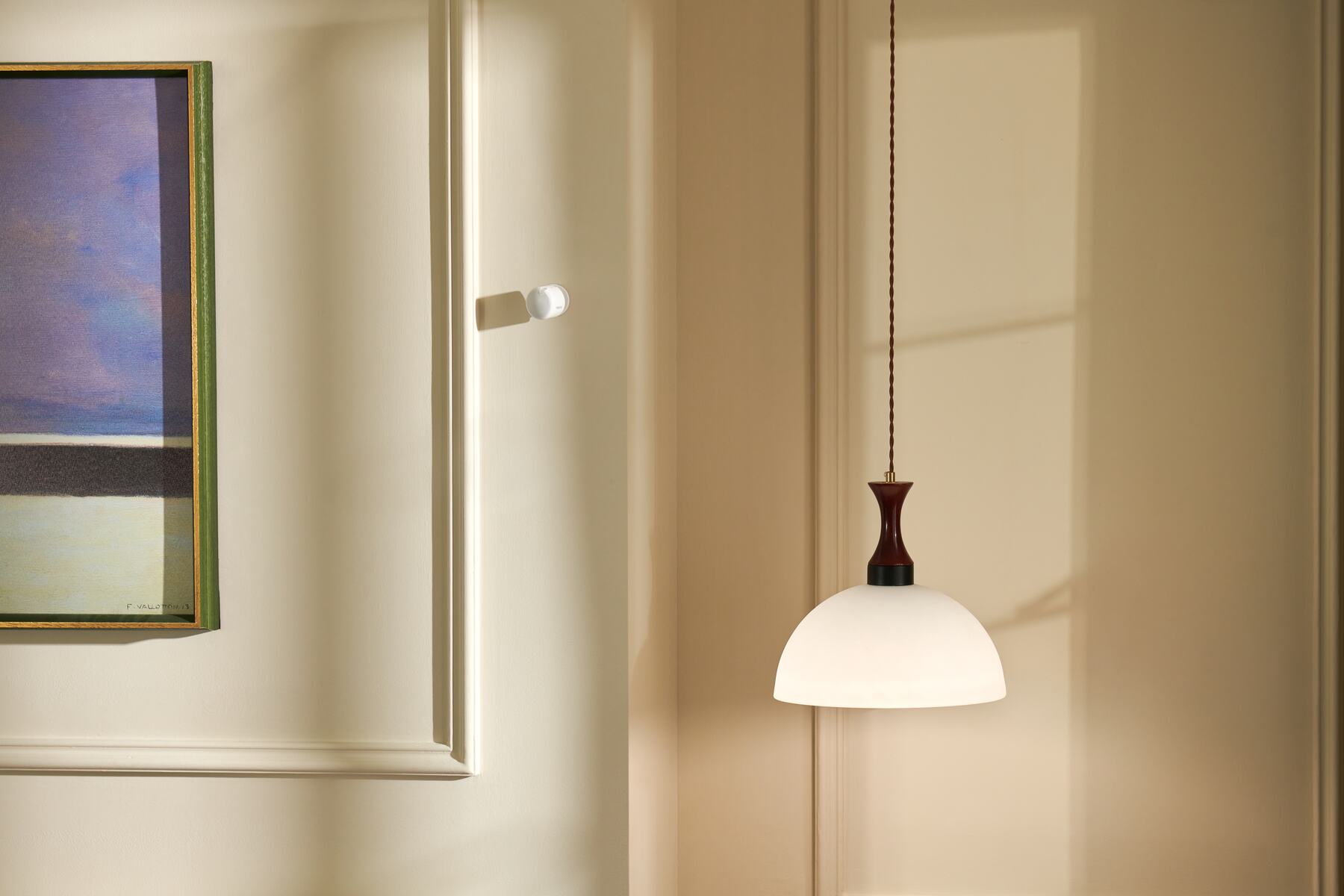
Which sensor?
Start with what you want your home to notice
Each sensor watches for one kind of event. Pick the event first, then the model.

Motion and presence
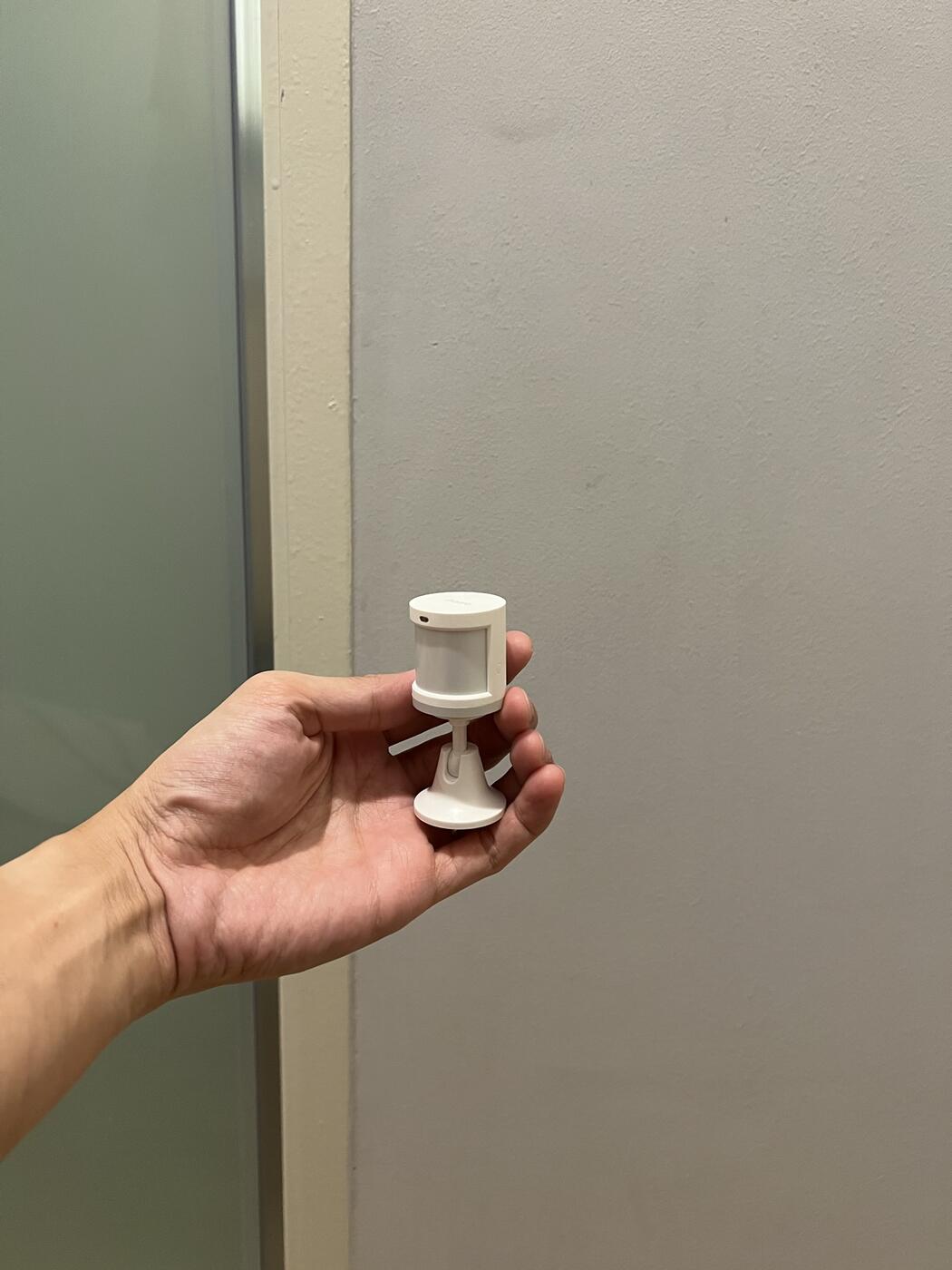
A motion sensor for rooms you walk through, a presence sensor for rooms you sit in. Lights, air-con and alerts follow.
Motion or presence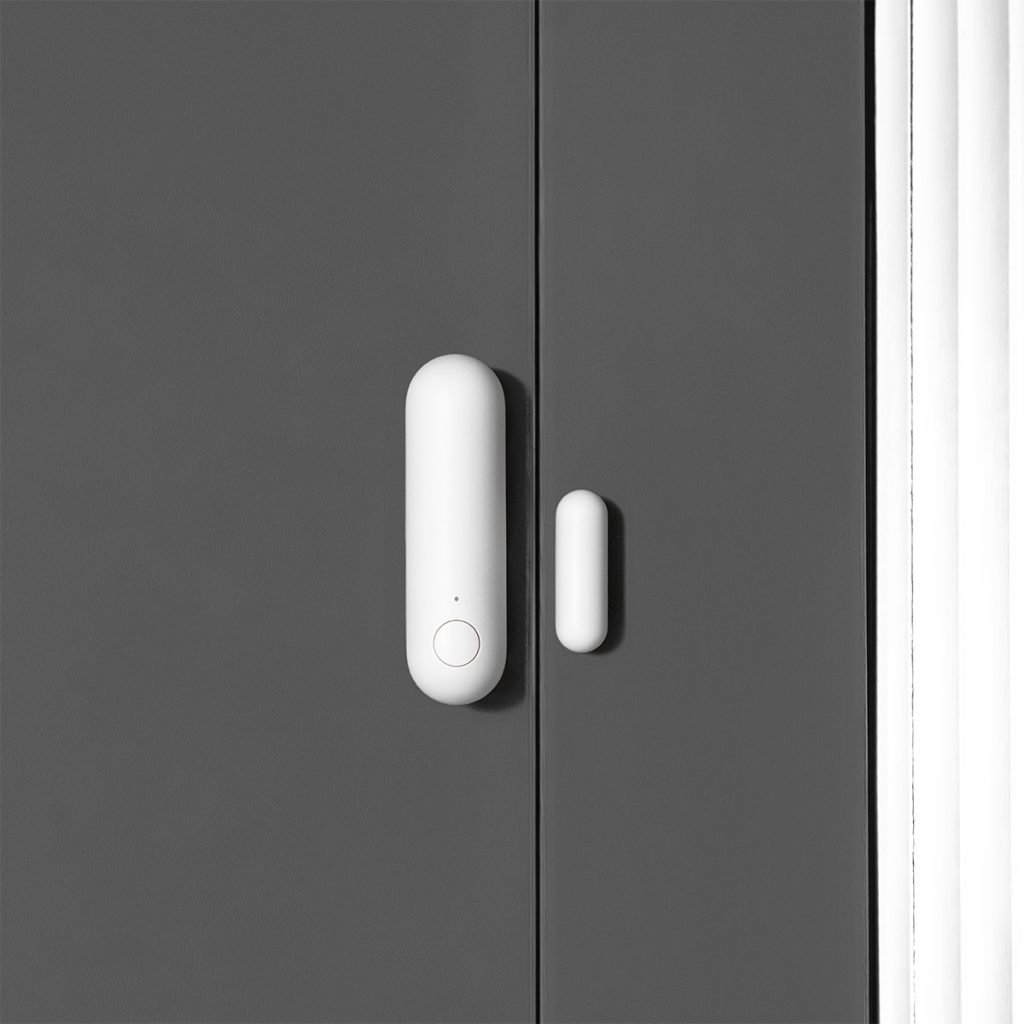
Doors, windows and drawers
Know when the gate, a window or a cupboard opens, and set an alert or an automation to follow.
See door sensors
Temperature and humidity
Read the room and let the air-con, fan or dehumidifier respond to it rather than to a timer.
See climate sensors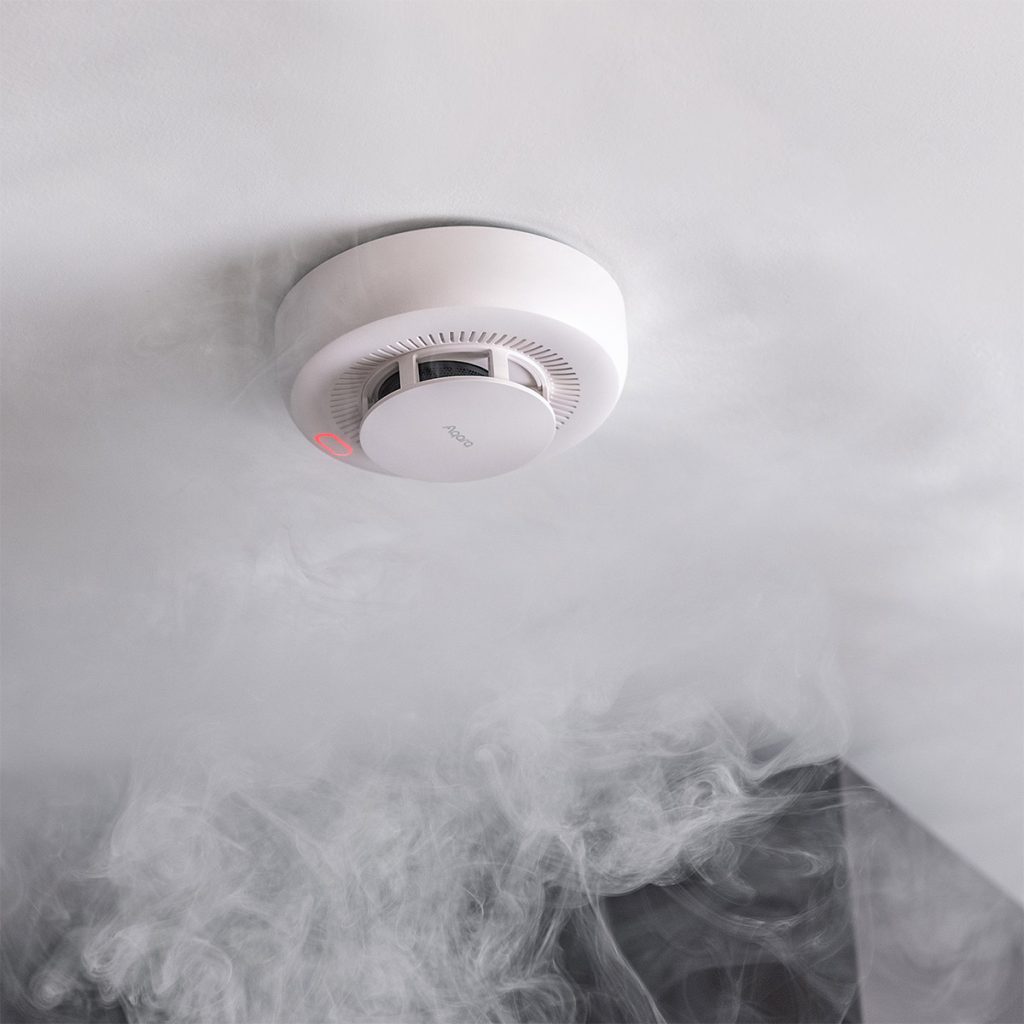
Leaks, smoke and gas
An alarm on the spot and a notification on your phone, whether you are in the next room or overseas.
See safety detectorsShop
Shop Aqara sensors and detectors
Prices include GST. Open a product for its power, hub and mounting details.
Showing all 15 results
-
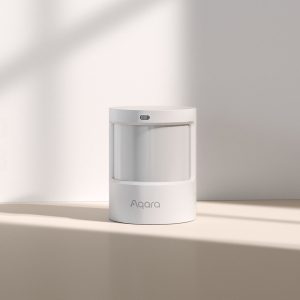
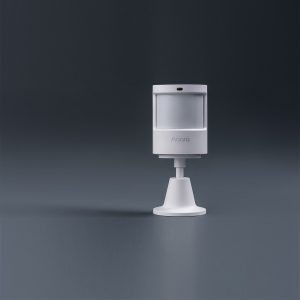
Aqara Motion Sensor P1
$39.00 Add to cart -
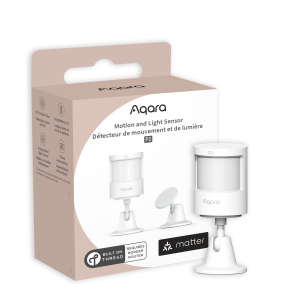
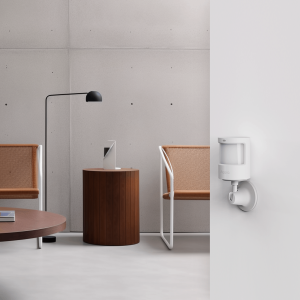
Aqara Motion and Light Sensor P2
$55.00 Add to cart -
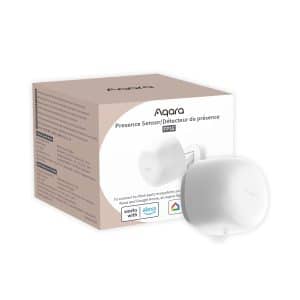
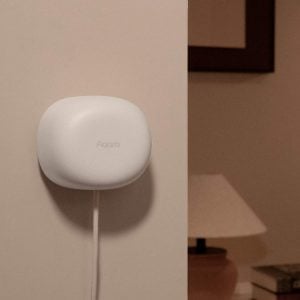
Aqara Presence Sensor FP1E
$79.00 Add to cart -
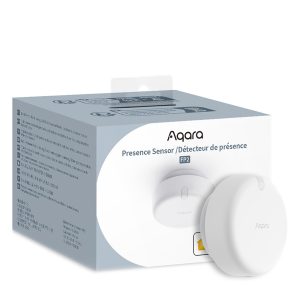
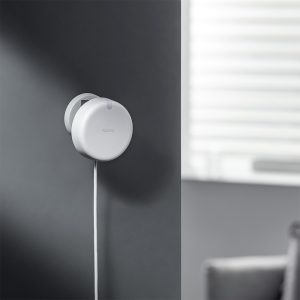
Aqara Presence Sensor FP2
$139.00 Add to cart -
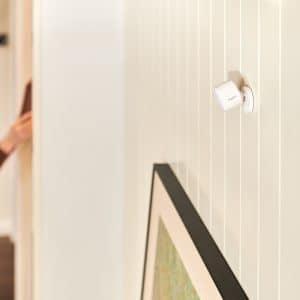
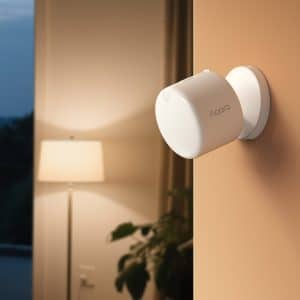
Aqara Presence Sensor FP300
$99.00 Add to cart -
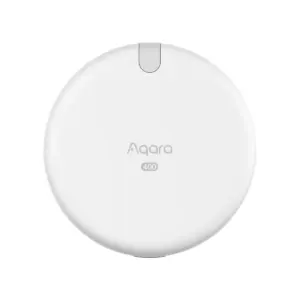
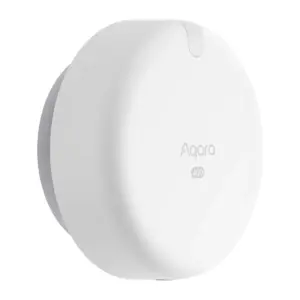
Aqara Spatial Multi-Sensor FP400
$149.00 Add to cart -
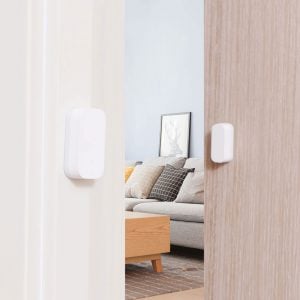
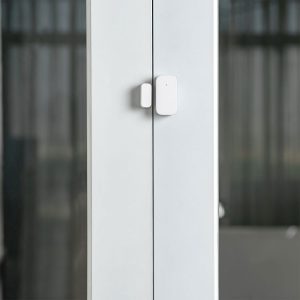
Aqara Door and Window Sensor T1
Price range: $28.00 through $33.00Select options This product has multiple variants. The options may be chosen on the product pageClearT1 (Zigbee 3.0)Original (Zigbee 1.2) -
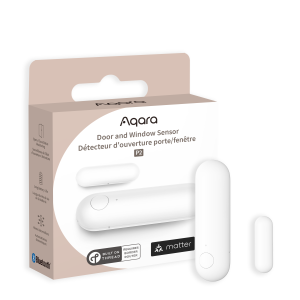
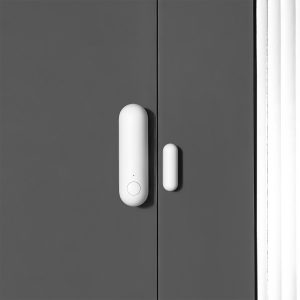
Aqara Door and Window Sensor P2
$52.00 Add to cart -
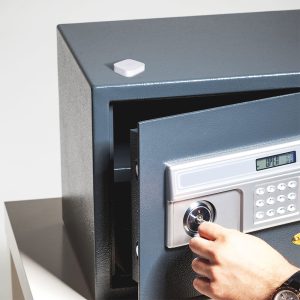
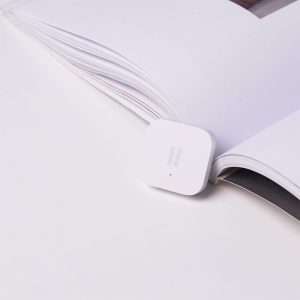
Aqara Vibration Sensor T1
Price range: $28.00 through $33.00Select options This product has multiple variants. The options may be chosen on the product pageClearT1 (Zigbee 3.0)Original (Zigbee 1.2) -
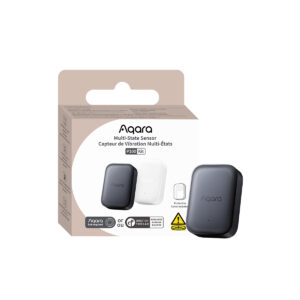
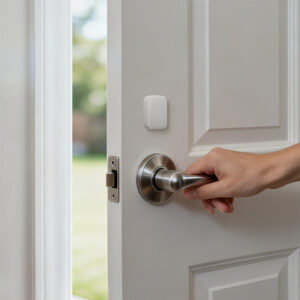
Aqara Multi-State Sensor P100
$69.00Select options This product has multiple variants. The options may be chosen on the product pageClearWhiteBlack -
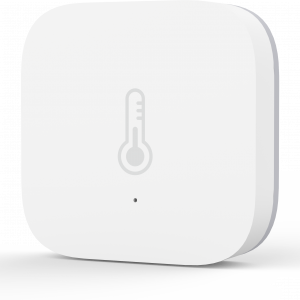
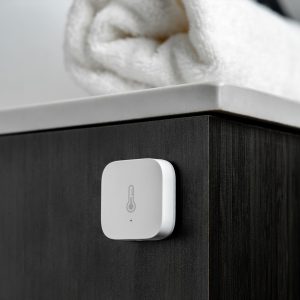
Aqara Temperature and Humidity Sensor T1
Price range: $28.00 through $33.00Select options This product has multiple variants. The options may be chosen on the product pageClearT1 (Zigbee 3.0)Original (Zigbee 1.2) -
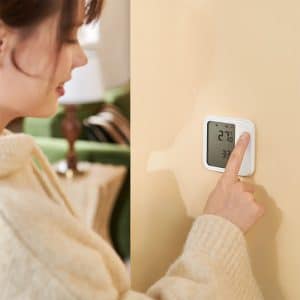
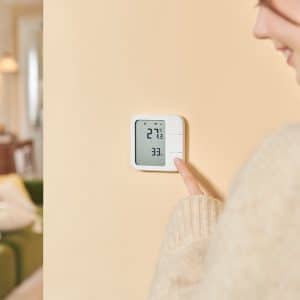
Aqara Climate Sensor W100
$79.00 Add to cart -
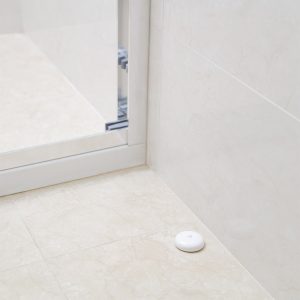
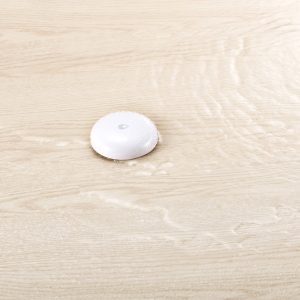
Aqara Water Leak Sensor T1
Price range: $28.00 through $33.00Select options This product has multiple variants. The options may be chosen on the product pageClearT1 (Zigbee 3.0)Original (Zigbee 1.2) -
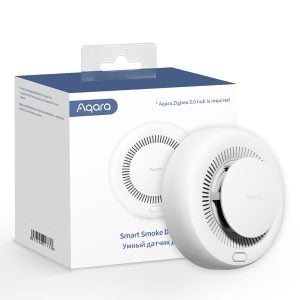
Aqara Smart Smoke Detector
$79.00 Add to cart -
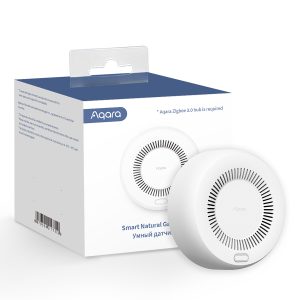
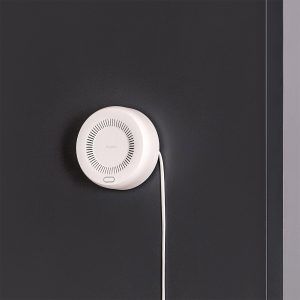
Aqara Smart Gas Detector
$79.00 Add to cart


Side by side
Compare all Aqara sensors
Every model and the connection it uses. For full specifications, open the individual product listing.
Motion and presence
For lights, air-con and alerts that follow the people in your home.
The everyday motion sensor, with adjustable timeout and sensitivity.
Motion plus a light reading, over Thread for Apple Home and other Matter platforms.
Knows someone is in the room even when they sit still. The simple choice for one room.
Maps up to 30 zones and tracks several people, so the lamp comes on for the sofa, not the whole room. No hub needed.
Battery-powered presence, with light, temperature and humidity in the same unit.
Follows up to 10 people across 8 zones and can ignore your pets and robot vacuum. Needs a newer Aqara hub such as the M100, M200 or M3.
Doors, windows and objects
For openings, drawers and anything that should stay put.
One part on the door, one on the frame. The classic gate, door and window sensor.
The same job over Thread, for Apple Home and other Matter platforms.
Feels knocks, tilts and drops on a drawer, a safe or a window pane.
An open-close sensor, or a watcher for tilt, movement and falls on an object.

Temperature and humidity
For air-con, fans and dehumidifiers that respond to the room.
Hides on a shelf and reads temperature, humidity and air pressure.
A large display with three buttons you can assign to scenes. Zigbee mode gives you every Aqara Home feature.
Leaks, smoke and gas
Put each detector where the hazard starts, not where it is easy to see.
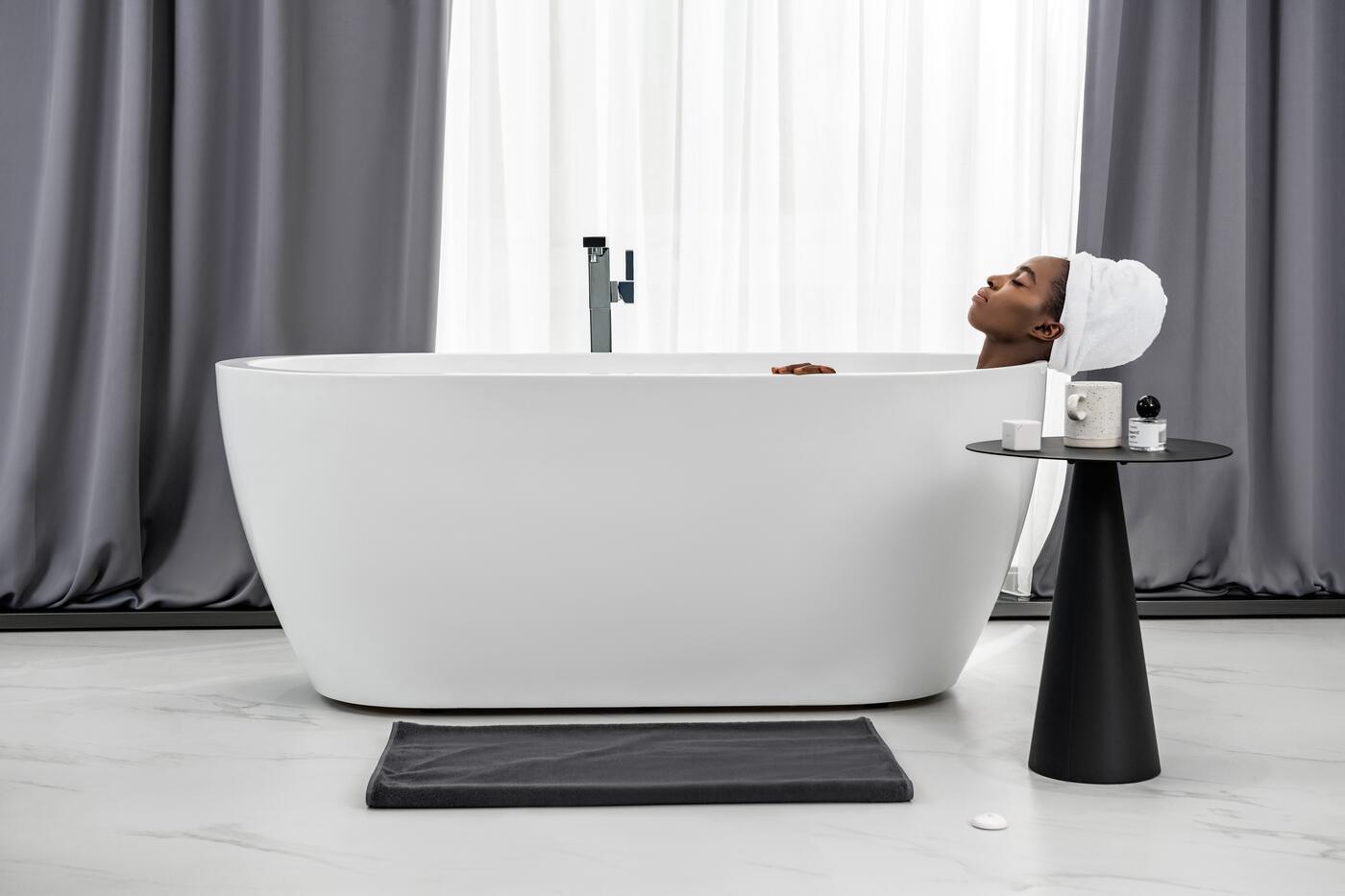
Sits on the floor and alerts you the moment water touches it.
A loud alarm at home and a notification on your phone.
Detects combustible gas in the kitchen and sounds an alarm on the spot.
The one decision that matters most
Motion sensor or presence sensor
A motion sensor sees you move. A presence sensor sees you, full stop. Most homes use both.
Rooms you walk through
Choose a motion sensor
Small, wire-free and quick. In a corridor, on the stairs or inside a wardrobe, the light is on before you reach for the switch.
- Corridors, stairs, entrances and storerooms
- Lights that come on the moment you move
Rooms you sit in
Choose a presence sensor
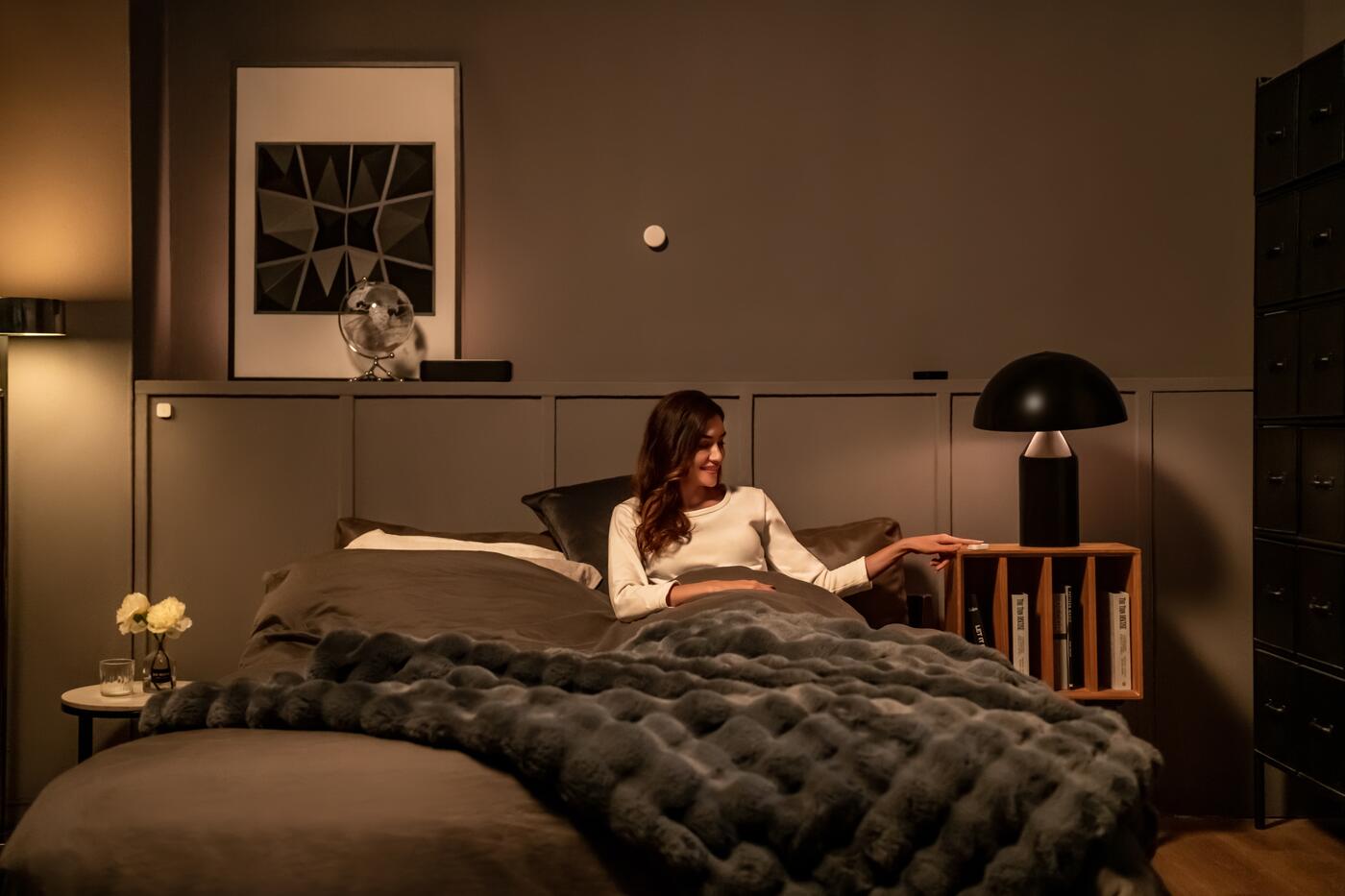
Radar picks up the small movements of someone reading or watching television, so your air-con stays on while you are there and switches off when you leave.
- Living rooms, bedrooms and studies
- Zones with the FP2 or FP400, simple room presence with the FP1E and FP300
For a fuller introduction, read what a presence sensor is.
Zigbee, Thread or Wi-Fi
Match the sensor to your hub
Pick the app you want to live in first; the connection follows.
Zigbee sensors
Connect through an Aqara hub such as the M100 or M200. You get every setting in Aqara Home and automations that run on the hub, and the hub shares the sensors with Apple Home, Google Home and Alexa.
Thread and Matter sensors
Join Apple Home, Google Home or SmartThings directly through a Thread border router, which the Aqara M100, M200 and M3 also provide. The FP300, FP400, W100 and P100 work in either Zigbee or Thread mode, one at a time.
The FP2 is the odd one out: it connects to your Wi-Fi and needs no hub at all.
Not sure which one?
Ask us before you buy
We use these sensors in our own homes and at our Keong Saik showroom. Tell us the room and what you want to happen, and we will recommend the sensors, the hub and where to place them, at no charge.
Questions
Smart sensor questions
Motion sensor or presence sensor?
A motion sensor spots you walking past and suits corridors, entrances and storerooms. A presence sensor keeps seeing you while you sit still, so your air-con stays on in a living room, study or bedroom until you leave.
Do Aqara sensors need a hub?
Most do. Zigbee sensors need an Aqara hub such as the M100 or M200. Thread sensors need a Thread border router, which the same hubs provide. The FP2 connects over Wi-Fi and needs no hub.
FP1E, FP2, FP300 or FP400?
FP1E for simple room presence on USB power. FP2 for zones, several people at once and no hub. FP300 for a battery presence sensor that also reads light, temperature and humidity. FP400 for a busy open-plan room: it follows up to 10 people across 8 zones and can ignore pets, and it needs a newer Aqara hub.
Where should I put a water leak sensor?
Flat on the floor where water collects first: under the sink, beside the washing machine or next to the water heater. The contacts on its underside must touch the water.
Do the sensors work when the internet is down?
Yes for automations that run on your Aqara hub, such as motion turning on a light. Notifications to your phone away from home still need the internet.
Can HomeSmart help me choose and set up sensors?
Yes. Tell us what you want your home to notice and we will recommend the sensors, the hub and where to place them, at no charge. Setup and automation programming are available as a separate paid service.