
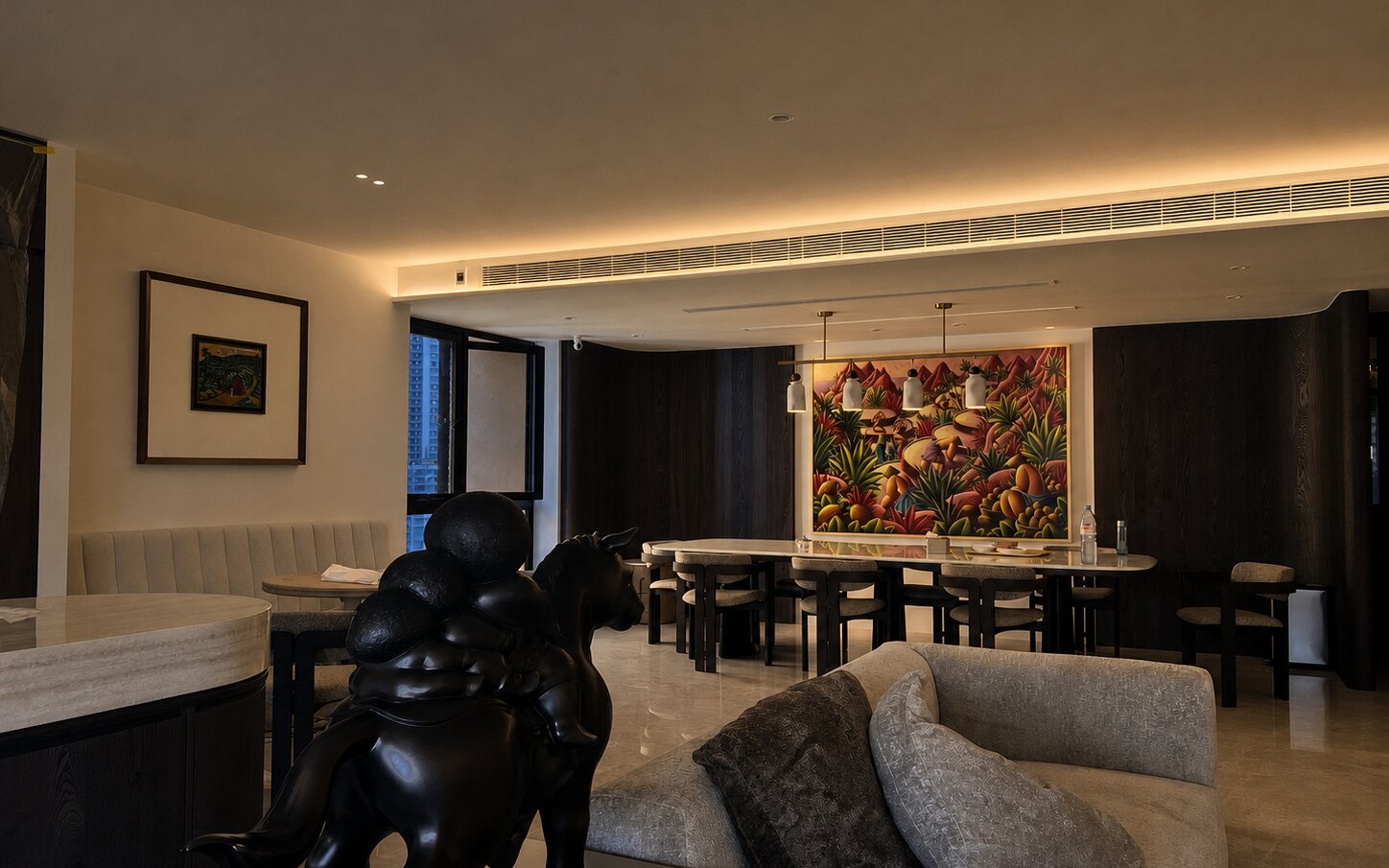
Smart lighting Singapore
Smart lighting for Singapore homes: downlights, track lights, bulbs and LED strips
Aqara lights you can dim, warm up or cool down from the wall switch, the app or a scene. Recessed downlights, magnetic track, ceiling lights, bulbs and LED strips, all on one hub. We help you plan the layout for free.
Which light?
Pick a light for each job in the room
Most rooms need two or three kinds of light: a general layer to see by, a focused layer for a desk, a counter or a picture, and a soft layer in a cove or a shelf. Mix them and the room feels finished instead of flat.
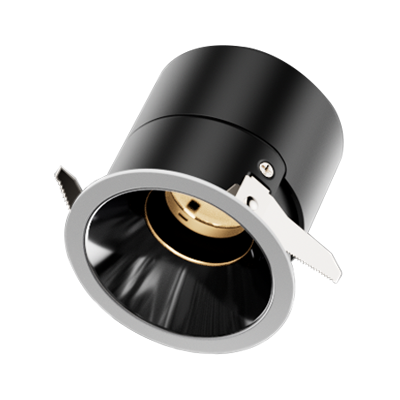
Downlights and spotlights
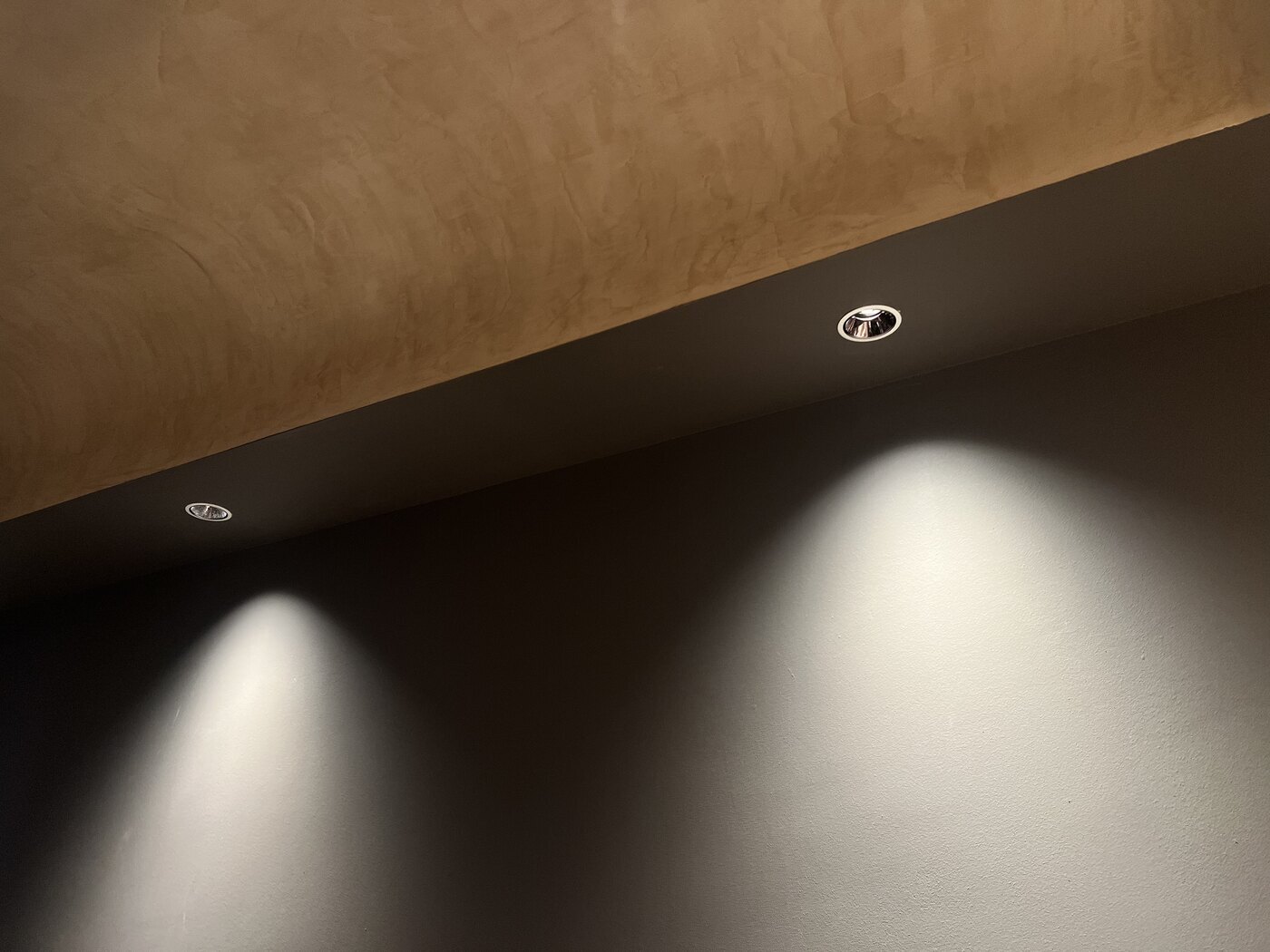
Wide beams to light the room, narrow beams to pick out a wall or a painting. T2 Pro and T2 Lite recess into a false ceiling; the surface-mounted T1 sits on a concrete ceiling.

Magnetic track lighting
Spotlights, grille lights, floodlights and pendants on one rail, and you can slide them along or swap them later. See V1 track and H1 Pro track.
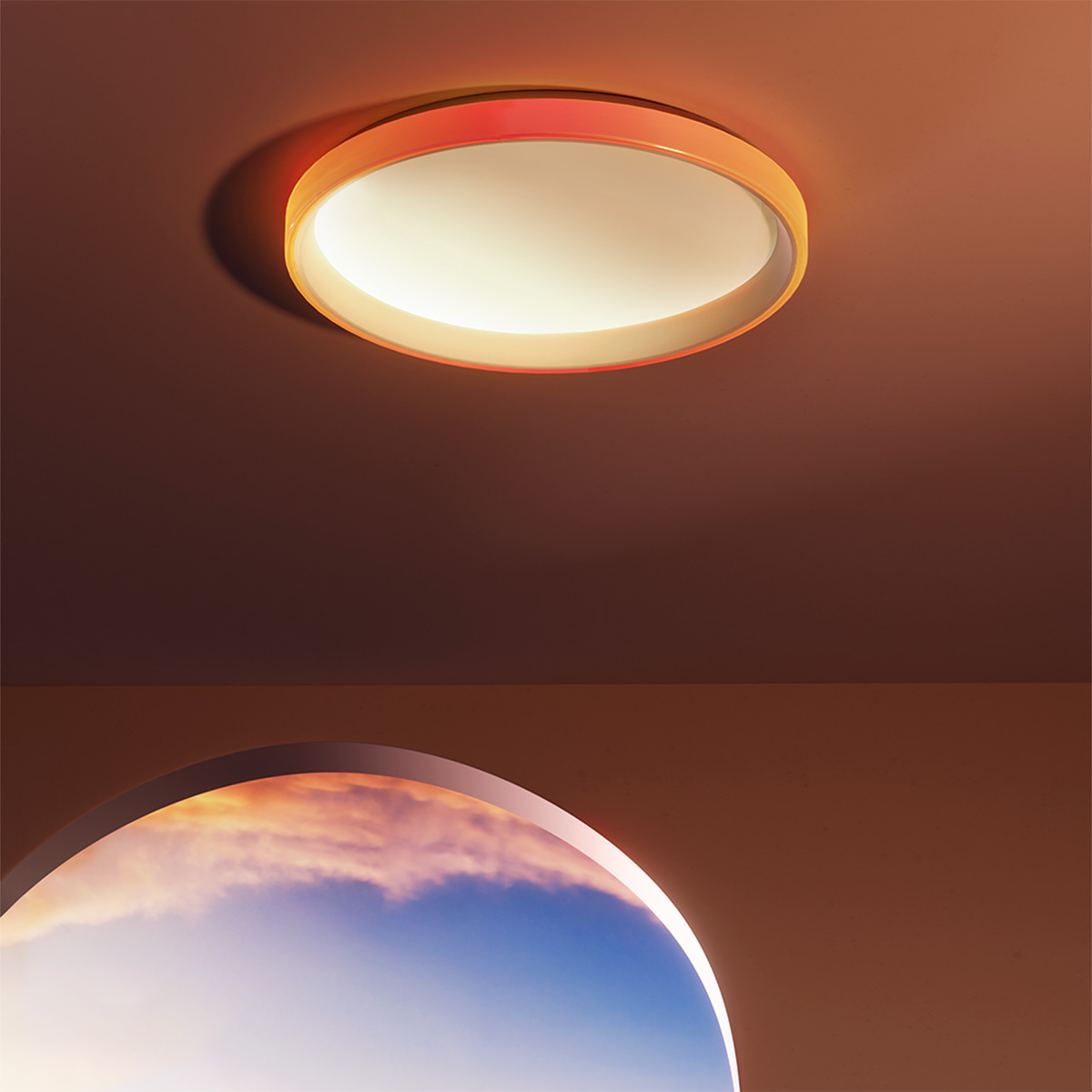
Ceiling lights and bulbs
The Ceiling Light T1M is a finished central fixture. LED Bulb T2 fits the E27 and GU10 lamps and fittings you already own.
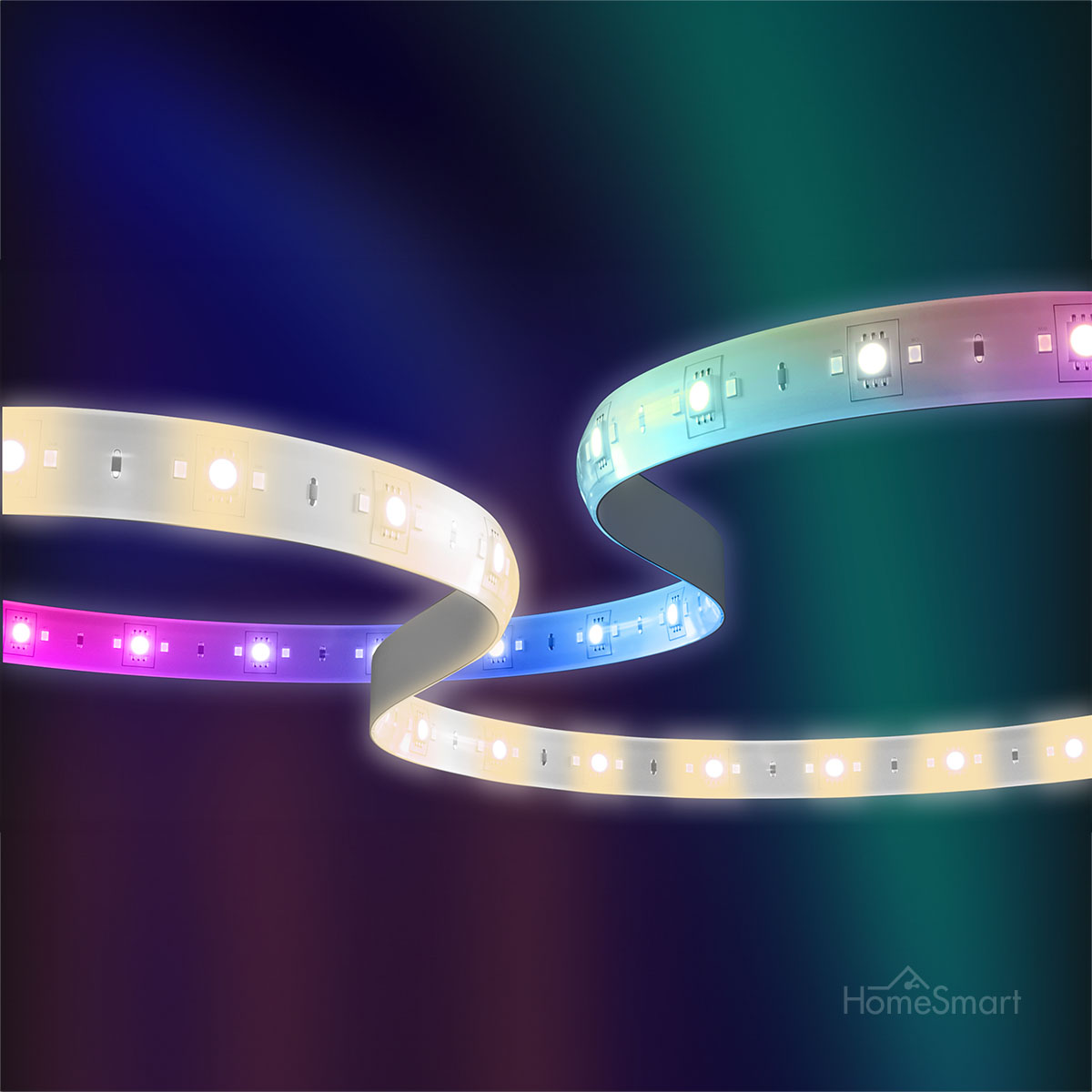
LED strips and indirect light
For coves, shelves and behind the TV. LED Strip T1 does colour and effects; the smart module makes a plain strip you already have dimmable from the app.
Shop
Shop Aqara smart lights
Prices include GST. Open a product for its versions, sizes and beam angles.
Showing all 13 results
-
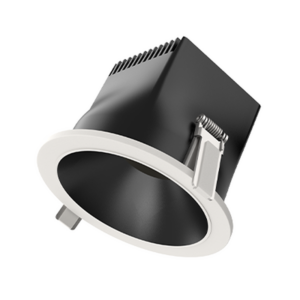
Aqara Smart Downlights T2 Lite
$79.00Select options This product has multiple variants. The options may be chosen on the product pageClear15° Spotlight24° Spotlight36° Spotlight80° Downlight -
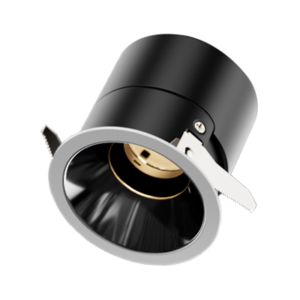
Aqara Smart Downlights T2 Pro
Price range: $99.00 through $109.00Select options This product has multiple variants. The options may be chosen on the product page15° Spotlight24° Spotlight36° Spotlight55° Spotlight60° DownlightWith TrimsTrimlessWhite ReflectorBlack ReflectorClear55mm75mm -

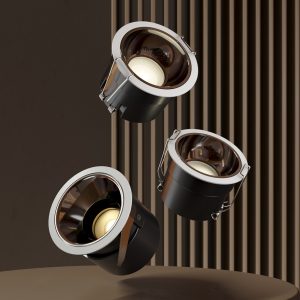
Aqara Smart Downlights T2
$99.00Select options This product has multiple variants. The options may be chosen on the product pageClear15° Spotlight24° Spotlight36° Spotlight60° Downlight -

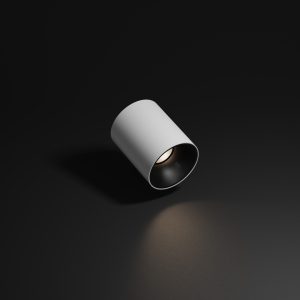
Aqara Surface Mounted Spotlight T1
$69.00Select options This product has multiple variants. The options may be chosen on the product pageWhiteBlackClear24° Spotlight36° Spotlight60° Downlight -
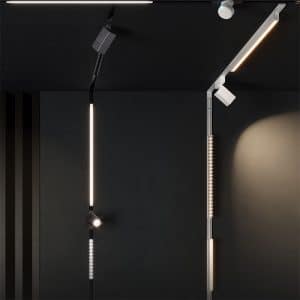
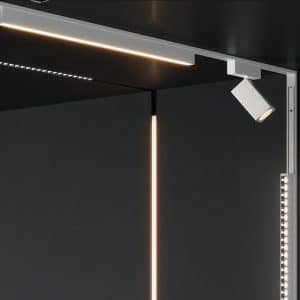
Aqara V1 Magnetic Track Lights
Read more -
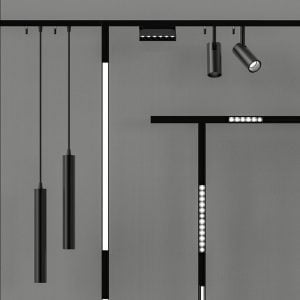
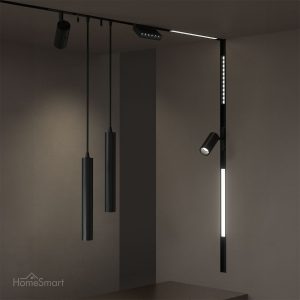
Aqara H1 Pro Series Magnetic Track Lights
Price range: $69.00 through $129.00Select options This product has multiple variants. The options may be chosen on the product pageClearSurface track, 1mSurface track, 2mRecessed track, 1mRecessed track, 2mAqara Track Spotlight H1 ProAqara Grille Light H1 Pro (6 lights)Aqara Grille Light H1 Pro (12 lights)Aqara Folding Grille Light H1 Pro (6 lights)Aqara Floodlight H1 Pro (30cm)Aqara Floodlight H1 Pro (60cm)Aqara Track Pendant Light H1 ProAqara Polarized Light H1 Pro (22cm)Aqara Track 150W Driver -
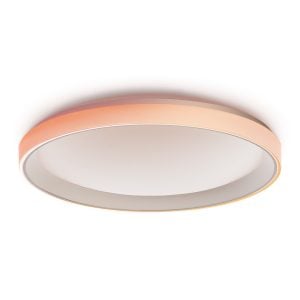
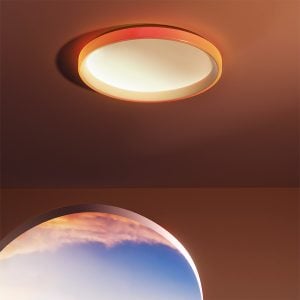
Aqara Ceiling Light T1M
Price range: $159.00 through $199.00Select options This product has multiple variants. The options may be chosen on the product pageClearT1: 395mm, 32WT1M: 495mm, 40W -
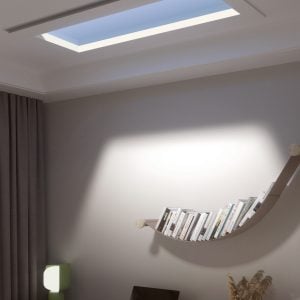
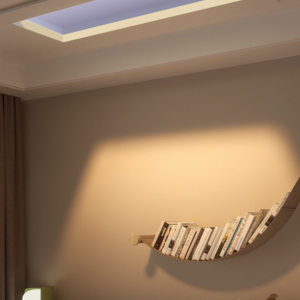
Aqara Sky Light H1
$4,299.00 Add to cart -
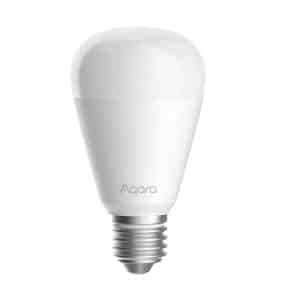
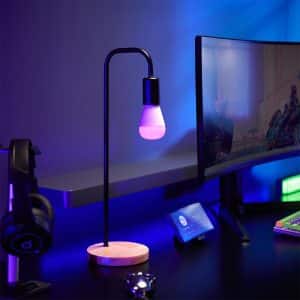
Aqara Smart LED Bulb T2
Price range: $45.00 through $50.00Select options This product has multiple variants. The options may be chosen on the product pageE27GU10ClearCCTRGB CCT -

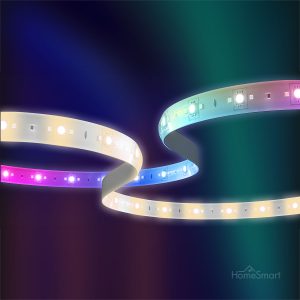
Aqara LED Strip T1
$69.00 Read more -

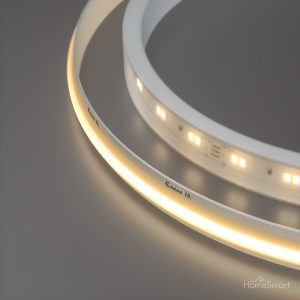
Aqara LED Strips (with Smart Module)
Price range: $52.00 through $129.00Select options This product has multiple variants. The options may be chosen on the product pageClearSMD LED Strips (5m)SMD LED Strip (Waterproof, 5m)COB LED Strips (5m)Aqara Smart Dimmer Module -

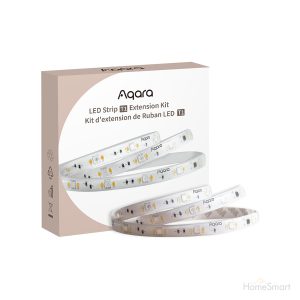
Aqara LED Strip T1 Extension (1m)
$25.00 Add to cart -

Aqara M1S Hub Gen 2
$99.00 Add to cart


Try it
See what dimming and colour temperature do to a room
Drag the sliders on this real HomeSmart project photo. Warm light for the evening, cooler white for work, and a lower level when you want the mood without switching everything off.
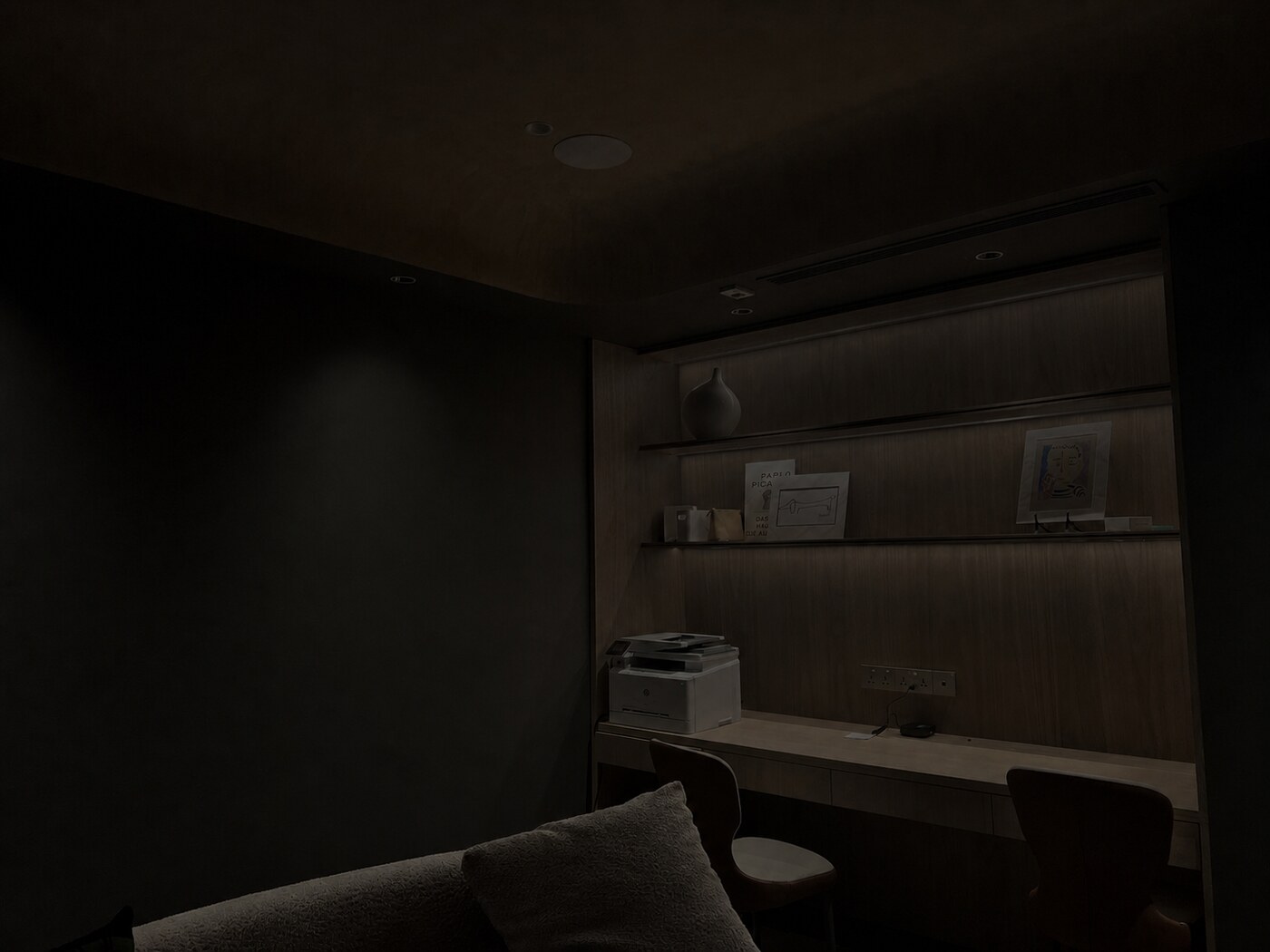
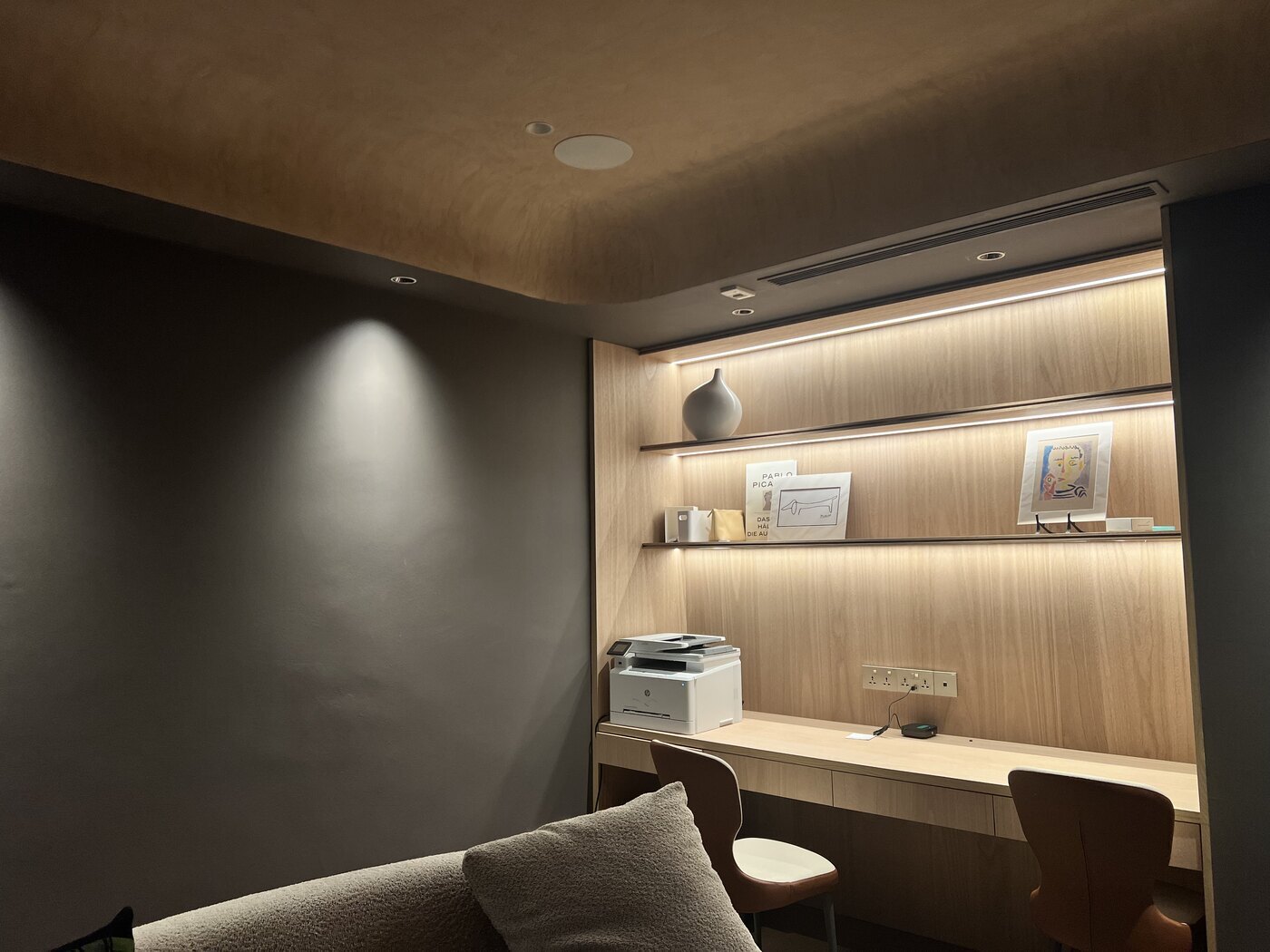
Illustrative screen simulation using a HomeSmart project.
Adjust the room
Actual results vary by product.
Dimming sets the level
Aqara lights dim smoothly rather than in steps, and a scene can set the right level for the whole room at once.
Colour temperature sets the mood
Warm for relaxing, neutral for everyday, cool for focus. A schedule can shift it through the day so you never think about it.
Scenes
Change the whole room in one tap
A scene sets several lights at once: which ones are on, how bright and how warm. Call it from a wall switch, a panel, the app, your voice or a schedule.

Real HomeSmart showroom photographs; selected scenes have adjusted brightness and colour temperature.
Daytime
Everything on, in a clear neutral white, for tidying, homework and a normal day.
These four scenes were photographed in our showroom. What you can do at home depends on the lights and controls you choose.
Smart lights or smart switches
You can use both, room by room
Smart lights give you dimming and colour. Smart switches make ordinary lights schedulable and keep the familiar wall control. Most homes end up with a mix.
Smart lights
For the living room, bedrooms and anywhere you want to dim or change the warmth. Keep them powered all the time and control them from an Aqara switch in wireless mode, a wireless button or the app.
Smart switches
For storerooms, bathrooms and service areas where on and off is enough. An Aqara wall switch replaces the existing one and adds app control and schedules to the light you already have.
Both together
Smart lights where the mood matters, smart switches on the simple circuits, and the same Aqara wall switches working as wireless controls for the smart lights. One app, one hub, one set of scenes.
Planning
Plan the lights before the ceiling closes
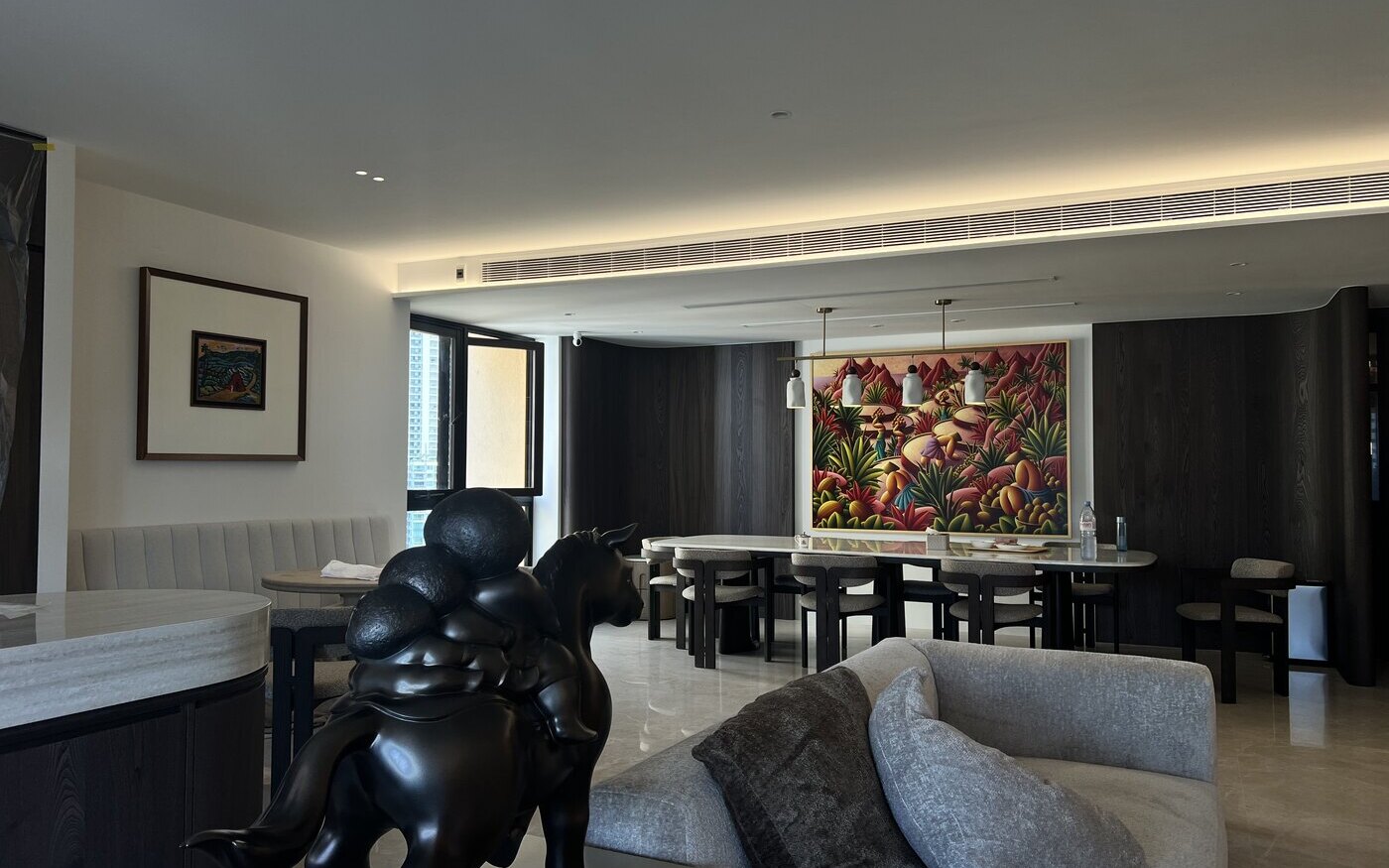
Aqara lights use normal lighting wiring, so any electrician can fit them. What is hard to change later is the false-ceiling depth, the cut-outs, the track positions and where the switches go, so the best time to decide is during renovation. Existing homes can still add bulbs, surface spotlights, strips and wireless controls.
Free layout advice
Send us your floor plan
Tell us which rooms you are doing, whether the ceiling is still open, and the look you are after. We will suggest the fixtures, beam angles and wall controls at no charge. If you would like us to install and set up the lights, we quote that separately once the layout is set.
Questions
Smart lighting questions
What is the difference between a smart light and a smart switch?
A smart light has the dimming and colour control built in. A smart switch controls the power to an ordinary light, so it can switch and schedule it but not dim it or change its colour.
Can I still use the wall switch?
Yes. Smart lights need constant power, so we pair them with an Aqara switch in wireless (decoupled) mode. The switch stays on the wall, but its buttons talk to the lights instead of cutting the power.
Do Aqara smart lights need a hub?
Yes. The Zigbee lights here connect through an Aqara hub for app control, scenes and Apple Home, Google Home or Alexa. Our hub guide helps you choose one.
Can they go from warm to cool white?
Yes. Aqara's downlights, track lights, ceiling lights, bulbs and LED Strip T1 tune from warm to cool white; the exact range varies by model. LED Strip T1 and the RGB version of LED Bulb T2 add full colour as well.
Do I need special wiring?
No. Aqara lights run on normal mains lighting wiring. What needs planning is constant power to each light, which lights share a circuit, the ceiling cut-outs and where the wall controls go.
Should I plan lighting before renovation?
Ideally, yes. False-ceiling depth, cut-outs, track positions, circuits and switch points are easiest to get right before the ceiling closes. Existing homes can still add bulbs, surface spotlights, strips and wireless controls.
Do you install smart lighting?
We can. Installation and setup are quoted separately once the layout is set. Your own electrician can also fit the lights, because they use normal lighting wiring.