Aqara smart home hubs Singapore
Aqara hubs: M100, M200, M3 and camera hubs
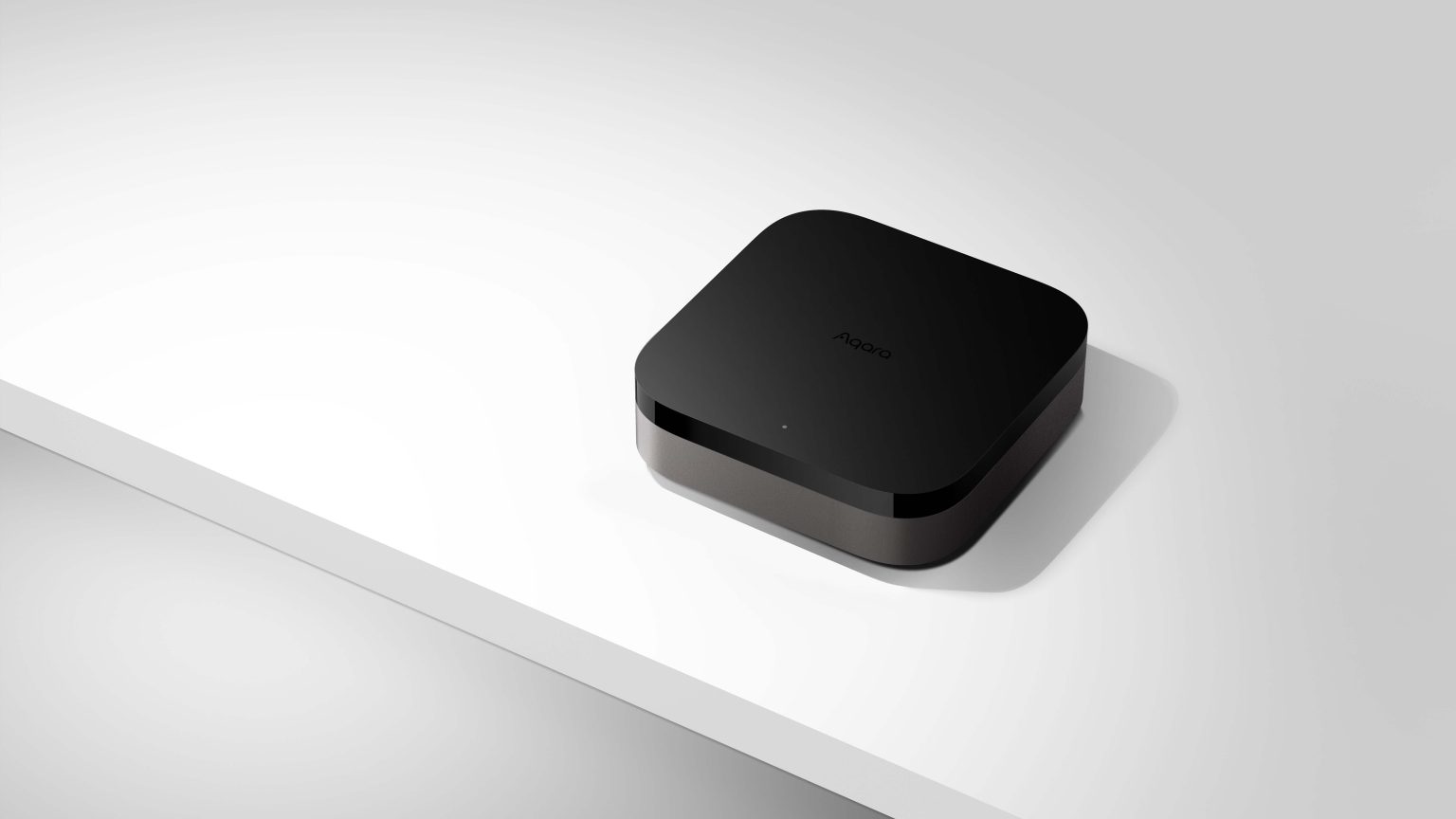
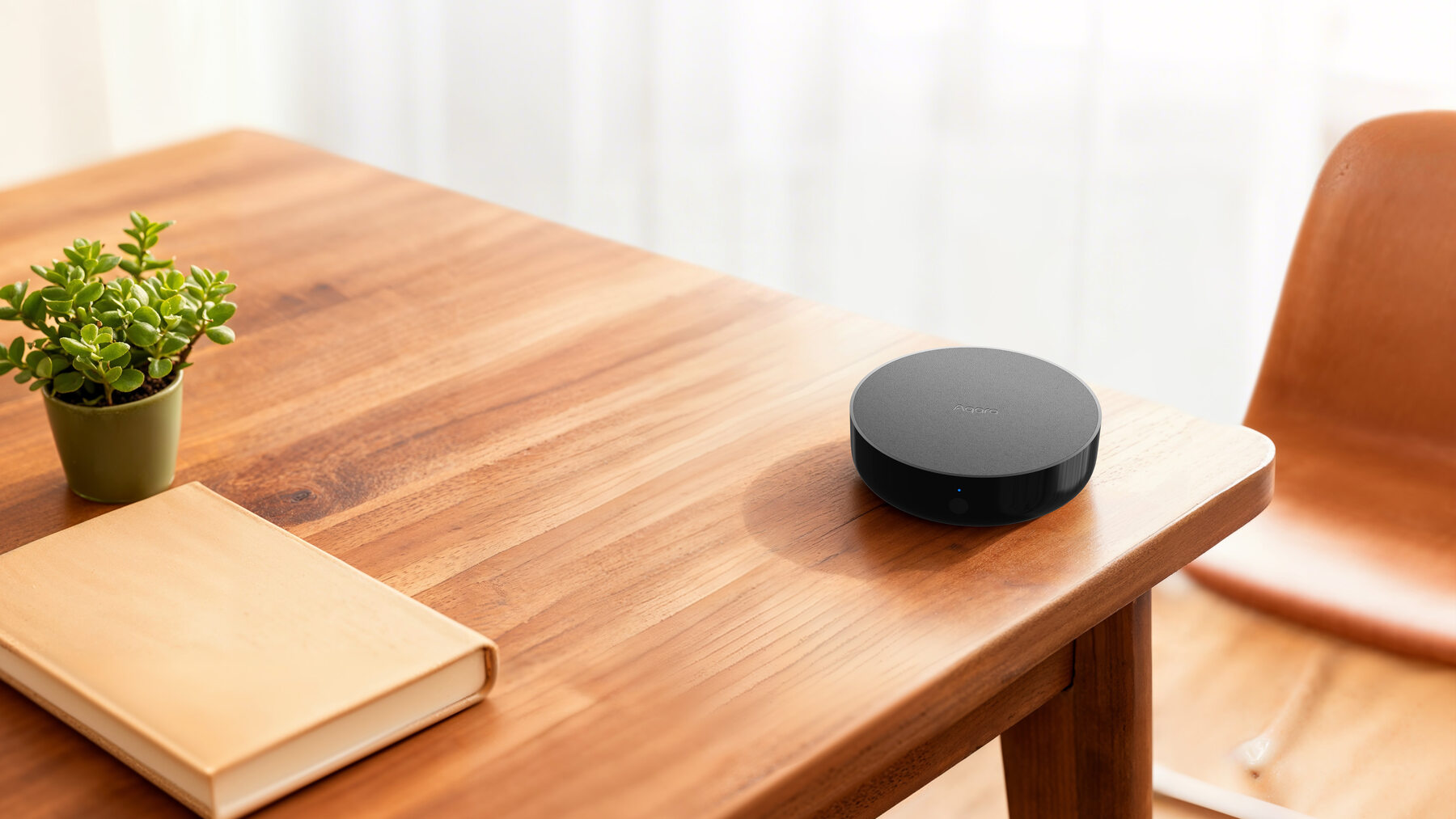
The hub is the small box that turns a drawer of Aqara switches, sensors, locks and lights into one home you control from a single app. It runs your automations at home, even when the internet drops, and it brings everything into Apple Home, Google Home and Alexa.
Which hub?
Pick the hub by what else it does
All four connect your devices and run your automations. The difference is the extra job each one does in the room where it sits.
Just a hub
M100 for a small home or a second room
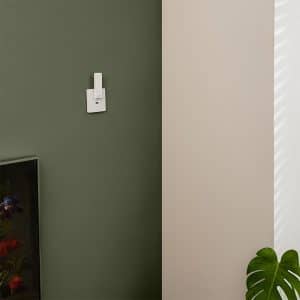
The compact M100 plugs into any USB socket and does the core job: Zigbee hub, Thread border router and Matter controller.
Shop Aqara M100 HubHub plus air-con control
M200 for most homes
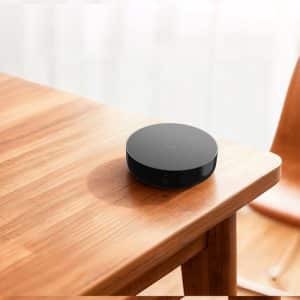
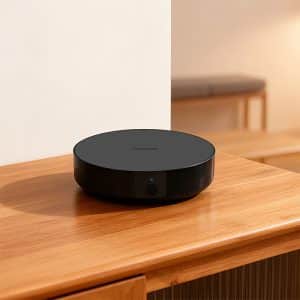
Our starting point for most HDB flats and condos. It controls your air-con by infrared, has a speaker for alerts and chimes, and takes USB-C or PoE power.
Shop Aqara M200 HubThe big one
M3 for a large or multi-hub home
Everything the M200 does, with a louder speaker, more capacity and Aqara's Edge and Hub Cluster features for automations across several hubs.
Shop Aqara M3 Hub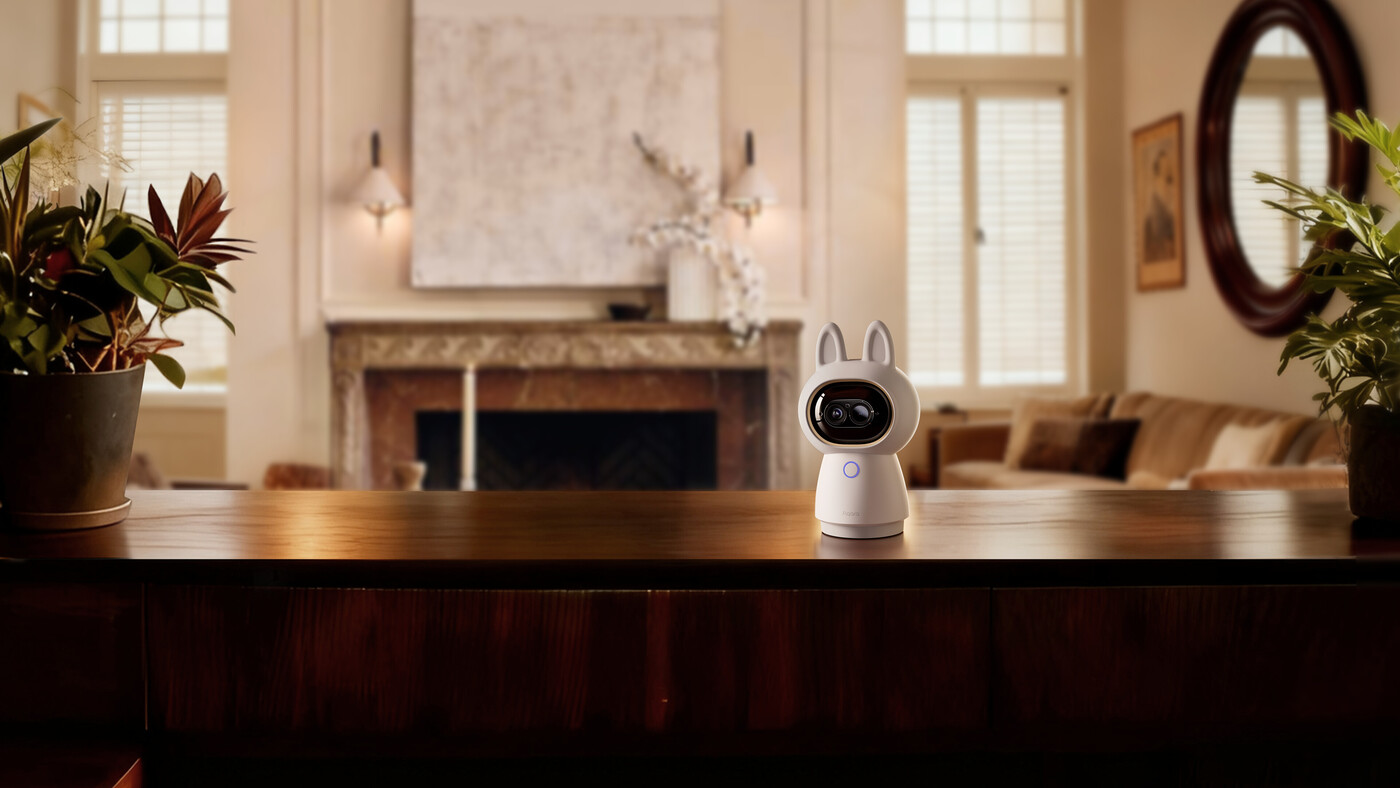
Camera and hub in one
Camera hubs
Camera Hub G2H Pro, G350 and G5 Pro are security cameras with a hub inside, so one device covers the living room and connects your sensors and switches.
Compare Aqara camerasShop
Shop Aqara hubs
Prices include GST. Open a product for its ports, power and device capacity.
Showing all 9 results
-
Aqara M200 Hub
$149.00 Add to cart -
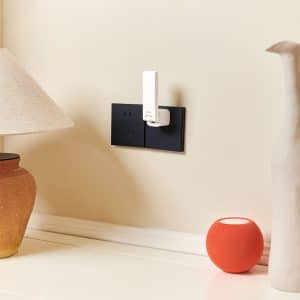
Aqara M100 Hub
$89.00 Add to cart -

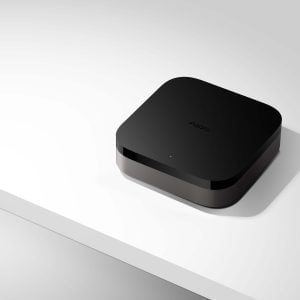
Aqara M3 Hub
$289.00 Add to cart -

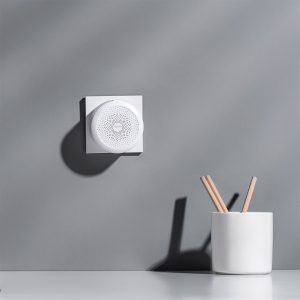
Aqara M1S Hub Gen 2
$99.00 Add to cart -
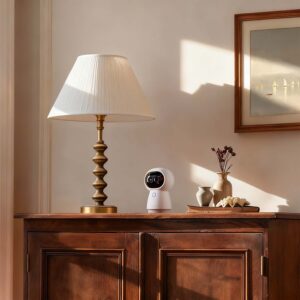
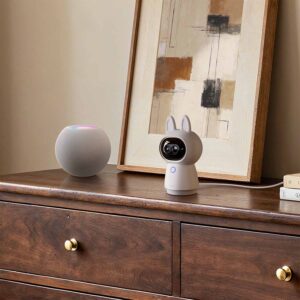
Aqara G350 Camera Hub
$299.00 Add to cart -
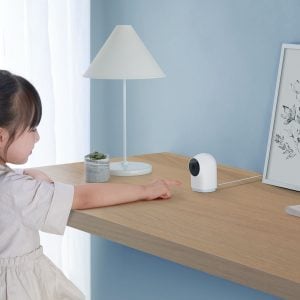
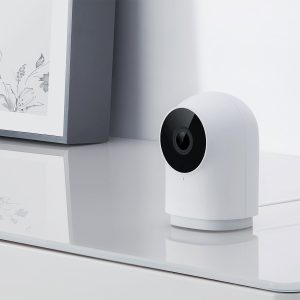
Aqara G2H Pro Camera Hub
$139.00 Add to cart -
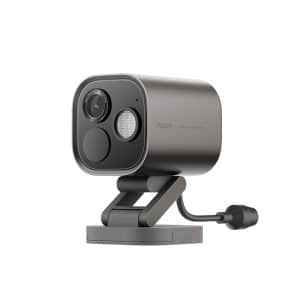
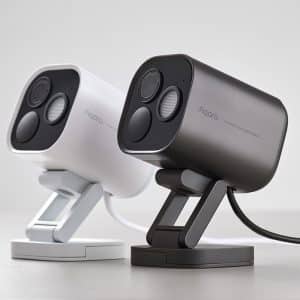
Aqara Camera Hub G5 Pro
Price range: $399.00 through $469.00Select options This product has multiple variants. The options may be chosen on the product pageWhiteGreyClearWi-FiPower Over Ethernet -
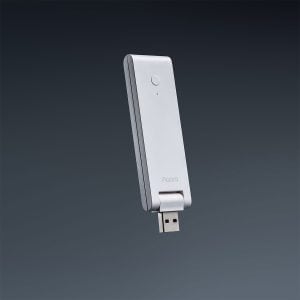
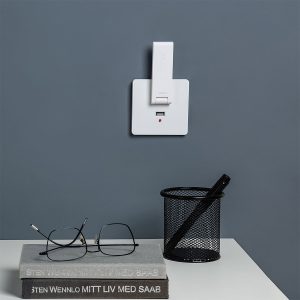
Aqara E1 Hub
$49.00 Read more -
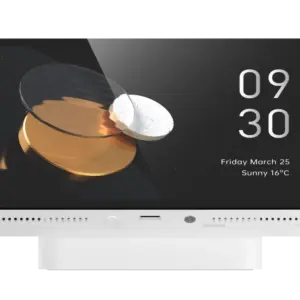
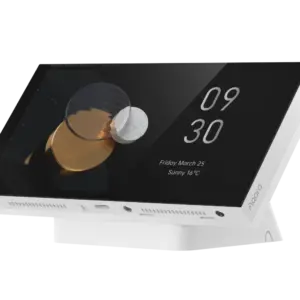
Aqara Panel Hub S1 Plus (Desktop Version)
$559.00 Add to cart


Side by side
Compare the standalone hubs
The four hubs that are only hubs. For full specifications, open the individual product listing.
| Hub | Best fit | Core protocols | Useful additions |
|---|---|---|---|
| M100Compact | A small home, or a second room in a bigger one | Zigbee hub, Thread border router, Matter controller and bridge | USB powered; no air-con control or speaker |
| M200Most homes | A typical HDB flat or condo, especially with air-con to control | Zigbee hub, Thread border router, Matter controller and bridge | Infrared air-con control that stays in step with the original remote, speaker, USB-C or PoE |
| M3Flagship | A large home, many devices or several hubs working together | Zigbee hub, Thread border router, Matter controller and bridge | Air-con control, loud speaker, PoE, Edge automations and Hub Cluster |
| M1S Gen 2Plug-in night light | A simple Zigbee setup that wants a night light and an alarm sound | Zigbee hub | RGB light ring and speaker in a wall-plug body |
For M3 versus M200, M200 versus M100 and where to place each hub, read How to Choose an Aqara Hub.
Hubs hiding in other products
Your camera, doorbell or control panel can be the hub
If you are buying one of these anyway, you may not need a separate hub at all. Buy it for its main job and let the hub come free.
Camera hubs
Camera Hub G2H Pro, G350 and G5 Pro connect your Aqara devices as well as watching the room. Camera E1, Camera G100 and Doorbell Camera G400 are cameras only.
Compare security camerasDoorbell Camera Hub G410
The indoor chime is a hub, which makes the G410 a neat foundation for a doorbell-and-lock setup at the entrance. A bigger home still benefits from an M-series hub inside.
Shop Doorbell Camera Hub G410Panel Hub S1 Plus
The wall-mounted MagicPad S1 Plus has a Zigbee hub inside its touchscreen. The tabletop Desktop version is a Zigbee hub and Matter bridge too, though not a Matter controller or Thread border router.
Shop MagicPad S1 PlusThe same panel for a table is the Panel Hub S1 Plus Desktop. See all control panels and dials.
How it works
Your devices talk to the hub, and the hub talks to your apps
Aqara switches, sensors, lights and curtain motors use Zigbee, a low-power radio, so they never join your Wi-Fi. They form a mesh around the hub, and the hub connects to your router by Wi-Fi or Ethernet. The M100, M200 and M3 are also Thread border routers and Matter controllers, so Thread devices such as the U500 lock join the same home.
Read how our smart wireless technology works, or go deeper with the Aqara Zigbee hub explainer.
Not sure which one?
Ask us before you buy
We run these hubs at home and at our Keong Saik showroom. Tell us your rooms and the switches, sensors, locks, cameras and air-cons you have in mind, and we will recommend the hub mix and where to put each one, at no charge.
Questions
Aqara hub questions
Do I need an Aqara hub?
Yes, for Aqara Zigbee switches, sensors, lights and curtain motors: they talk to the hub, not to your Wi-Fi. Thread devices such as the U500 lock need a Thread border router, which the M100, M200 and M3 also provide.
Which hub should I start with?
The M200 for most homes: it adds air-con control, a speaker and PoE. The M100 if you only need a hub. The M3 for a large home or one that will run several hubs.
How many hubs do I need?
Most HDB flats and condos need one. Add a second for a large or two-storey home, or to control the air-con in another room. Mains-powered Zigbee devices extend the range; battery ones do not.
Can a camera or doorbell be my hub?
Yes. Camera Hub G2H Pro, G350 and G5 Pro and the Doorbell Camera Hub G410 are hubs too. Camera E1, Camera G100 and Doorbell Camera G400 are cameras only.
Which hubs control my air-con?
The M200 and M3 send infrared like your remote, so they sit in the same room with a clear line to the air-con. The M200 also notices when someone uses the original remote and keeps the app in step.
Do automations work if the internet is down?
Yes. Automations between Aqara devices run on the hub itself. Controlling your home from outside and phone notifications still need the internet.
Zigbee, Thread and Matter: what is the difference?
Zigbee and Thread are the radios your devices use. Matter is what lets Apple Home, Google Home and Alexa control them. The M100, M200 and M3 handle all three.
Can HomeSmart help me choose a hub?
Yes. Tell us the rooms and the devices you have in mind and we will recommend the hub mix and where to put each one, at no charge.