
Smart switches Singapore
Smart light switches for Singapore homes
Keep the wall switch everyone in the house already knows how to use, and add app control, schedules, scenes and voice on top. Every Aqara smart switch here fits a standard Singapore switch box, and most come in a no-neutral version for older wiring.
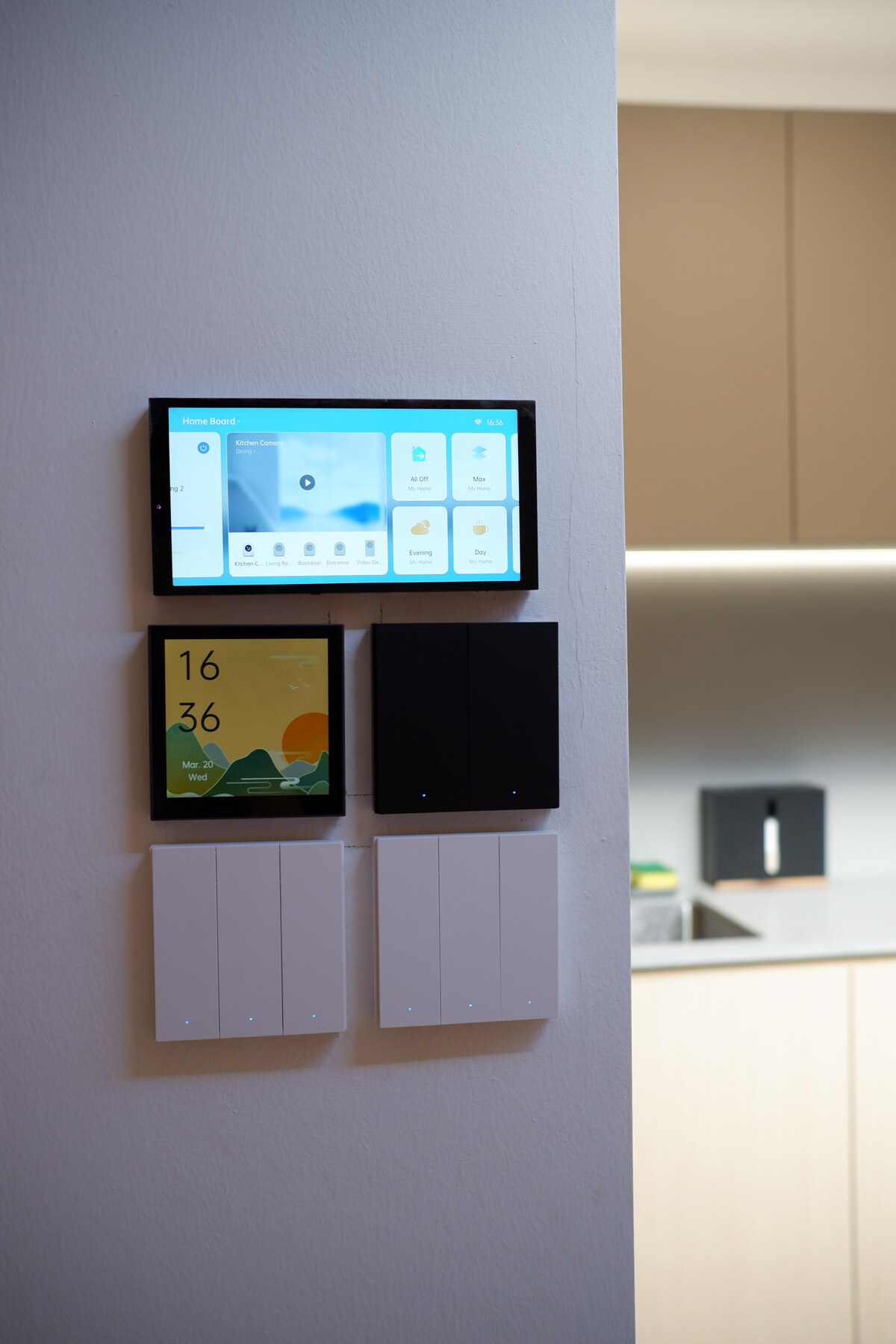
Four ranges
Pick the switch you want to touch every day
All four do the same smart things. They differ in looks, button feel and how many controls you get at one point.
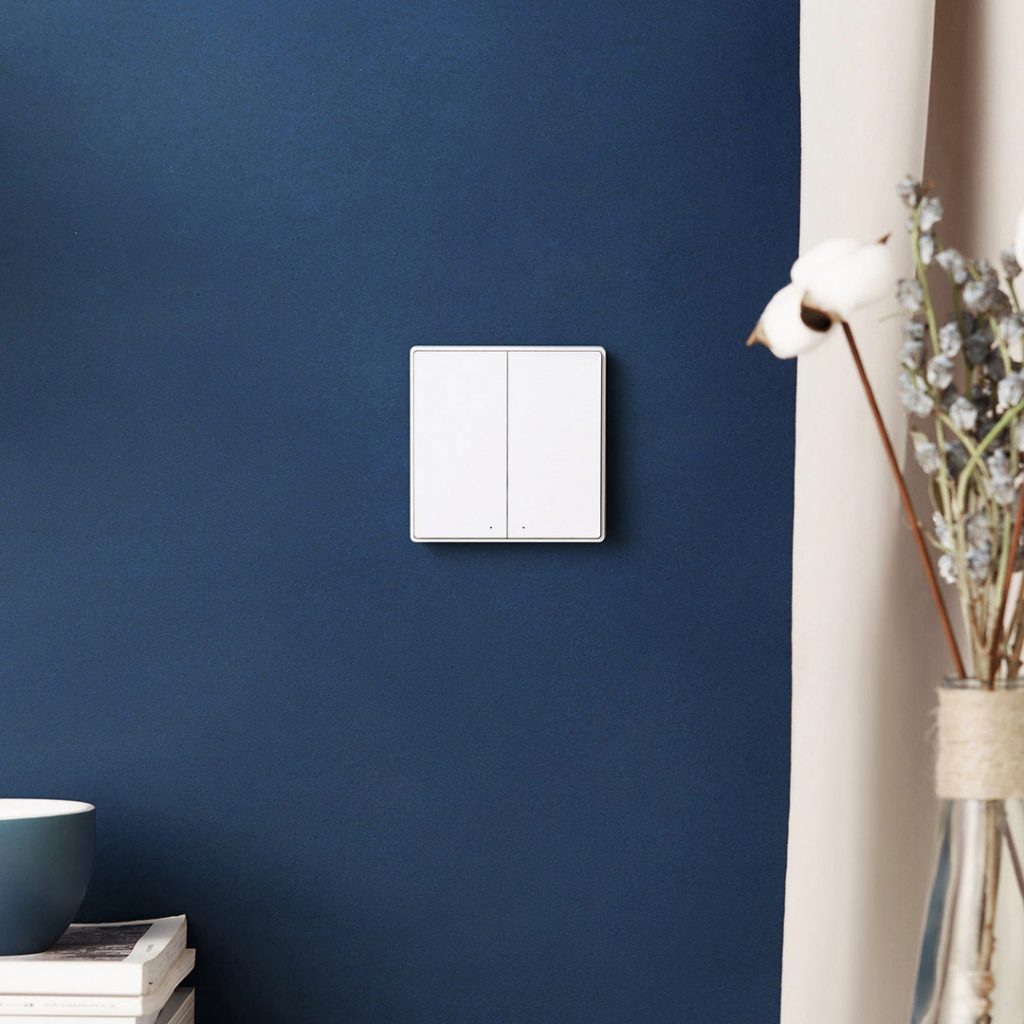
The familiar one
Aqara D1
A classic rocker in one, two or three gangs, with snap-on colour faceplates to match your wall. The easy choice for a whole home.

The refined one
Aqara H1
A metal frame, a short crisp click and more colours than the D1. The H1 range also has a 20A switch for your water heater.
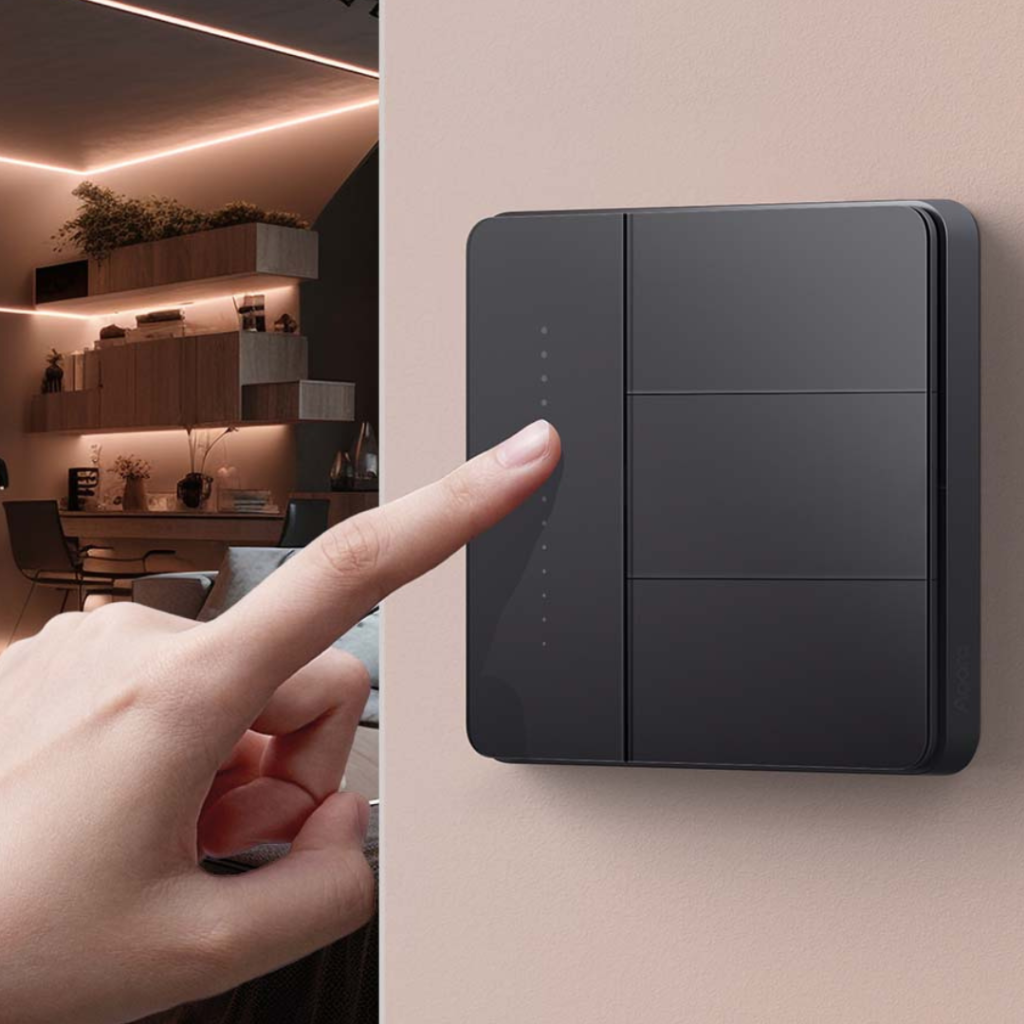
More controls per point
Aqara Z1 Pro
A modern multi-button layout in black or white, plus a slider you can set to dim your lights or run a scene.

Zigbee or Thread
Aqara H2
Fits 55 mm and 86 mm switch boxes, works over Zigbee or Thread, and has a matching rotary dimmer in the same design.
Shop
Shop Aqara smart switches, dimmers and panels
Prices include GST. Open a product to pick the colour, gang count and neutral or no-neutral version.
Showing all 10 results
-
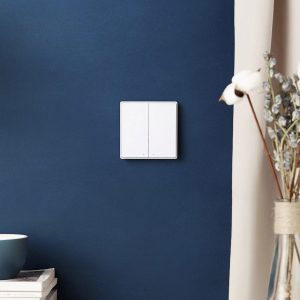
Aqara D1 Smart Wall Switch
Price range: $45.00 through $65.00Select options This product has multiple variants. The options may be chosen on the product pageBlackWhiteNeutralNo-NeutralClear1-Gang2-Gang3-Gang -
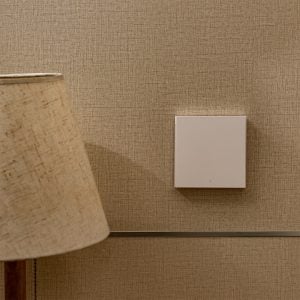
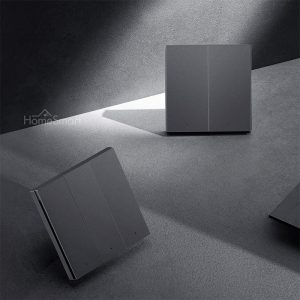
Aqara H1 Smart Wall Switch
Price range: $55.00 through $99.00Select options This product has multiple variants. The options may be chosen on the product pageBlackWhiteGoldDark GreyNeutralNo-NeutralClear1-Gang2-Gang3-Gang -
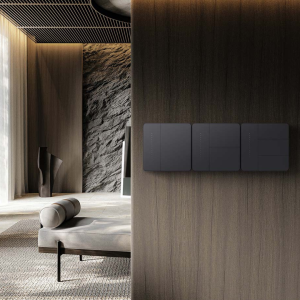
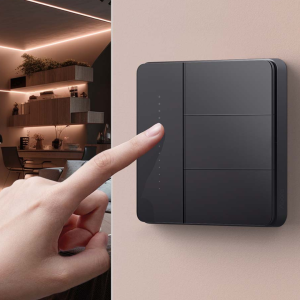
Aqara Z1 Pro Smart Wall Switch
Price range: $70.00 through $99.00Select options This product has multiple variants. The options may be chosen on the product pageWhiteBlackClear1-gang2-gang3-gang4-gang -
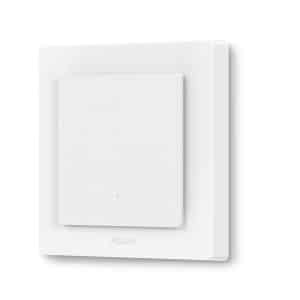
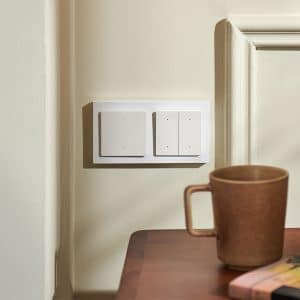
Aqara Light Switch H2
Price range: $88.00 through $98.00Select options This product has multiple variants. The options may be chosen on the product pageClear2 Buttons4 Buttons -
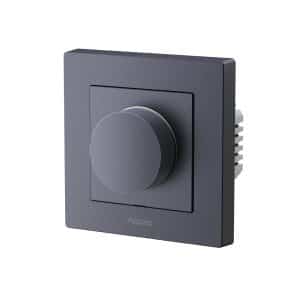
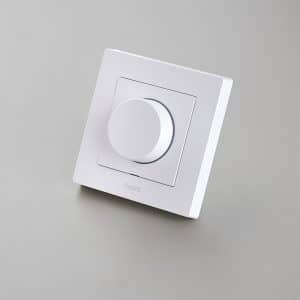
Aqara Dimmer Switch H2
$88.00Select options This product has multiple variants. The options may be chosen on the product pageClearWhiteGrey -
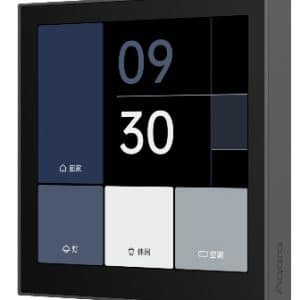
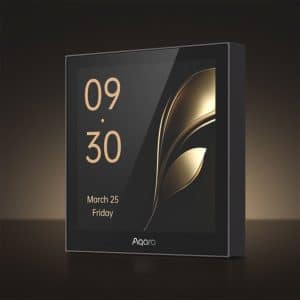
Aqara Panel Switch S100
$199.00Select options This product has multiple variants. The options may be chosen on the product pageClearWhiteGrey -
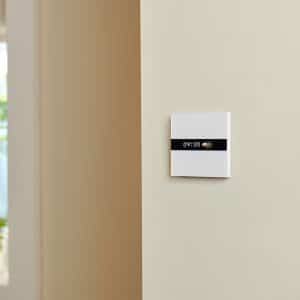
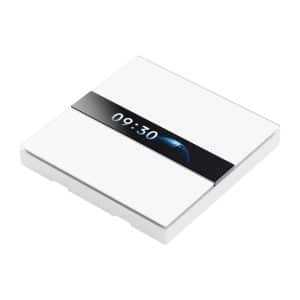
Aqara Display Switch V1
$199.00 Add to cart -
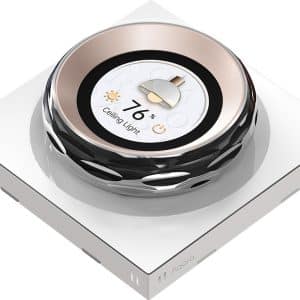
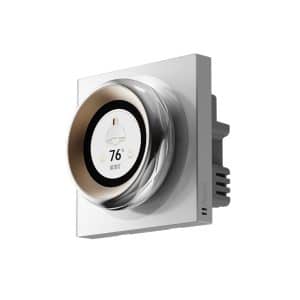
Aqara Touchscreen Dial V1
$329.00 Add to cart -
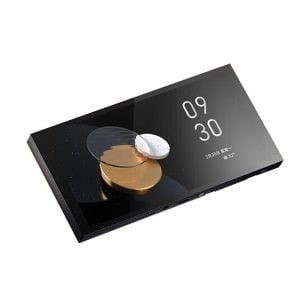
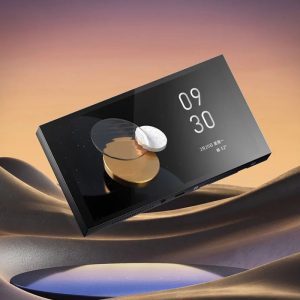
Aqara Panel Hub / MagicPad S1 Plus
$699.00Select options This product has multiple variants. The options may be chosen on the product pageClearBlack, 3 GangWhite, 2 Gang -
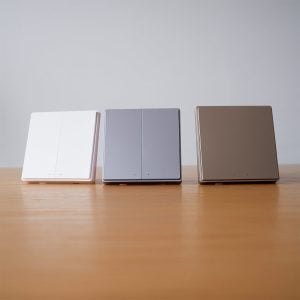
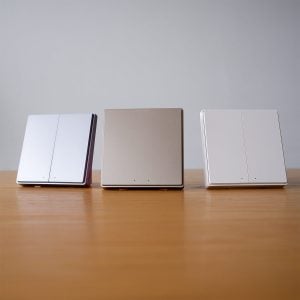
Aqara D1 Switch Colour Faceplate
Price range: $13.00 through $17.00Select options This product has multiple variants. The options may be chosen on the product pageChampagneSpace GreyClear1-gang2-gang3-gang


Side by side
Compare the Aqara switch ranges
The main differences between the ranges are here. For colours, gang options and wiring versions, open the individual product listing.
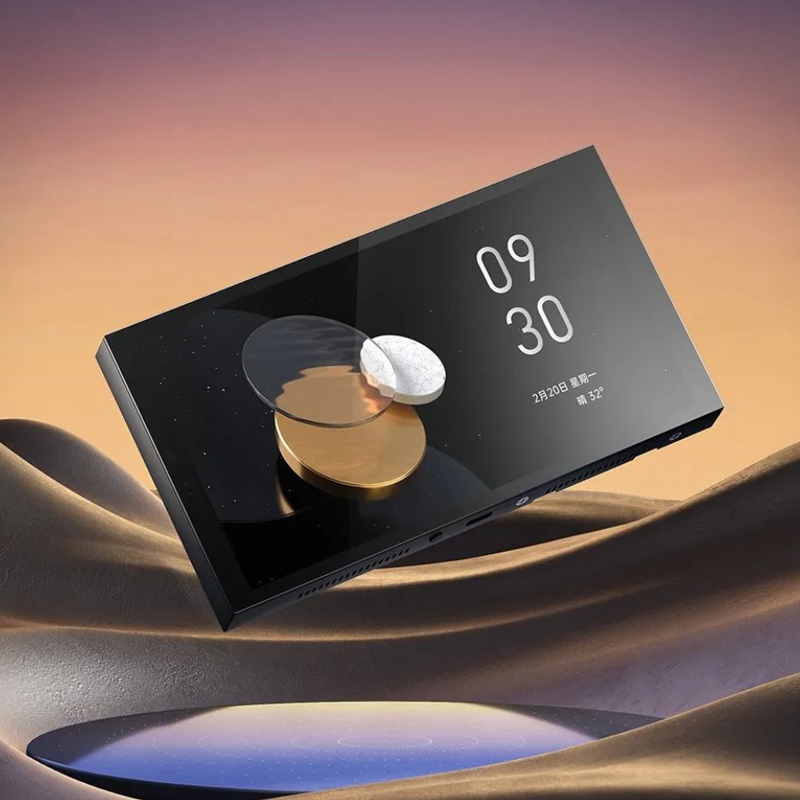
For the entrance and living room
Control panels, displays and dials
The S100 panel switch, Display Switch V1, Touchscreen Dial V1 and MagicPad S1 Plus put scenes, curtains, air-con and cameras on the wall next to your lights. One at the entrance and one in the living room is the usual plan. See all control panels and dials.
See the panels and dials below| Range | Best for | Button feel | Versions |
|---|---|---|---|
| D1 | A whole home on a budget | Classic rocker | 1 to 3 gangs; neutral and no-neutral; colour faceplates |
| H1 | A premium finish and a water-heater switch | Short, crisp click | 1 to 3 gangs; neutral and no-neutral; several colours; 20A switch |
| Z1 Pro | Several controls at one point | Multi-button with slider | 1 to 3 gangs; 4-gang has 3 wired plus 1 wireless button; black or white |
| H2 switch | Thread homes and 55 mm boxes | Multi-button | 1-gang and 2-gang; white or grey |
| H2 dimmer | Dimming dimmable lights from the wall | Rotary dial | White or grey |
| Panels and dials | Entrance and living room | Touchscreen or dial | S100, Display Switch V1, Touchscreen Dial V1, MagicPad S1 Plus |
Choosing between the D1 and H1: our Aqara D1 versus H1 comparison goes through construction, feel, colours and configurations in detail.
Getting the version right
Four things to check for each switch point
Every switch point in your home needs the right wiring version and the right number of gangs. Here is how to read yours.
Neutral or no neutral
Most Singapore homes have no neutral wire behind the light switch, so the no-neutral version is the safe default. Pick the neutral version only if your electrician has confirmed the wire is there, or you are adding one during renovation. Read the neutral versus no-neutral guide.
One, two or three gangs
A gang is one rocker. Match the switch you are replacing. A spare gang can become a wireless button for a scene or an all-off command.
Lights or a water heater
The D1, H1, Z1 Pro and H2 switch lighting circuits. For a water heater or another high-load appliance, use the H1 20A switch.
Add controls without wiring
The D1 and H1 have matching battery wireless switches for a bedside or a second doorway. The H2 1-gang has one wired and one wireless rocker built in, and the Z1 Pro 4-gang adds a wireless button too.
Doing the whole home
Count your switch points and we will check the list
Add each switch point and its gangs in the configurator, tell us what you know about the wiring, and pick the range you like. Checking the list is free. Installation, app setup and scenes are available as paid add-ons in the same place, or buy the switches and use your own electrician.
Questions
Smart switch questions
Do I need a neutral wire for a smart switch?
Not always. Most Singapore light-switch points have no neutral wire, so Aqara makes no-neutral versions of the D1, H1 and Z1 Pro. Choose a neutral version only if your electrician has confirmed the wire is there.
Can I still turn the light on and off at the wall?
Yes. It is still a physical switch. The app, voice control, schedules and scenes are extra ways to control the same light, not replacements.
Do Aqara smart switches need a hub?
Yes. These switches use Zigbee and need an Aqara hub such as the M100 or M200. The H2 can also run over Thread for Matter homes.
How many switches do I need?
One per switch point, with the same number of gangs as the switch you are replacing. Count them in the configurator and we will check your list for free.
Which switch works with Aqara smart lights?
Use a neutral-wire Aqara switch set to wireless mode. It stops cutting power to the light and sends commands to it instead, so the light stays connected. Ask us which pairing suits your lights.
What is the difference between a wired and a wireless switch?
A wired switch sits in your switch box and switches the circuit. A wireless switch runs on a battery, mounts anywhere, and tells your hub what to do. Pair them for a second control point without new wiring.
Can HomeSmart install my switches?
Yes, as a paid service. Add installation, app setup and scenes when you build your list in the configurator, or buy the switches and use your own electrician. Help choosing is free.