
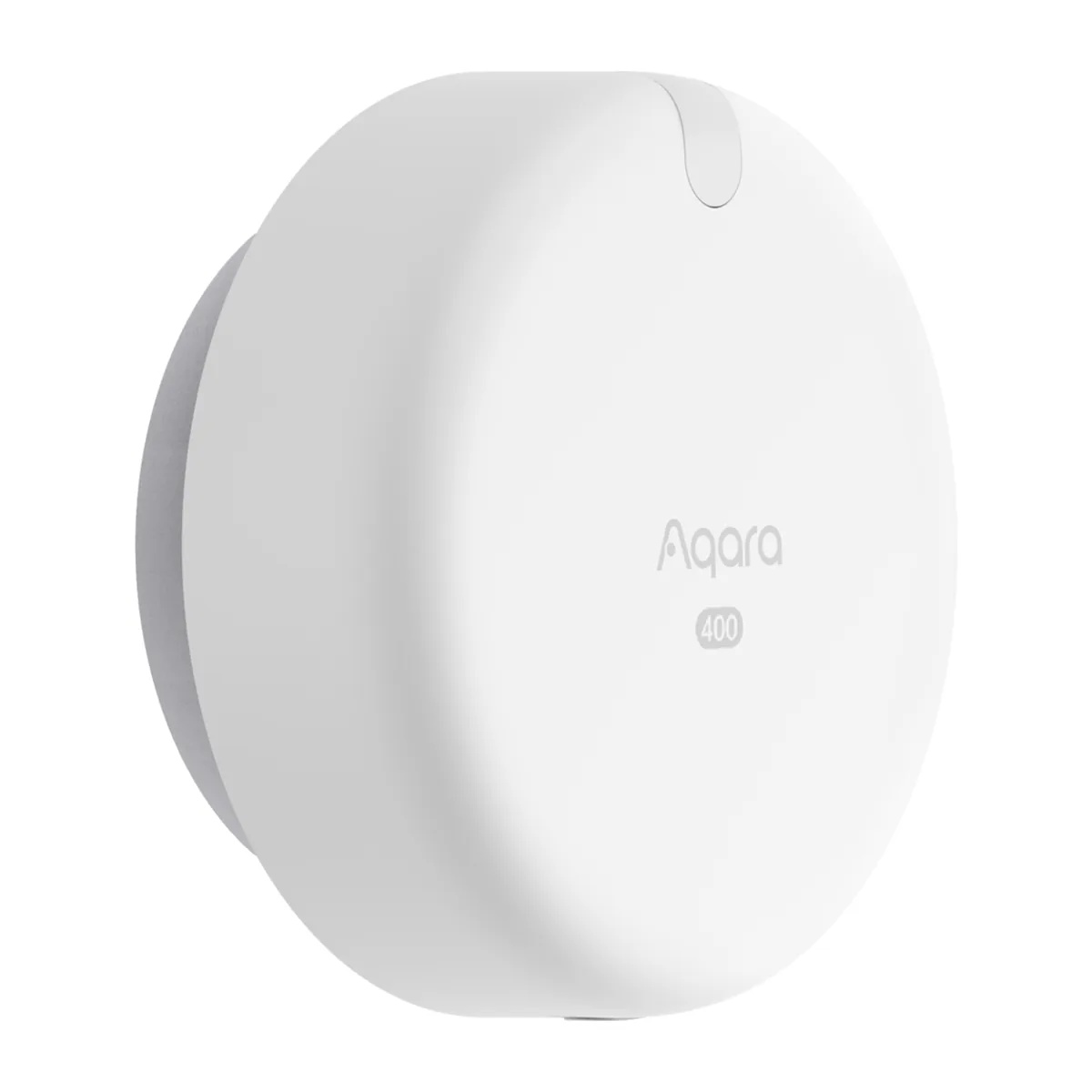
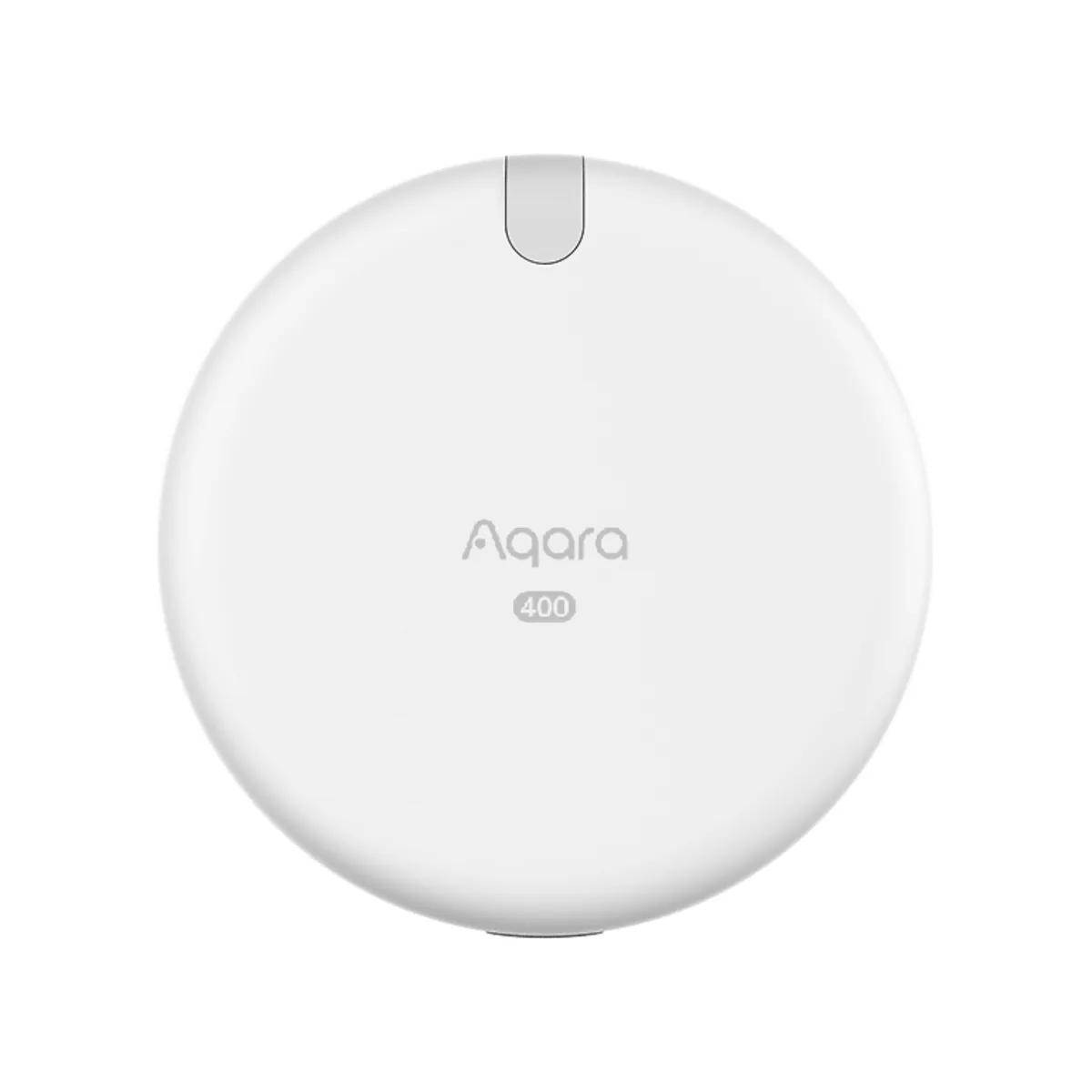
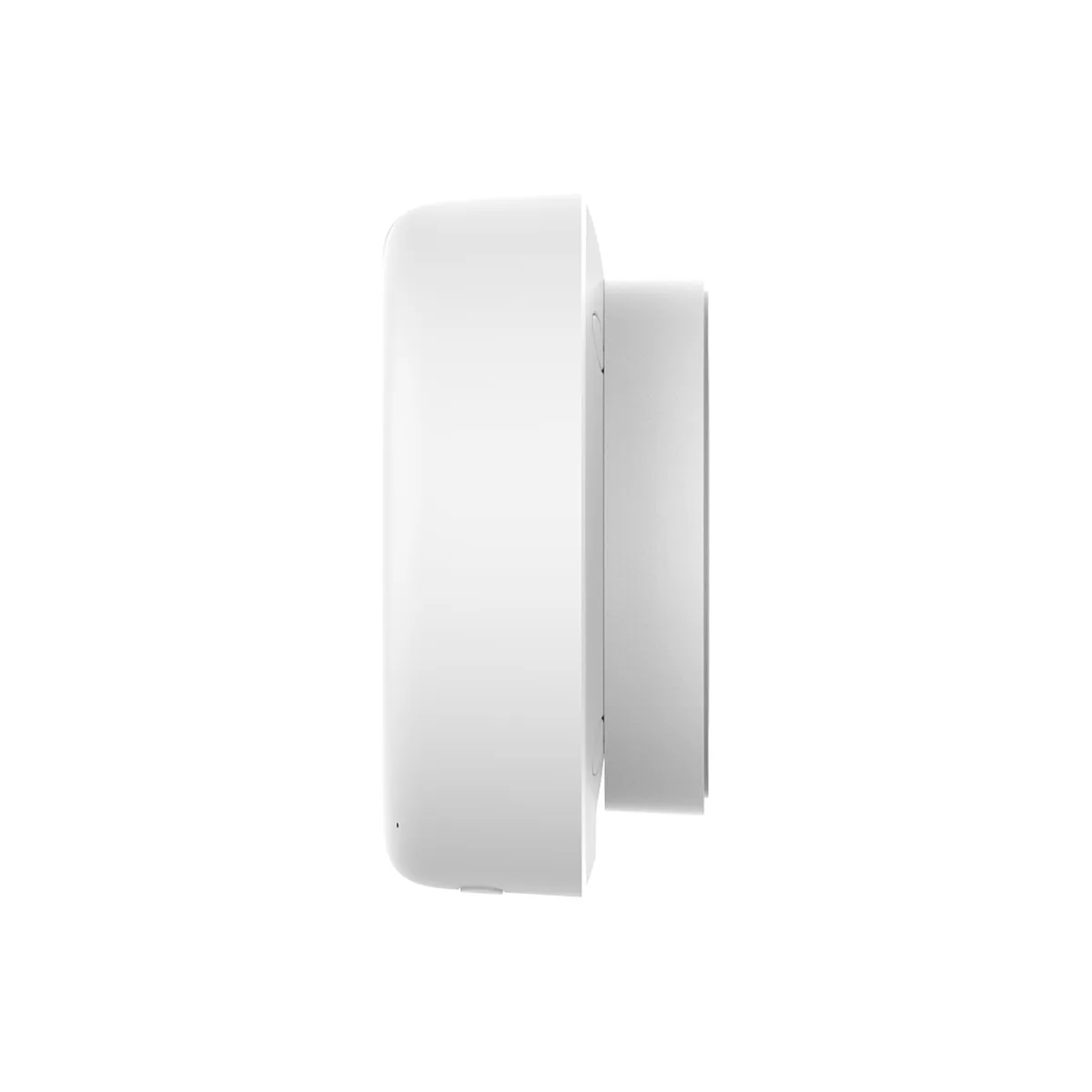
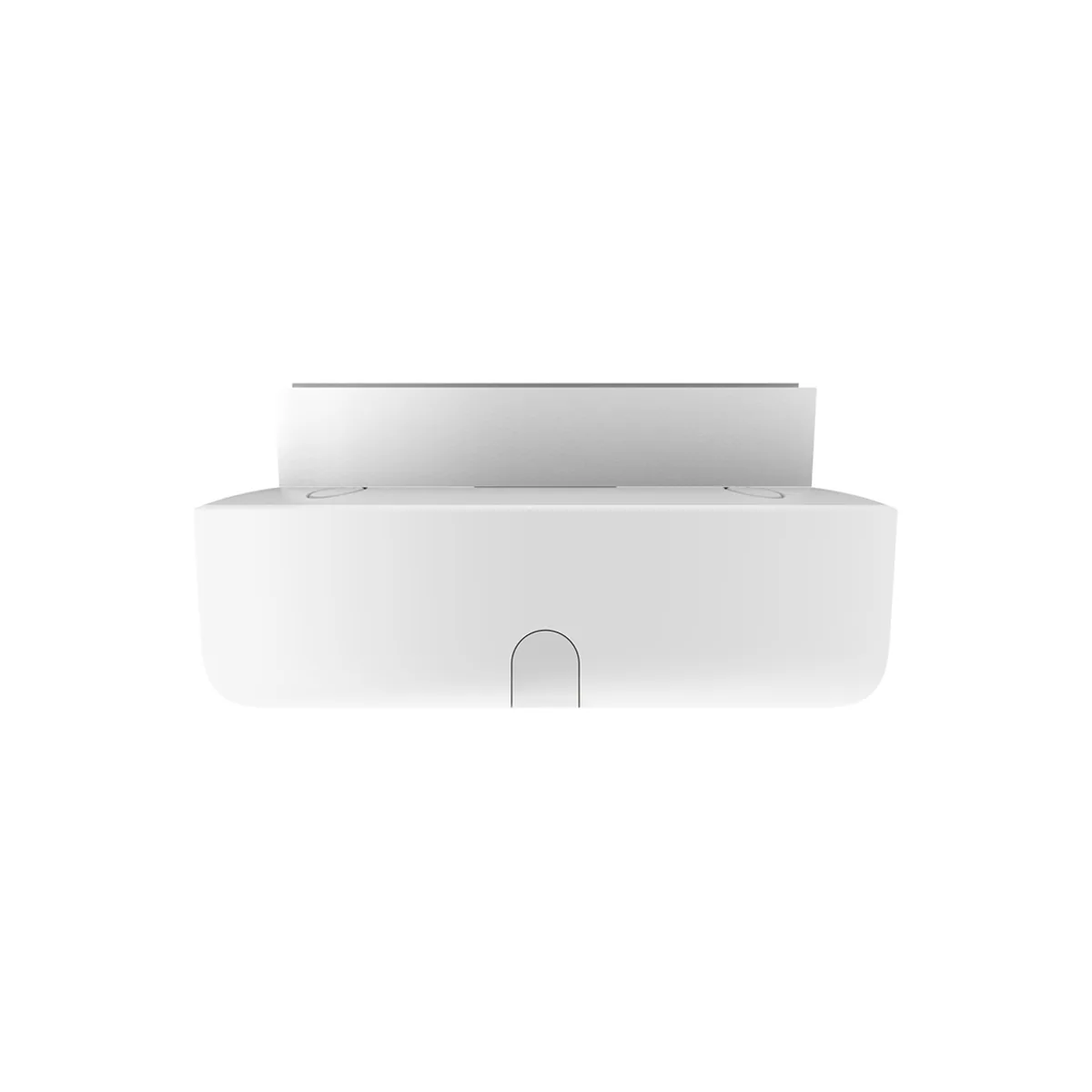
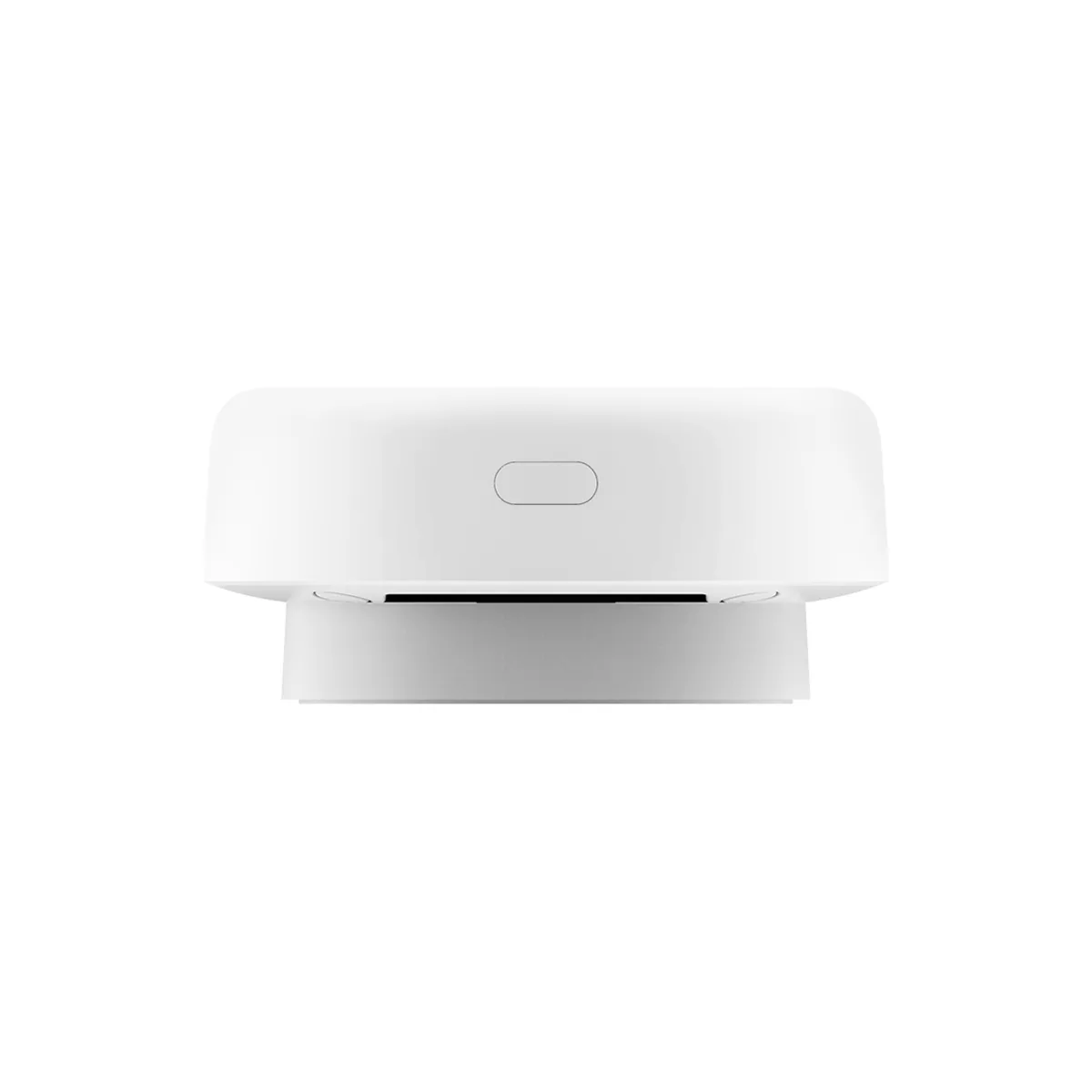
Aqara Spatial Multi-Sensor FP400
$149.00
Aqara’s most capable presence sensor. It follows up to 10 people around a room, lets you draw up to 8 zones such as the sofa, desk or doorway, and keeps seeing you while you sit still. Pets and robot vacuums can be filtered out, it reads the light level, and it runs on USB-C power, with Zigbee or Matter over Thread.
Works best with a compatible Aqara hub such as the M3, M200 or M100. USB-C cable included; 5V/1A power adapter not included.
Description
A presence sensor that knows who is where in the room

Follow up to 10 people across 8 zones
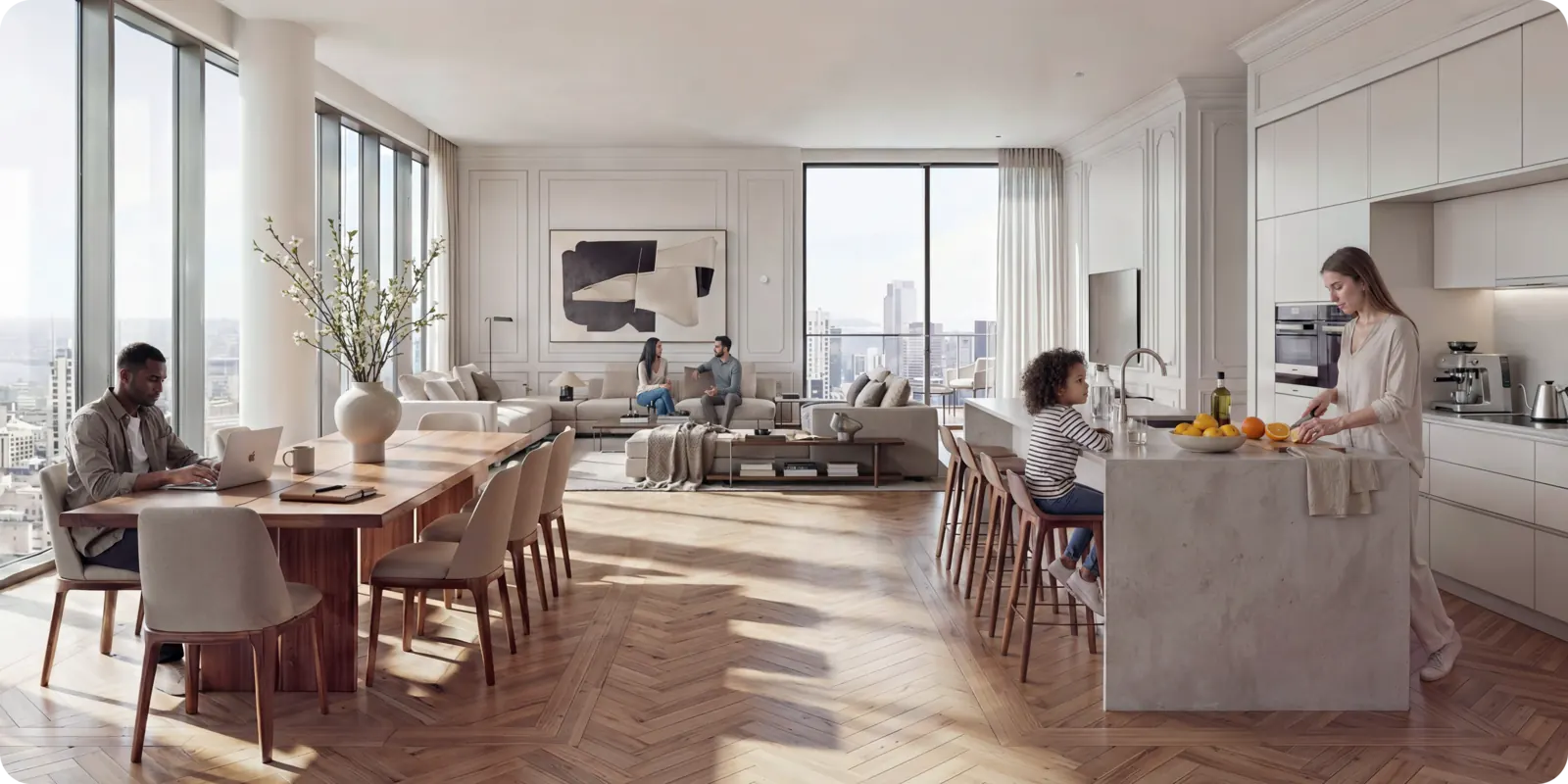
The Aqara Spatial Multi-Sensor FP400 uses 60 GHz mmWave radar to see where each person is in the room, up to 10 people at once. In the Aqara Home app you draw up to 8 zones on a 0.5 m grid, such as the sofa, the dining table, the desk or the doorway, and each zone can run its own automation.
So the reading lamp comes on when you sit on the sofa, the pendant lights come on when the family sits down to dinner, and the rest of an open-plan space stays as it is. The FP400 also tells you which way someone is moving, so it knows whether you are entering or leaving a zone.
- Tracks up to 10 people
- Up to 8 custom zones
- Built-in light sensor and live headcount
- No camera, so no images are ever captured
It can ignore your dog and your robot vacuum
Turn on AI person detection and the FP400 filters out pets, robot vacuums and other things that move but are not people, so your lights stay off when the cat crosses the room at night. Very small children can occasionally be taken for a pet, so leave this setting off in a nursery.
You can also mark the spots where something always moves, such as a fan, a swaying curtain or a pet bed, and the sensor ignores them. AI spatial learning maps your room when you set it up and adapts to it over time.
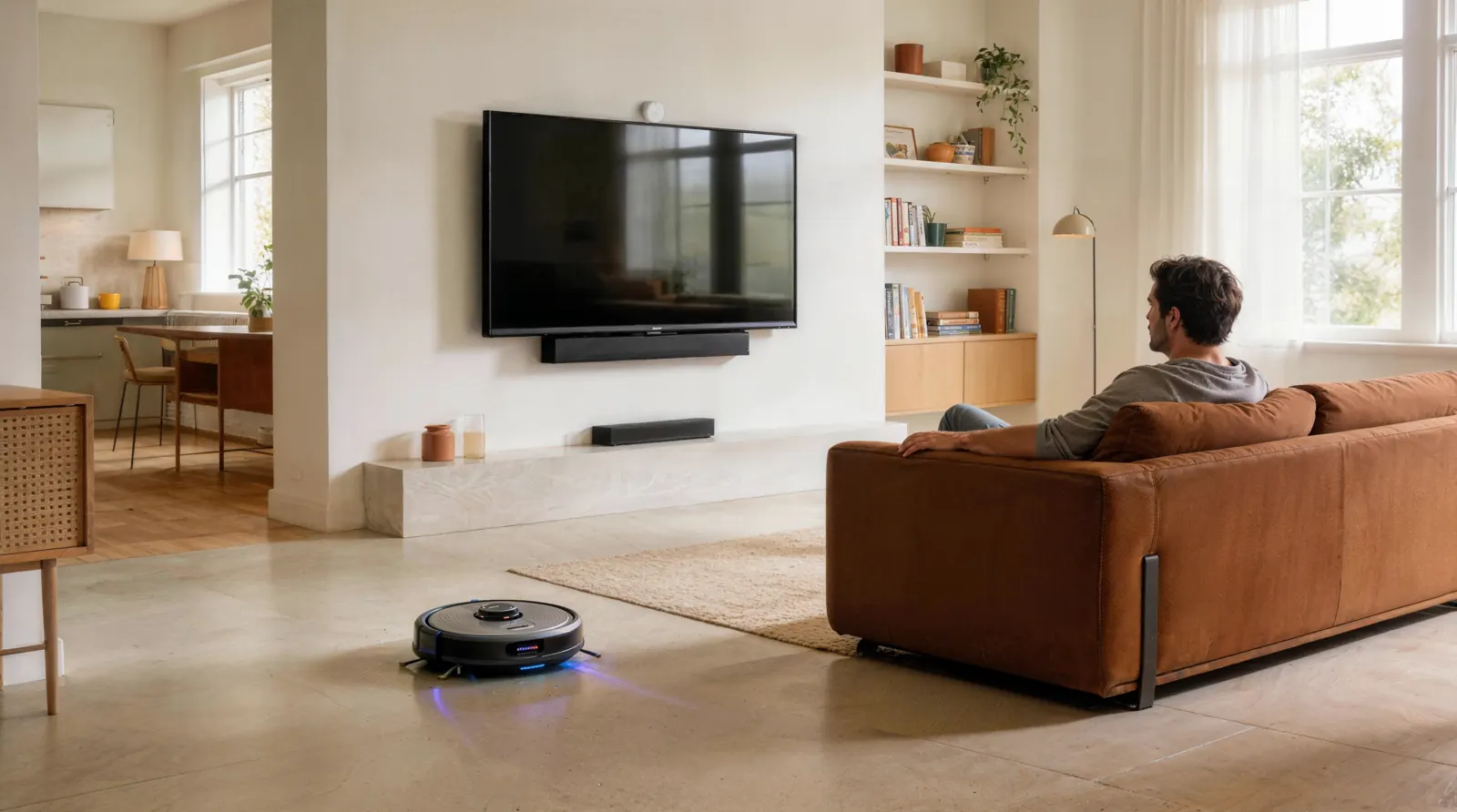
It keeps seeing you while you sit still
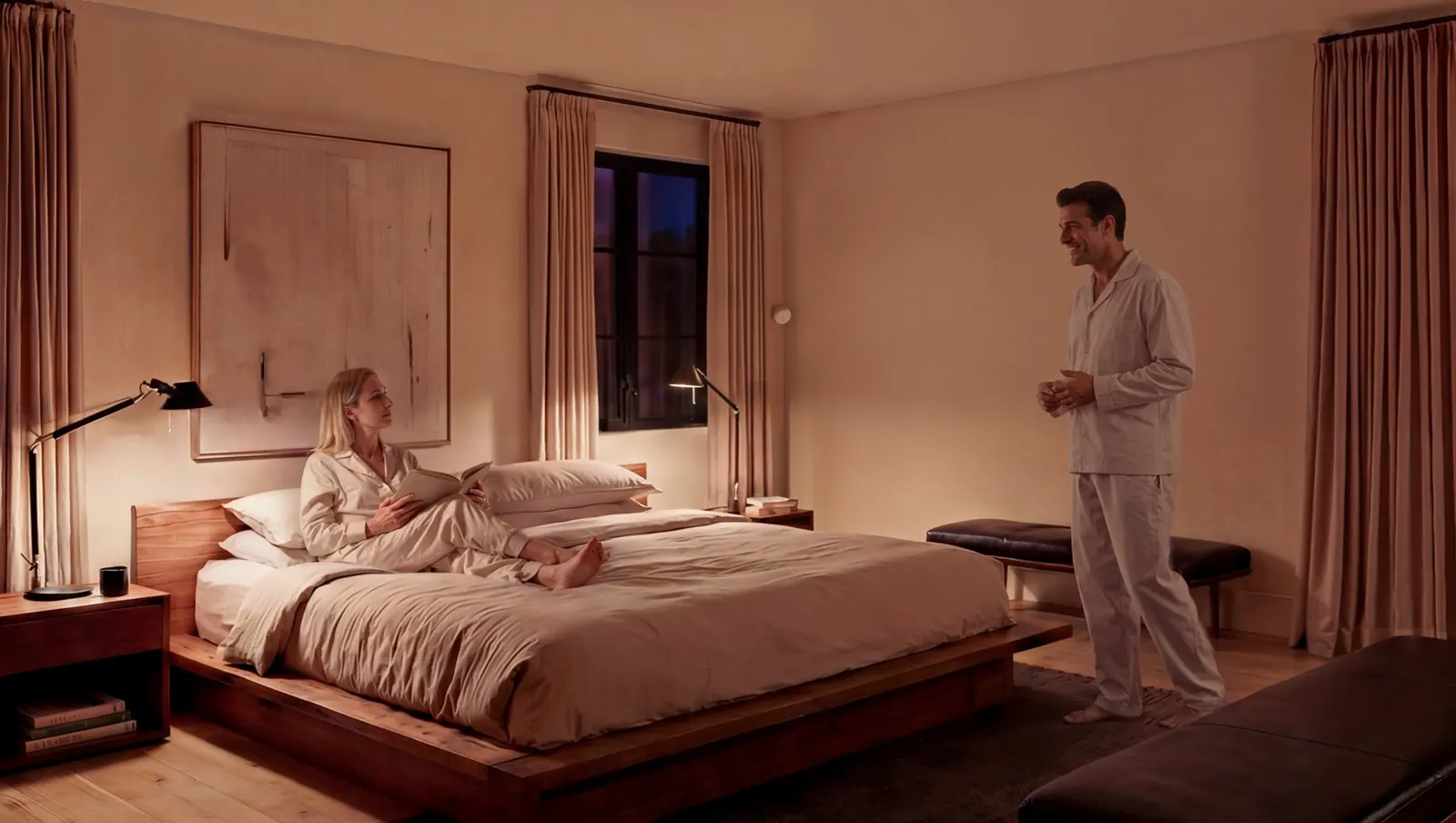
An ordinary motion sensor turns your lights off while you are reading or watching TV. The FP400 picks up the tiny movement of your breathing, so your lights and air-con stay on as long as you are in the room and switch off once you leave.
Choose from three sensitivity levels and set how long the room must be empty before the sensor reports it as clear. In a bedroom, high sensitivity and a longer wait keep the room from switching off while you sleep.
On the wall, in a corner or on the ceiling
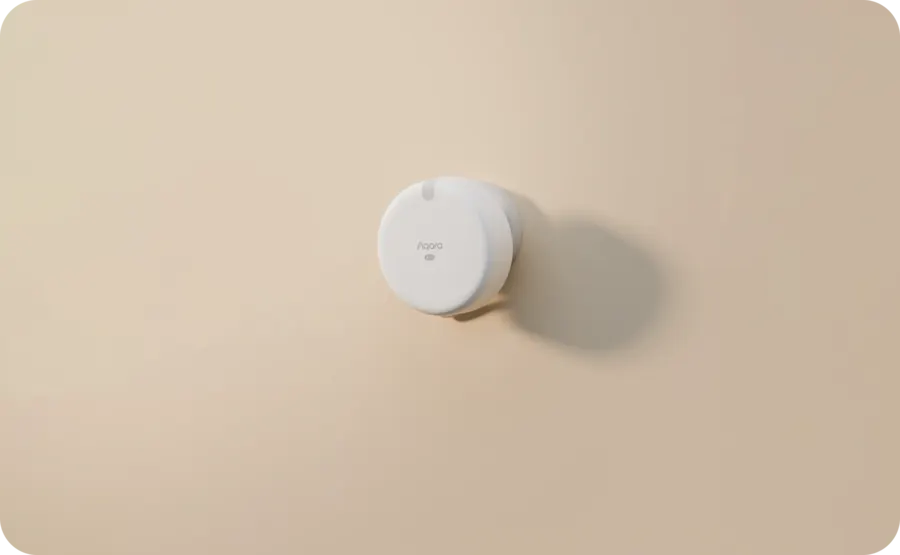
On a wall
Mount it 1.5 to 2 m high for the longest reach: up to 10 m ahead and 8 m across, with a 120° by 100° view.
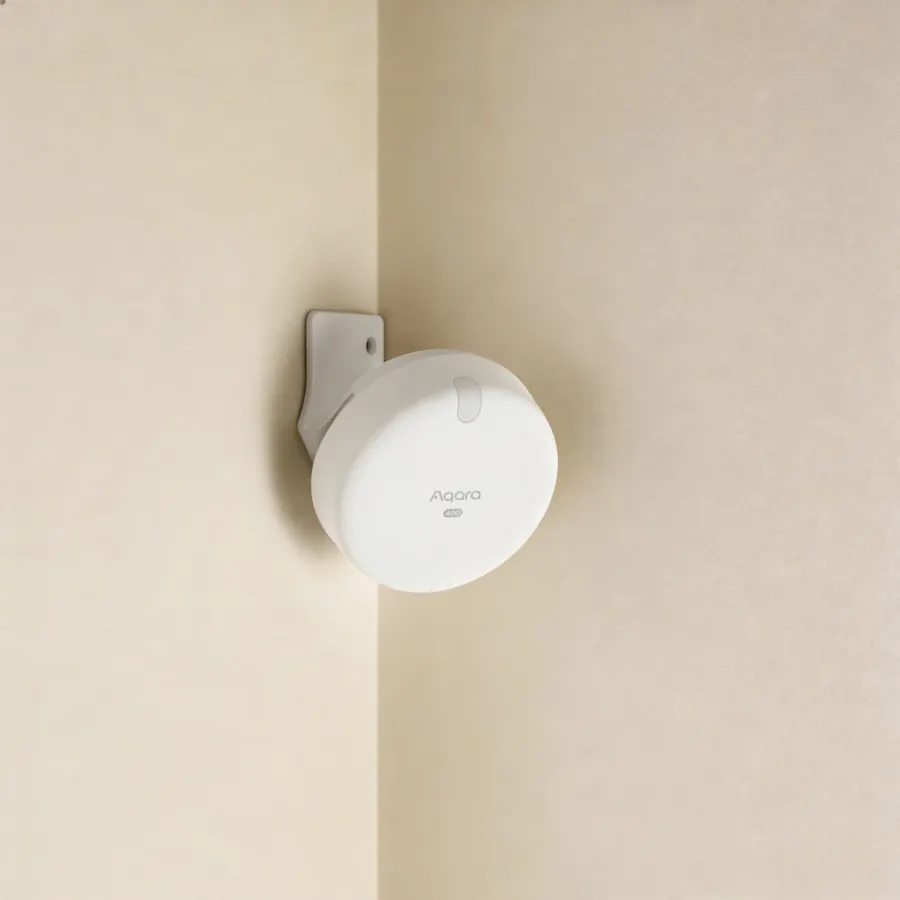
In a corner
A corner uses the full 120° view and removes the blind spots at the sides. It covers up to 7 × 7 m.
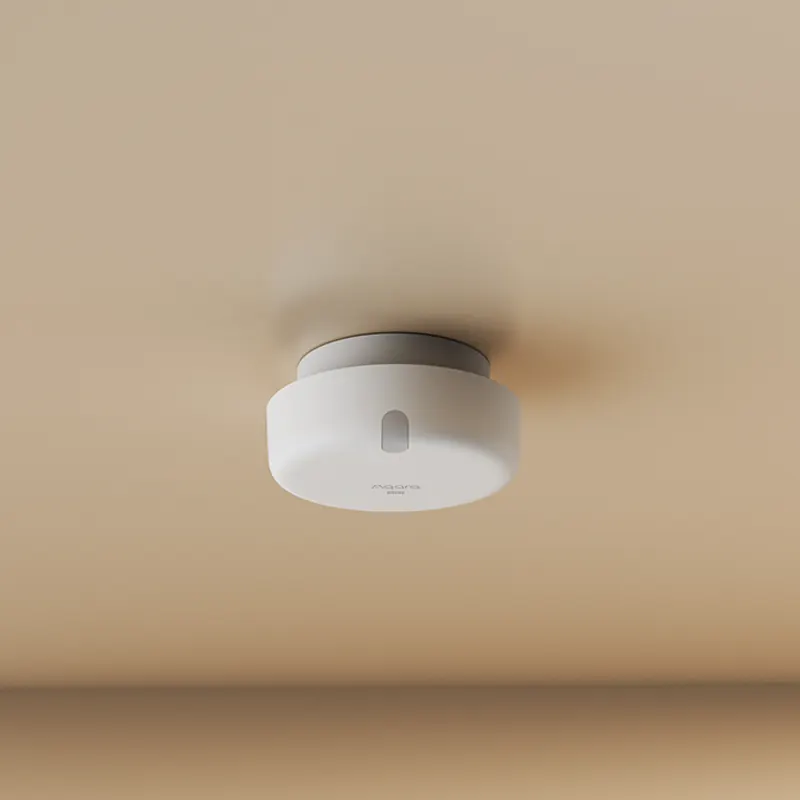
On the ceiling
Mounted 3 to 4 m up, it watches the area directly below, about 5 × 6 m for movement at a 3 m height.
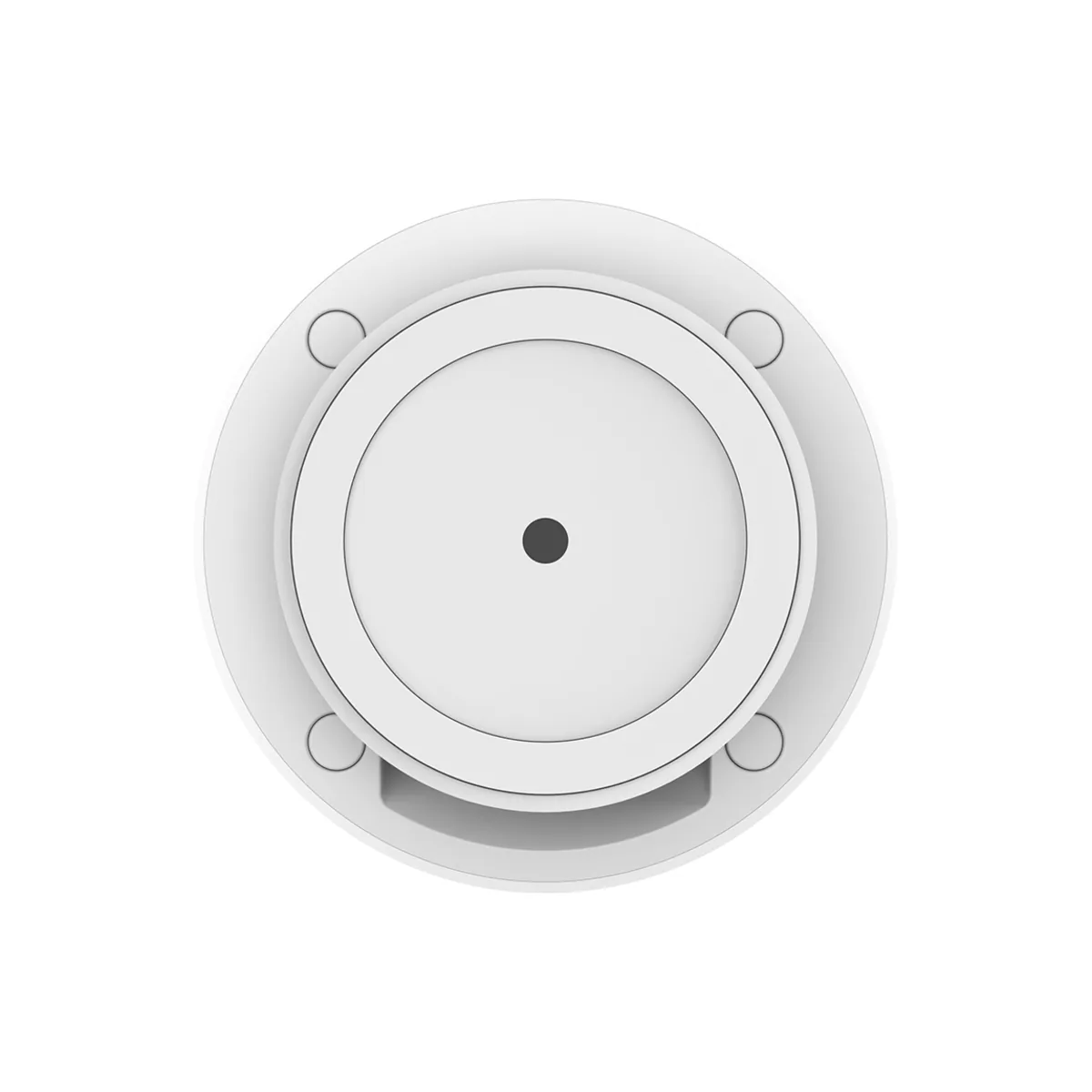
Fix it with the adhesive sticker, the magnetic metal plate or screws; use screws above 2 m. The FP400 is IPX5 splash-resistant, so you can also use it in a bathroom or kitchen, away from open flames and direct steam. These ranges are Aqara’s laboratory maximums: walls, mirrors, glass and furniture reduce them in a real room.
Check your hub before you buy
The FP400 does a lot of processing on board and needs a newer Aqara hub to deliver it. For zones, people tracking and every setting, connect it to one of these in the Aqara Home app:
- Hub M3, Hub M200 or Hub M100
- MagicPad / Panel Hub S1 Plus
- Camera Hub G5 Pro, Camera Hub G350 or Doorbell Camera Hub G410
Older hubs do not work with the FP400: the M1S, M1S Gen 2, M2, G2H, G2H Pro and G3. If you have one of these, add a Hub M100 or M200 for the FP400.
The FP400 speaks Zigbee or Matter over Thread, one at a time. Zigbee with an Aqara hub usually responds fastest. Thread mode joins through an Aqara Matter controller (M3, M200, G5 Pro, G350 or G410), or through a Thread border router you already own from another brand. Once it is set up in Aqara Home, you can share it to Apple Home, Google Home, Alexa, SmartThings or Home Assistant through Matter, including one sensor for the whole room and one for each of your zones.
If you skip Aqara Home and add it straight to another platform, you get a single presence sensor and a light sensor, with no zones or people tracking.
It also reads the light and counts heads
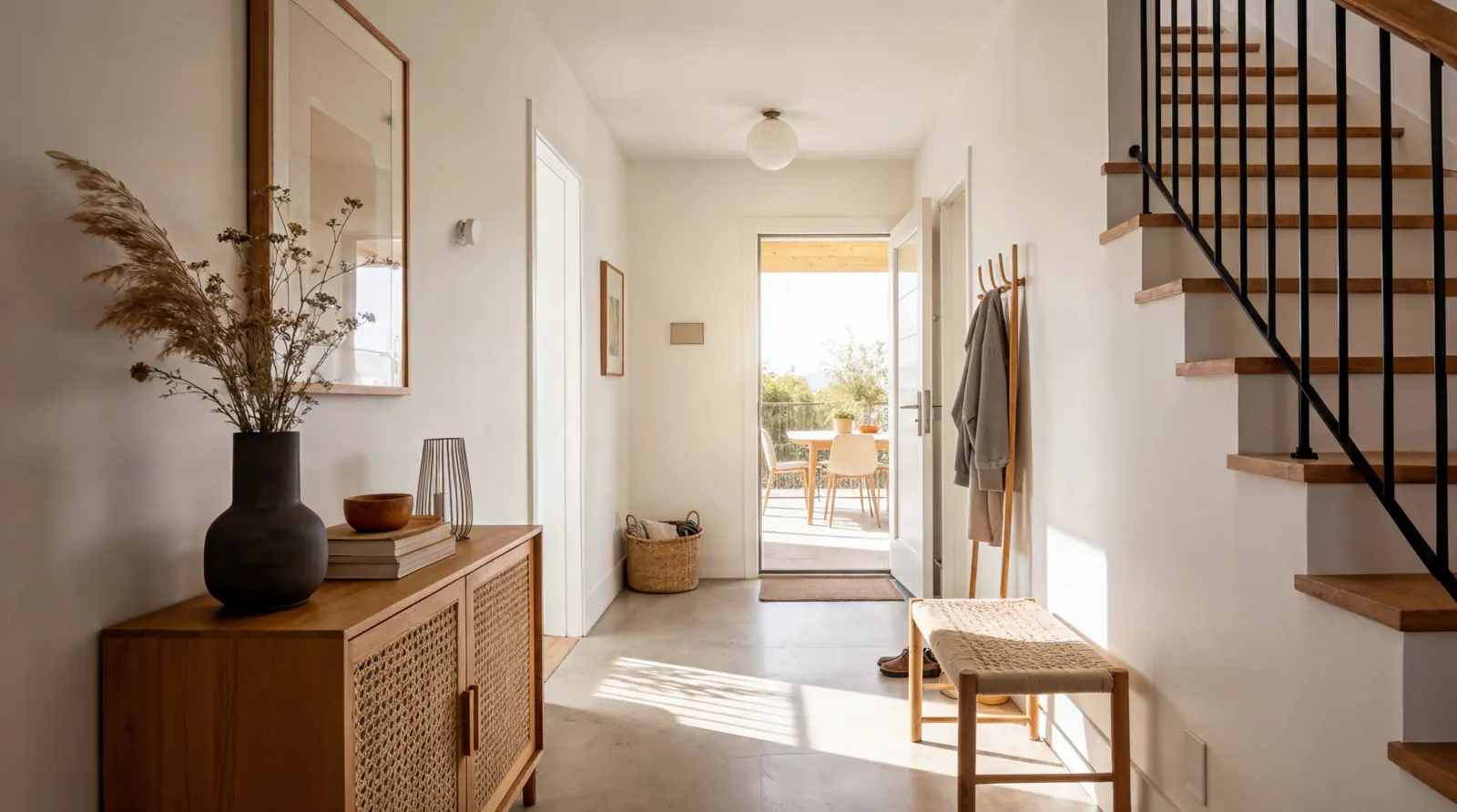
Lights only when it is dark
The built-in light sensor lets your automations check the room’s brightness first. Walk down the corridor after 11 pm and the lights come on at a low level, but only if the room is actually dark.

A live headcount
The FP400 shows how many people are in the room, with no camera and no subscription. If you let out a short-term rental, you can get a notification when more guests are inside than you agreed. The count can be off by one to three people in a busy room, so treat it as a guide rather than an exact number.
USB-C power, so there are no batteries to change
The FP400 runs all the time from the USB-C cable in the box. You need your own USB power adapter rated 5V/1A, because the adapter is not included, and a power point within reach of where you mount it.
FP400 or another Aqara presence sensor?
| Choose | FP400 | FP2 | FP300 | FP1E |
|---|---|---|---|---|
| Connection | Zigbee or Thread, via a compatible Aqara hub | Wi-Fi, no hub needed | Zigbee or Thread | Zigbee |
| Power | USB-C | USB-C | Battery | USB |
| People tracked | Up to 10 | Up to 5 | Whole room only | Whole room only |
| Zones | Up to 8 | Up to 30 | None | None |
| Maximum range | 10 m | 8 m | 6 m | 6 m |
| Also senses | Light, headcount | Light, fall detection | Light, temperature, humidity | None |
| Splash-resistant | IPX5 | IPX5 | No | No |
Choose the FP400 for a busy open-plan space or a room where pets and robot vacuums move around, when you already have or plan a compatible Aqara hub. Choose the FP2 if you want zones with no hub at all, or if you want fall detection.
Frequently asked questions
Do I need an Aqara hub?
For the full feature set, yes: a Hub M3, M200 or M100, an S1 Plus, or a G5 Pro, G350 or G410 camera hub. The M1S, M2, G2H and G3 hubs are not compatible. With a Thread border router from another brand you can still set up zones in Aqara Home, and added directly to another platform it works as a single presence and light sensor.
Is the USB power adapter included?
No. The box has a USB-C cable but no adapter. Use a USB power adapter rated 5V/1A.
Can I put it in a bathroom?
Yes. It is IPX5 splash-resistant, so it suits bathrooms and kitchens. Keep it away from open flames and direct steam, and make sure the power adapter is somewhere dry.
Does it detect falls?
No. The FP400 reports presence, movement, position and headcount. It does not detect falls or tell whether someone is standing, sitting or lying down. The FP2 offers fall detection.
Does it work with Apple Home and Google Home?
Yes, through Matter. Set up your zones in Aqara Home first, then share the FP400 to Apple Home, Google Home, Alexa, SmartThings or Home Assistant. Each zone appears as its own occupancy sensor, and you rename them there to match your rooms.
| Product | Aqara Spatial Multi-Sensor FP400 |
| Model | PS-S05D |
| Sensing | 60 GHz mmWave radar (4T4R antenna array), ambient light sensor |
| Tracking | Up to 10 people; up to 8 custom zones on a 0.5 m grid |
| Field of view | 120° horizontal, 100° vertical |
| Maximum range | Wall: 10 m ahead × 8 m wide; corner: 7 × 7 m; ceiling at 3 m: about 5 × 6 m (movement). Laboratory maximums. |
| Wireless protocols | Zigbee or Thread (Matter over Thread), one at a time |
| Compatible Aqara hubs | Hub M3, M200, M100; MagicPad / Panel Hub S1 Plus; Camera Hub G5 Pro, G350; Doorbell Camera Hub G410. Not compatible: M1S, M1S Gen 2, M2, G2H, G2H Pro, G3. |
| Power input | USB-C, 5V ⎓ 1A |
| Protection rating | IPX5 |
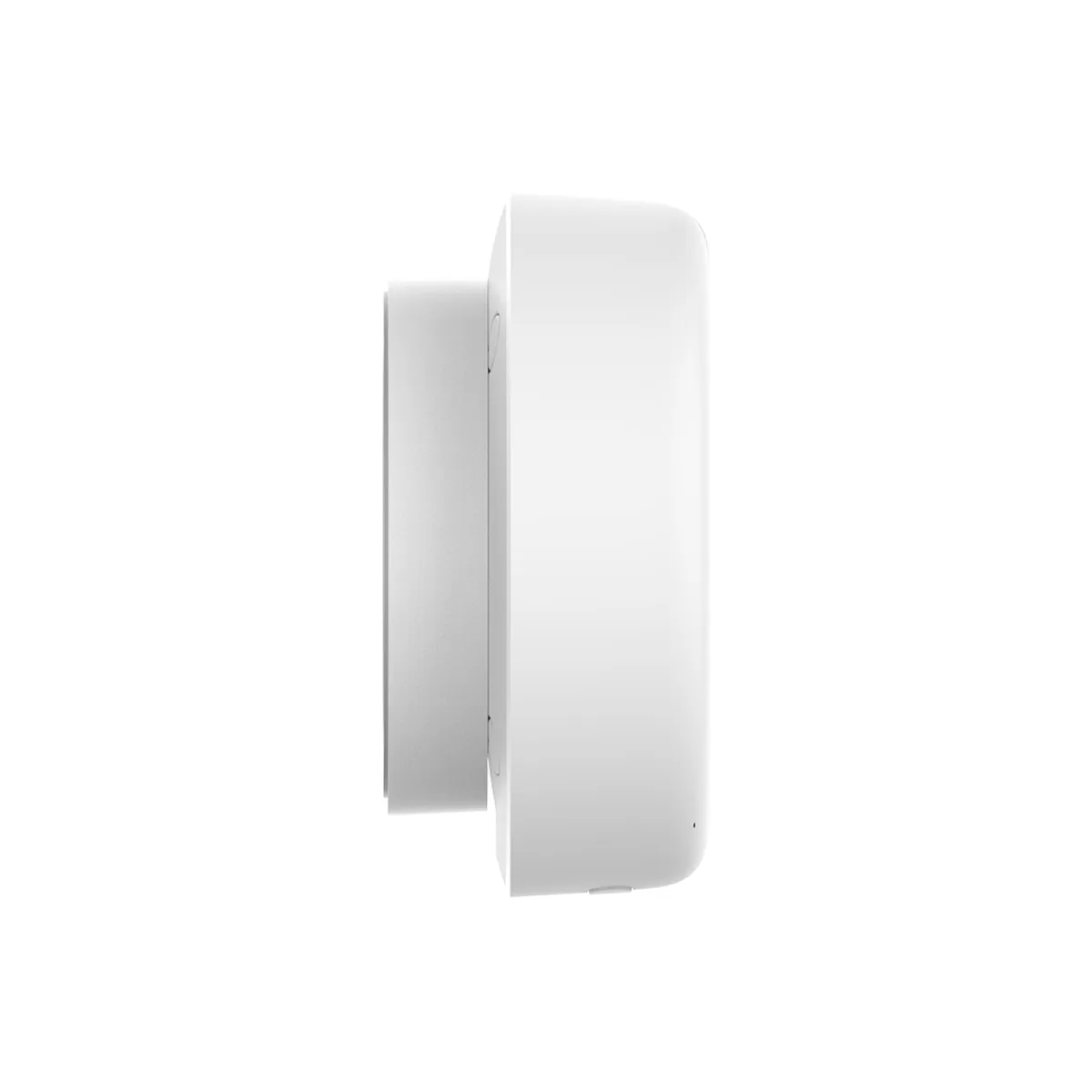
| Dimensions | 64 × 64 × 29.5 mm |
| Operating temperature | −10°C to 50°C |
| Operating humidity | 0–95% RH, non-condensing |
| What is in the box | Spatial Multi-Sensor FP400 × 1, bracket × 1, USB-C to USB-C cable × 1, metal plate × 1, sticker × 1, screw kit × 1, User Manual × 1. Power adapter not included. |
Product Warranty
This product is an official Singapore model, covered by a local warranty provided by HomeSmart and Aqara's Authorised Distributor in Singapore. Full terms and conditions apply – view warranty details.
Warranty Type: Carry-in
Warranty Period: 24 months
Support
Our team of technical (human) experts are available to provide dedicated technical support for HomeSmart.sg customers, including help with setup, troubleshooting, and product guidance. Please have your order details ready so we can assist you quickly. Reach out to us via:
- WhatsApp: +65 8876 8104
- Email: [email protected]




Reviews
There are no reviews yet.