
Control panels and dials Singapore
Smart home control panels and dials, for the wall or the table
One screen for your lights, curtains, scenes and cameras, at the front door, in the living room or by the bed. Aqara's touchscreen panels replace a wall switch or stand on a table, and the dial adds a knob you can feel in the dark.
Six to choose from
A full dashboard, a small screen or a dial
Pick by where it will live and how much you want on one screen.
On the wall, whole home
MagicPad S1 Plus
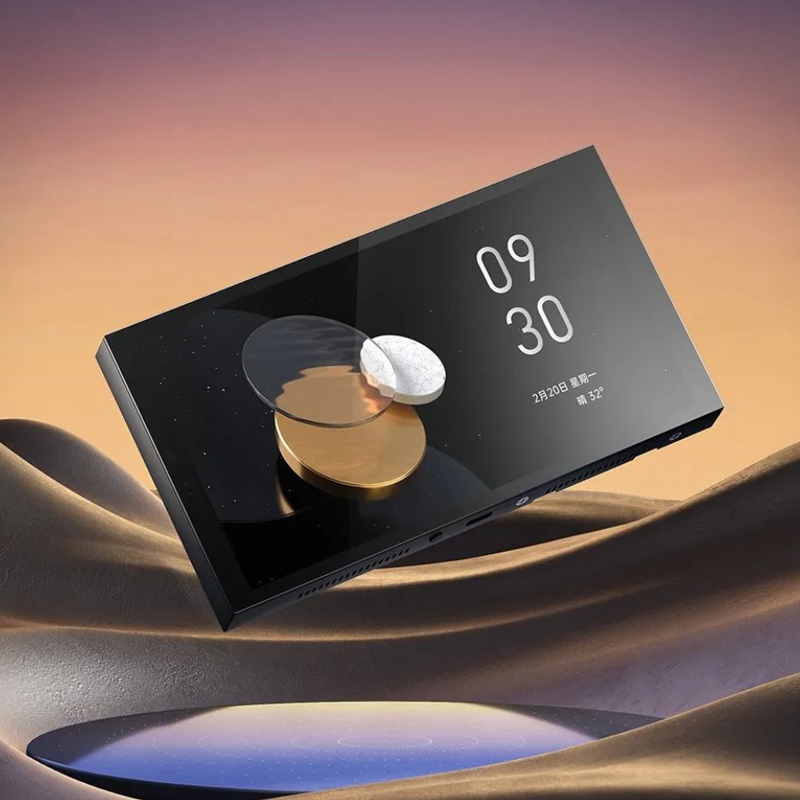
A 6.9-inch touchscreen with a wired switch behind it, so it takes over a switch point and runs the whole home. It is an Aqara hub and shows your cameras and doorbell.
See the MagicPad S1 Plus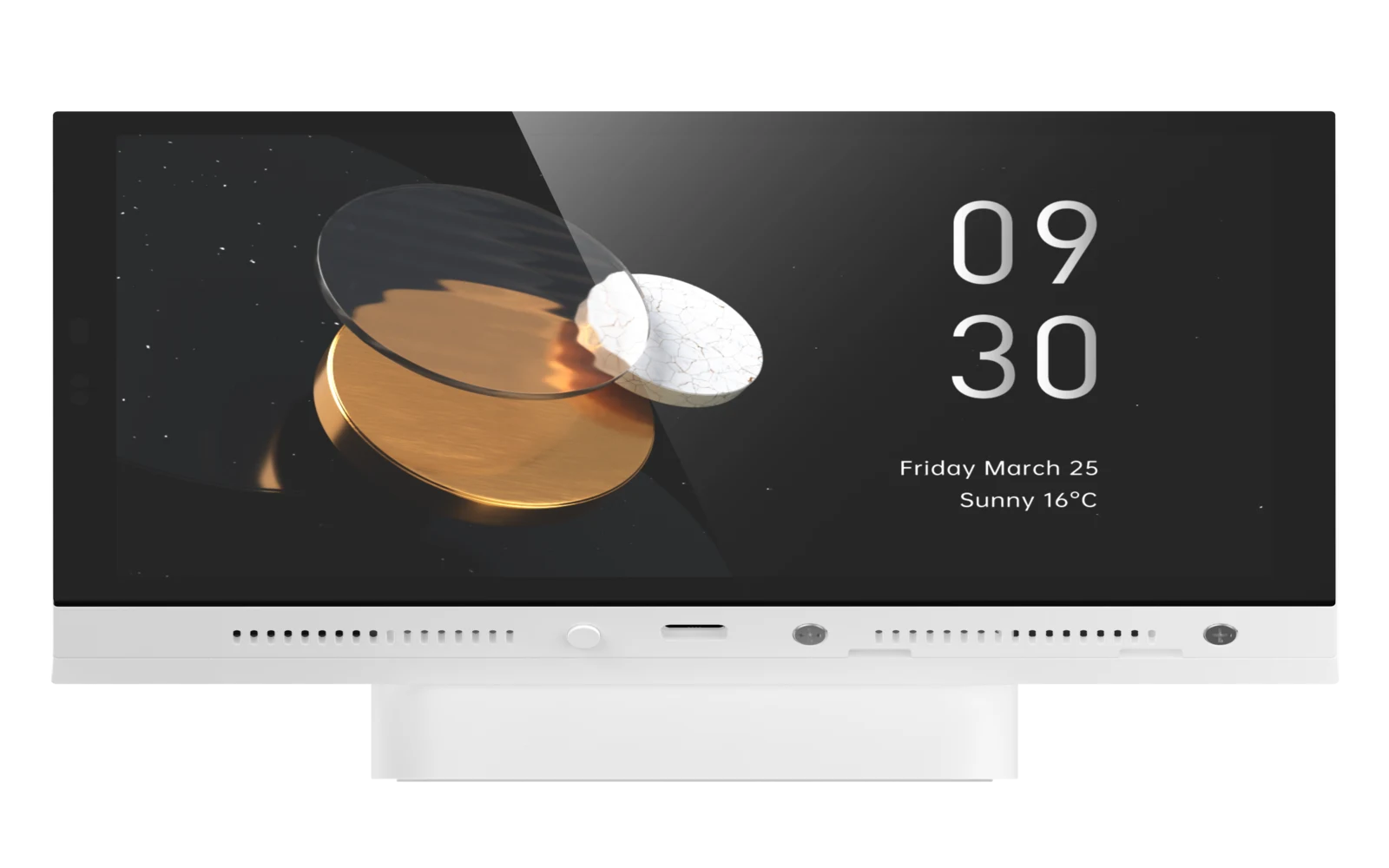
On the table, no wiring
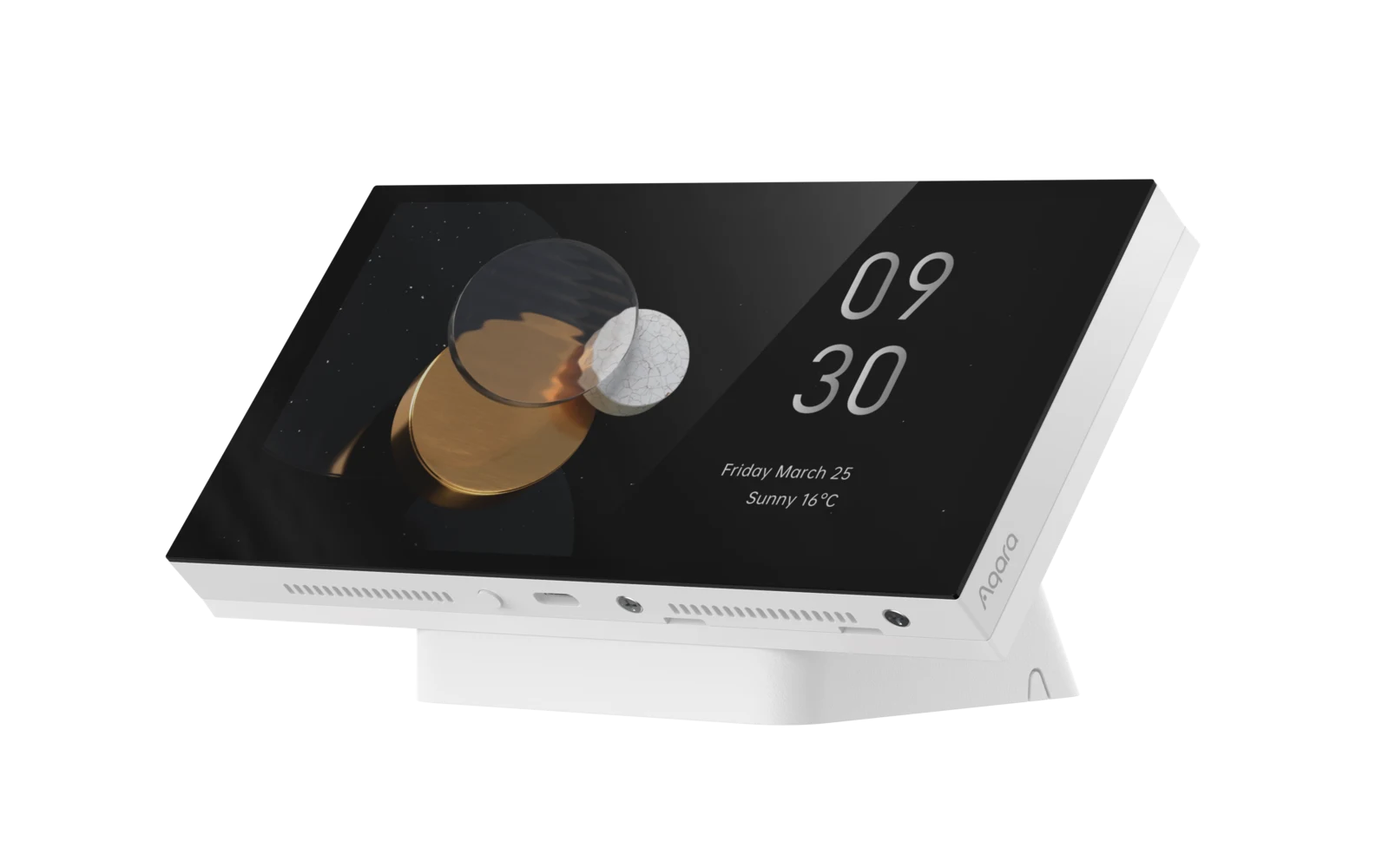
S1 Plus Desktop
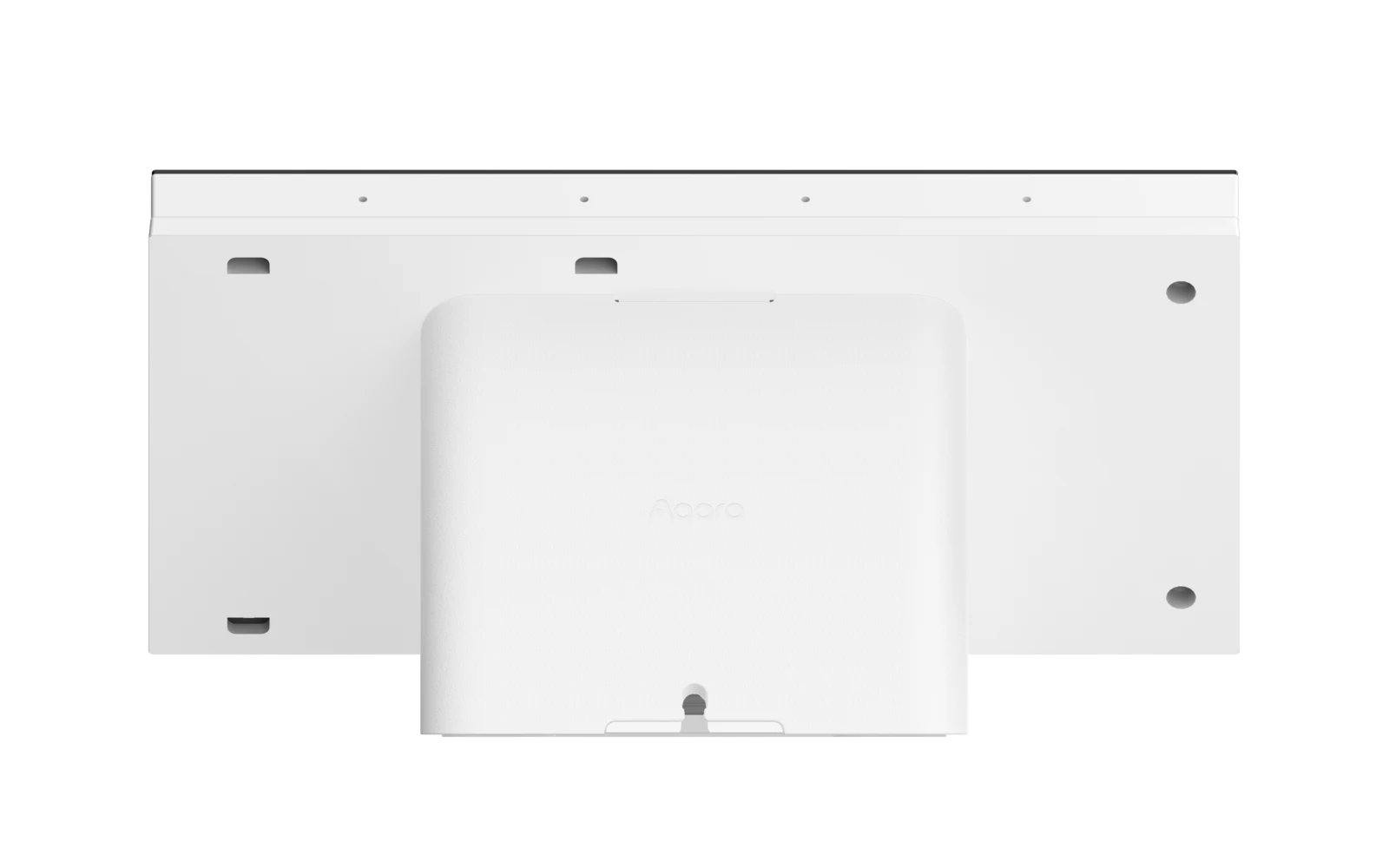
The same dashboard on an angled stand for a bedside table, kitchen counter or desk. USB-C power, an Aqara hub inside, Siri with your HomePod, and no switch point touched.
See the S1 Plus Desktop
A knob and a round screen
Touchscreen Dial V1
Turn the dial to dim lights or set the air-con, with a click you can feel, and a 1.32-inch round screen that shows what you are adjusting. Two wired switches and a temperature sensor built in.
See the Touchscreen Dial V1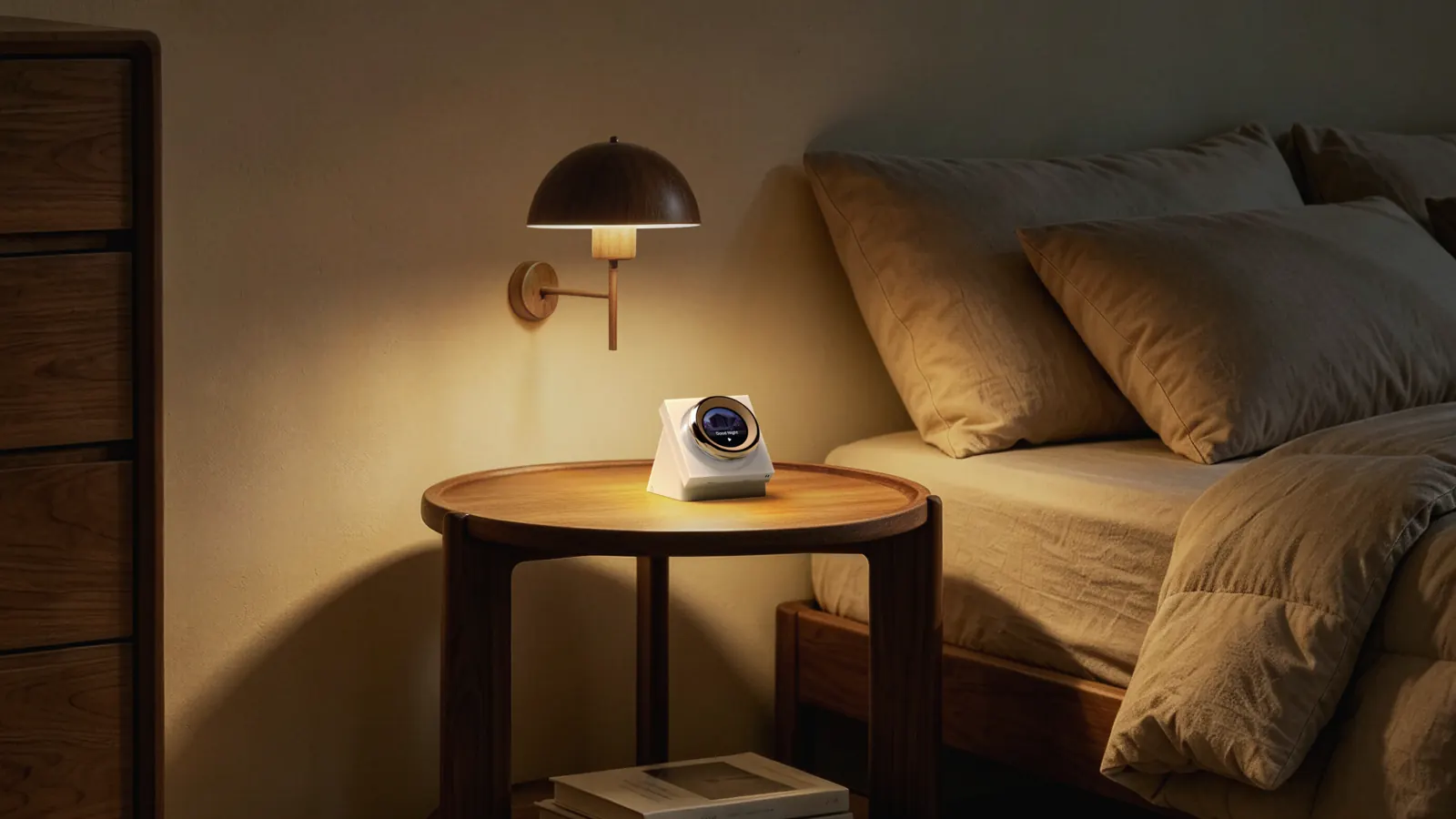
A dial on the table, no wiring
Touchscreen Dial V1 Desktop
The same haptic dial and round screen on an angled stand for your desk or bedside table. It runs on USB-C and joins your Wi-Fi, so you need no wiring and no hub for the dial itself.
See the Dial V1 Desktop
Three touch buttons for scenes
Panel Switch S100
Replaces an ordinary wall switch with a small touchscreen of three buttons you can assign to lights, curtains or scenes, with skins to match the wall.
See the Panel Switch S100
A switch that says what it does
Display Switch V1
Four buttons and a 2.08-inch screen that labels each one in your own words. Two wired, two wireless, with power monitoring and a presence sensor that wakes it as you approach.
See the Display Switch V1Shop
Shop Aqara control panels and dials
Prices include GST. Open a product for its colours, gang count and wiring needs.
Showing all 6 results
-
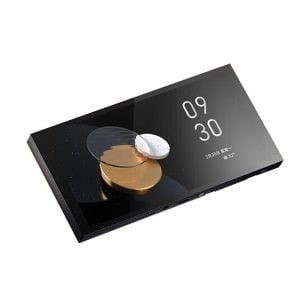 Sale!
Sale!
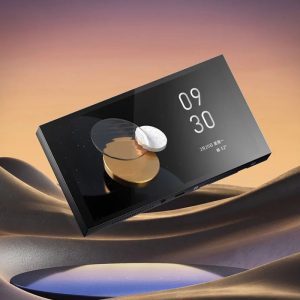
Aqara Panel Hub / MagicPad S1 Plus
Original price was: $699.00.$660.00Current price is: $660.00.Select options This product has multiple variants. The options may be chosen on the product pageClearBlack, 3 GangWhite, 2 Gang -
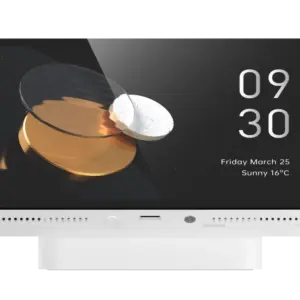
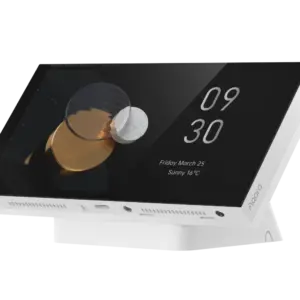
Aqara Panel Hub S1 Plus (Desktop Version)
$559.00 Add to cart -
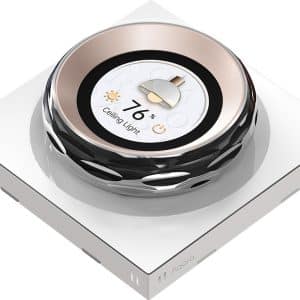
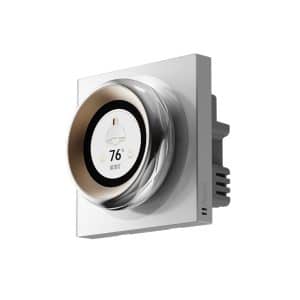
Aqara Touchscreen Dial V1
Original price was: $329.00.$304.00Current price is: $304.00. Add to cart -
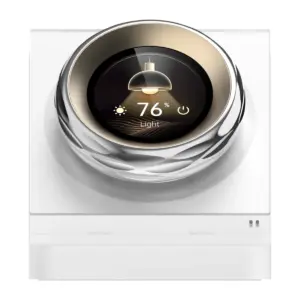 Sale!
Sale!
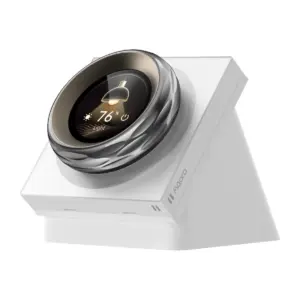
Aqara Touchscreen Dial V1 (Desktop Version)
Original price was: $359.00.$340.00Current price is: $340.00. Add to cart -
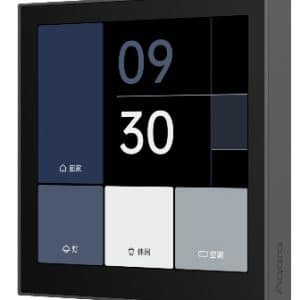
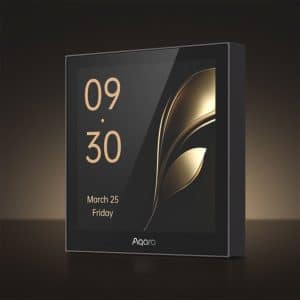
Aqara Panel Switch S100
Original price was: $199.00.$183.00Current price is: $183.00.Select options This product has multiple variants. The options may be chosen on the product pageClearWhiteGrey -
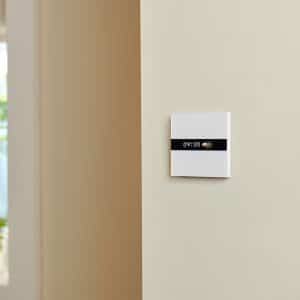
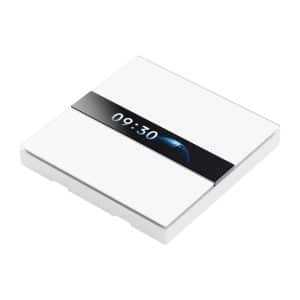
Aqara Display Switch V1
Original price was: $199.00.$183.00Current price is: $183.00. Add to cart


Side by side
Compare the panels and dials
The main differences are here. For colours, versions and wiring, open the individual product listing.
| Model | Where it goes | Screen | Wired switching | Also does |
|---|---|---|---|---|
| MagicPad S1 PlusBlack, 3 gangs | In the wall, neutral wire | 6.9-inch touchscreen | 3 wired switches, plus 6 wireless buttons for Apple Home | Aqara Zigbee hub, camera and doorbell viewing, two-way speaker |
| Panel Hub S1 PlusWhite, 2 gangs | In the wall, neutral wire | 6.9-inch touchscreen | 2 wired switches, plus 6 wireless buttons | Same as the MagicPad, in a smaller round enclosure |
| S1 Plus Desktop | On a table, USB-C power | 6.9-inch touchscreen on a stand | None | Aqara Zigbee hub and Matter bridge, Siri with a HomePod, camera viewing, wakes as you approach |
| Touchscreen Dial V1 | In the wall, neutral wire | 1.32-inch round screen and haptic dial | 2 wired switches, plus 6 wireless buttons | Temperature and humidity sensor, wakes as you approach, Wi-Fi |
| Touchscreen Dial V1 Desktop | On a table, USB-C power | 1.32-inch round screen and haptic dial on a stand | None; 6 wireless buttons | Temperature and humidity sensor, wakes as you approach, Wi-Fi, Apple Home |
| Panel Switch S100 | In the wall, neutral wire | Small touchscreen, 3 buttons | Replaces a wall switch | Custom skins, scene buttons, brightness sliders |
| Display Switch V1 | In the wall, neutral wire | 2.08-inch LCD with your own labels | 2 wired, 2 wireless buttons | Power monitoring, presence sensor, Zigbee repeater |
Wall or table
Decide where the screen should live first
A wall panel takes the place of a light switch, so it needs a neutral wire and an electrician, and it stays where the switch was. The two Desktop models go wherever a USB-C cable reaches, and move house with you.
Where to put one
The four spots a panel earns its keep
A panel is for the places where several things happen at once.
One tap on the way out
Lights off, air-con off, curtains closed and the door locked from the panel by the door. Arrive home and the same panel shows who rang the bell while you were out.
Movie night without the app
Dim the lights, drop the blinds and set the air-con from one screen on the wall, so guests and children can do it too.
The doorbell, from bed
The S1 Plus Desktop on the bedside table shows the doorbell feed and runs your goodnight scene without a phone in hand.
A dial for the fan and the lights
The Touchscreen Dial V1 turns the extractor fan or the lights up and down with a click you can feel, and reads the room's temperature.
Not sure which one?
Ask us before you buy
We run these panels in our own homes and at our Keong Saik showroom. Send us a photo of the wall or the table you have in mind and we will tell you which panel fits and what to put on its first screen, at no charge. Wall panels are electrical switches: installation is available as a paid service with a switch package, or your own electrician can fit them.
Questions
Control panel questions
Do control panels need a neutral wire?
The wall-mounted ones do: MagicPad S1 Plus, Touchscreen Dial V1, Display Switch V1 and Panel Switch S100 all need a neutral wire and an electrician. The S1 Plus Desktop and the Touchscreen Dial V1 Desktop need no wiring at all, just USB-C power.
Which panel can sit on a table?
Two of them. The Panel Hub S1 Plus Desktop Version gives you the full 6.9-inch dashboard and an Aqara hub on an angled base. The Touchscreen Dial V1 Desktop Version puts the haptic dial and its round screen on a stand. Both run on a USB-C cable, so you never touch a switch point.
Is the S1 Plus a hub?
Yes, both versions are Aqara Zigbee hubs, so your sensors and switches can connect straight to the panel. The Desktop is also a Matter bridge, but not a Matter controller or Thread border router.
Can I see my camera or doorbell on the panel?
Yes. Both S1 Plus versions show Aqara cameras and the G410 doorbell, one feed at a time on the Desktop, and you can unlock a compatible Aqara lock from the same screen.
Do they work with Apple Home?
Yes. Both S1 Plus panels expose six wireless switches to Apple Home, and the Desktop has Siri built in when you have a HomePod. The Touchscreen Dial V1 Desktop joins Apple Home directly over Wi-Fi, and the Display Switch V1 reaches Apple Home through an M3 hub.
Can a panel control my air-con?
Not on its own; none of these has an infrared blaster. Pair it with an Aqara M200 or M3 in the same room and the air-con card appears on your dashboard.
Can HomeSmart install a wall panel?
Yes, as a paid service you can add to a switch package, or your own electrician can fit it. Advice on which panel suits your entrance, living room or bedside is free.