
[Updated September 2026]
Here’s a common confusion – what’s the difference between a motion sensor, and a presence sensor? Since the release of the Aqara Presence Sensor FP2, there’s been a lot of questions at our showroom about what it does, as compared to a motion sensor. Here’s the rundown:
A motion sensor detects you when you move around. A presence sensor detects you as long as you’re in the room, even when you’re not moving. That one difference decides most of what you should buy, so this guide starts there. Then it compares the six Aqara motion and presence sensors we sell: the Motion Sensor P1 and Motion and Light Sensor P2, and the Presence Sensor FP1E, Presence Sensor FP300, Presence Sensor FP2 and the new Spatial Multi-Sensor FP400.
Motion sensor or presence sensor
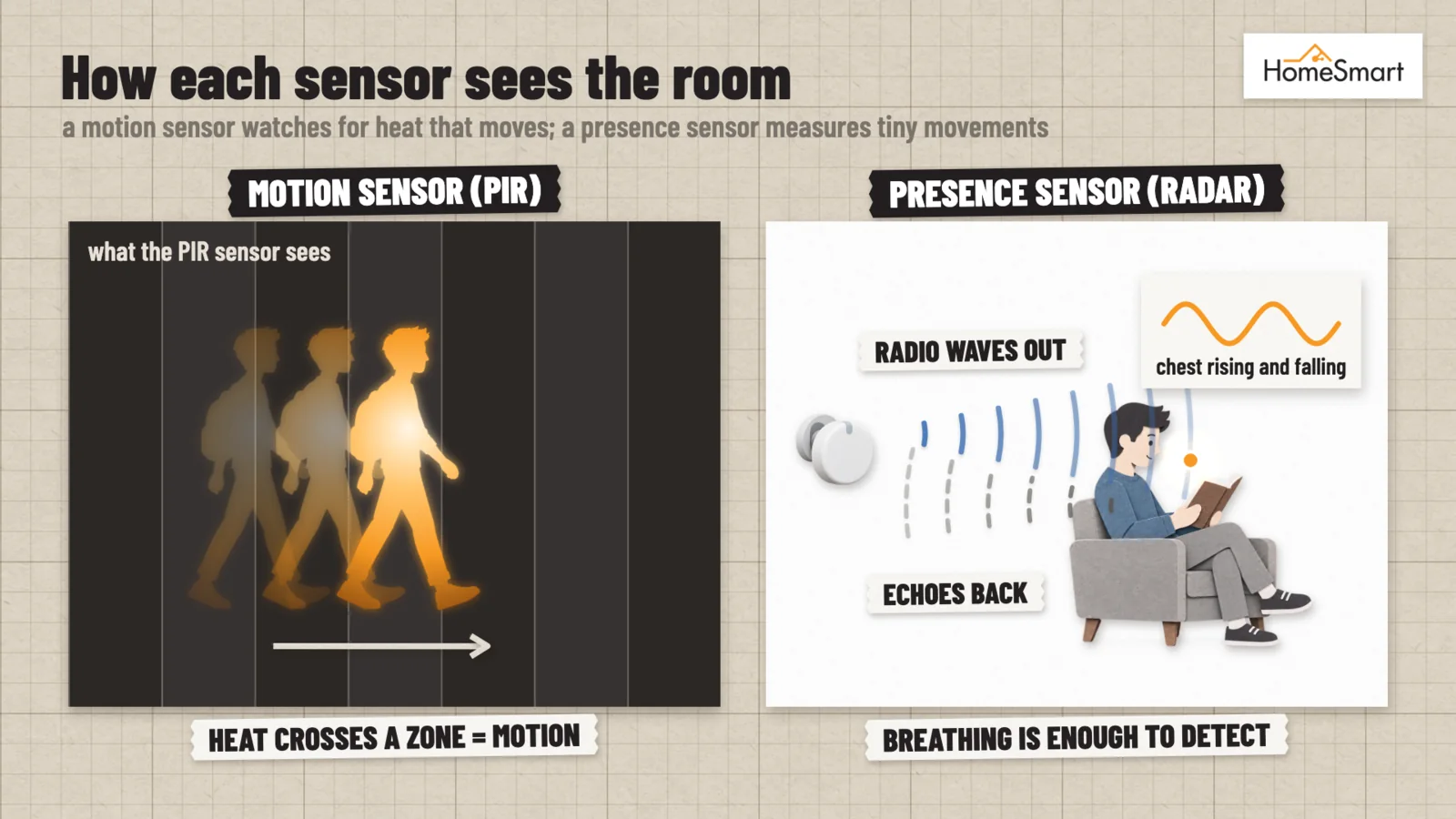
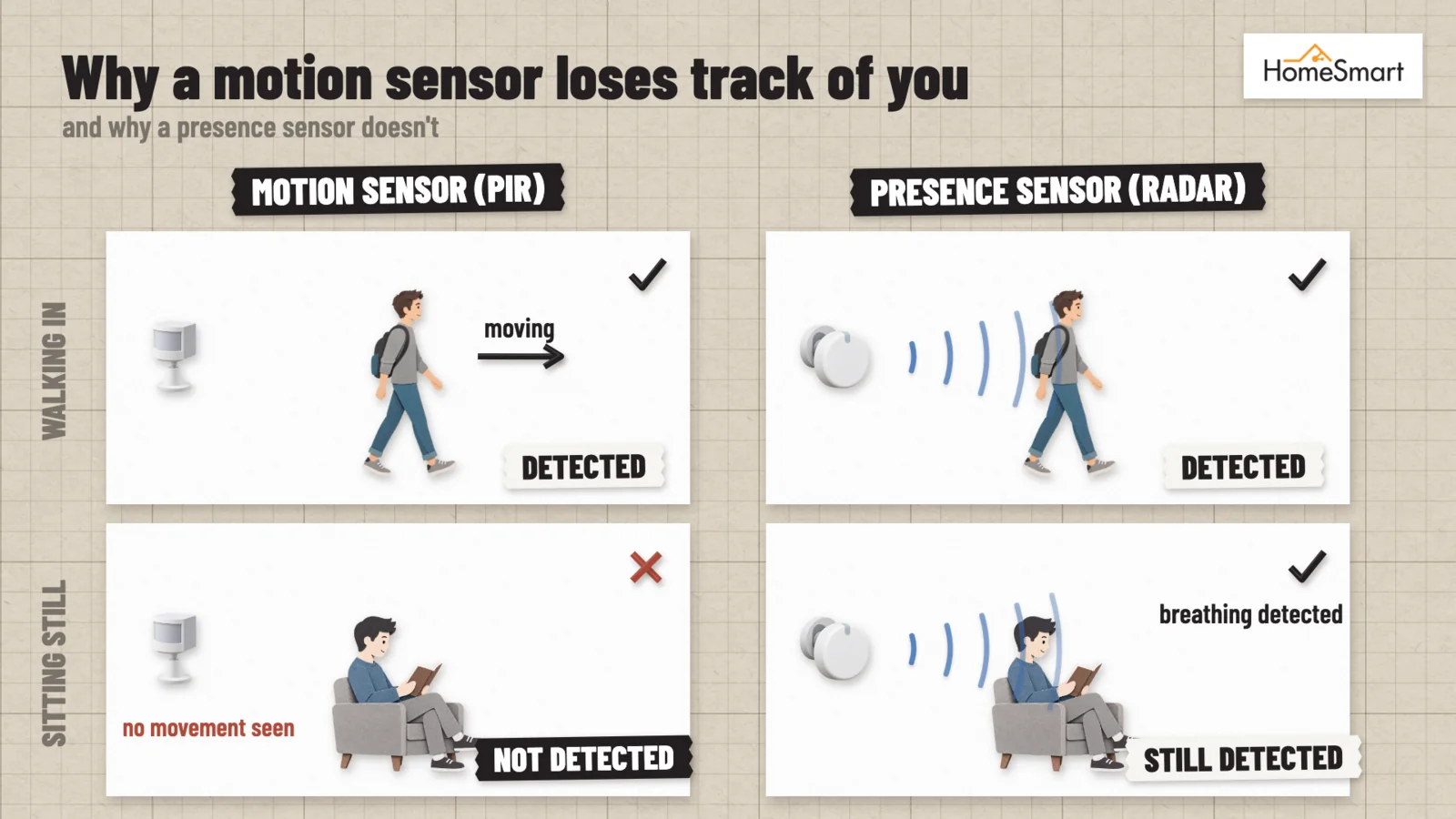
A motion sensor uses passive infrared (PIR). It sees the heat of a body moving across its view, reacts in a split second, and reports the movement to your smart home. It stops seeing you when you stop moving, though. Sit still to read or watch TV, and it decides the room is empty and switches your lights off.
A presence sensor uses millimetre-wave radar. It picks up the tiny movements of people moving about – even movements as small as breathing, so it keeps seeing you while you sit, work or sleep, and it can tell when a room is really empty. Presence sensors cost more, most of them need USB power, and they take a little more setting up.
| Motion sensor (PIR) | Presence sensor (mmWave radar) | |
|---|---|---|
| Sees | People moving | People moving or sitting still |
| Power | Battery, for years | Usually USB power (the FP300 runs on batteries) |
| Best in | Rooms you pass through | Rooms you stay in |
| Typical use | Corridor, kitchen, and toilet lights, entrance alerts | Lights and air-con in the living room and study, air-con in the bedroom |
The FP300 uses both
The Presence Sensor FP300 combines the two. Radar uses far more power than PIR, which is why most presence sensors need a USB cable. The FP300 gets around this by keeping its radar switched off until it needs it.
While the room is empty, only its PIR sensor is on, watching for movement. When someone walks in, the PIR wakes the radar, which then keeps detecting them even when they sit still. Once no presence has been detected for a while, the FP300 switches the radar off again and goes back to watching with PIR alone.
That is how it runs on batteries, and why it suits rooms without a power point nearby.
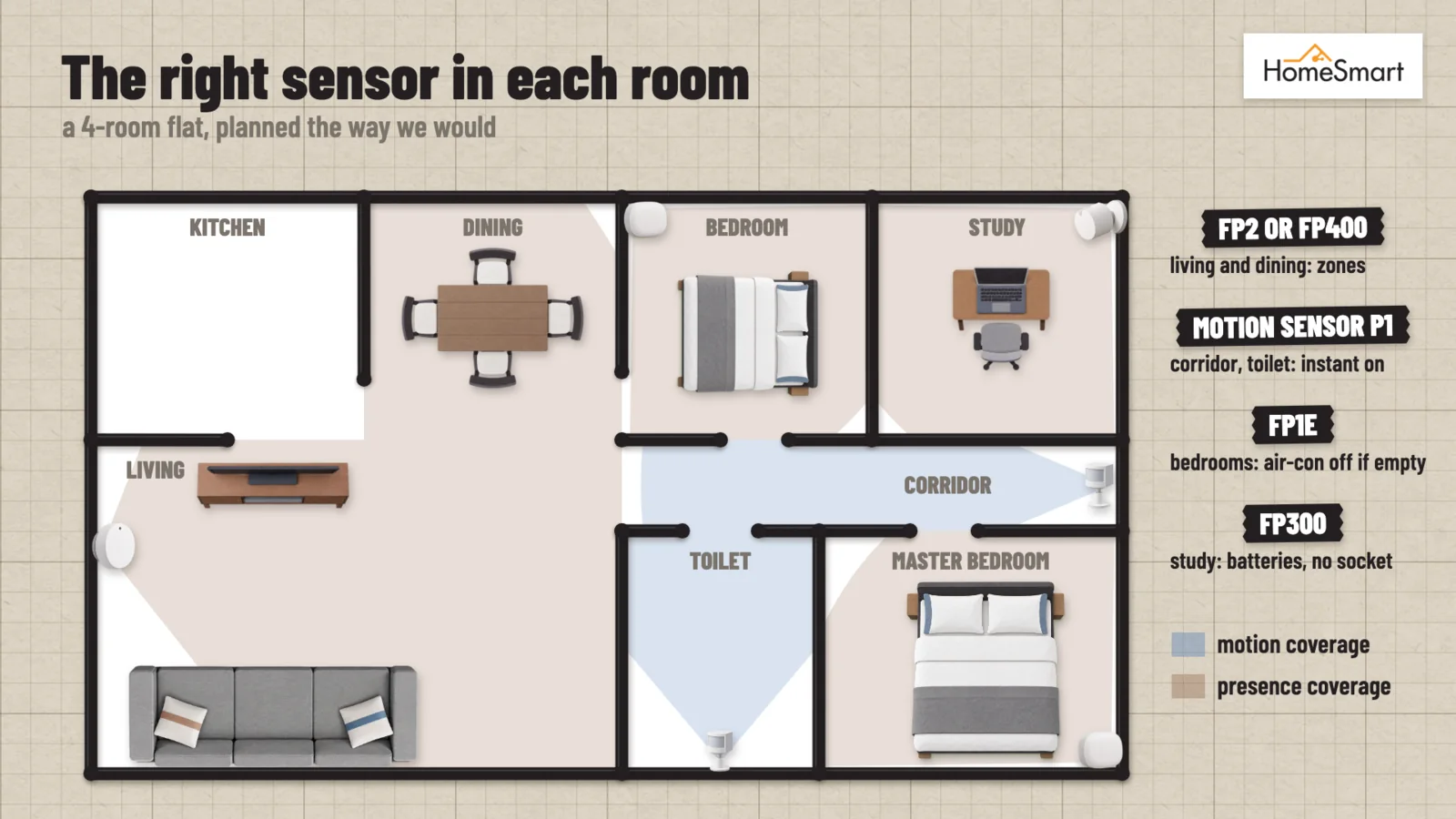
Most homes end up with both: motion sensors in the corridor, toilet and store room, and presence sensors in the rooms where you sit.
Which sensor for which room
| Room | Our pick | Why |
|---|---|---|
| Corridor, entrance, store room | Motion Sensor P1 | Lights on the moment you walk in, and about five years on its batteries |
| Toilet | Motion Sensor P1 | Lights on the moment you walk in |
| Bedroom | FP1E, or FP300 if there is no socket nearby | Switches the air-con off once the room is empty |
| Study or home office | FP1E or FP300 | Switches the lights and air-con off once you leave the room |
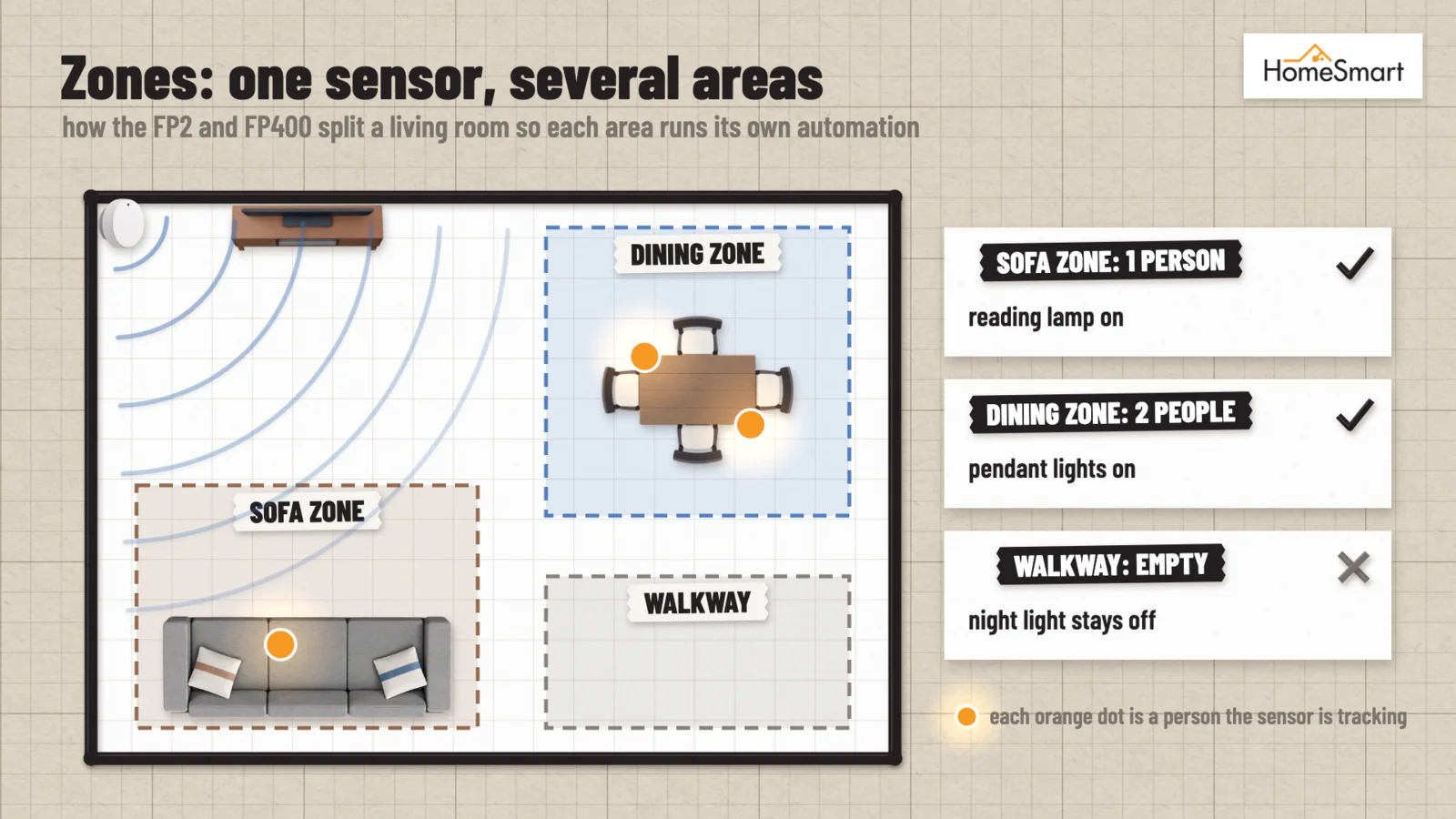
| Living room, open-plan space | FP2 or FP400 | Zones let the sofa, dining table and TV corner each run their own automation |
| Kitchen | FP400 | Splash-resistant, and its zones tell the cooking area apart from the dining table |
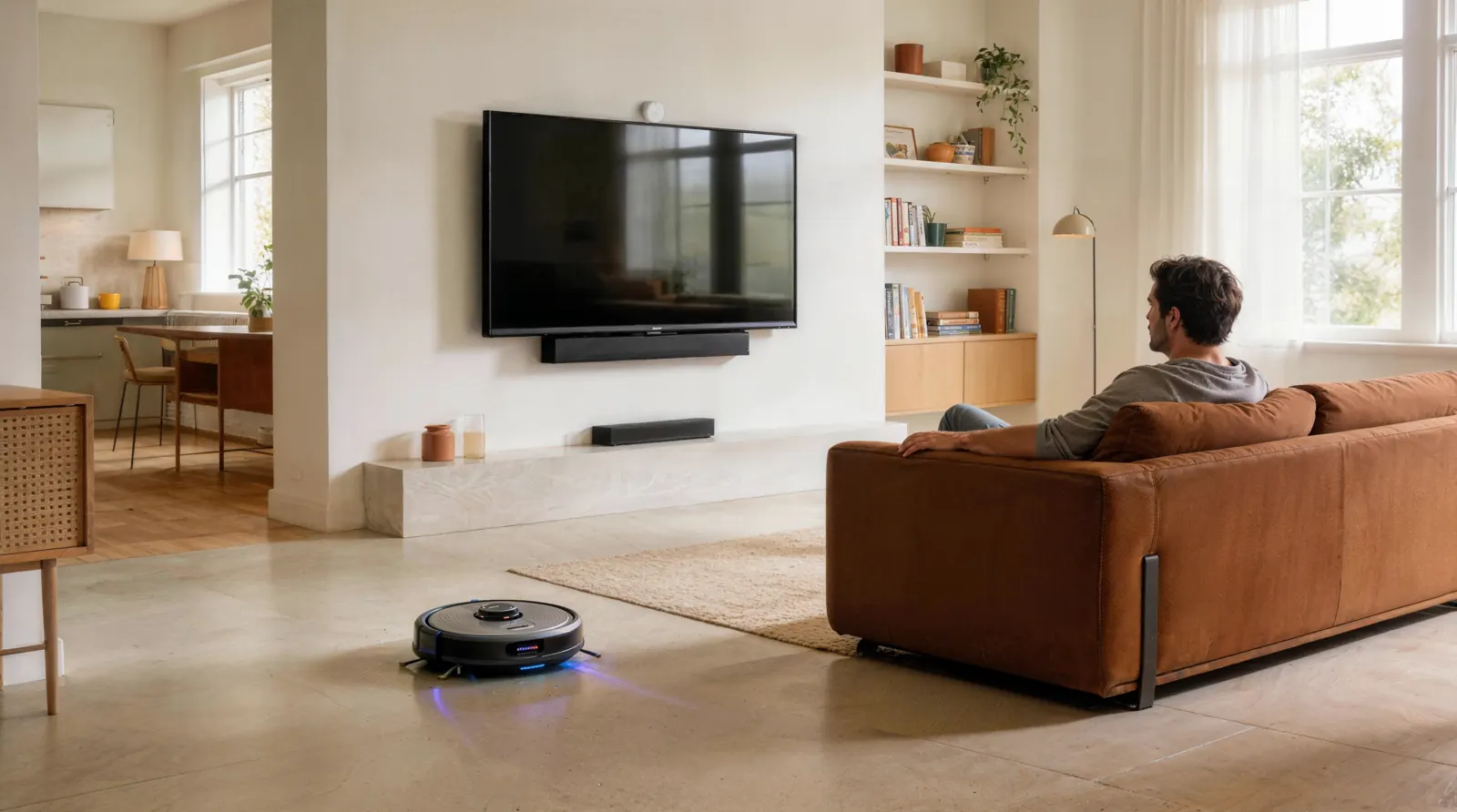
| Home with pets | FP400 | AI person detection can filter out pets and robot vacuums |
The six sensors side by side
| Motion Sensor P1 | Motion and Light Sensor P2 | Presence Sensor FP1E | Presence Sensor FP300 | Presence Sensor FP2 | Spatial Multi-Sensor FP400 | |
|---|---|---|---|---|---|---|
| Sensing | PIR motion | PIR motion | mmWave radar | mmWave radar + PIR | mmWave radar | 60 GHz mmWave radar |
| Range | 7 m | 7 m (up to 10 m in Aqara Home) | 6 m | 6 m | 8 m | 10 m |
| Angle | ≈170° | 120° | 120° | 120° | 120° | 120° × 100° |
| Power | 2 × CR2450, about 5 years | 2 × CR2450, about 2 years | USB | 2 × CR2450, up to about 3 years on Zigbee, 2 on Thread | USB-C | USB-C |
| Connects over | Zigbee 3.0 | Thread (Matter) | Zigbee | Zigbee or Thread | Wi-Fi (2.4 GHz) | Zigbee or Thread |
| Needs | An Aqara Zigbee hub | A Thread border router | An Aqara Zigbee hub | An Aqara hub or a Thread border router | Nothing else | A newer Aqara hub |
| Zones | — | — | Whole room | Whole room | Up to 30 | Up to 8 |
| People tracked | — | — | Presence only | Presence only | Up to 5 | Up to 10 |
| Also measures | Light | Light (0–1500 lux) | — | Light, temperature, humidity | Light; detects falls when ceiling-mounted | Light; live headcount |
| Splash-resistant | No | No | No | No | IPX5 | IPX5 |
Motion sensors: P1 or P2
The two look almost identical. The difference is how they connect, and that usually makes the choice for you.
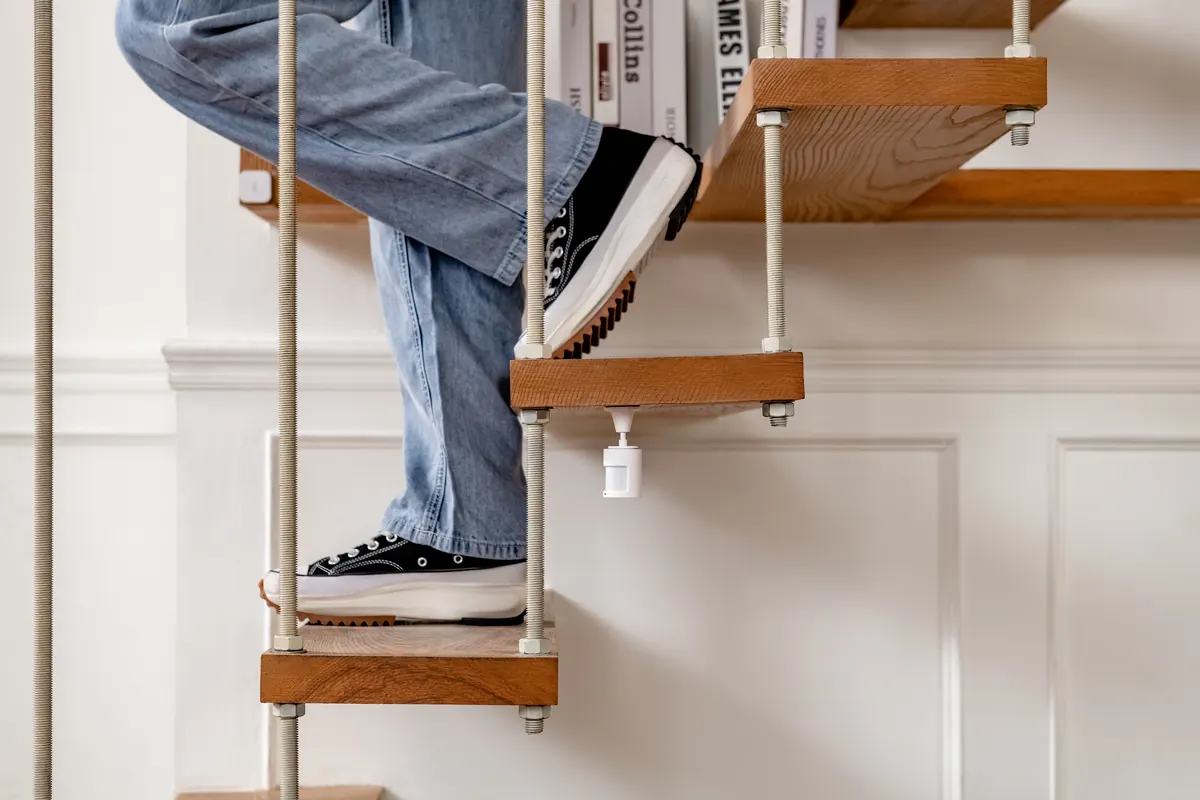
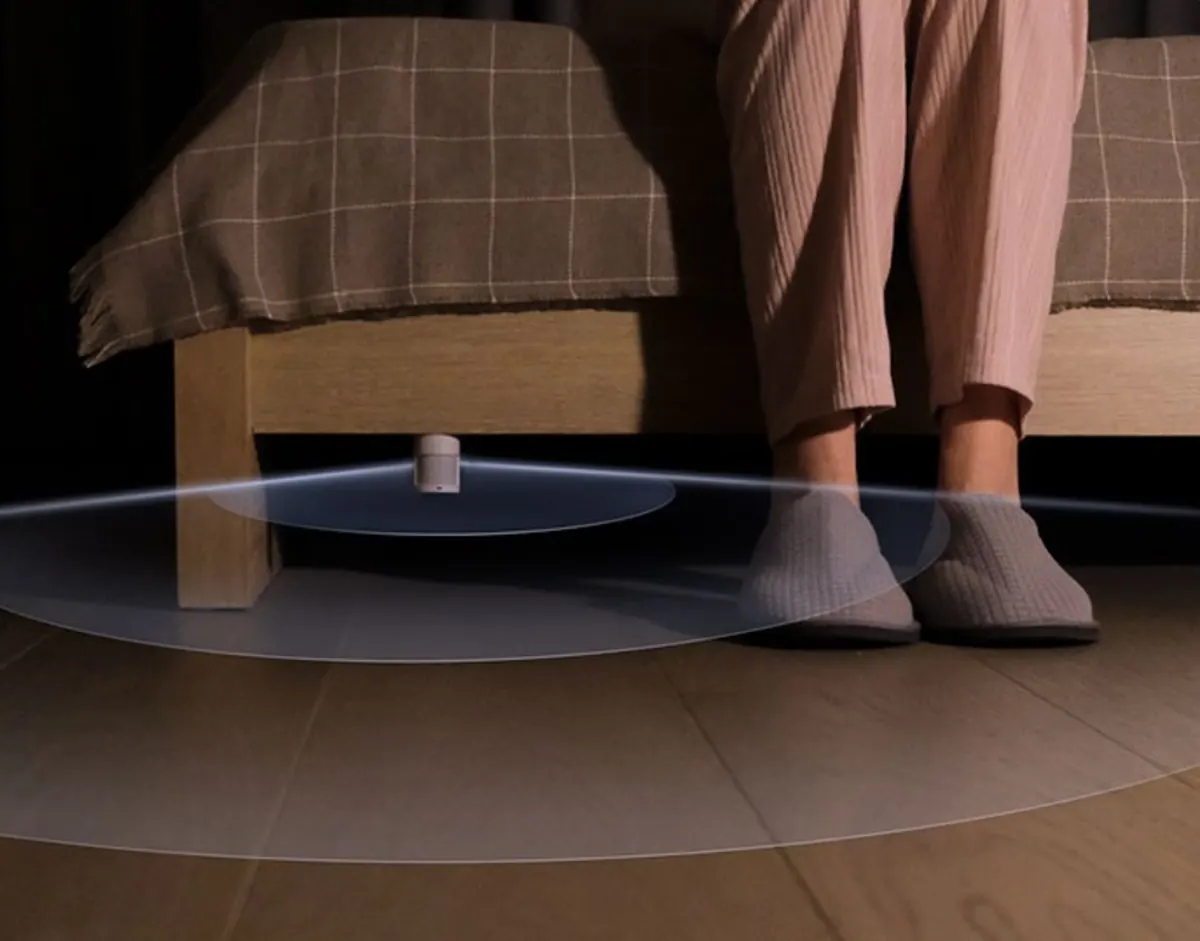
Choose the Motion Sensor P1 if your home runs on an Aqara hub. It connects over Zigbee, sees across ≈170°, and lasts about five years on its batteries. Its adjustable stand lets you aim it at a doorway or down a corridor.
Choose the Motion and Light Sensor P2 if you are building your home around Matter, for example in Apple Home. It connects over Thread, so it needs a Thread border router, such as an Aqara Hub M3 or M200 or an Apple HomePod. Its light sensor reports the room’s brightness regularly rather than only when it sees movement, which suits lighting automations. Expect about two years from its batteries.
Presence sensors: FP1E, FP300, FP2 or FP400
Three questions narrow it down.
1. Is there a power socket where the sensor should go?
If not, choose the FP300. It is the only one of the four that runs on batteries, pairing radar with a PIR sensor to save power. The FP1E, FP2 and FP400 all need a USB power supply.
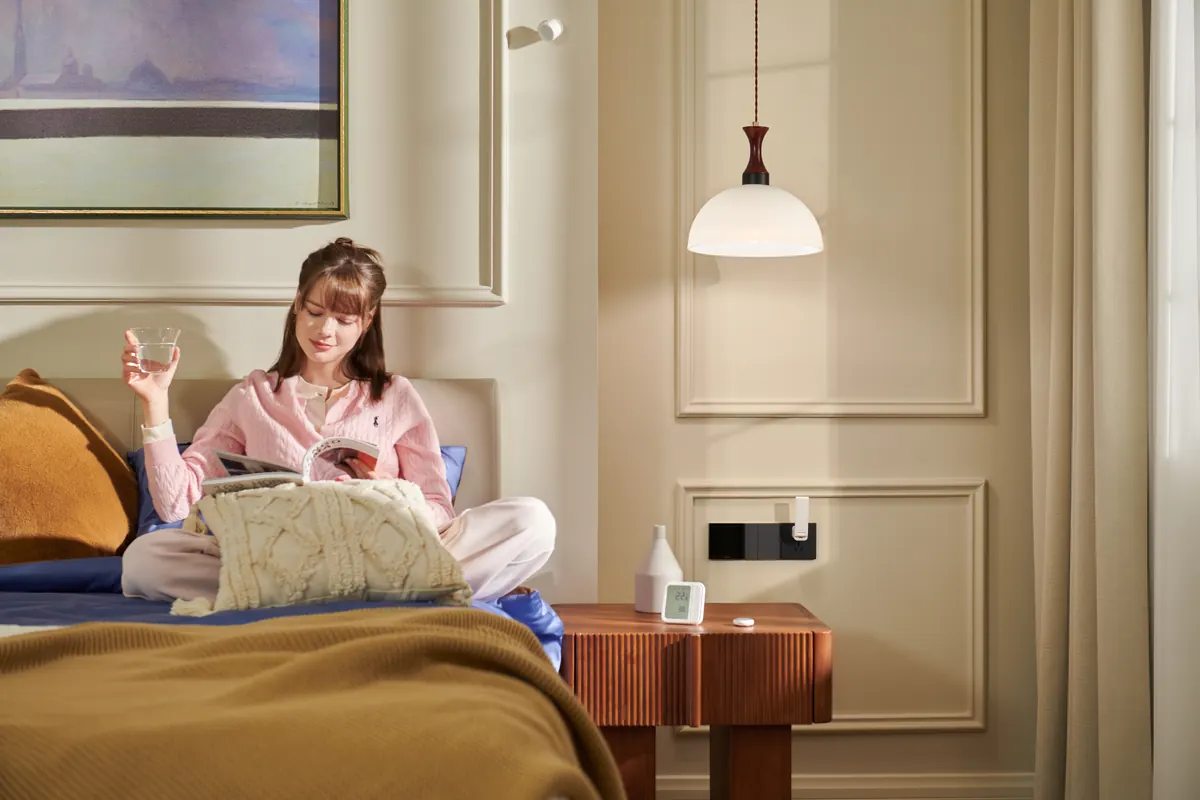
2. Do you need zones, or just the whole room?
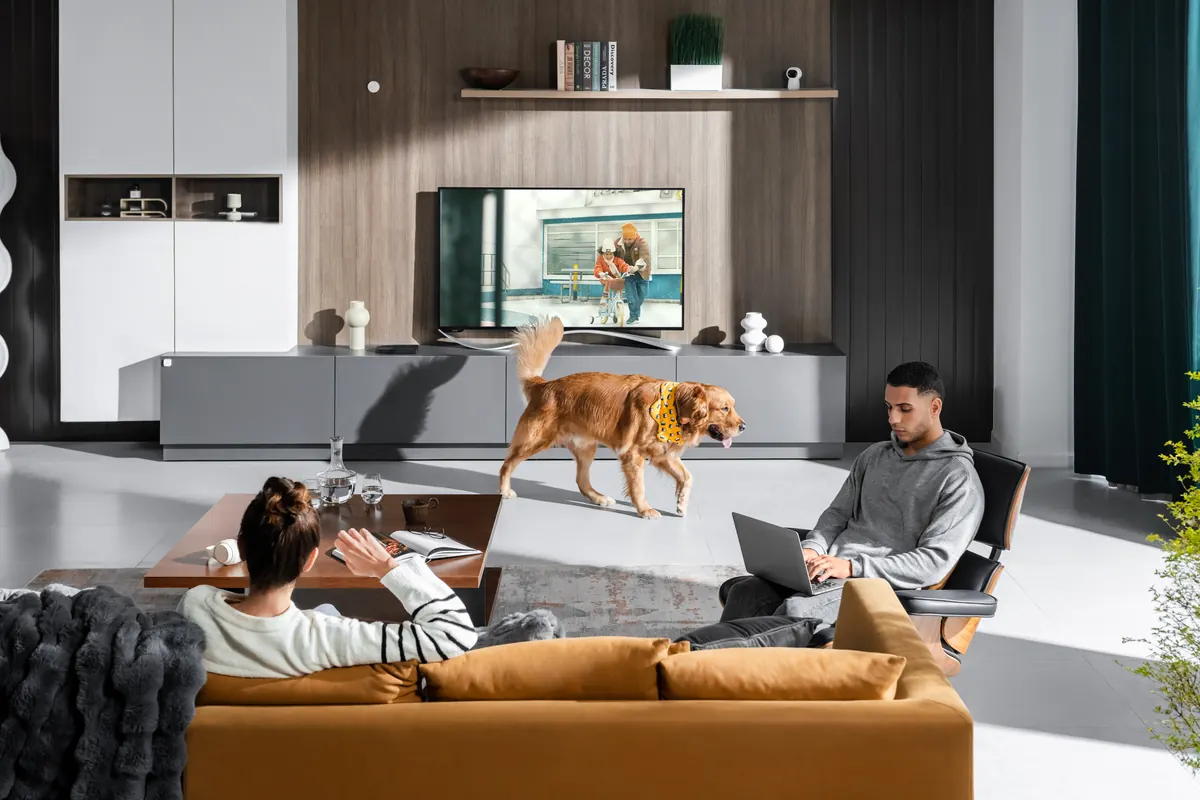
The FP1E and FP300 tell you whether someone is in the room. That is enough for a bedroom, a study or a small room. The FP2 and FP400 map the room into zones and follow several people, so the reading lamp can come on for the sofa while the dining lights stay off.
3. Which hub do you have?
The FP2 connects to your Wi-Fi and needs no hub at all. The FP1E needs an Aqara Zigbee hub, and the FP300 needs an Aqara hub or a Thread border router. The FP400 needs one of the newer Aqara hubs: the M3, M200, M100, S1 Plus, G5 Pro, G350 or G410. The older M1S, M2, G2H and G3 hubs are not compatible with it.
FP1E vs FP300
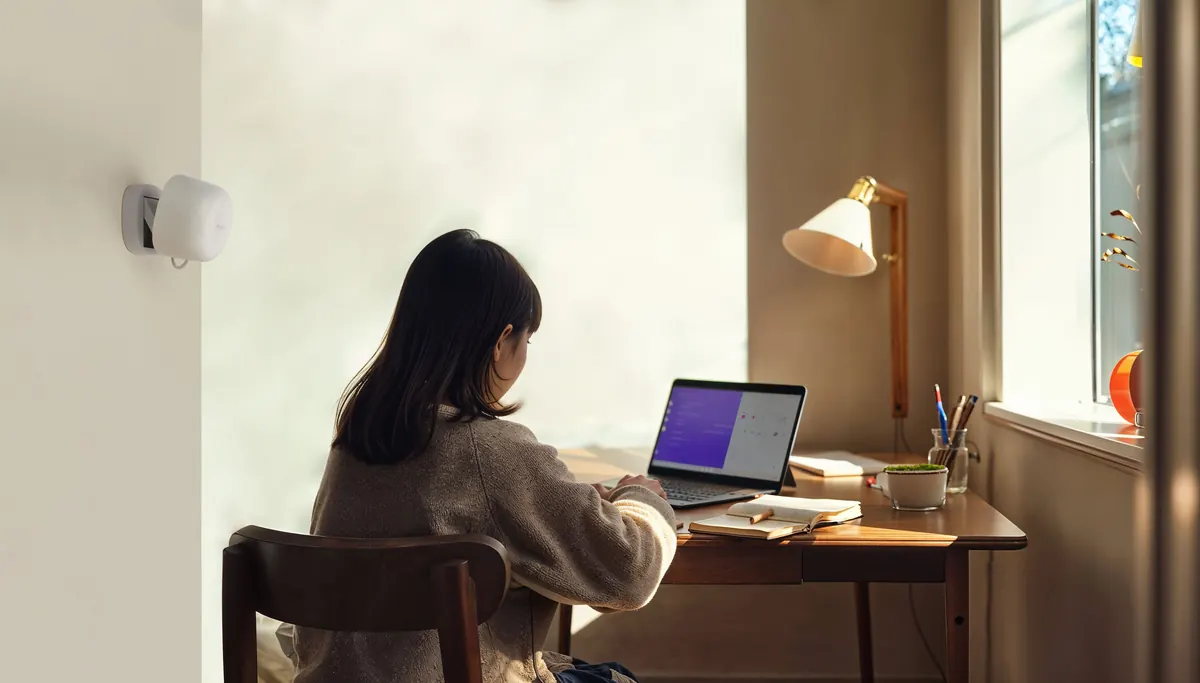
Both give you whole-room presence with no zones, and both can filter out small pets. The FP1E plugs into USB power and connects over Zigbee; it is the simple, always-on choice for a bedroom or study. The FP300 runs on batteries, connects over Zigbee or Thread, and also reads light, temperature and humidity. Choose it when there is no socket nearby, or when you want those climate readings from the same sensor.
FP2 vs FP300
These solve different problems. The FP2 maps up to 30 zones and follows up to five people, but it needs a power socket and your Wi-Fi. The FP300 covers the whole room without zones, on batteries, through your Aqara hub or a Thread border router. Choose the FP2 for a living room where it matters where people are; choose the FP300 for a room where it only matters that someone is there.
FP2 vs FP400
These are the two zone sensors. The FP2 gives you the most zones, up to 30, detects falls when mounted on the ceiling, and needs no hub. The FP400 follows up to ten people across up to eight zones, reaches 10 m, can ignore pets and robot vacuums, and gives you a live headcount. It connects over Zigbee or Thread through a newer Aqara hub rather than over your Wi-Fi. Both are IPX5 splash-resistant. Choose the FP2 for fall detection or a home without a hub, and the FP400 for a busy open-plan space or a home with pets.
Using motion and presence sensors together
The two work well as a team. A motion sensor at the entrance switches the corridor lights on the instant you walk in, while a presence sensor in the living room keeps the lights and air-con on as long as anyone is there and switches them off once the room has been empty for the time you set.
- Corridor at night: a P1 turns the lights on at low brightness, and off again a minute after you pass
- Living room: an FP2 or FP400 turns the reading lamp on when you sit on the sofa, and switches the air-con off after the room has been empty for 15 minutes
- Bedroom: an FP1E or FP300 keeps the air-con running while you sleep, instead of a timer that guesses
Where to put a presence sensor
- On a wall, about 1.5 to 2 m high, facing the part of the room where people sit
- In a corner if you can: the sensor’s 120° view then covers the whole room without blind spots at the sides
- Away from things that move on their own, such as fans, swaying curtains and air-con vents, and away from large mirrors, glass and metal, which can reflect the radar
After mounting, set the sensitivity and the delay before an empty room is reported as empty. In a bedroom, a higher sensitivity and a longer delay stop the air-con from switching off while you sleep.
Frequently asked questions
Will a presence sensor keep my lights on while I sleep?
Yes, if you have such an automation set up. The radar picks up the small movements of breathing. We do not recommend using any sensor automations to turn lights on/off in bedrooms. Instead, presence sensors in these rooms would be better used for turning off the air-conditioner when no presence is detected, for example.
Do I need a hub?
For most of them, yes. The P1 and FP1E need an Aqara Zigbee hub, the P2 needs a Thread border router, and the FP300 works with either. The FP400 needs a newer Aqara hub. The FP2 is the exception: it connects straight to your Wi-Fi.
Will my cat or dog set them off?
A PIR motion sensor reacts to any warm, moving body, pets included. The FP1E and FP300 can filter out small pets, and the FP400’s AI person detection filters out pets and robot vacuums.
Which ones work with Apple Home?
All six can. The P1 and FP1E appear through your Aqara hub, the P2, FP300 and FP400 through Matter, and the FP2 connects to Apple Home directly.
Battery or USB?
The P1, P2 and FP300 run on batteries, so you can put them anywhere. The FP1E, FP2 and FP400 need USB power, so plan for a socket, or a USB power point, near where they will go.
Shop motion and presence sensors

Aqara Presence Sensor FP1E

Aqara Presence Sensor FP300
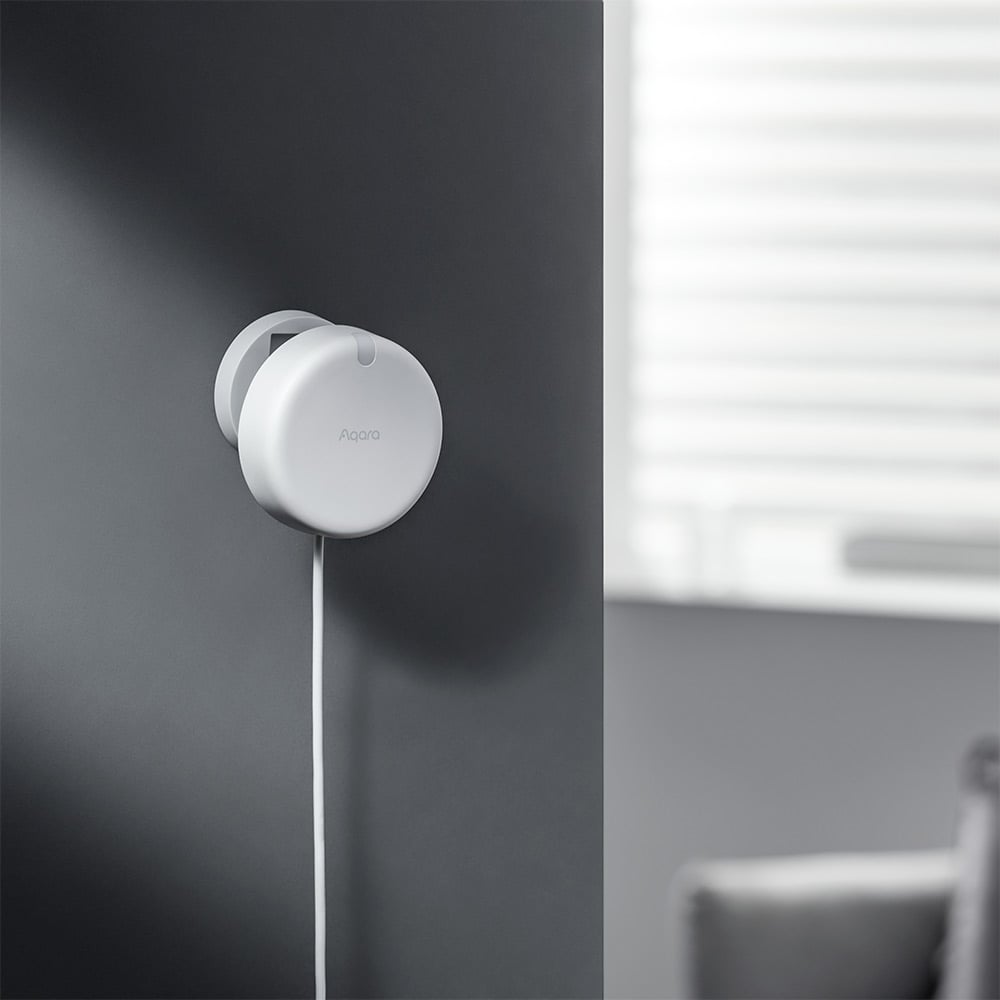
Aqara Presence Sensor FP2
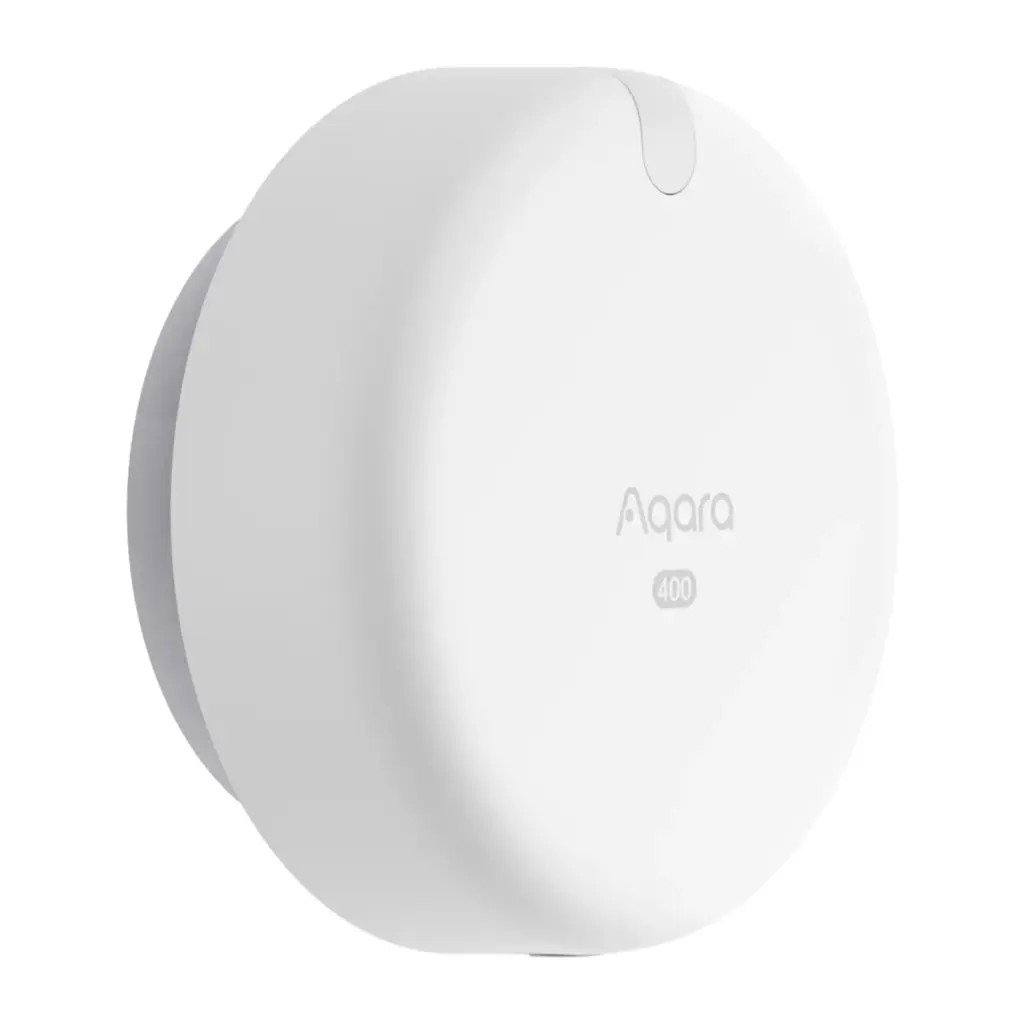
Aqara Spatial Multi-Sensor FP400
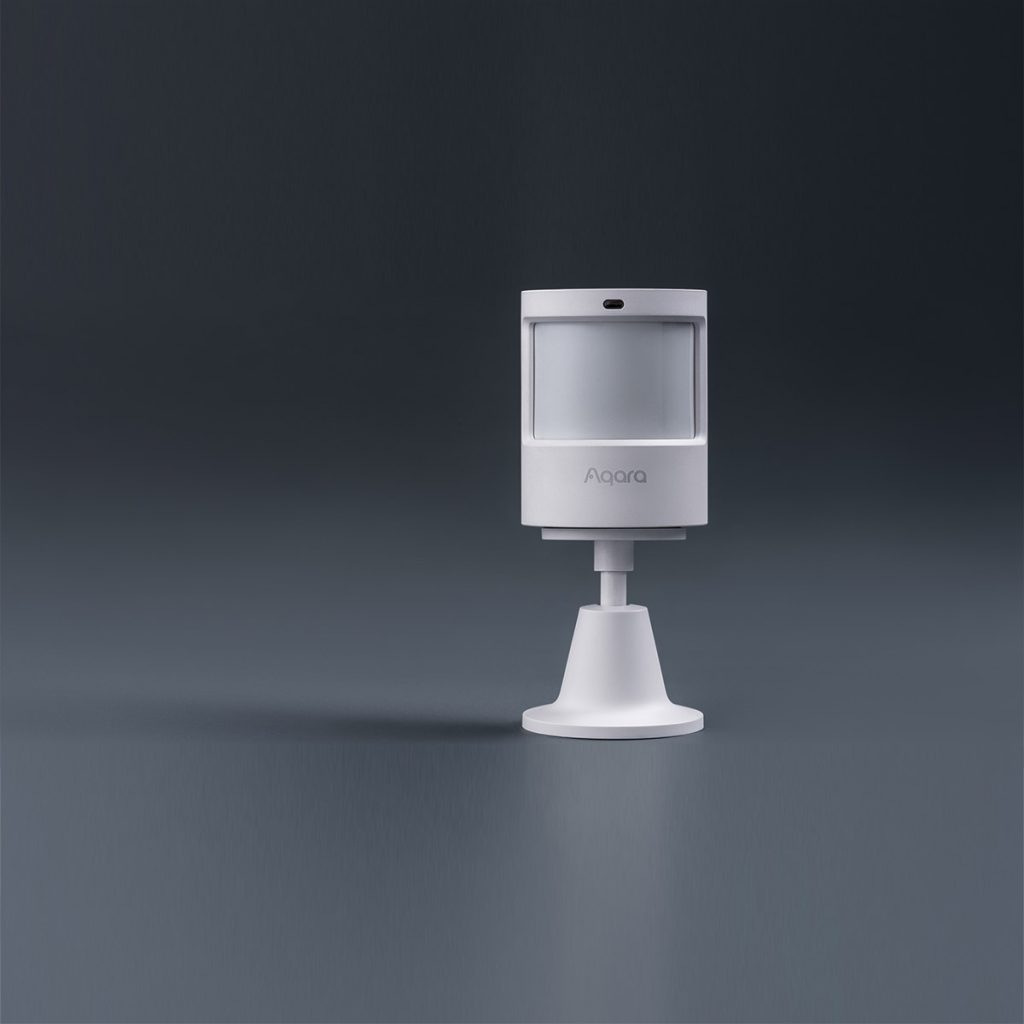
Aqara Motion Sensor P1
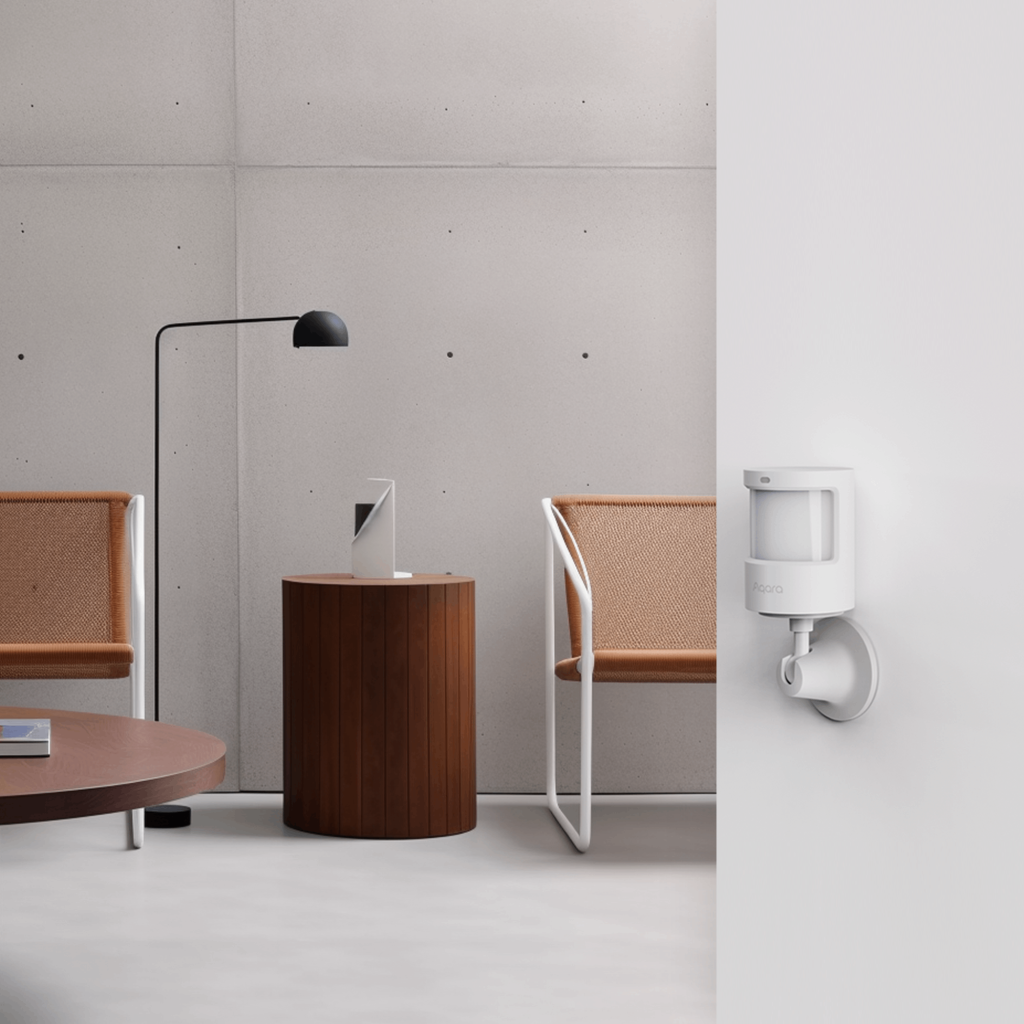
Aqara Motion and Light Sensor P2
Not sure which suits your layout? Tell us about the room on WhatsApp, or visit our Keong Saik Road showroom, and we will recommend the sensor, the hub and where to mount it, at no charge. You can also browse all our Aqara sensors.