
Ideas, room by room
A smart home is a collection of small things that make each room easier. Here are ideas for each part of the home. Pick the ones that fit how your household lives; you don’t need all of them.
Front door
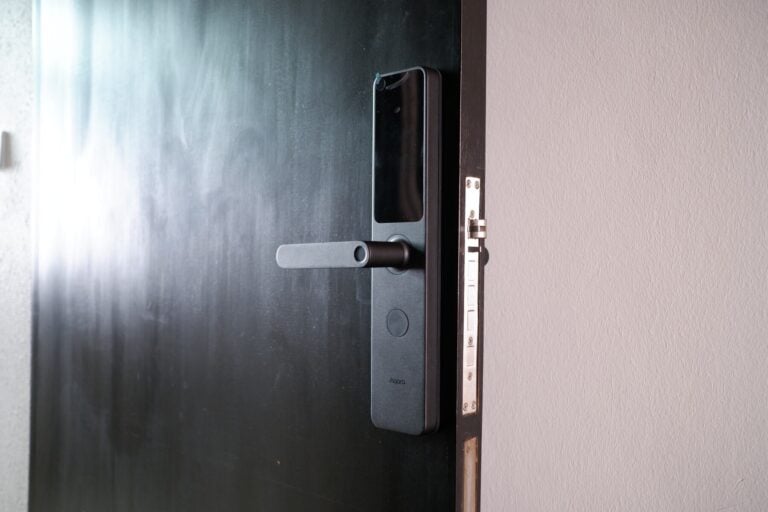
- Unlock with your fingerprint, a PIN or your phone, and give a visitor their own code that you can remove later.
- See who’s at the door on your phone with a video doorbell, and answer from anywhere.
- When you unlock the door after dark, the entrance lights come on.
Packages for this roomLock + Video DoorbellDoor + Gate Lock
Living room
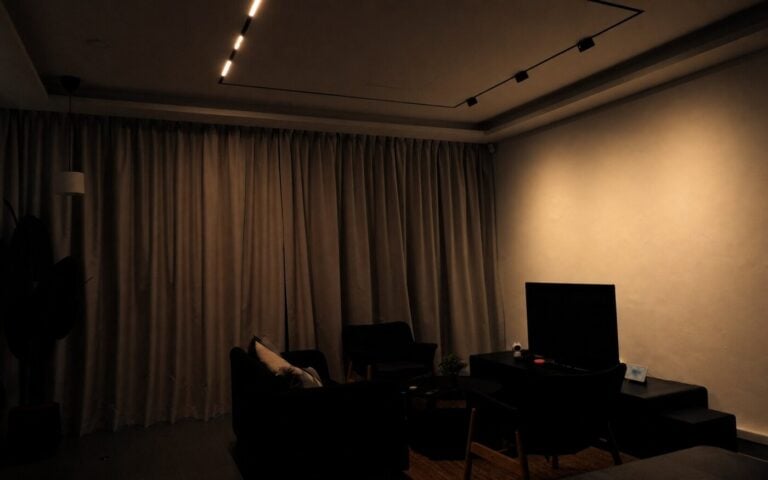
- One button for movie time: the main lights go off, the ambient lights come on and the curtains close.
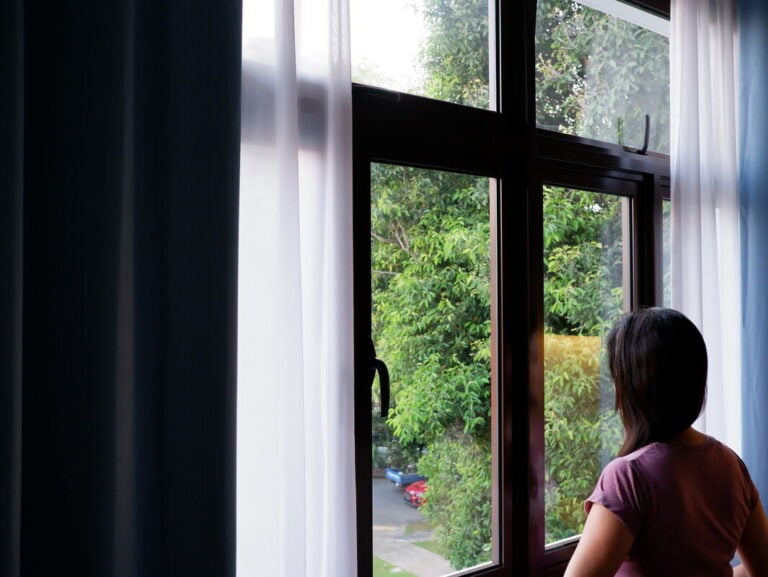
- The curtains open in the morning and close at sunset.
- Control the lights from the wall switch, a wireless button, your phone or your voice.
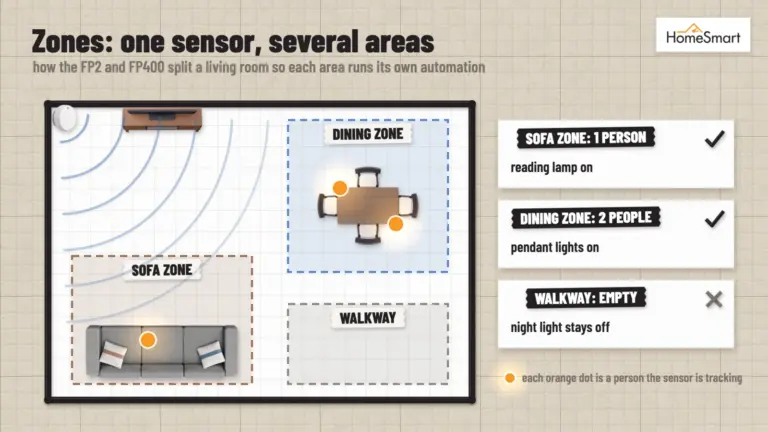
- A presence sensor turns the lights off once everyone has left the room, to save energy. It detects you even when you sit still, which a motion sensor can’t.
Packages for this roomApple Smart HomeSmart Air-con
Bedrooms
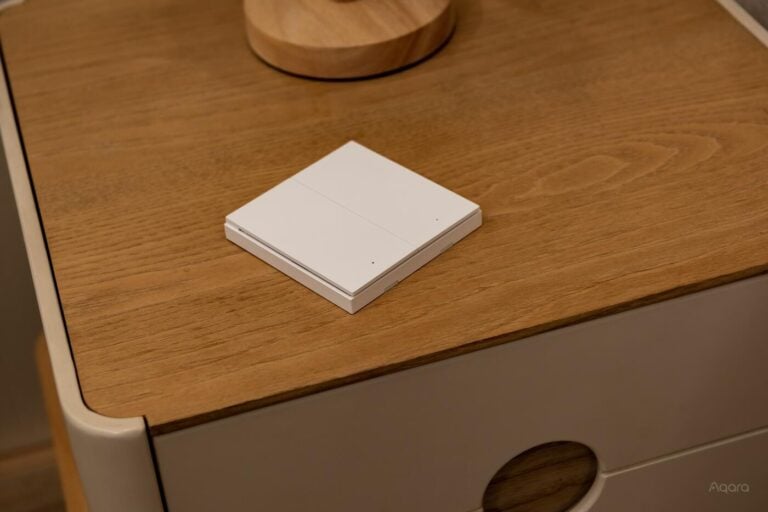
- A wireless switch on the bedside table turns off every light in the room.
- A good night scene turns off the lights in the rest of the home and closes the curtains.
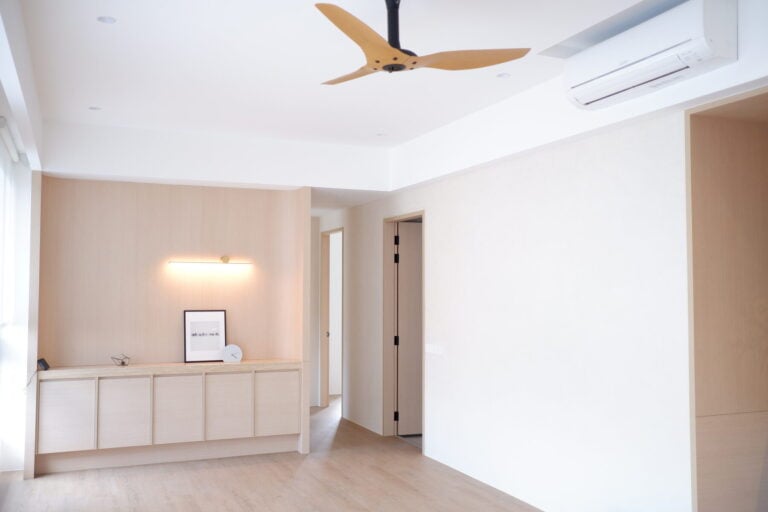
- The air-con turns off at 1.30am and the ceiling fan takes over.
- A presence sensor turns the lights and air-con off when the room has been empty for a while.
- We don’t recommend sensors switching bedroom lights on. A sensor can’t tell that you’ve turned the lights off to sleep, so it would switch them back on.
Packages for this roomSmart Air-conBaby Room Comfort
Kitchen
- A water leak sensor under the sink alerts your phone the moment it gets wet.
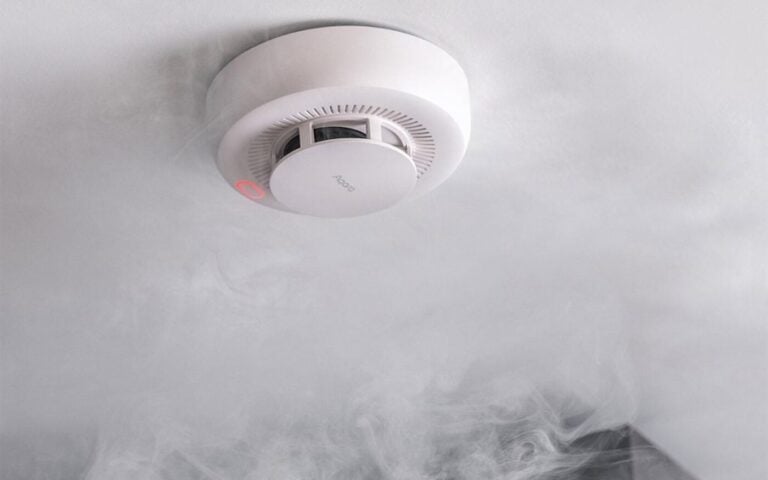
- Smoke and gas detectors sound an alarm and alert your phone, even when you’re out.
Packages for this roomKitchen Safety

Bathrooms
- When the humidity goes above 85%, the exhaust fan comes on.
- The water heater switches itself off 20 minutes after you turn it on.
- A motion sensor turns the lights on when you walk in, and off again after three minutes without motion.
- At night, the same sensor can turn on a soft light instead, so you don’t need the main lights.
The whole home
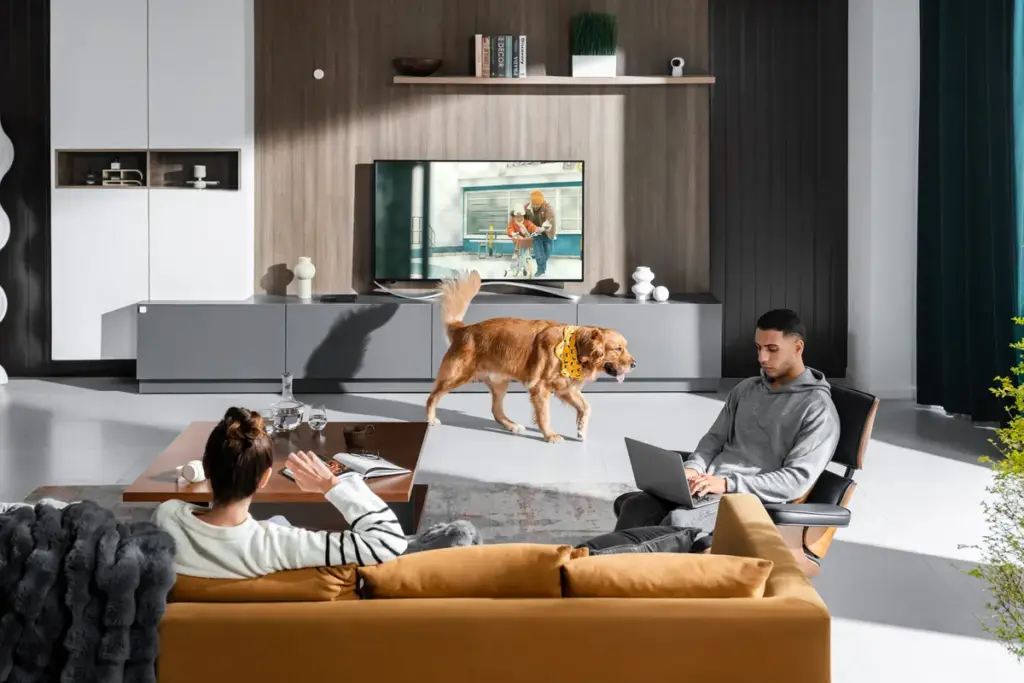
- When the last person leaves, the lights, air-con and fans turn off.
- When the first person comes home, the entrance lights and the living room fan come on.
- Cameras and sensors alert your phone when something happens while you’re away.
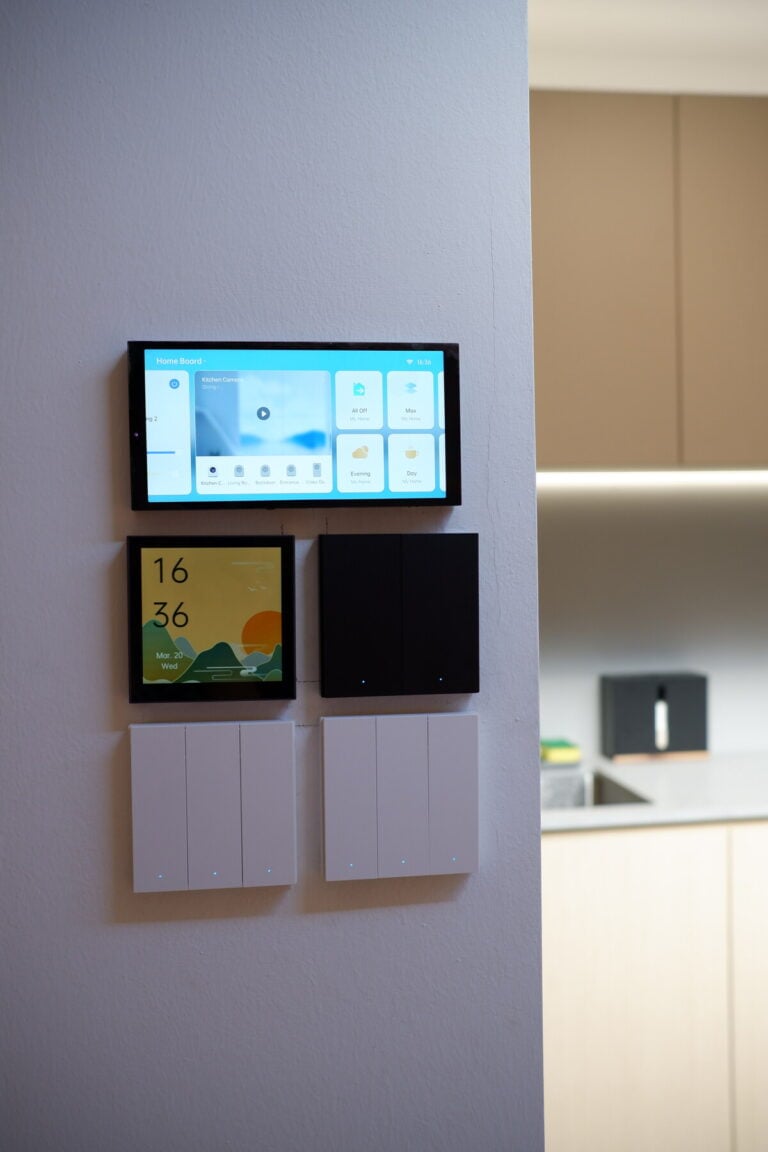
- A touchscreen panel on the wall puts your scenes and devices in one place.
Packages for the whole homeSmart SwitchAutomated Smart Home3- & 4-Room HDB/BTO5-Room HDB/BTOHome SecurityPet Care
Automations and controls
Having smartphone app control of your devices is just one facet of a smart home. Our aim is to improve the quality of daily life by having devices respond to multiple forms of control, integrated in a natural way into every household’s routines.
Scenes and rooms
A scene sets a group of devices for a particular mood or function, and controls them all at once. A “Movie time” scene could turn off all your lights, and turn on your TV and ambient lights.
Organise your devices into rooms to control each part of your home. Saying “Turn on the lights” to Siri on a HomePod only turns on the lights in that room.
Remote controls
Use the apps on your phone to control your devices, even when you’re not at home. Wireless smart switches work as two-way switches, just without the wires.
Smart speakers and phone voice assistants can control your devices and trigger scenes. While not everyone fancies speaking to a machine, it’s a surprisingly usable hands-free control; our parent clients can testify!
Automations
- Time-based A device turns on or off at a set time on chosen days, or at sunset or sunrise.
- Sensor-based Devices respond when a sensor detects something, such as motion, an open door or a hot room.
- Location-based Scenes run when the last person leaves or the first person arrives, based on your phone’s location.
- Conditions An automation runs only when you want it to, such as only at night or only when somebody is home.
Two example routines
Wake up, at 8am on weekdays
- Open the curtains
- Turn off the air-con
- Turn on the water heater
- Play music
Condition: only when somebody is home.
Wind down, at 9.30pm
- Turn off the living room track and pendant lights
- Turn on the living room ambient lights
- Turn on the air-con in every bedroom
Everyone has different routines and habits. We’ll use our expertise to make daily life a little easier, and make sure you understand how your system works, so that the technology works for you (and not the other way around). Tell us which ideas you want, and we’ll plan the devices that make them happen.
Visit the showroom
Plan it with us
24 Keong Saik Road. Open 10am to 7pm, Monday to Sunday, closed on public holidays. Walk-ins are welcome; book a time and we’ll have someone ready for you. The consultation is free.