
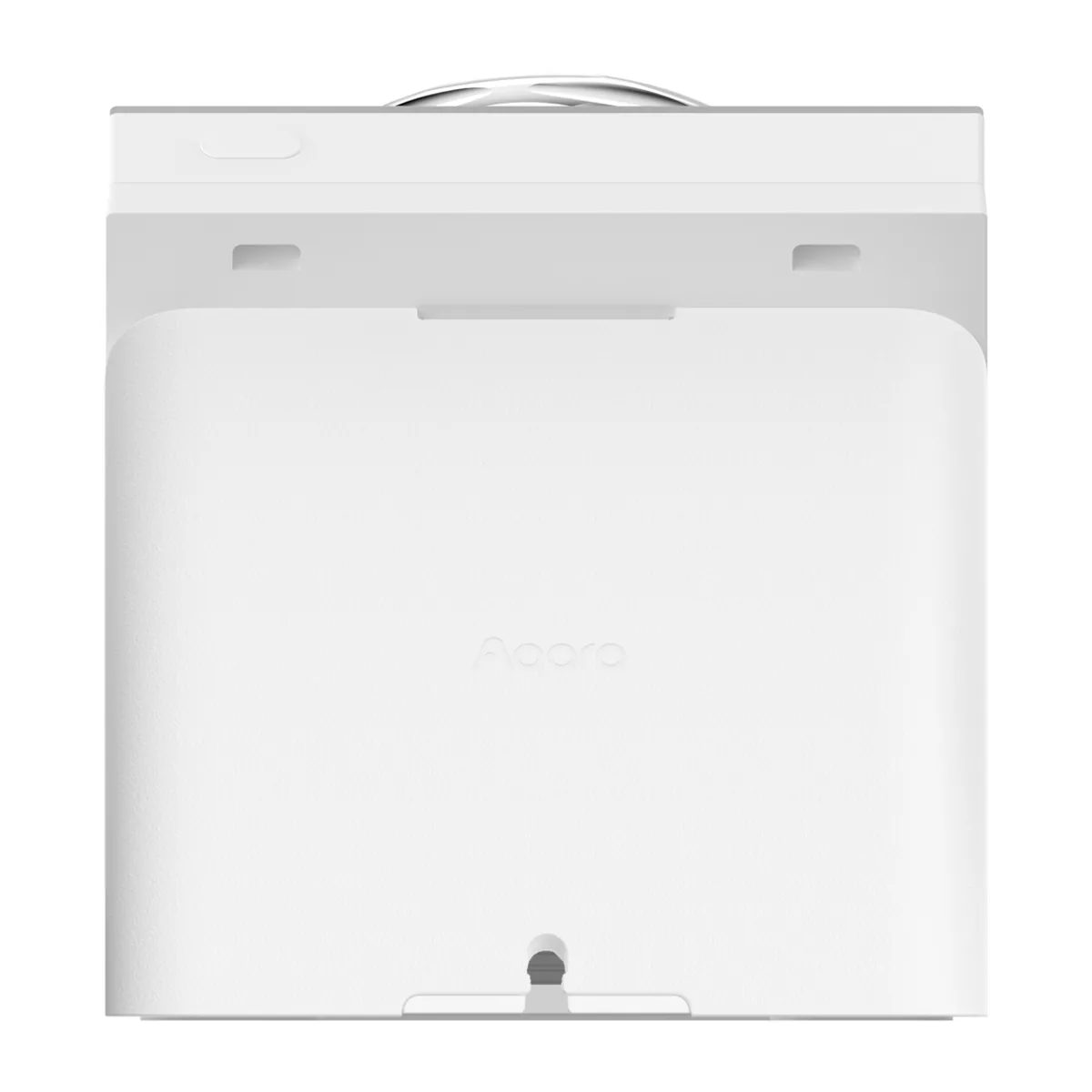
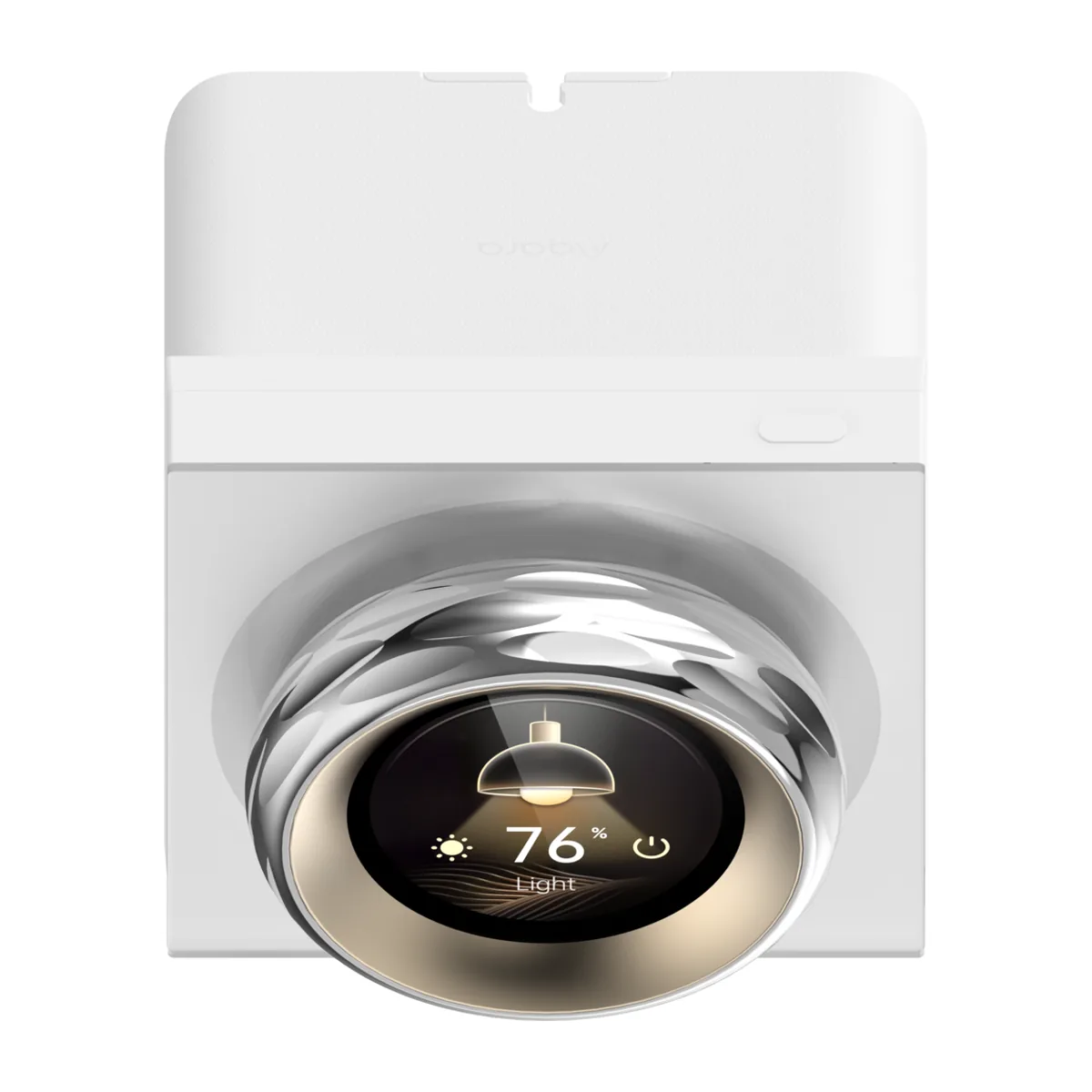
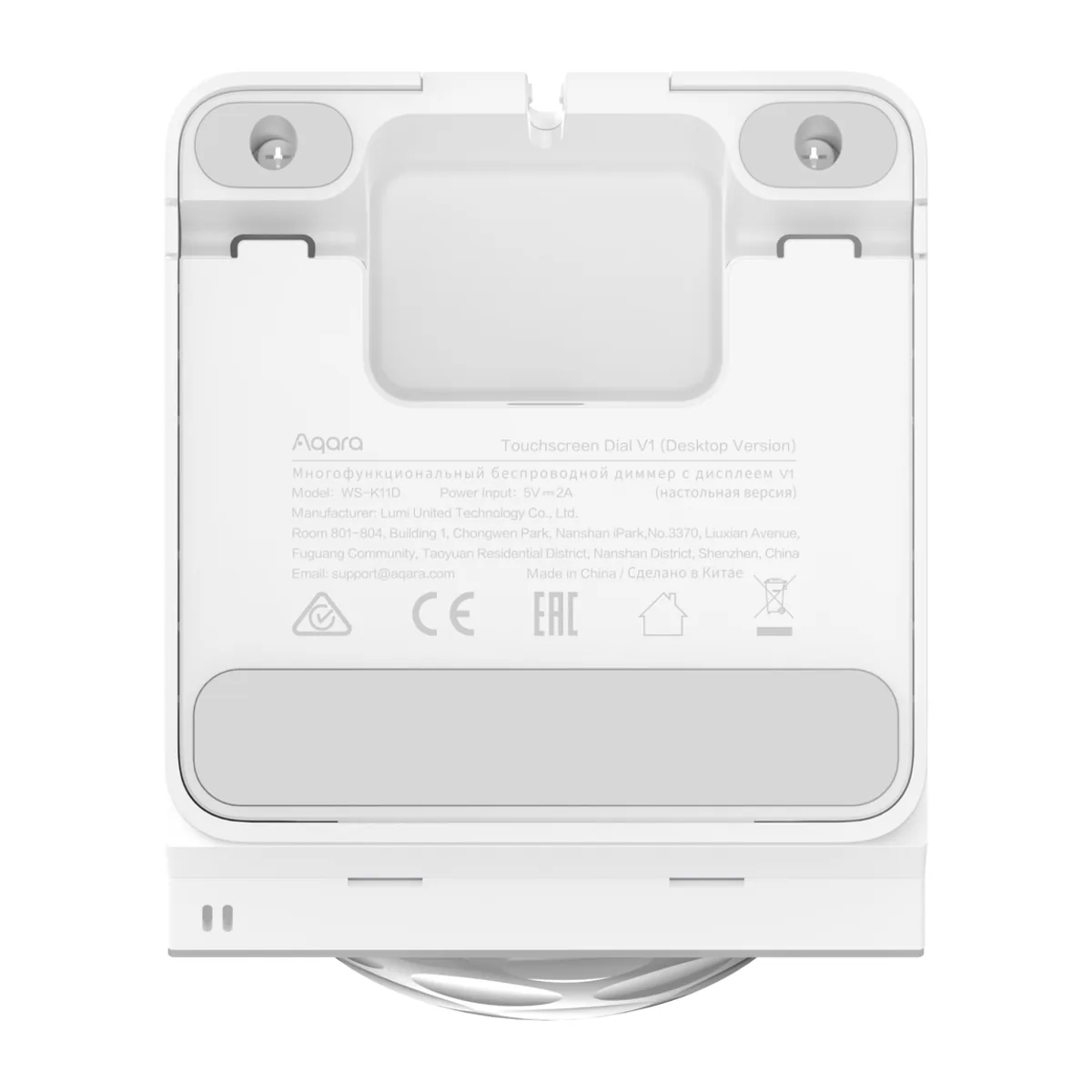
Aqara Touchscreen Dial V1 (Desktop Version)
$359.00
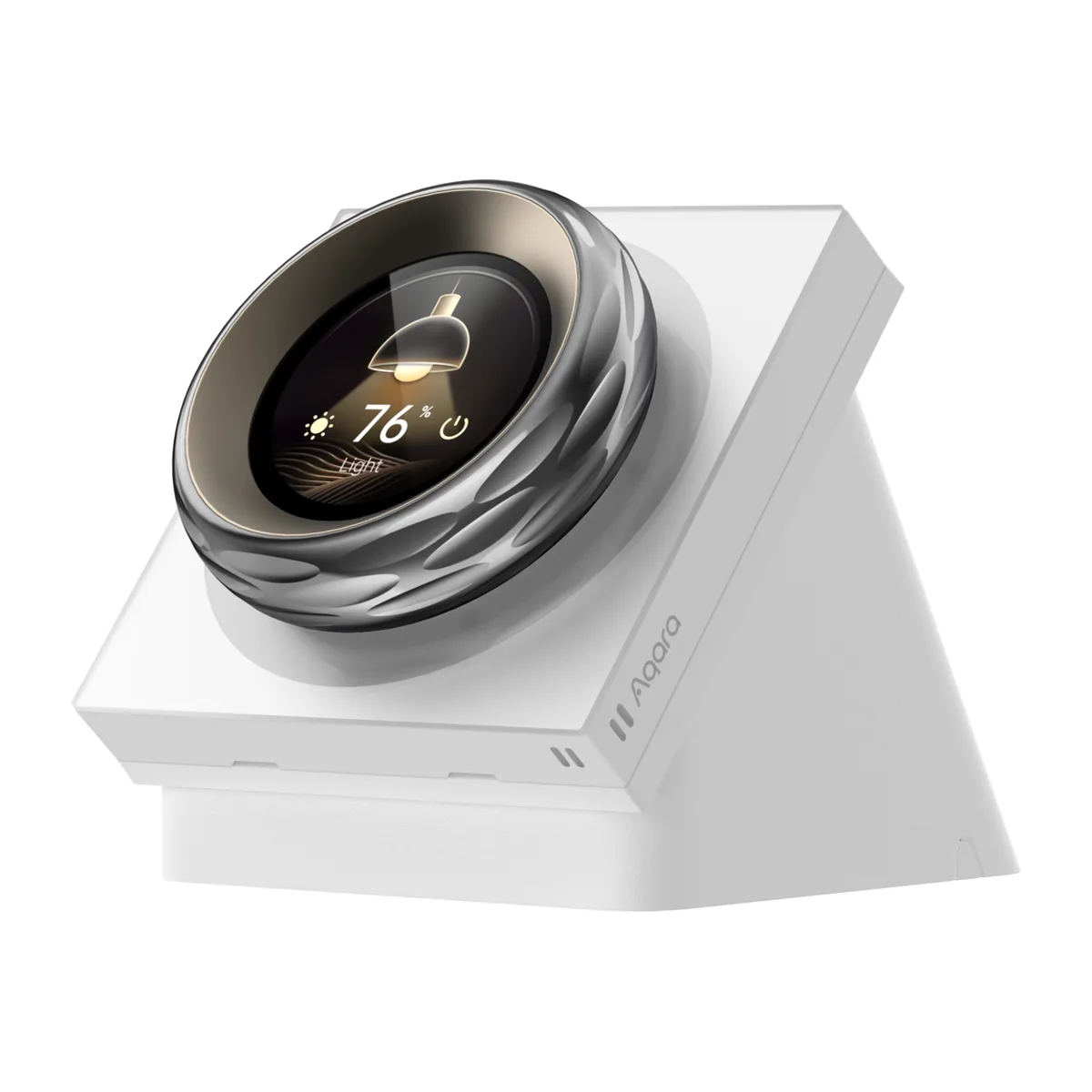
A turning dial with a 1.32-inch round touchscreen that sits on your desk, bedside table or counter. Turn it to dim your lights, open the curtains part-way or change the air-con temperature, and feel a click at every step. It reads the room’s temperature and humidity, wakes as you reach for it, and works with Apple Home over Wi-Fi.
Desktop version: USB-C cable included; 5V/2A power adapter not included.
- Price listed upfront, GST included. Lower at an authorised Singapore reseller? We match it.
- Free delivery in Singapore on orders from S$100.
- 12-month warranty, handled by our team in Singapore.
- Visit our showroom at 24 Keong Saik Road, open 10am–7pm daily except public holidays.
- Ask before you buy. WhatsApp us a photo of your space and we’ll tell you what fits.
Details
The Touchscreen Dial, on a stand instead of in the wall

Turn it and feel every step
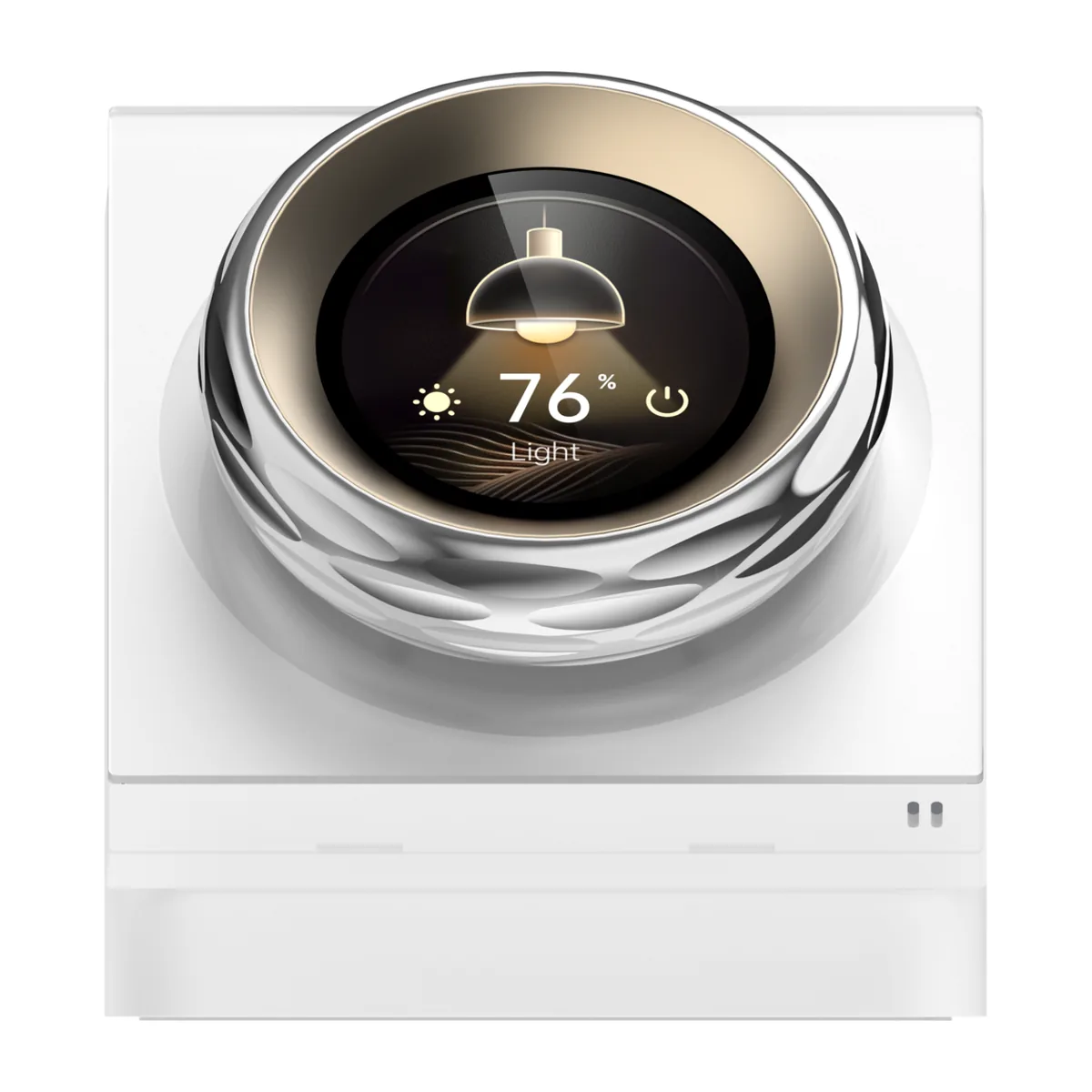
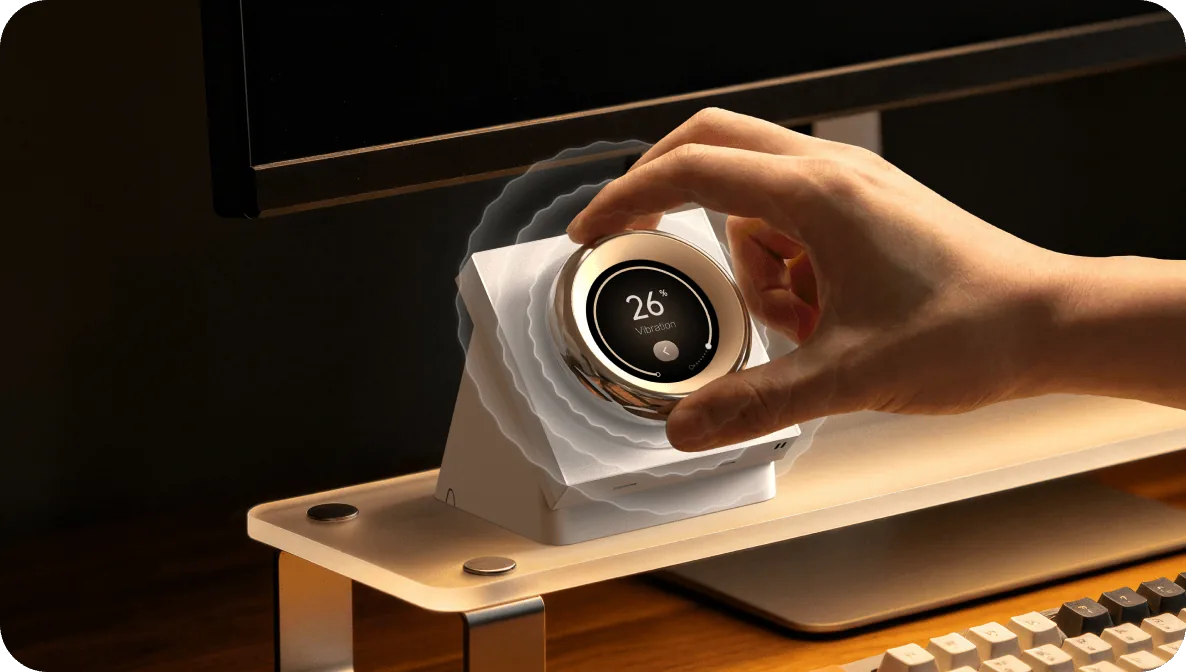
The Aqara Touchscreen Dial V1 (Desktop Version) puts a real knob on your desk, bedside table or kitchen counter. Turn it to bring your lights down to 30%, open your curtains part-way or nudge the air-con up a degree. A small vibration and a soft click mark each step, so you know it registered without looking at the screen.
The 1.32-inch round touchscreen in the middle shows what you are adjusting. Swipe to move between your devices, and tap to switch something on or off.
- Haptic dial with vibration and sound feedback
- 1.32-inch round touchscreen
- Built-in temperature, humidity and proximity sensing
- USB-C power, so you drill nothing and wire nothing
Your lights, curtains, air-con and scenes in one place

In the Aqara Home app you choose up to 18 devices and scenes for the dial. Set the colour temperature or colour of your Aqara lights, stop your curtains at the exact opening you want, or change the temperature on an Aqara thermostat or air-con controller.
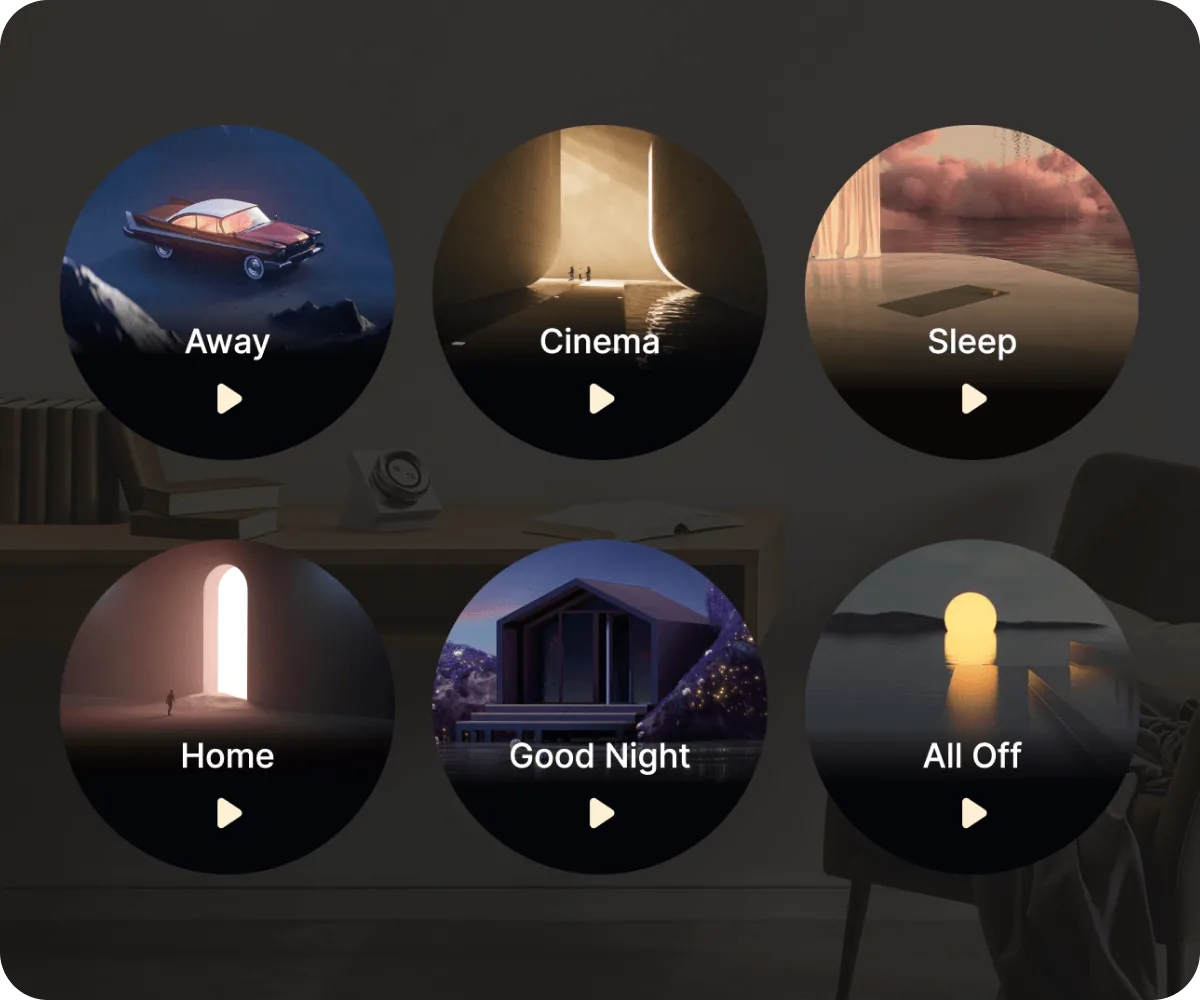
Scenes such as Good Night, Away or Cinema sit one tap away.
The dial’s six wireless switches are for Apple Home. Once you add the dial to Apple’s Home app, it shows up there with six extra buttons. Give each one a job there, such as a whole-home scene or a light from another brand like Philips Hue, then place it on one of the dial’s pages in the Aqara Home app. Tap it on the dial and Apple Home runs it. If everything you use is Aqara, you may never need them.
Good to know: the dial’s pages show compatible Aqara devices and scenes. Devices from other brands reach the dial only through the six Apple Home wireless switches. Your Aqara Zigbee lights, curtain motors and sensors still connect through your own Aqara hub, and air-con control needs an Aqara hub with an infrared blaster, such as the Hub M200 or Hub M3.
It wakes up as you reach for it
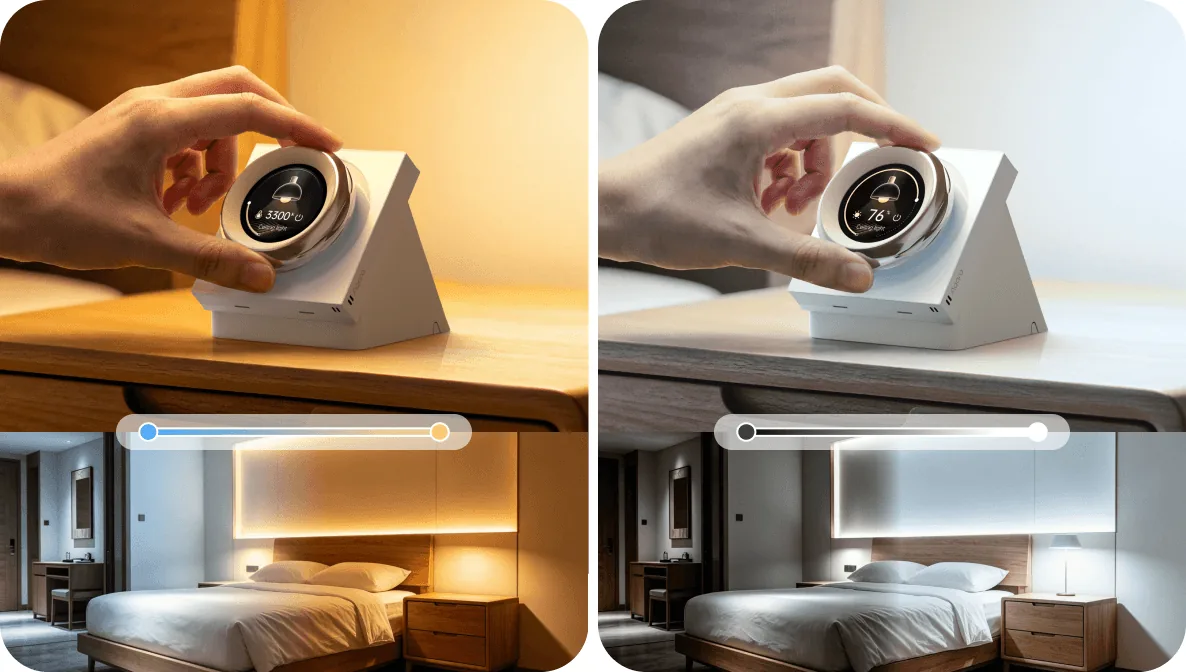
A small mmWave radar inside the dial notices you coming closer and lights up the screen before you touch it. You set how close you need to be in the Aqara Home app: keep it short on a bedside table so the screen stays dark while you sleep, or longer on a kitchen counter.
You can also use your approach as the trigger for an automation, so walking up to the dial can run a scene.
It tells you how the room feels
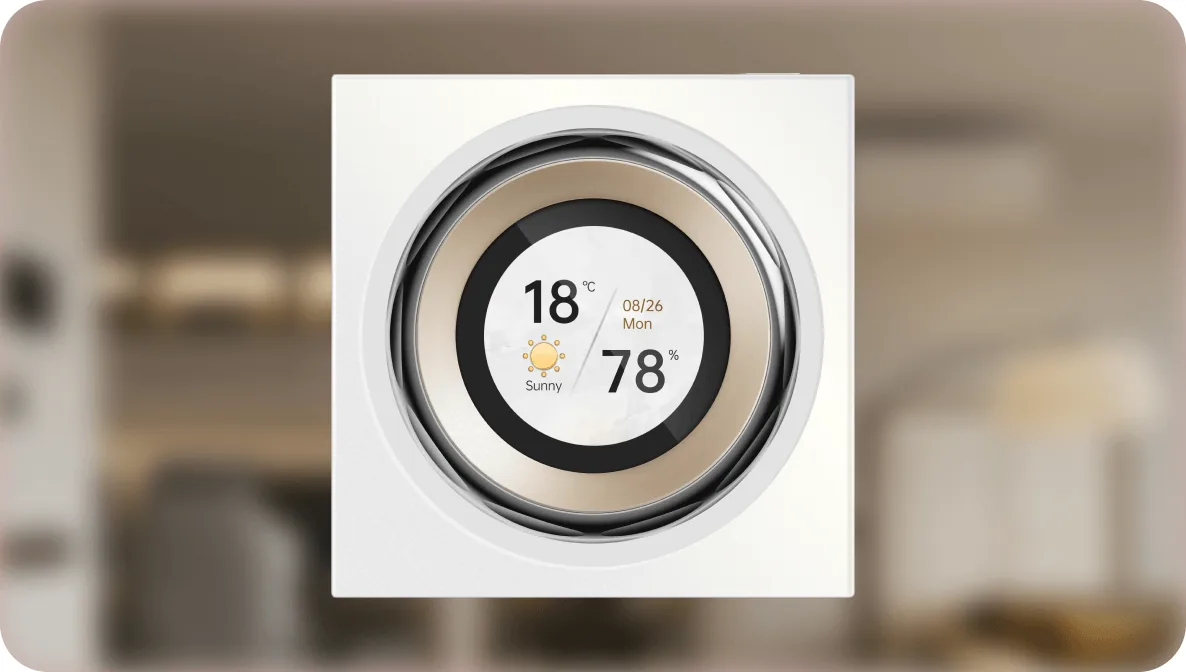
A temperature and humidity sensor is built in, so the dial shows your room’s conditions even if you have no separate climate sensor. If you already own an Aqara temperature and humidity sensor, the dial can show its readings too.
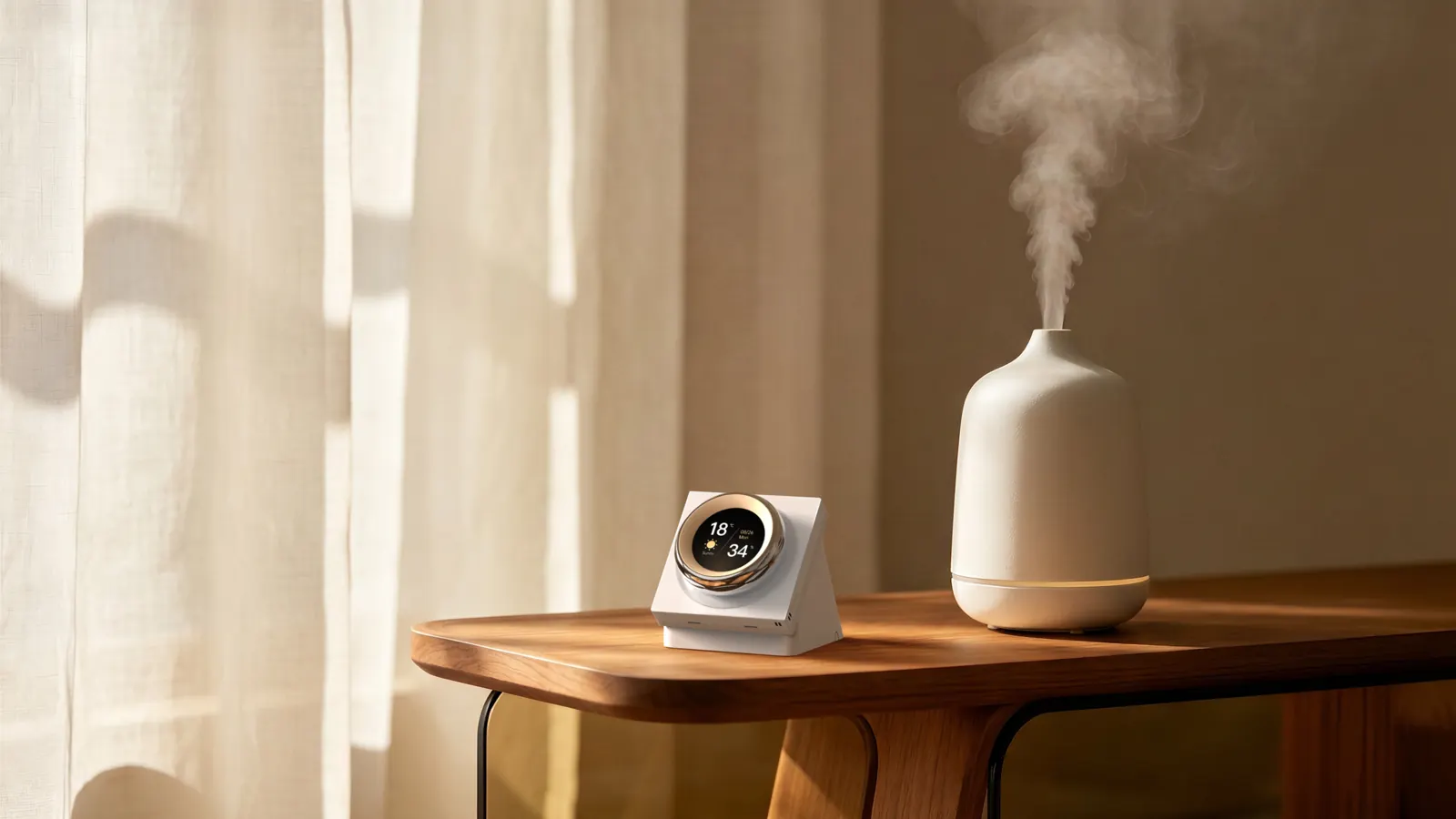
Use those readings in automations. When your bedroom gets too humid, for example, Aqara Home can switch on a dehumidifier plugged into a smart plug.
Wi-Fi, Apple Home, and no hub for the dial itself
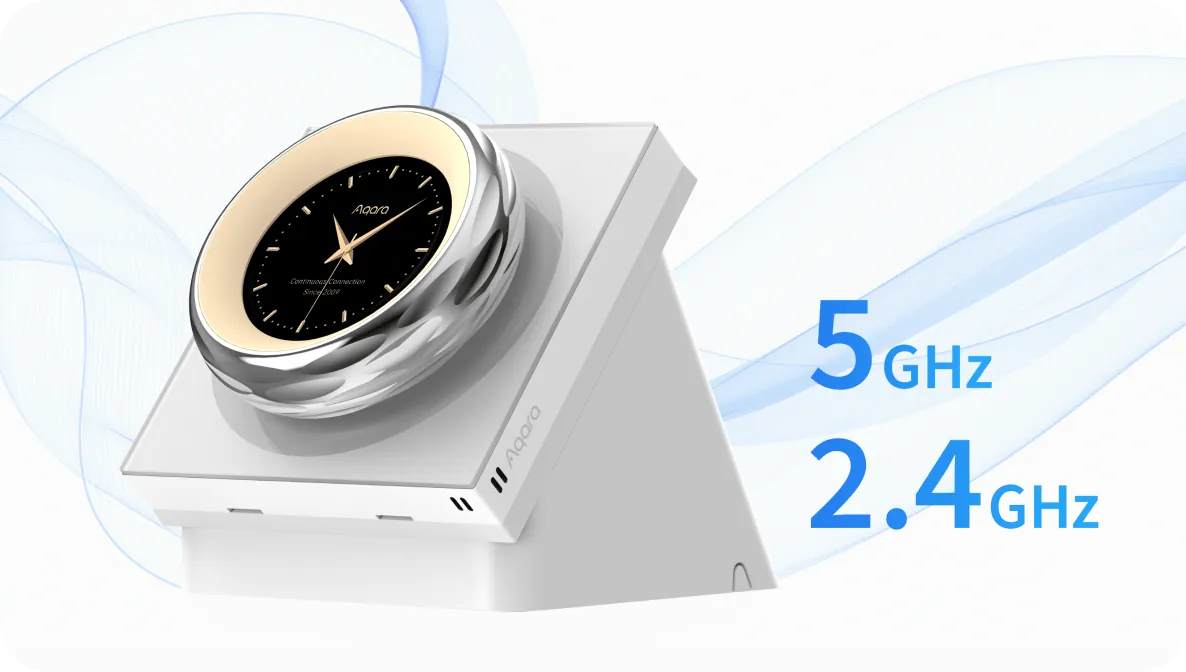
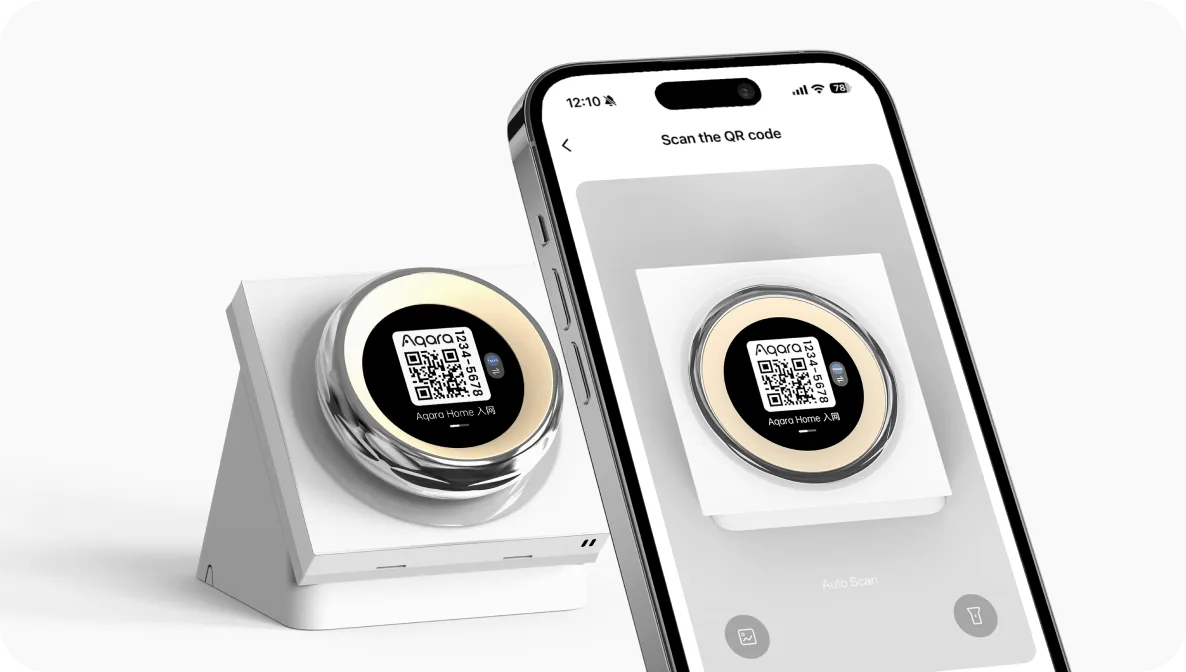
The dial joins your home Wi-Fi on either 2.4 GHz or 5 GHz, so it does not need an Aqara hub of its own. Set it up by scanning the code on its screen with the Aqara Home app.
It works with Apple Home directly, and connects to Amazon Alexa and Google Home through the cloud. The dial’s device list, proximity wake and screensaver settings are set up in Aqara Home.
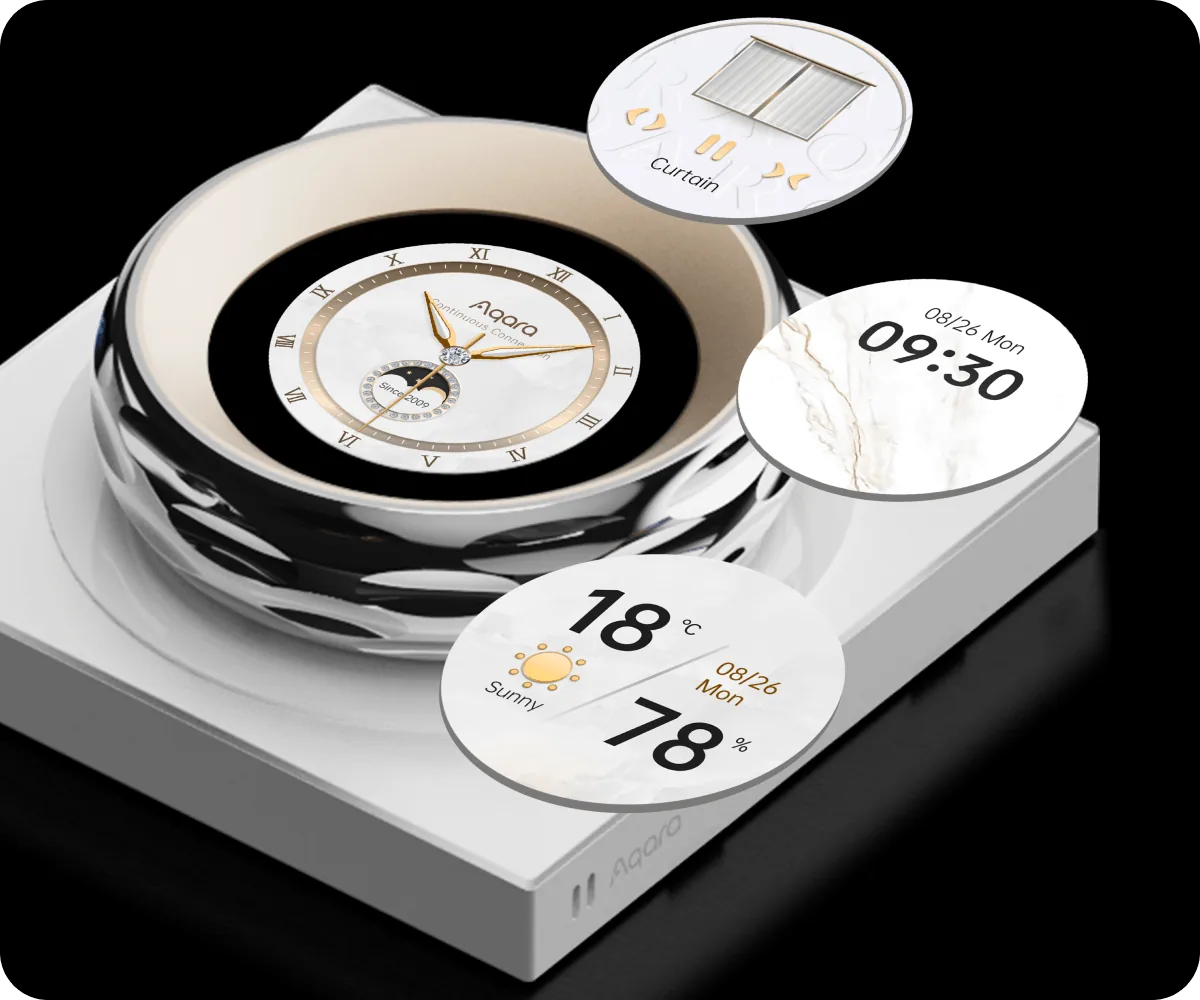
When you are not using it, the screen can show the time, date, weather or indoor temperature and humidity. Choose a light or dark theme to suit the room.
Put it wherever a USB-C cable reaches
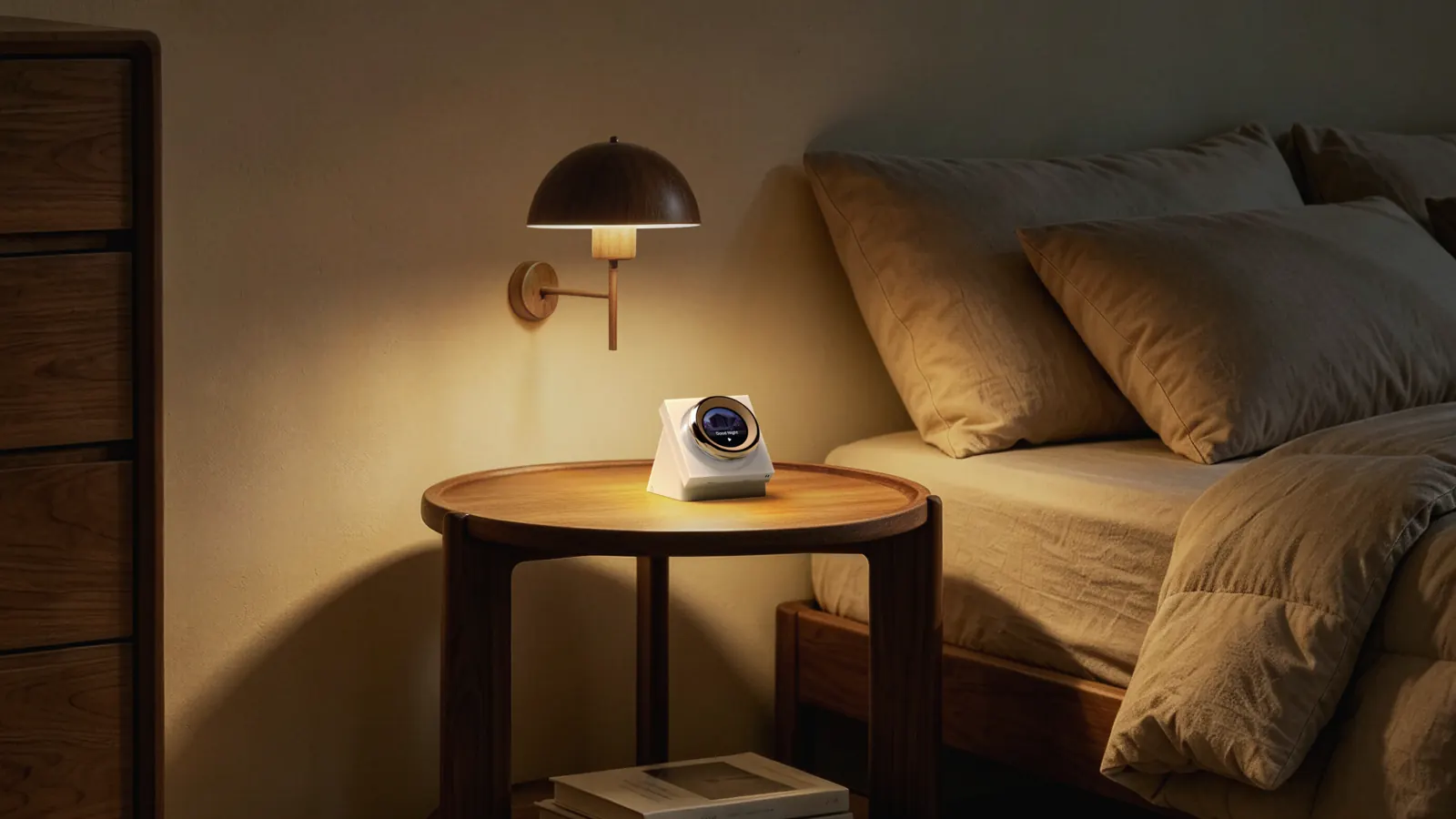
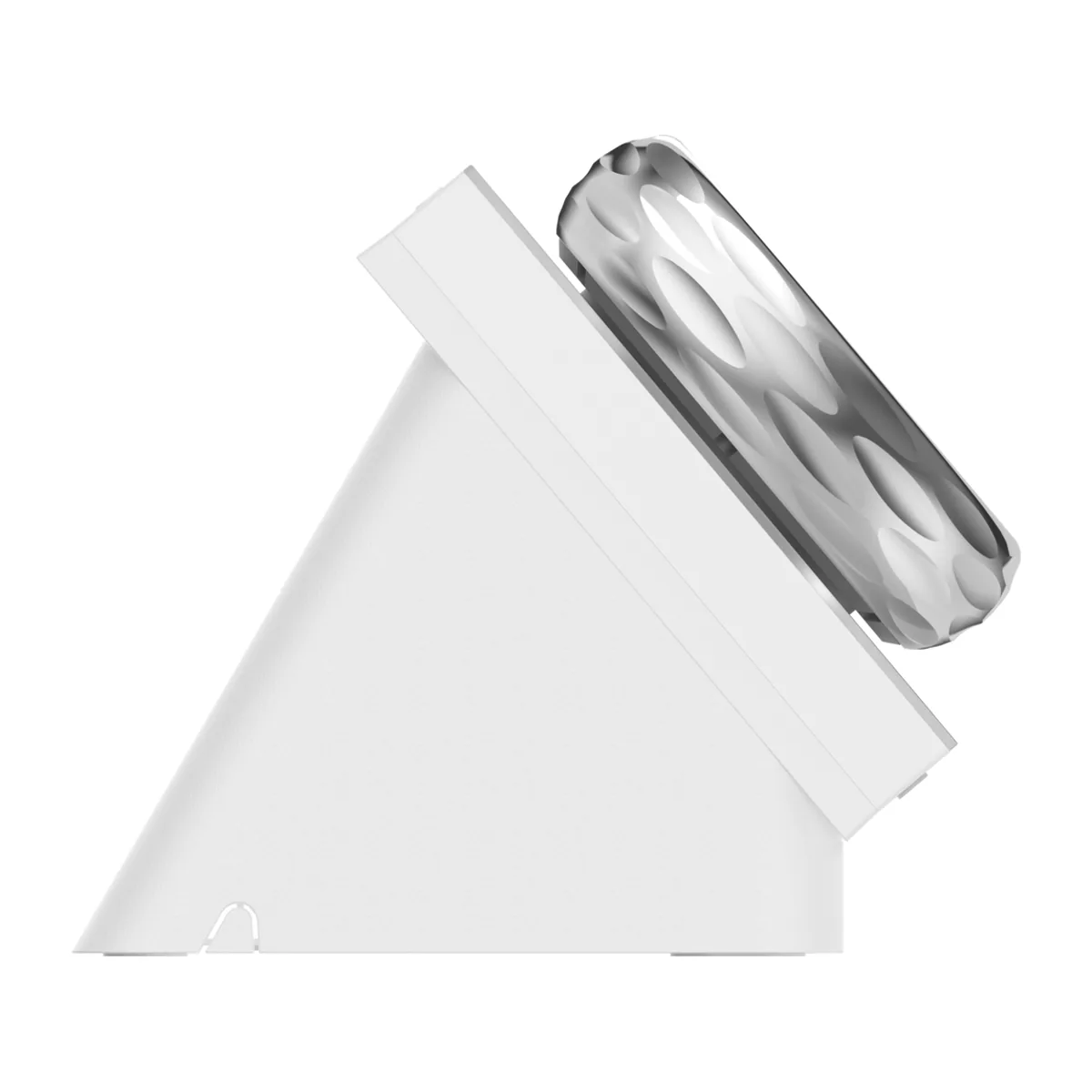
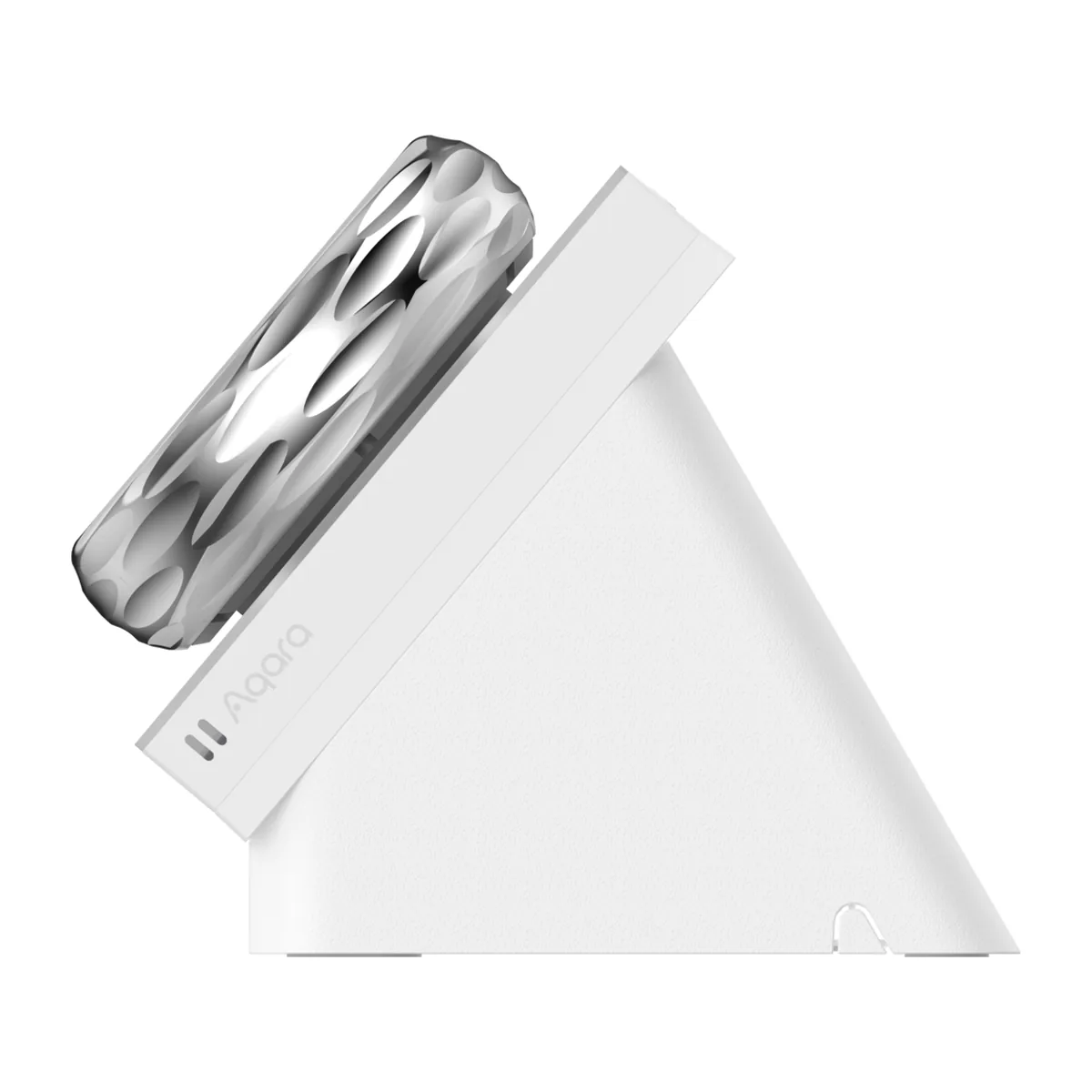
The dial stands on an angled base and runs on the USB-C cable in the box. You need your own USB power adapter rated 5V/2A or higher, because the adapter is not included.
For the most reliable connection, place it about 2 to 6 metres from your Wi-Fi router, away from large metal objects.
Desktop Version or the wall-mounted Dial?
| Choose | Dial V1 Desktop Version | Wall-mounted Dial V1 |
|---|---|---|
| Where it goes | On a table, USB-C power | In the wall, in place of a switch |
| Wired switches | None | 2 wired switches for your lights |
| On the screen | Up to 18 devices or scenes | Up to 18 devices or scenes |
| Buttons for Apple Home | 6 wireless switches | 6 wireless switches |
| Wiring | None, just a USB power adapter | Neutral wire and an electrician |
| Best fit | Desk, bedside, counter, or a rented home | A permanent control point by the door or in the living room |
Choose the Desktop Version when you want the dial without replacing a light switch. Choose the wall version when you also want it to switch the lights wired to that switch point.
Frequently asked questions
Does the Desktop Version need wiring?
No. It stands on a table and runs on USB-C. It does not replace a wall switch, and it has no wired switch outputs.
Do I need an Aqara hub?
Not for the dial itself, which connects over Wi-Fi. The Aqara Zigbee devices you control with it, such as lights, curtain motors and sensors, still need your Aqara hub, and air-con control needs a hub with an infrared blaster, such as the M200 or M3.
Is the USB power adapter included?
No. The box has the USB-C cable but no adapter. Use a USB power adapter rated 5V/2A or higher.
Does it work with Apple Home?
Yes, directly, with no Aqara hub in between. It also connects to Amazon Alexa and Google Home through the cloud. Choosing the dial’s devices, proximity wake and screensavers is done in the Aqara Home app.
Which devices can the dial control?
Compatible Aqara devices and scenes, up to 18 of them, each on its own page. You choose them in Aqara Home. To control a device from another brand, such as Philips Hue, give it to one of the six wireless switches in Apple’s Home app and place that switch on the dial.
Specifications
| Product | Aqara Touchscreen Dial V1 (Desktop Version) |
| Model | WS-K11D |
| Display | 1.32-inch round touchscreen with haptic rotary dial |
| Sensors | Temperature, humidity, mmWave radar (proximity) |
| Wireless protocols | Wi-Fi IEEE 802.11 a/b/g/n/ac (2.4 GHz / 5 GHz), Bluetooth |
| Ecosystems | Aqara Home, Apple Home; Amazon Alexa and Google Home via cloud |
| Power input | USB-C, 5V ⎓ 2A |
| Dimensions | 86.6 × 107.3 × 92.8 mm |
| Operating temperature | −10°C to 40°C |
| Operating humidity | 0–95% RH, non-condensing |
| Use | Indoor only |
| What is in the box | Touchscreen Dial V1 (Desktop Version) × 1, USB-C cable × 1, User Manual × 1, Compliance Statement × 1. Power adapter not included. |
Warranty & support
Product Warranty
This product is an official Singapore model, covered by a local warranty provided by HomeSmart and Aqara's Authorised Distributor in Singapore. Full terms and conditions apply – view warranty details.
Warranty Type: Carry-in
Warranty Period: 12 months
Support
Our team of technical (human) experts are available to provide dedicated technical support for HomeSmart.sg customers, including help with setup, troubleshooting, and product guidance. Please have your order details ready so we can assist you quickly. Reach out to us via:
- WhatsApp: +65 8876 8104
- Email: [email protected]
Plan it with us
Let us plan the whole home with you
Bring your floor plan to our Keong Saik showroom or send it on WhatsApp. We’ll suggest what each room needs and give you an itemised quote, with every price listed.
Related products
-
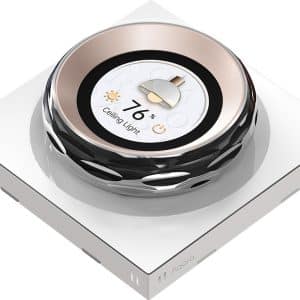
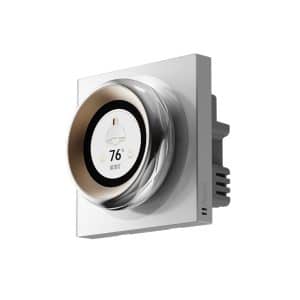
Aqara Touchscreen Dial V1
$329.00 Add to cart -
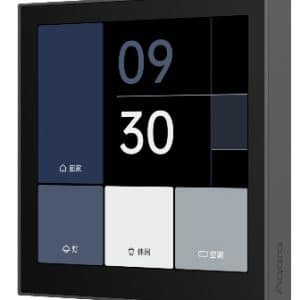
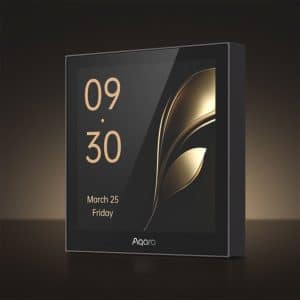
Aqara Panel Switch S100
$199.00 Select options This product has multiple variants. The options may be chosen on the product page -
Aqara Panel Hub S1 Plus (Desktop Version)
$559.00 Add to cart -
Aqara Display Switch V1
$199.00 Add to cart


