Smart plugs Singapore
Smart plugs with energy monitoring, for a normal Singapore socket
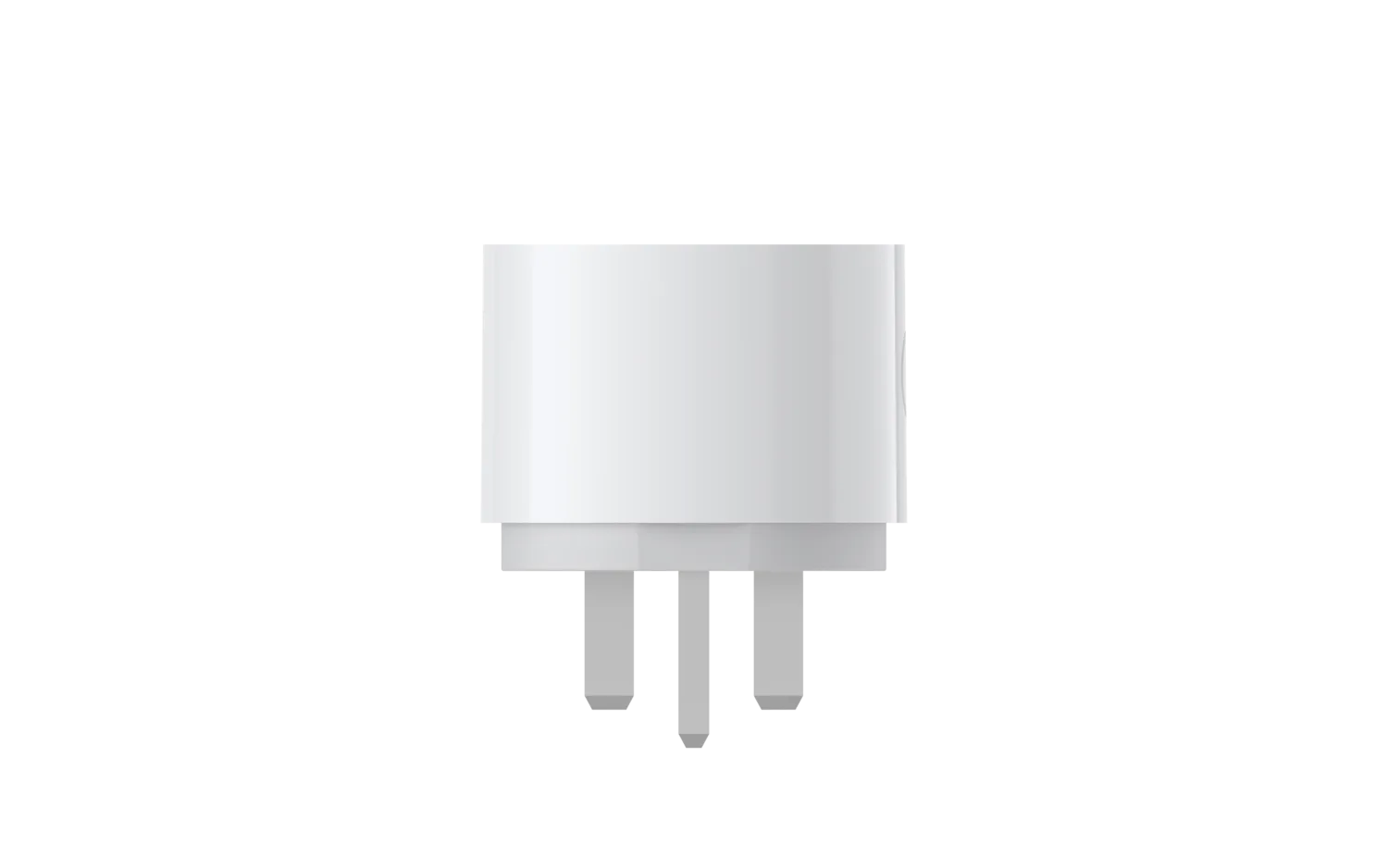
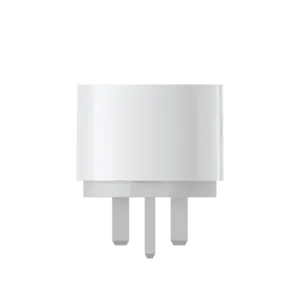
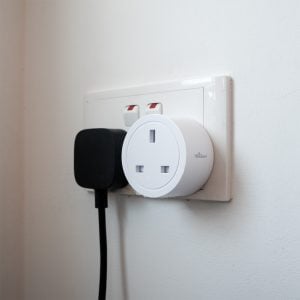
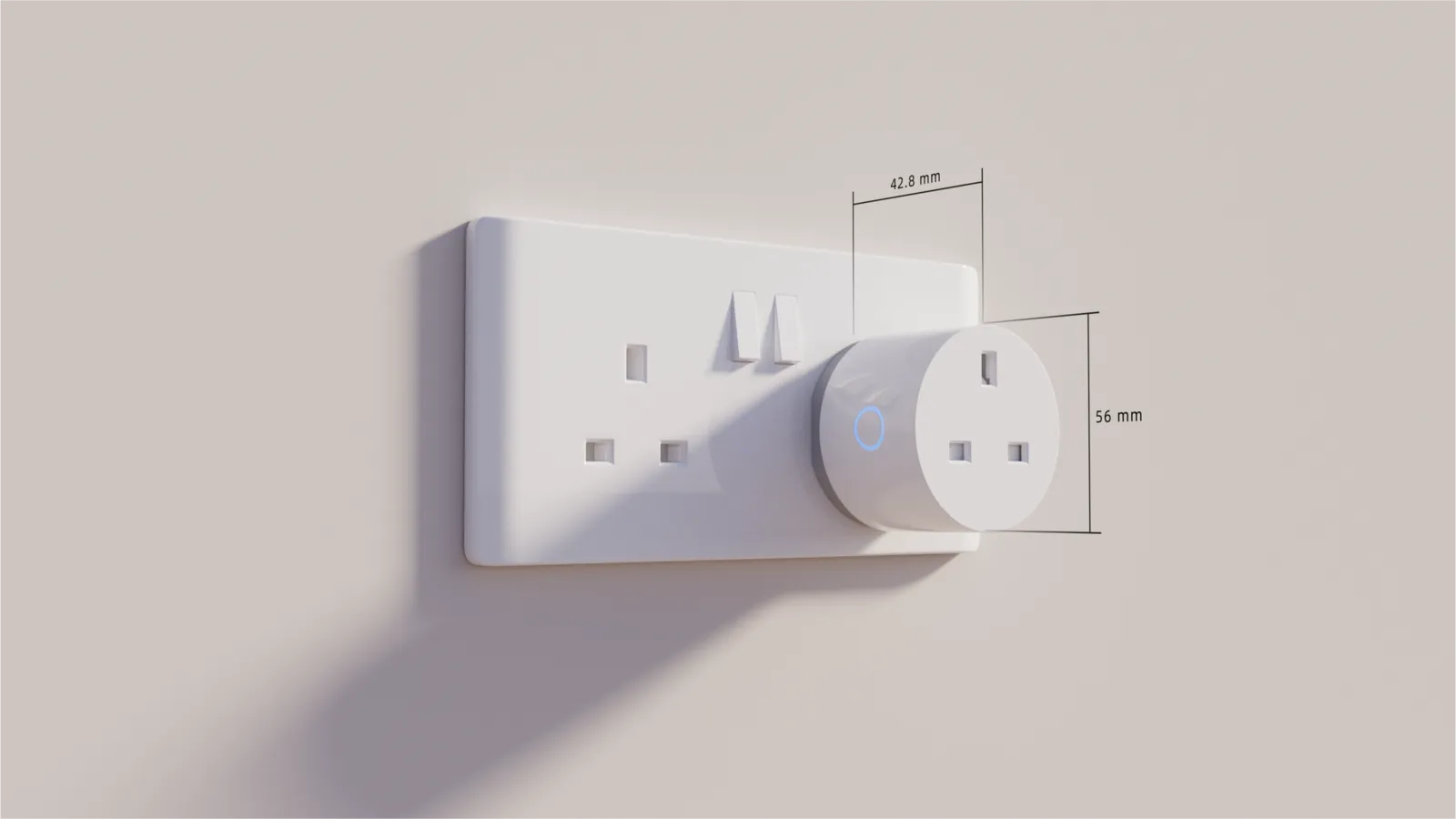
Plug a lamp, a fan or the washing machine into a smart plug and it joins your smart home: switch it from your phone, put it on a schedule, add it to a scene, and see exactly how much electricity it uses. The Aqara Power Plug H2 UK fits a standard Type G socket.

Which plug?
Two plugs, two ways to connect
The Aqara Power Plug H2 is the one to buy. Our earlier Matter Wi-Fi plug is listed for existing owners and is out of stock.
 In stock
For Aqara and Matter homes
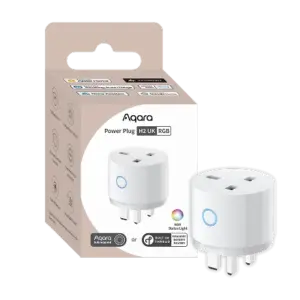
Aqara Power Plug H2 UK
Zigbee for the full Aqara Home experience, including automations that run on your hub and triggers based on power use, or Thread to join Apple Home or Google Home directly.
- Zigbee or Thread
- Energy monitoring
- 13A / 3,250W
- RGB indicator
 Currently out of stock
Wi-Fi, no hub
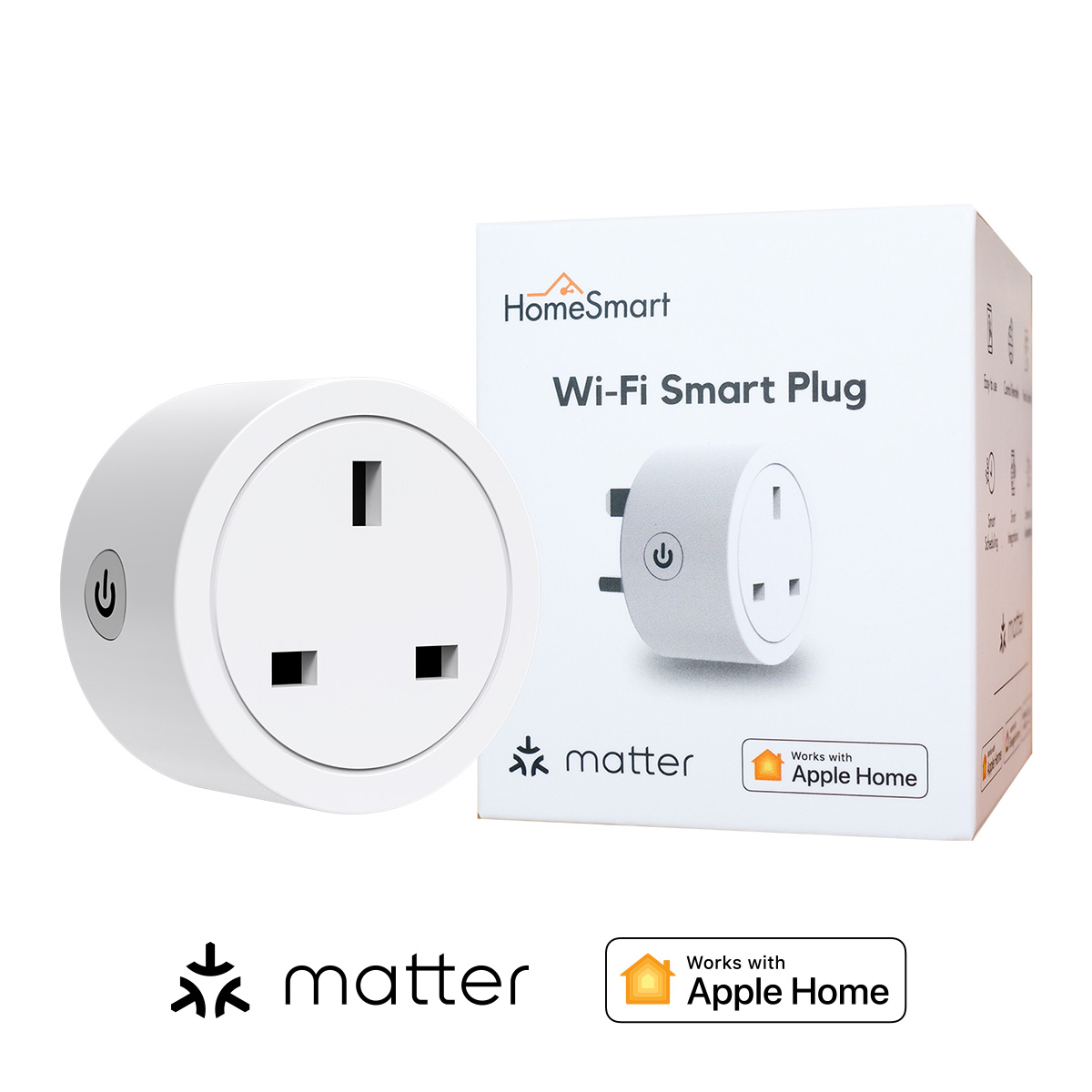
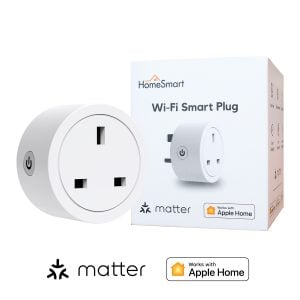
Matter Wi-Fi Smart Plug
Our earlier plug connects over Wi-Fi with the Smart Life app and supports Matter, so it needs no Aqara hub. It has energy monitoring too.
- Wi-Fi and Matter
- Energy monitoring
- Smart Life app
- No hub needed
Shop
Shop smart plugs
Prices include GST. Open a product for its rating, connection and app details.
What you get
An ordinary appliance joins your smart home
Switch it from anywhere
The button on the plug, your phone, Siri or Google, a scene or an automation.
See what it costs
Live power and a history of consumption for the appliance plugged in.
Schedules and scenes
The fan on at bedtime, the lamp in your evening scene, the dispenser off overnight.
Reacts to your sensors
A presence sensor switches the fan off when you leave; a drop in power tells you the washing is done.
Zigbee or Thread
Pick the mode before you pair it
The H2 works in one mode at a time, and switching means resetting the plug and pairing it again. Choose Zigbee if you run Aqara Home with an Aqara hub; choose Thread if you want the plug directly in Apple Home or Google Home with no Aqara hub.
Zigbee through your Aqara hub
Every Aqara Home feature: automations that run on the hub, triggers from power use, indicator settings. The mains-powered H2 also strengthens your Zigbee mesh.
Thread into Apple Home or Google Home
Joins through the HomePod, Apple TV or Nest hub you already have. On and off, schedules and voice control, with fewer of the energy features.
Same plug, different depth
On and off works everywhere. Energy history, power triggers and the indicator light are fullest in Aqara Home over Zigbee.
Ideas
Three things people use it for
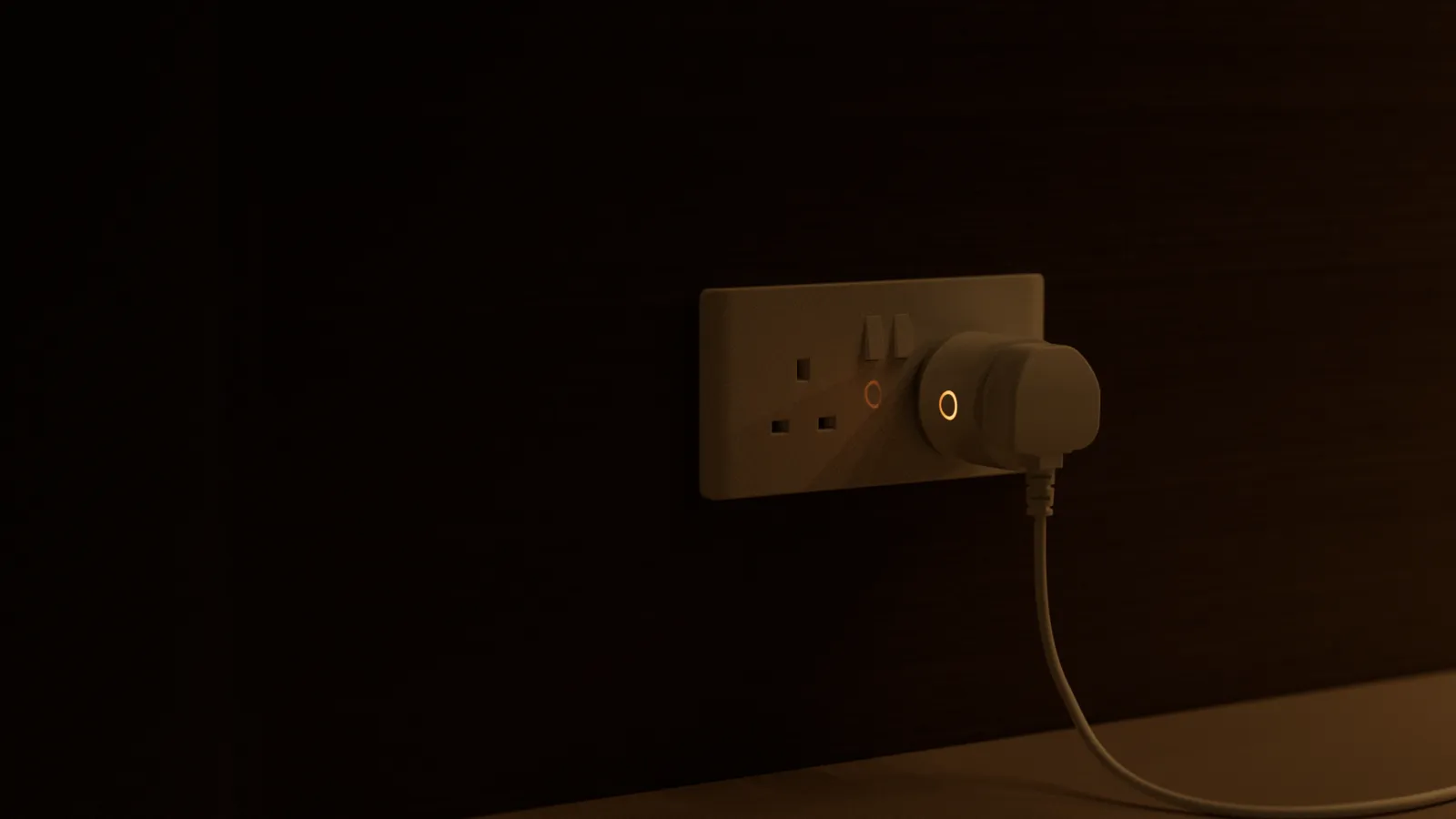
The bedside lamp
Leave the lamp's own switch on and it joins your goodnight scene and your wake-up alarm.
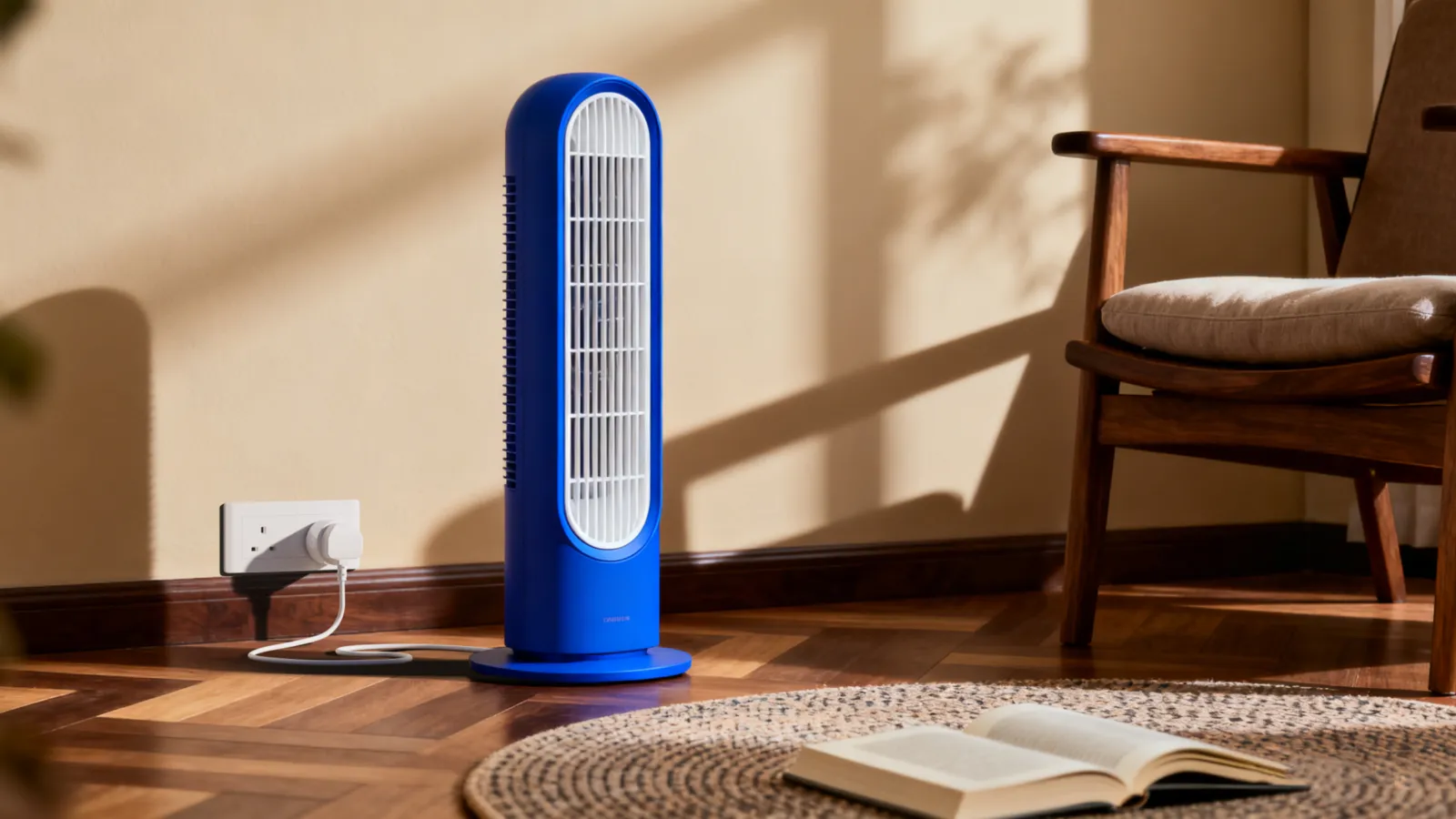
The standing fan
On a schedule for the afternoon, or off automatically when the presence sensor sees the room is empty.
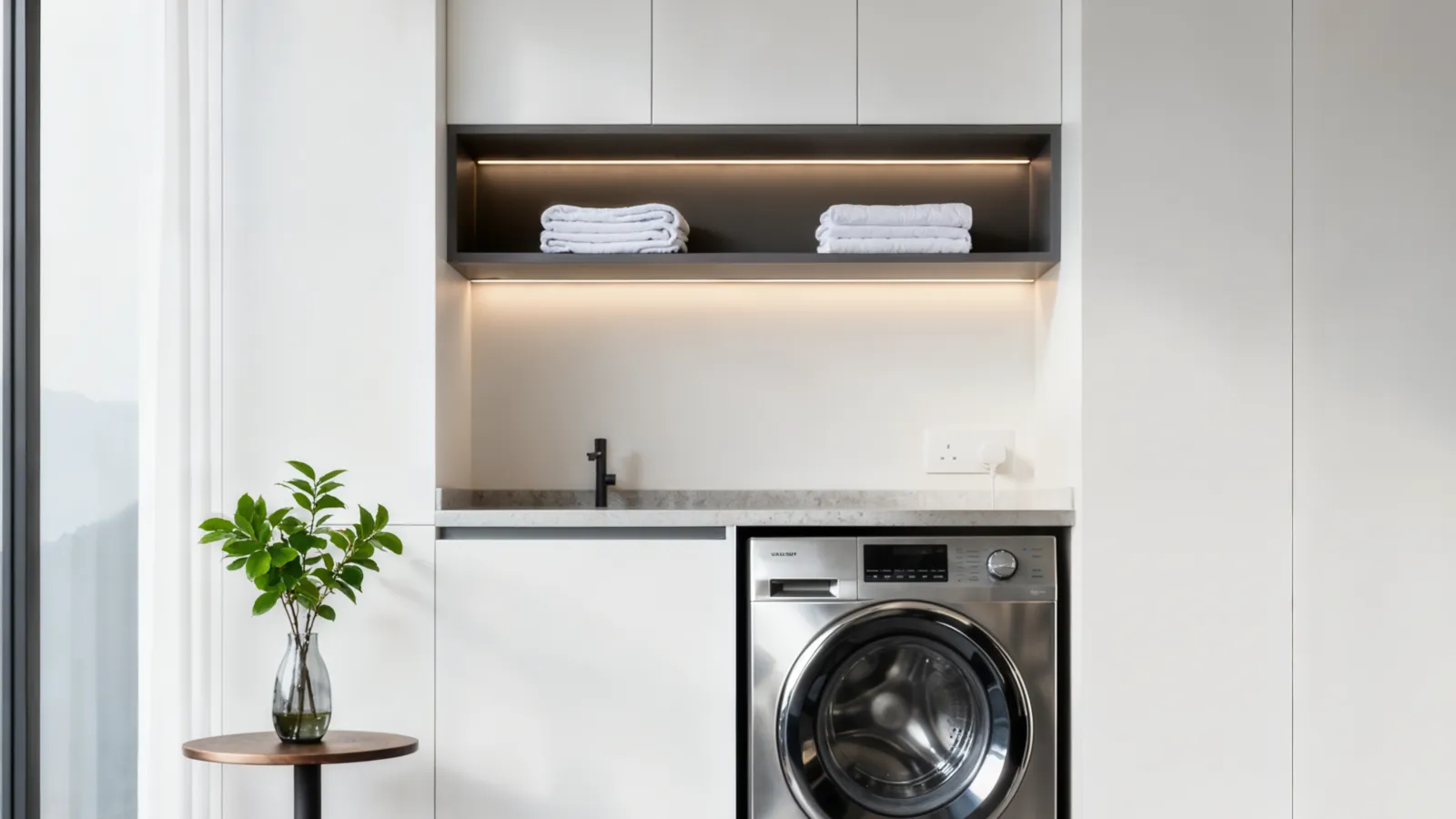
The washing machine
When the power draw drops, the cycle is done and your phone tells you before the clothes go musty.
Before you plug it in
Check the appliance, not just the socket
A smart plug cuts and restores the power. What happens next is up to the appliance.
Not sure which one?
Ask us before you buy
Tell us the appliance and the app you use, and we will tell you whether a smart plug is the right way to control it and which mode to pair it in, at no charge.
Questions
Smart plug questions
What does a smart plug do?
It switches the power to whatever you plug into it, from your phone, a schedule or an automation, and shows you how much electricity that appliance uses. The appliance itself is unchanged.
Does the Aqara Power Plug H2 need a hub?
In Zigbee mode, yes: an Aqara hub such as the M100 or M200, which unlocks every Aqara Home feature. In Thread mode it joins Apple Home or Google Home through their own hubs instead.
Does it work with Apple Home?
Yes. Through your Aqara hub, or directly over Thread with a HomePod or Apple TV as the home hub. Energy readings and triggers are fullest in Aqara Home.
Does it monitor energy use?
Yes. You see live power and a history of consumption in the app, and in Zigbee mode you can trigger automations from it, such as a notification when the washing machine finishes.
Can it switch any appliance on automatically?
Only appliances that start by themselves when power returns, such as a lamp or a fan with a mechanical switch. Anything with an electronic on button stays off. Test yours first.
Can I plug a power strip into it?
No. Plug one appliance straight into the H2 and stay within its 13A, 3,250W rating. No extension strips, adaptors or a second smart plug.
Does it work when the internet is down?
Yes. The button on the plug always works, and Zigbee automations run on your Aqara hub at home. Controlling it from outside needs the internet.