
CCTV and smart cameras Singapore
CCTV, smart security cameras and video doorbells for Singapore homes
Aqara cameras for the living room, the front door, and the balcony or corridor outside. Every model records to its own storage without a subscription and works with Apple Home, Google Home and Alexa.
Which camera?
Indoor, outdoor or at the door
Decide where the camera is going first. An indoor camera, a weatherproof outdoor one and a doorbell are different products, whatever the resolution.
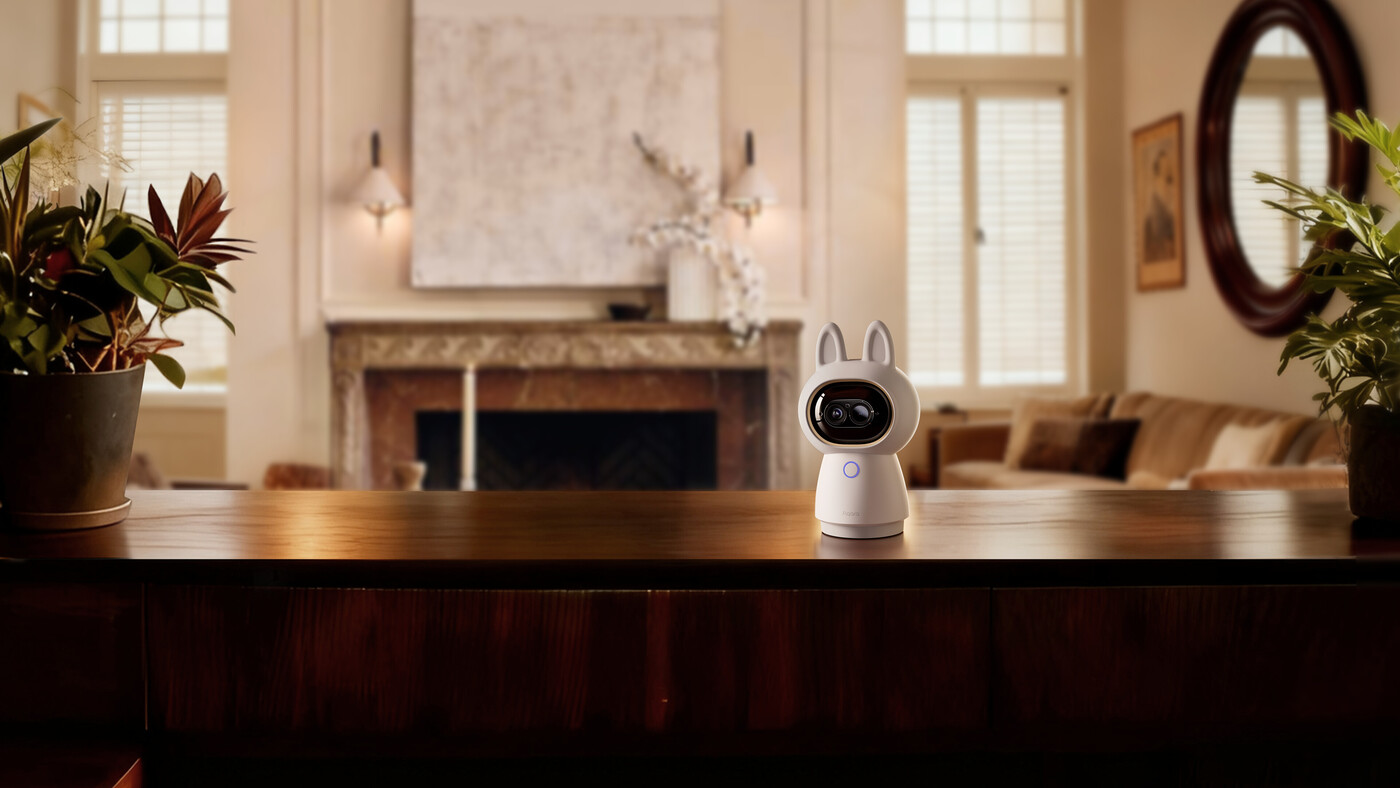
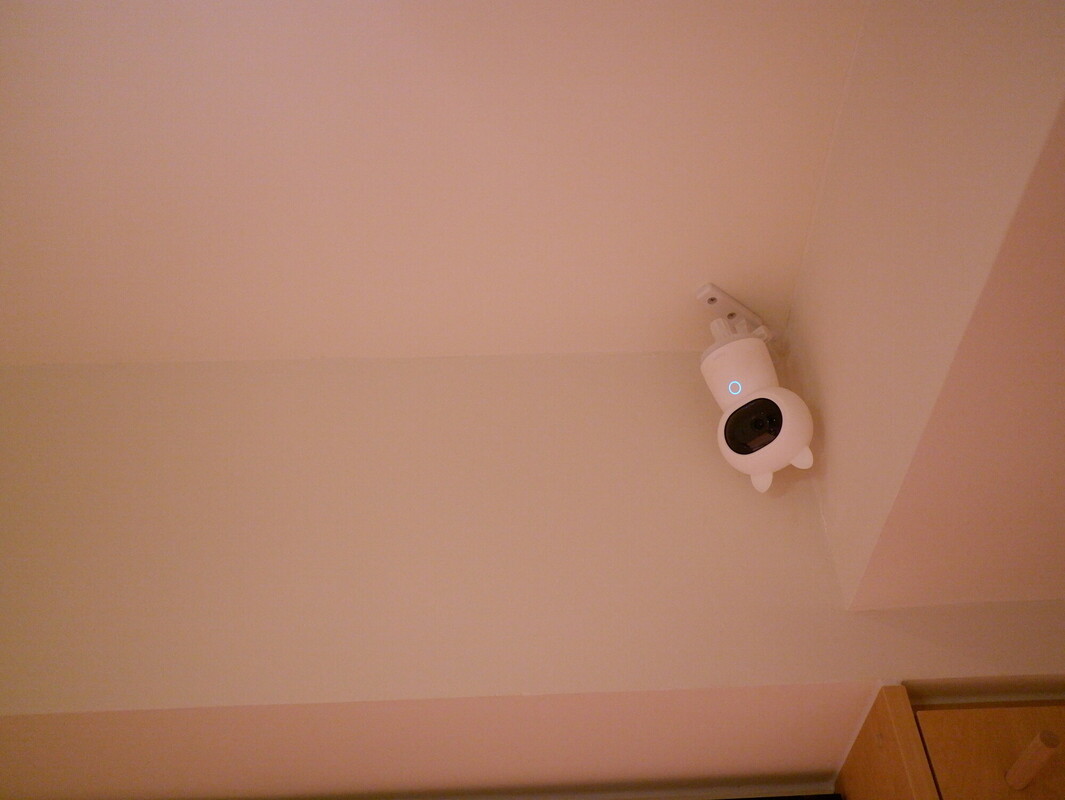
Living room, nursery, helper's area
Indoor cameras
Camera E1 pans and tilts for the price of a fixed camera. Camera Hub G350 adds 4K, zoom and a built-in hub. Camera Hub G2H Pro is small, fixed and has a hub inside.
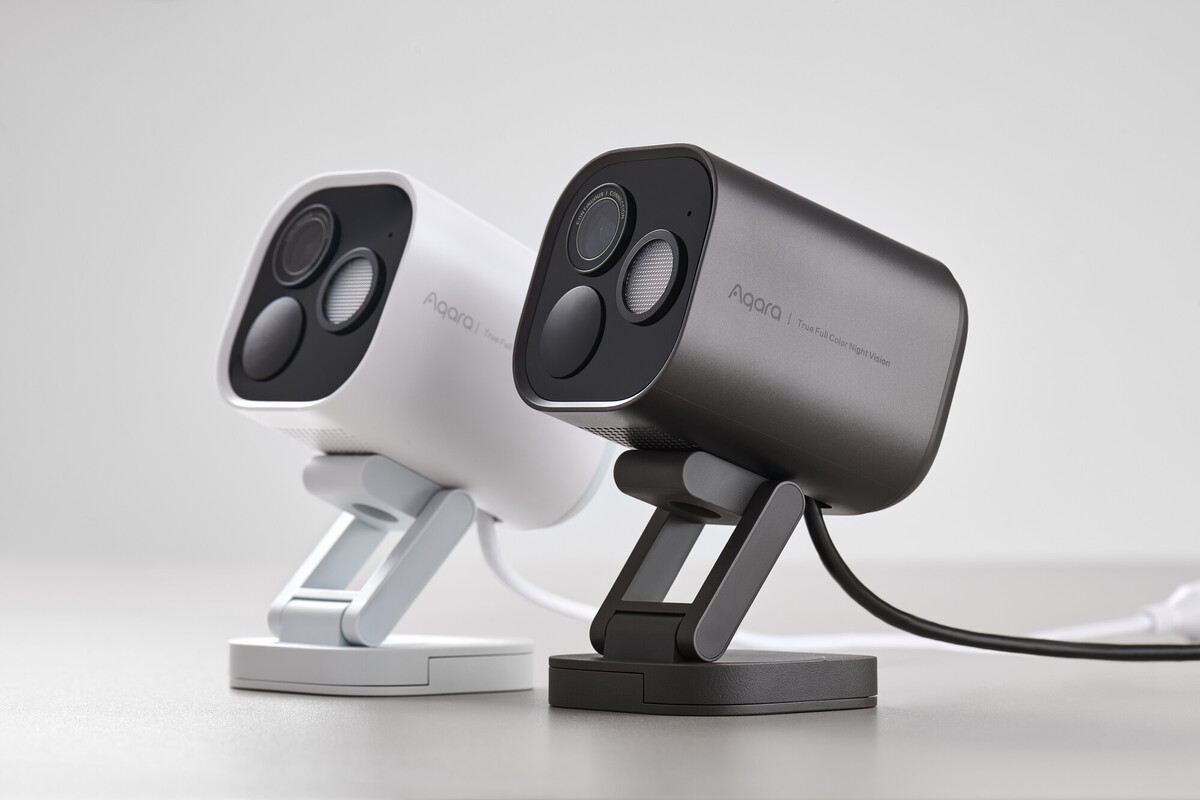
Balcony, porch, corridor outside the gate
Outdoor cameras
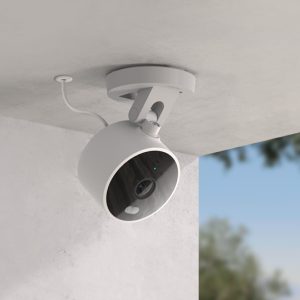
Camera G100 is the small IP65 Wi-Fi camera. Camera Hub G5 Pro adds colour night vision, on-board AI, a PoE option and a built-in hub. Both work indoors too.
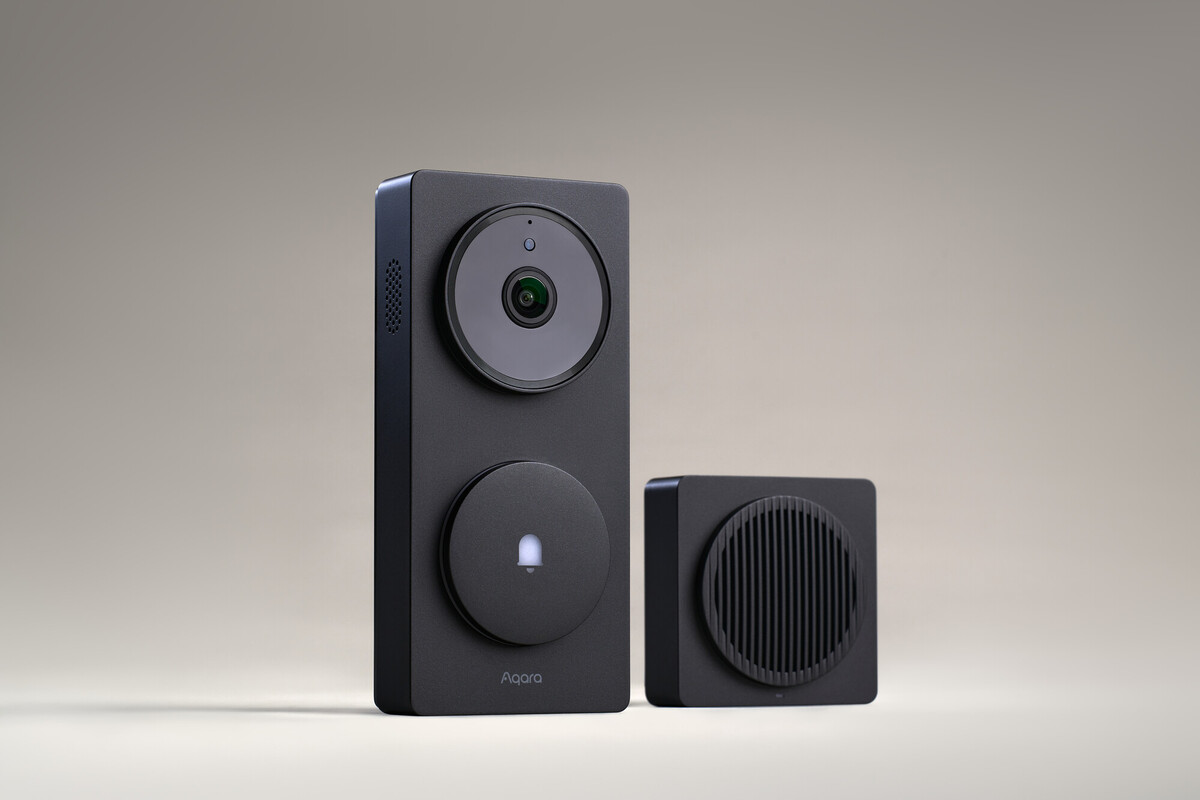
Visitors, deliveries, the front door
Video doorbells
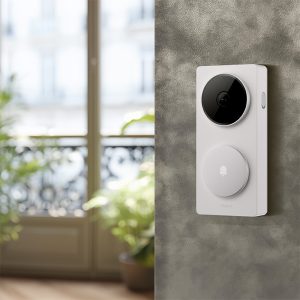
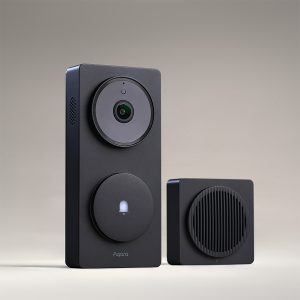
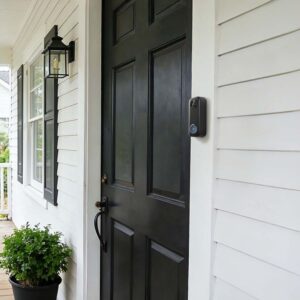
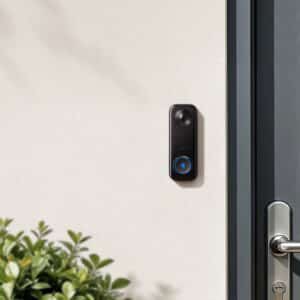
See and speak to whoever is at the door. Doorbell Camera Hub G410 runs on battery or doorbell wiring and doubles as a hub. Doorbell Camera G400 is wired or PoE, with a head-to-toe view and 24/7 recording.
Shop
Shop Aqara CCTV cameras and video doorbells
Prices include GST. Open a product for its storage, power and mounting details.
Showing all 7 results
-
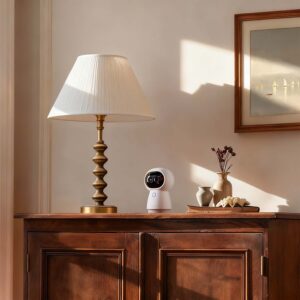
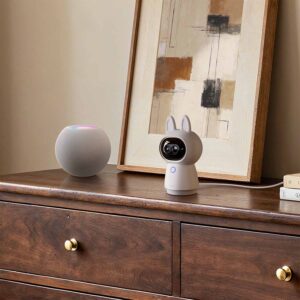
Aqara G350 Camera Hub
Original price was: $299.00.$276.00Current price is: $276.00. Add to cart -
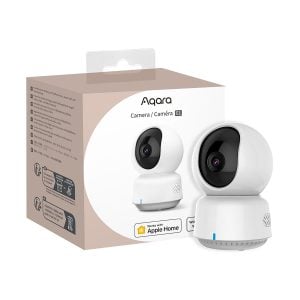 Sale!
Sale!
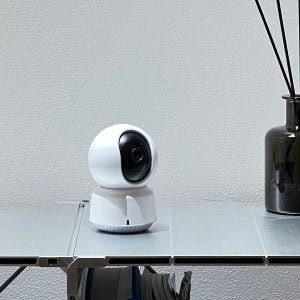
Aqara Camera E1
Original price was: $129.00.$119.00Current price is: $119.00. Add to cart -
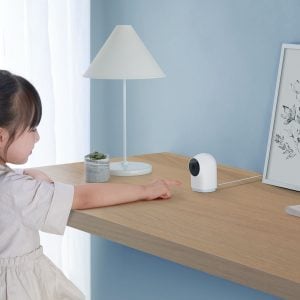
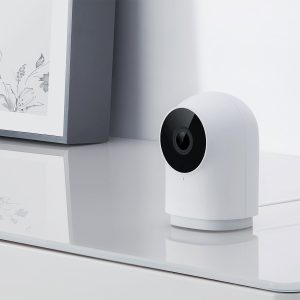
Aqara G2H Pro Camera Hub
$139.00 Add to cart -
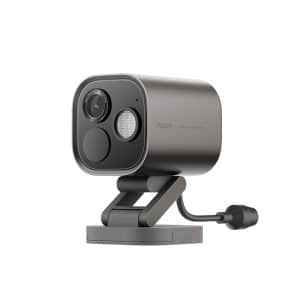
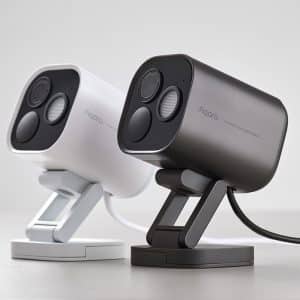
Aqara Camera Hub G5 Pro
Price range: $366.00 through $430.00Select options This product has multiple variants. The options may be chosen on the product pageWhiteGreyClearWi-FiPower Over Ethernet -
 Sale!
Sale!
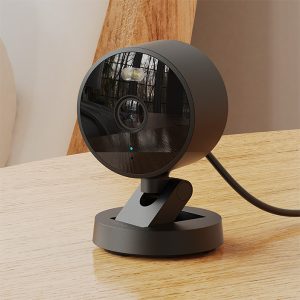
Aqara Camera G100
Original price was: $89.00.$82.00Current price is: $82.00.Select options This product has multiple variants. The options may be chosen on the product pageClearWhiteBlack -
 Sale!
Sale!
Aqara Smart Video Doorbell Hub G410
Original price was: $309.00.$283.00Current price is: $283.00.Select options This product has multiple variants. The options may be chosen on the product pageClearWhiteBlack -
Aqara Smart Video Doorbell Camera G400
Original price was: $249.00.$228.00Current price is: $228.00. Add to cart


Side by side
Compare all Aqara cameras
The most important specs for each camera are side by side here. For full details, open the individual product listing.
Camera Hub G2H Pro, G350 and G5 Pro, and the Doorbell Camera Hub G410, can also connect your Aqara sensors, switches and lights. In a smaller home that saves buying a separate hub. Camera E1, Camera G100 and Doorbell Camera G400 are cameras only. If you just want a camera, ignore the hub part; it changes nothing about how the camera works. If you are planning a bigger system, see Aqara hubs.
Full specifications, field of view, night vision and storage for each model are in our Aqara camera comparison guide.
Apple HomeKit Secure Video
Every camera here works with Apple HomeKit Secure Video
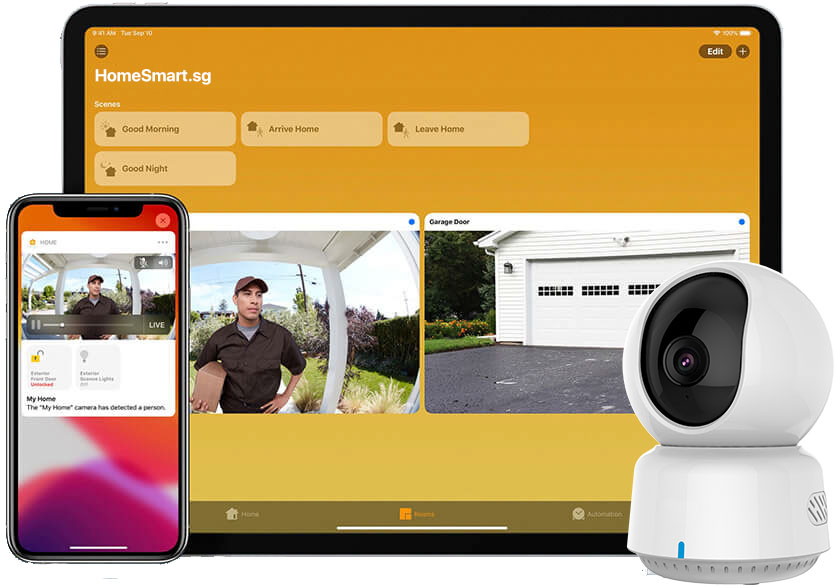
If you have an iPhone, this is the biggest reason to choose Aqara. Add the camera to the Apple Home app and it records to your own iCloud, encrypted so that only you can watch it. Apple cannot see it, Aqara cannot see it, and neither can we.
Private by design
Every clip is encrypted end to end before it leaves your home. There is no company account holding your footage, and no one else can view it.
Knows who is at the door
Apple Home recognises faces from your own Photos library and tells you when a family member arrives. The recognition happens on your devices, not in the cloud.
Only the alerts you want
Be notified for a person, an animal, a vehicle or a package, and draw zones so a passing car or a moving curtain does not wake you at night.
Recording follows the family
Pause recording while you are home and start it automatically when the last person leaves. Set it once in the Home app and forget it.
HomeKit Secure Video needs a HomePod, HomePod mini or Apple TV as your home hub, and an iCloud+ plan: the 50 GB plan supports one camera, 200 GB supports up to five and 2 TB supports unlimited cameras. Aqara's own local recording keeps working alongside it, so you can keep a microSD copy at home too.
Recording and platforms
Records at home, works with the apps you already use
Every camera here saves recordings on the camera itself, with no subscription. Cloud storage, from Apple or Aqara, is an option, not a requirement.
Local recording, no subscription
Record to a microSD card or, on G5 Pro and G350, built-in storage. Selected models can also back up to a NAS on your network.
Aqara Home
Live view, clips and settings for every camera in one app, alongside your Aqara switches, sensors and locks.
Google Home and Amazon Alexa
Ask for the front door on a Nest Hub or Echo Show, or add the camera to a Google or Alexa routine. Every model supports both.
Use several at once
A camera can live in Apple Home, Aqara Home and Google Home at the same time, so the household does not have to agree on one app.


Not sure which one?
Ask us before you buy
We have installed and lived with every camera here. Send us a photo of the spot you want to cover and we will tell you which model fits, where to point it and how to power it, at no charge. Installation is available as a separate paid service if you would rather not do it yourself.
Questions
Security camera questions
Is an Aqara camera a CCTV camera?
For a home, yes. It records to its own storage, on motion or around the clock depending on the model, and you review footage from your phone. It is not a multi-camera NVR system for commercial premises; ask us if you need one.
Which Aqara cameras can go outdoors?
Camera G100 and Camera Hub G5 Pro are IP65 rated for balconies, porches and corridors. The video doorbells are built for the entrance and last longest under some cover.
Do I need a subscription to record?
No. Every model records to a microSD card or built-in storage. Apple HomeKit Secure Video needs an iCloud+ plan, and Aqara's own cloud plans are optional extras.
Which Aqara cameras support HomeKit Secure Video?
All seven on this page: Camera E1, Camera Hub G2H Pro, Camera Hub G350, Camera G100, Camera Hub G5 Pro, Doorbell Camera Hub G410 and Doorbell Camera G400. You need a HomePod or Apple TV as a home hub and an iCloud+ plan.
Which cameras are also Aqara hubs?
Camera Hub G2H Pro, G350 and G5 Pro, and Doorbell Camera Hub G410, connect Aqara sensors, switches and lights. Camera E1, Camera G100 and Doorbell Camera G400 are cameras only.
Which cameras support PoE?
The PoE version of Camera Hub G5 Pro and the Doorbell Camera G400. One Ethernet cable carries both power and network, which is handy at a gate or corridor with no socket nearby.
Fixed camera or pan-tilt?
Fixed if one angle covers everything you care about; it records that view all the time. Pan-tilt if you want to look around live. Remember a recording only shows where the camera was pointing at the time.
Can HomeSmart help me choose and set up a camera?
Yes. Send us a photo of the spot and we will recommend the camera, the angle and the power option. Most customers mount and set up the camera themselves in an afternoon; if you would rather we did it, installation is a separate paid service.