
Wireless switches Singapore
Wireless light switches and scene buttons for Singapore homes
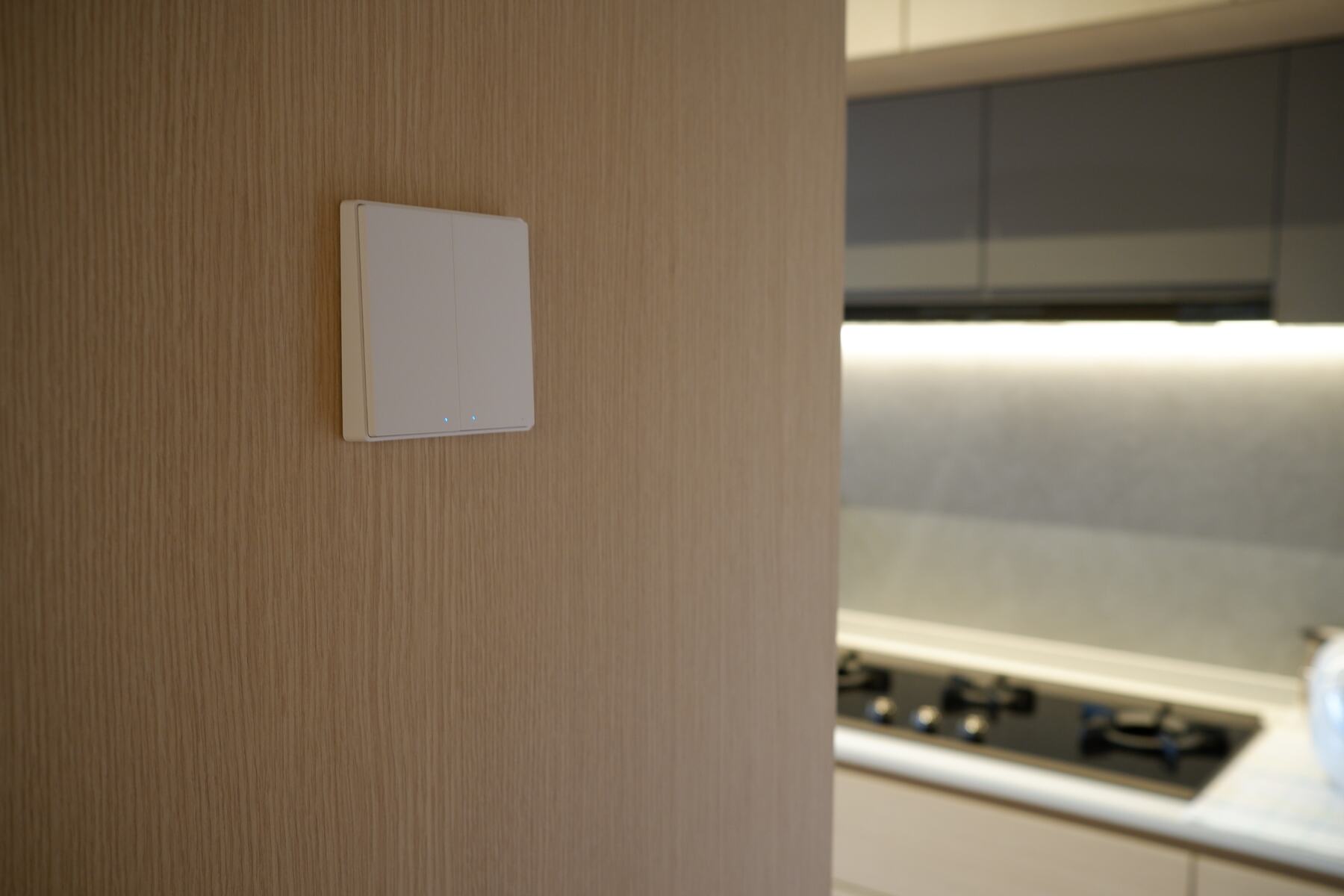
Add a switch by the bed, a button on the desk or a knob on the bookshelf without calling an electrician. Aqara wireless switches run on a battery, stick to any surface, and control your lights, curtains and scenes through your Aqara hub.
Four types
A wall switch, a button, a knob or a cube
Pick by where it will live and what your family will press.
Looks like a wall switch
D1 and H1 wireless switches
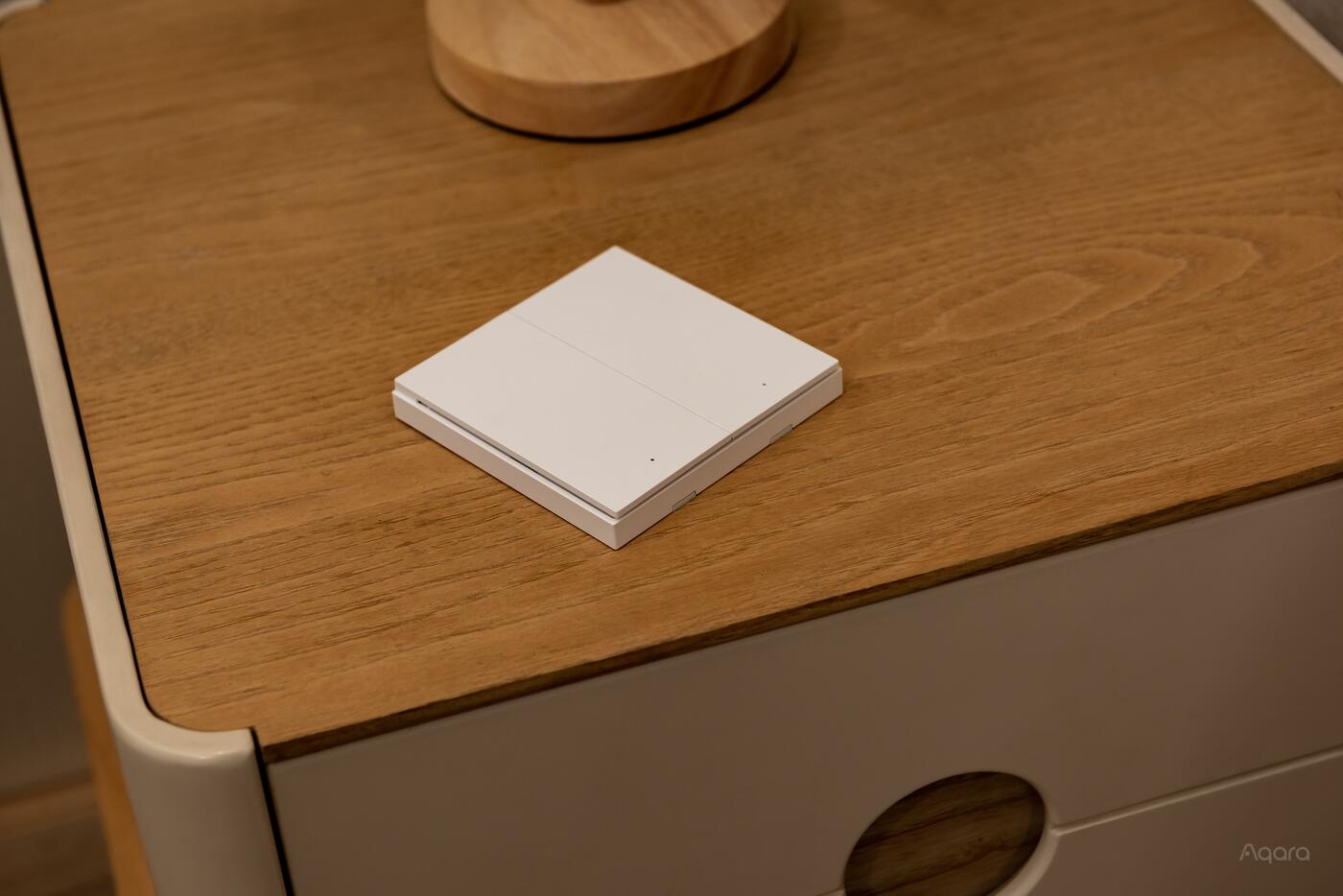
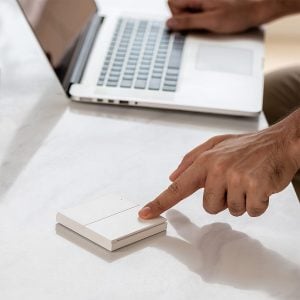
A familiar rocker for the bedside or a second doorway. The D1 comes in white with one or two buttons; the H1 is the premium double rocker.
Shop D1 wireless switchShop H1 wireless switch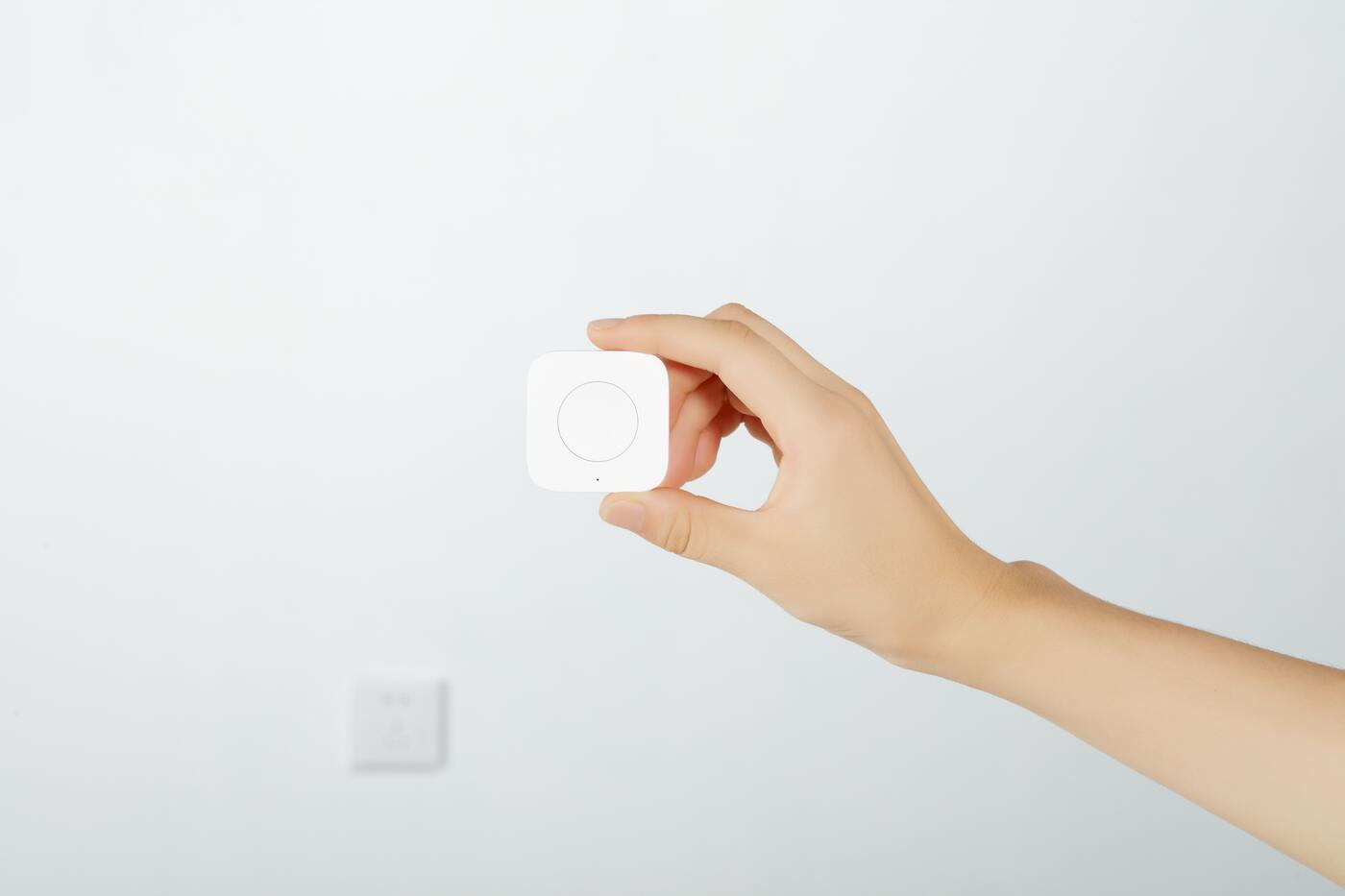
Small and movable
Wireless Mini Switch T1
A button the size of a coin. Keep it on the desk or stick it under a shelf. Single, double and long press each do something different.
Shop Wireless Mini Switch T1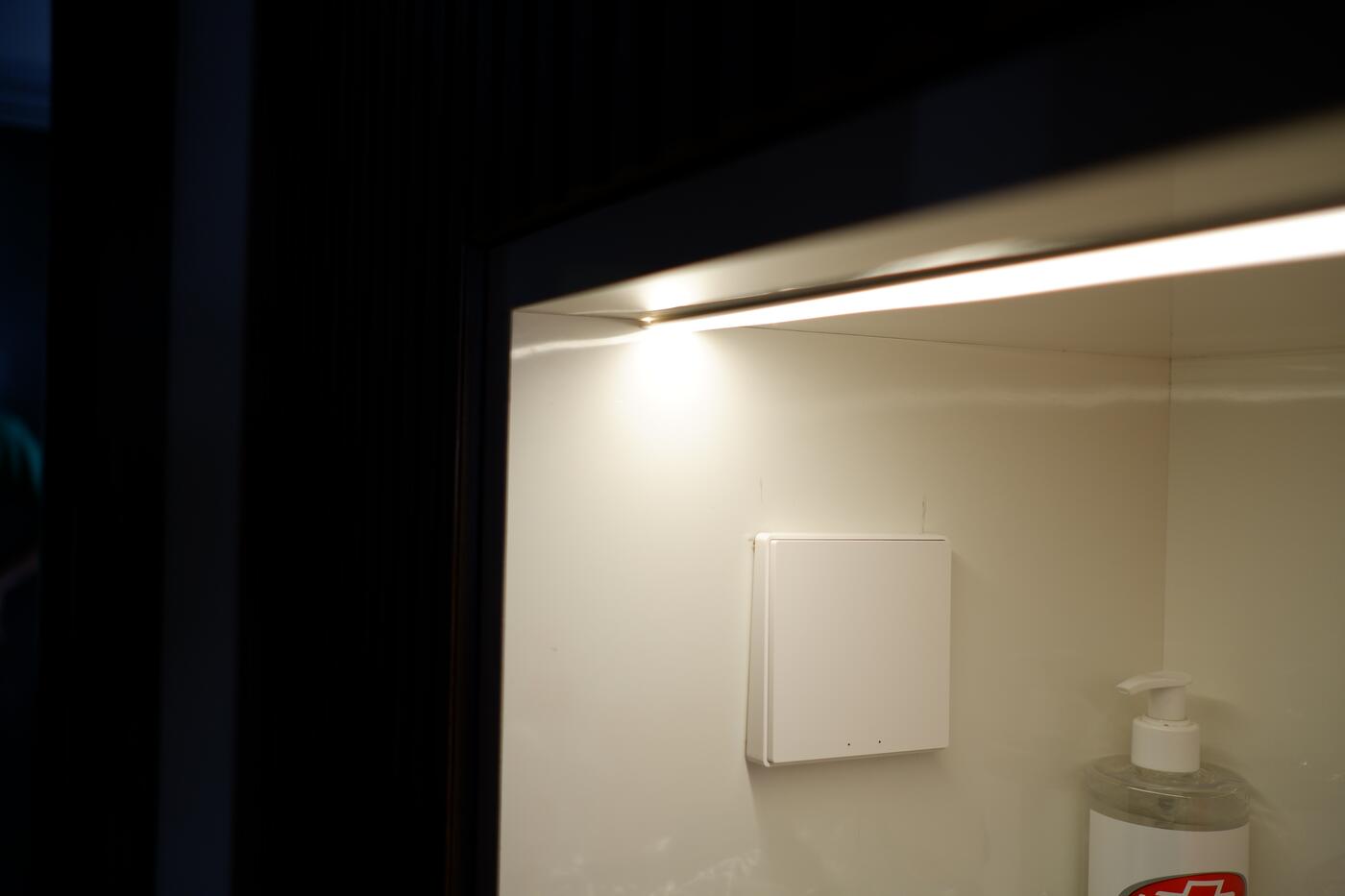
Turn to dim
Wireless Knob Switch H1
Turn to dim your Aqara lights or warm their colour, press for a scene. Feels like the dimmer your parents had.
Shop Wireless Knob Switch H1Six actions in one
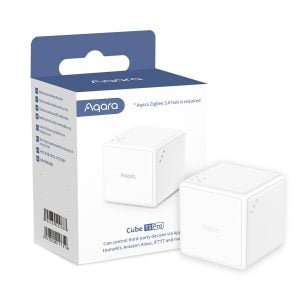
Cube T1 Pro
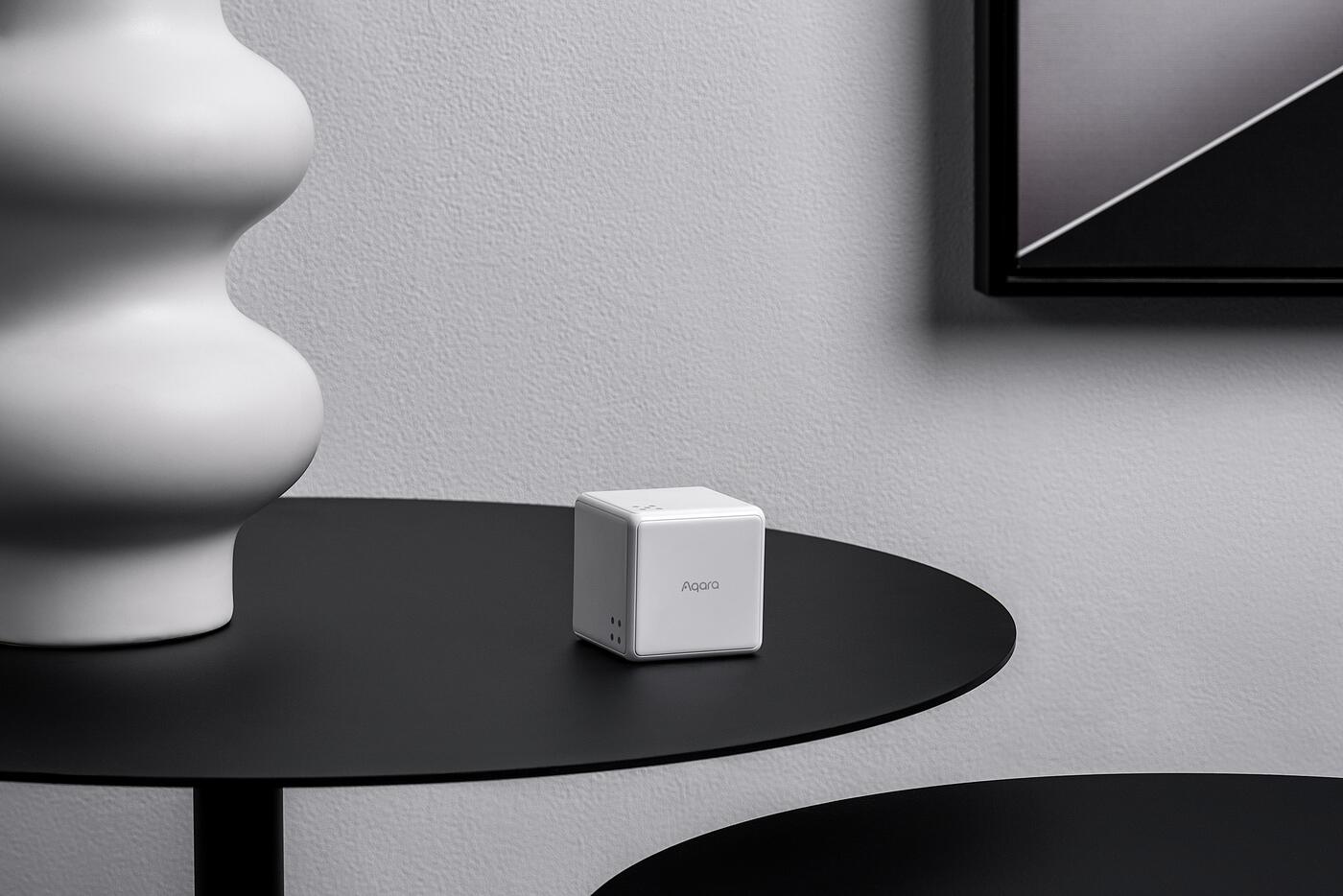
Flip, rotate, tap, shake or move it and each gesture runs a different scene. Fun on a coffee table.
Shop Cube T1 ProShop
Shop Aqara wireless switches and scene controls
Prices include GST. Every one runs on a battery and needs an Aqara hub.
Showing all 5 results
-
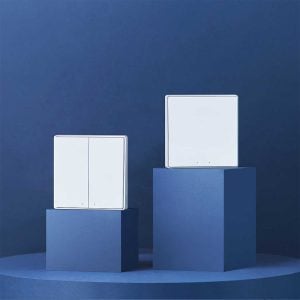
Aqara D1 Wireless Remote Switch
Price range: $40.00 through $42.00Select options This product has multiple variants. The options may be chosen on the product pageClear1-Gang2-Gang -
 Sale!
Sale!
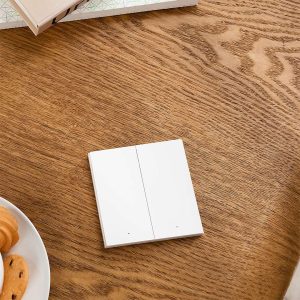
Aqara H1 Wireless Remote Switch
Original price was: $45.00.$42.00Current price is: $42.00. Add to cart -
 Sale!
Sale!
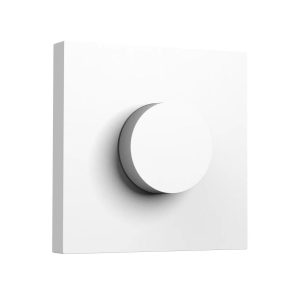
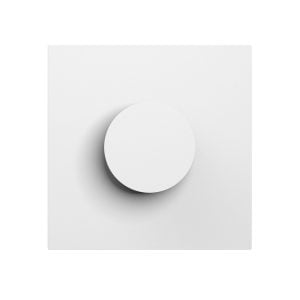
Aqara Wireless Knob Switch H1
Original price was: $55.00.$52.00Current price is: $52.00. Add to cart -
 Sale!
Sale!
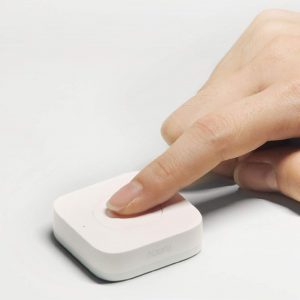
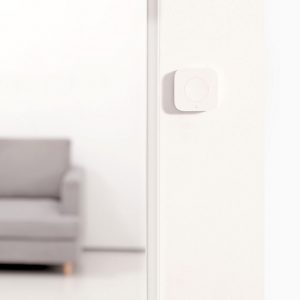
Aqara Wireless Mini Switch T1
Price range: $28.00 through $30.00Select options This product has multiple variants. The options may be chosen on the product pageClearT1 (Zigbee 3.0)Original (Zigbee 1.2) -
 Sale!
Sale!
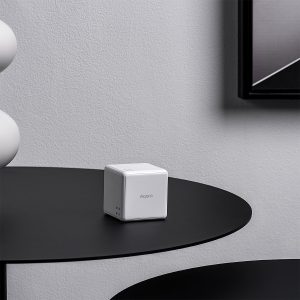
Aqara Cube T1 Pro
Original price was: $33.00.$30.00Current price is: $30.00. Add to cart
Where to put one
The four spots a wireless switch earns its keep
Put it where you keep wishing there was a switch.
Lights off from bed
Turn off the room, close the curtains and set the air-con from under the covers. No more walking to the door.
A switch at the other entrance
The kitchen you enter from two sides, the corridor with a switch only at one end.
One press for movie night
Dim the lights, drop the blinds and turn on the TV from one button on the coffee table.
A switch that moves with you
Keep the Mini Switch or Cube on the desk today and the balcony table tomorrow. Reassign it in the app.
How it works
The switch talks to your hub, and your hub does the switching
A wireless switch does not carry electricity. It sends a Zigbee signal to your Aqara hub, and the hub tells a wired smart switch, a smart light or a curtain motor what to do. So the light you want to control needs to be smart already: an Aqara wall switch on its circuit, or an Aqara bulb or downlight.
Planning your switches
Ask us which points should be wired and which can be wireless
Send us a photo of the room or your floor plan and we will tell you where a wired Aqara switch is needed and where a wireless one will do. That advice is free. Button setup and scenes are available as a paid add-on with a switch package.
Questions
Wireless switch questions
Does a wireless switch need any wiring?
No. It runs on a battery for up to two years and sticks or screws onto any surface. It tells your Aqara hub what to do; a wired smart switch or smart light does the actual switching.
Does a wireless switch need a hub?
Yes. The D1, H1, Mini Switch T1, Knob Switch H1 and Cube T1 Pro all use Zigbee and need an Aqara hub such as the M100 or M200. They do not connect to Wi-Fi.
Can a wireless switch control an ordinary light?
Only once that light has a smart switch on its circuit. Fit an Aqara wall switch first; the wireless switch then becomes its second control point.
Can it control Aqara smart lights?
Yes. Point the rocker, button or knob at a light, a group or a scene in the Aqara Home app. The Knob Switch H1 also dims and changes colour temperature.
What is the difference between the D1 and H1 wireless switches?
The D1 is white with one or two buttons. The H1 is a premium double rocker with the same click as the H1 wall switch, and the H1 family adds the rotary knob.
Will it work if the internet is down?
Yes for most scenes and automations, which run on the hub itself. Only remote control from outside the home needs the internet.
Can HomeSmart set up the buttons and scenes?
Setting up buttons and scenes is a paid service you can add to a switch package. Advice on where to put them, and which switch to choose, is free.